

Collaborative Online Whiteboard for Visual Project Management and Teamwork
Conceptboard is a cloud-based collaborative online whiteboard that enables teams to brainstorm, plan, and manage projects visually in real time, supporting remote and hybrid work environments.
- Best for
- Remote Team Collaboration
- Key capability
- Infinite Canvas
Save Conceptboard, follow its updates and vote on it — everything stays in your account.
Sign in or create a free account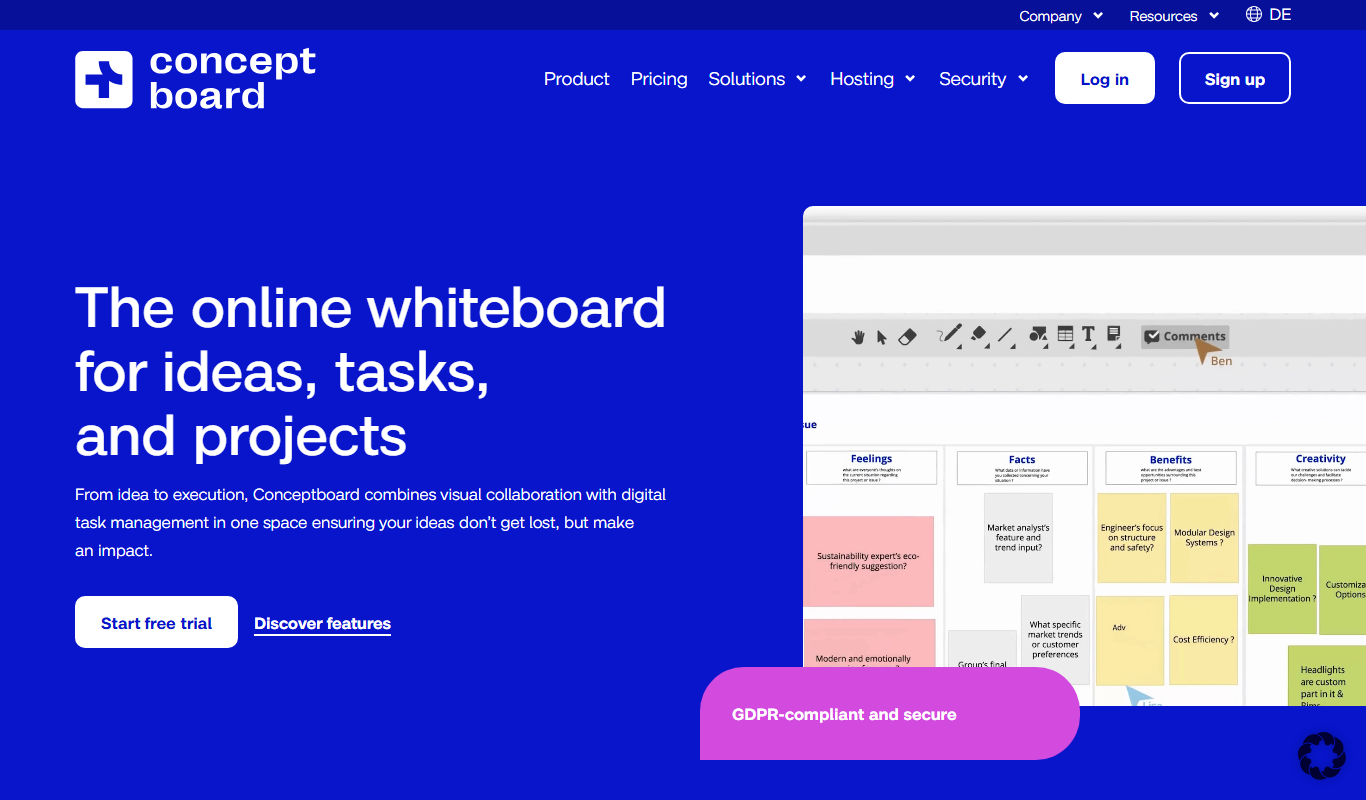
What is Conceptboard?
Conceptboard is a cloud-based collaborative online whiteboard platform designed to enhance teamwork and project management through visual communication. It enables teams to brainstorm, plan, and execute projects together in real time, regardless of their physical location. The platform supports various content types including images, documents, videos, and sticky notes, making it a versatile tool for creative and business workflows.
Key features of Conceptboard
Conceptboard offers an interactive infinite canvas, real-time collaboration with live cursors, commenting and annotation tools, task management features, and integrations with popular productivity apps. Its intuitive interface supports seamless teamwork for remote and hybrid teams.
Infinite Canvas
An unlimited workspace to organize ideas, documents, and visuals without constraints.
Real-Time Collaboration
Multiple users can interact simultaneously with live cursors and instant updates.
Commenting and Annotations
Add comments, highlight areas, and provide feedback directly on the board.
Task Management
Assign tasks, set deadlines, and track progress within the visual workspace.
Integrations
Connect with tools like Slack, Microsoft Teams, Google Drive, and more for streamlined workflows.
Pros and cons of Conceptboard
Pros
- Intuitive and flexible infinite canvas
- Strong real-time collaboration features
- Good integration with popular productivity tools
- Supports various content types and annotations
Cons
- Limited offline functionality
- Free plan has restrictions on collaborators and boards
- Some advanced features require paid plans
Key use cases for Conceptboard
Remote Team Collaboration
Facilitates real-time brainstorming, feedback, and project planning among distributed teams.
Visual Project Management
Allows teams to organize tasks, timelines, and workflows visually on an interactive board.
Workshops and Training
Supports interactive workshops and training sessions with live annotations and group activities.
Creative Brainstorming
Enables teams to capture ideas, sketches, and mind maps collaboratively in one space.
Client Presentations and Feedback
Provides a platform to present concepts and gather client feedback visually and interactively.
How Conceptboard works
- 1
Create an Account
Sign up on Conceptboard’s website to start using the platform.
- 2
Set Up a Board
Create a new board to serve as your collaborative workspace.
- 3
Invite Team Members
Share the board link or invite colleagues to collaborate in real time.
- 4
Add Content and Collaborate
Upload files, add notes, draw, and comment to work together visually.
- 5
Manage Tasks and Feedback
Assign tasks, track progress, and gather feedback directly on the board.
Who is using Conceptboard
Conceptboard pricing
Free
$0/month
Basic features with limited boards and collaborators.
Starter
EUR 5/user/month
Unlimited boards, template library, up to 5 active projects, facilitator tools and 5 GB storage. Aimed at individuals and very small teams.
Advanced
From EUR 10/user/month
Everything in Starter plus team templates, unlimited projects, board history, admin controls and 1 TB storage. Aimed at professional teams.
Corporate & Government
From EUR 14/user/month
Everything in Advanced plus SSO, audit logs, unlimited storage and priority email and phone support. Aimed at large enterprises and government.
Special
On request
Everything in Corporate & Government plus data center choice and optional dedicated or on-premises hosting. Aimed at organizations with special needs.
Plans and prices are as published by the vendor and can change. Check the official site before you buy. Open the pricing page (opens in a new tab)
Frequently asked questions about Conceptboard
Yes, Conceptboard offers a free plan with basic features and limited collaborators.
Absolutely, it is designed to facilitate real-time collaboration for distributed teams.
It integrates with popular tools such as Slack, Microsoft Teams, Google Drive, and more.
Yes, you can assign tasks, set deadlines, and track progress directly on the boards.
This tool is designed to help users accomplish its core tasks more efficiently. It is typically used by individuals or teams looking to improve productivity and workflow.
Pricing depends on the plan and included features. For the most accurate and up-to-date details, check the official pricing page.
Integration support depends on the tool and its available connectors or API. Check the official documentation or integrations page to confirm what is supported.
It depends on your specific needs and how you plan to use the tool. The official website and documentation are the best sources for the latest details.
Conclusion
A team creates a board, shares the board link or invites colleagues, and then members upload files, add notes, draw and comment together in real time. Tasks with deadlines are assigned and tracked on the board itself, and it connects with Slack, Microsoft Teams and Google Drive.
Beyond planning, boards host workshops and training sessions with live annotations and group activities. Pricing is per user per month: besides a free plan, Starter costs EUR 5, Advanced starts at EUR 10 and Corporate & Government starts at EUR 14. The free plan restricts the number of boards and collaborators.
Sources
Sign in to review this tool.
Sign In to ReviewNo reviews yet
Be the first to share how this tool worked for you.
Ask about pricing, limits, or how it compares — or answer someone else.
Sign In to AskNo questions yet
Have a question about using or paying for this tool? Be the first to ask.
Featured on TiorAI



More Business Management tools
Other tools in the same category, for when this one is not quite the fit.

Percepto Autonomous Inspection
Percepto Autonomous Inspection is an AI-powered autonomous drone platform that automates industrial site inspections, providing real-time anomaly detection, 3D mapping, and remote asset monitoring to enhance safety and operational efficiency.

Intuit ProConnect
Intuit ProConnect is a cloud-based tax software designed for professional accountants and tax firms to prepare, review, and electronically file federal and state tax returns efficiently.

Visier People Analytics
Visier People Analytics is a cloud-based platform that helps organizations analyze workforce data to improve talent management, predict turnover, and support strategic HR decisions.

LogicManager
LogicManager is a cloud-based governance, risk, and compliance software platform designed to help organizations identify, assess, and mitigate risks while ensuring regulatory compliance through audit, policy, and incident management tools.
Podpage
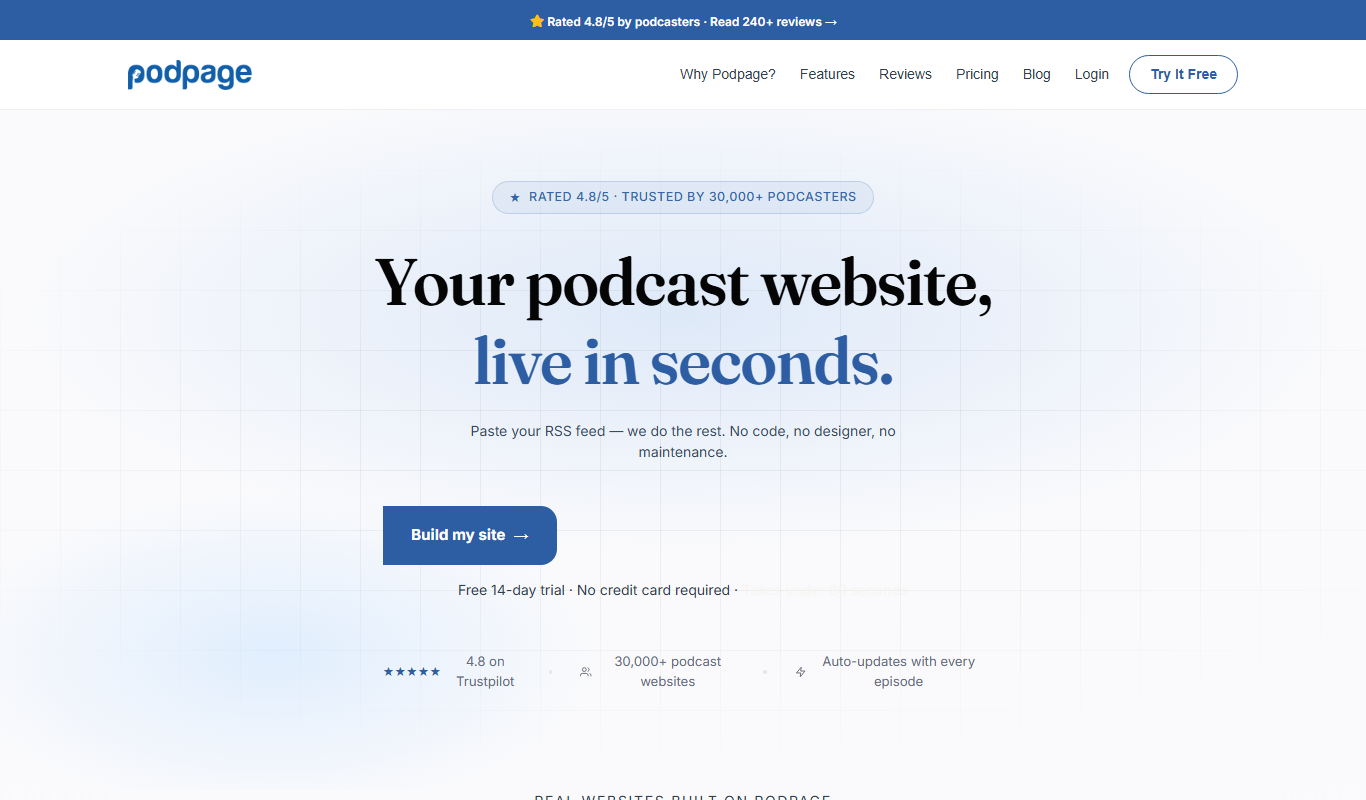
Podpage is a web platform that automatically creates and manages podcast websites by importing episodes from your RSS feed, offering SEO optimization and customization without coding.
NewsBlur
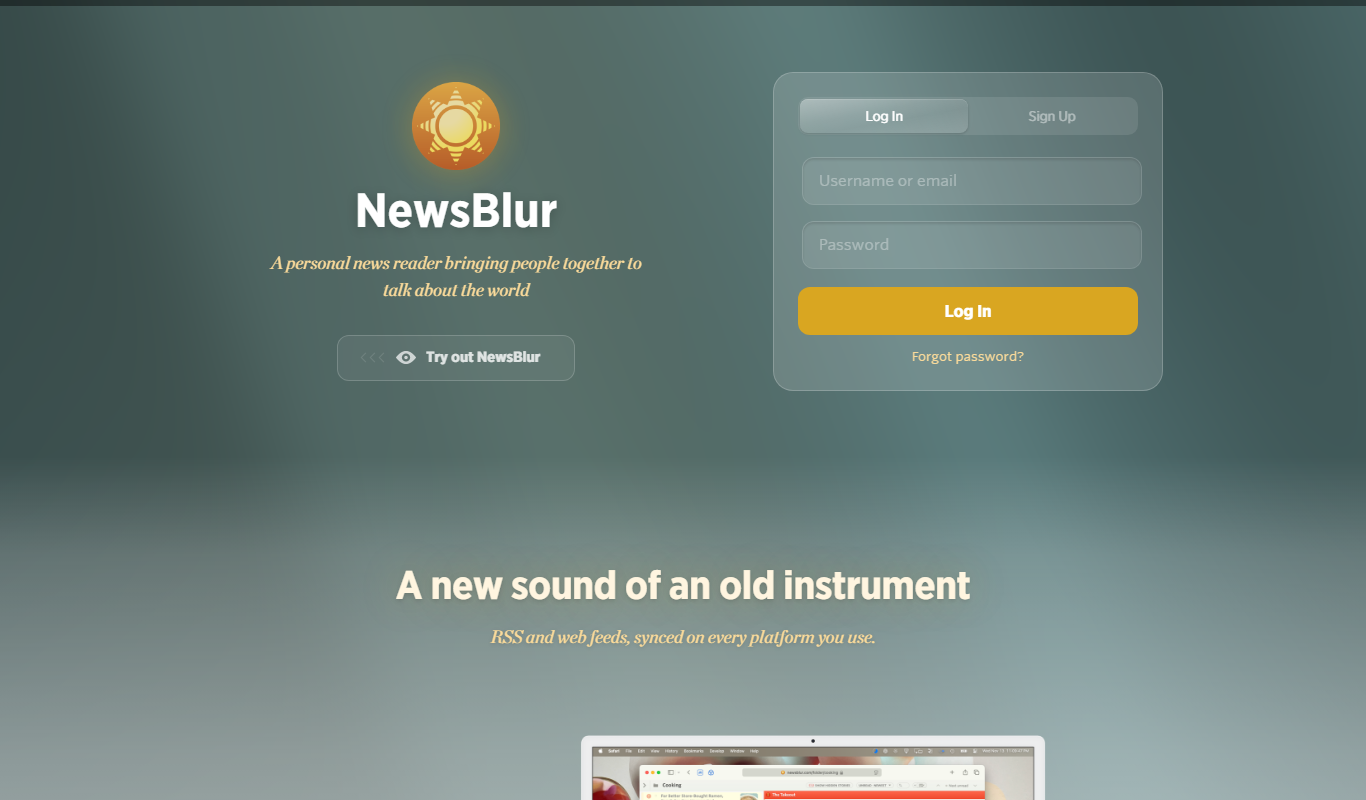
NewsBlur is a personal RSS reader and news aggregator that collects and filters news from multiple sources, allowing users to customize their news feed and read across web and mobile platforms.
Clinked
Clinked is a secure client portal platform that enables businesses to collaborate with clients and teams through file sharing, task management, messaging, and workflow automation in a branded environment.
VinSolutions CRM
VinSolutions CRM is a specialized customer relationship management platform designed for automotive dealerships to manage leads, automate sales processes, and run targeted marketing campaigns.