
From my experience with ReadMe, I found it excels at simplifying the complex task of creating and maintaining API documentation with an intuitive interface and interactive features. After spending time with the platform, I can say it’s particularly well-suited for developer relations teams and SaaS companies aiming to improve developer onboarding and reduce support overhead. However, there’s a trade-off: advanced features come at a higher price point, which might be a consideration for smaller teams. Overall, if you need a robust and user-friendly API documentation platform, ReadMe delivers solid results.
ReadMe API Documentation Platform for Developer Docs and Product Guides
ReadMe is a SaaS platform that enables companies to create, manage, and publish interactive API documentation and developer portals with features like API explorers, versioning, and user feedback collection.
Tech Stack:
JavaScript
Node.js
React
What is ReadMe?
ReadMe is a SaaS platform designed to simplify the creation and management of API documentation, developer portals, and product guides. It helps companies provide clear, interactive, and branded documentation that improves developer onboarding and engagement. The platform supports live API explorers, versioning, and integrates with various developer tools to streamline the documentation workflow.

Key Features of ReadMe
Interactive API Explorer
Allows developers to test API endpoints directly within the documentation for hands-on learning.
OpenAPI/Swagger Support
Seamlessly import OpenAPI or Swagger files to auto-generate documentation.
Customizable Developer Portals
Create branded portals with flexible theming and layout options.
Versioning and Changelog
Manage multiple versions of your API documentation and communicate updates effectively.
User Feedback and Analytics
Collect feedback from users and analyze documentation engagement metrics.
Pros and Cons of ReadMe
Pros
- User-friendly interface for creating and managing API docs
- Interactive API explorer enhances developer experience
- Supports OpenAPI/Swagger imports for quick setup
- Customizable branding and developer portals
- Built-in analytics and feedback collection
Cons
- Pricing can be high for small teams with advanced needs
- Limited language support beyond English
- No offline documentation support
Key Use Cases for ReadMe
API Documentation
Create, manage, and publish interactive API documentation to help developers understand and use your APIs effectively.
Developer Portals
Build branded developer portals that provide a centralized hub for API references, tutorials, and product guides.
Product Guides
Develop comprehensive product guides and onboarding materials to improve user adoption and reduce support requests.
Interactive API Explorer
Enable developers to test API endpoints directly within the documentation using an interactive API explorer.
Feedback and Analytics
Collect user feedback and analyze documentation usage to continuously improve developer experience.
How ReadMe Works
-
1
Sign Up and Create Project
Register on ReadMe and create a new project for your API or product documentation.
-
2
Import or Write Documentation
Import existing OpenAPI/Swagger specs or write custom documentation using the built-in editor.
-
3
Customize Developer Portal
Brand your portal with custom themes, logos, and layouts to match your company style.
-
4
Publish and Share
Publish your documentation online and share the link with your developer community.
-
5
Collect Feedback and Analyze
Use built-in tools to gather user feedback and monitor documentation usage to improve content.
Who's Using ReadMe
API providers and SaaS companies
Developer relations teams
Technical writers
Product managers
Software development teams
ReadMe Pricing
Free
$0/month
Basic documentation features with limited API calls and branding options.
Team
Custom pricing
Advanced features including custom branding, analytics, and priority support.
Frequently Asked Questions About ReadMe
Yes, ReadMe supports importing OpenAPI and Swagger specifications to generate documentation automatically.
Yes, the platform offers an intuitive editor and customizable templates that make it accessible for non-developers.
Yes, you can manage and publish multiple versions of your API documentation.
ReadMe includes built-in feedback tools to gather comments and suggestions from your users.
This tool is designed to help users accomplish its core tasks more efficiently. It is typically used by individuals or teams looking to improve productivity and workflow.
Integration support depends on the tool and its available connectors or API. Check the official documentation or integrations page to confirm what is supported.
Integration support depends on the tool and its available connectors or API. Check the official documentation or integrations page to confirm what is supported.
It depends on your specific needs and how you plan to use the tool. The official website and documentation are the best sources for the latest details.
Share your review
Reviews are limited to one per logged-in user and are published after moderation.
You need an account to review this tool.
0.0
★
★
★
★
★
0 reviews
5 star
0
4 star
0
3 star
0
2 star
0
1 star
0
No reviews yet
Be the first to share how this tool worked for you.
Questions from the community
Read questions and answers about this tool, or ask your own.
No questions yet
Start the conversation by asking the first question about this tool.
Is this tool helpful?
Alternative Tools
Explore similar AI tools that might fit your needs
Free
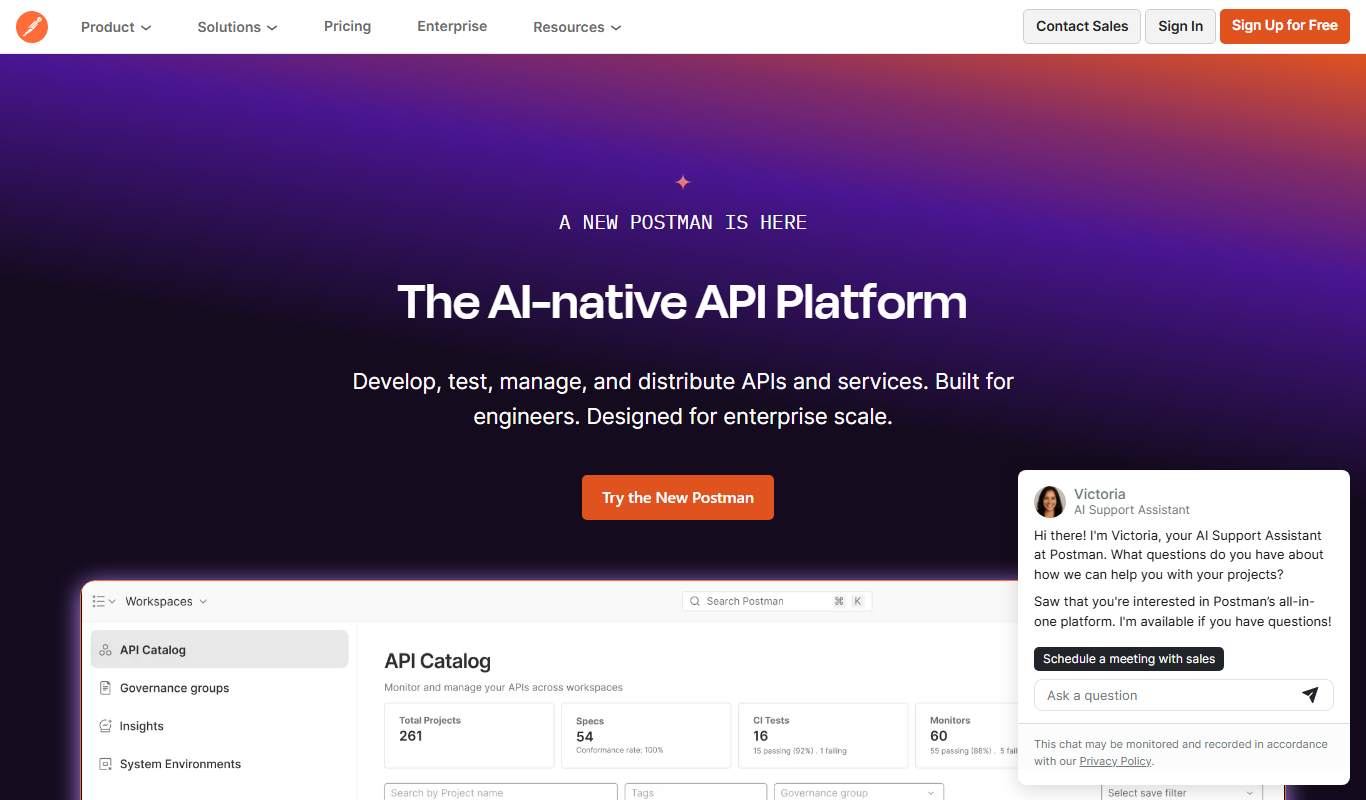
Postman
Postman is a comprehensive API platform that helps developers design, test, automate, document, and monitor APIs efficiently with collaboration tools.

Free
Stoplight
Stoplight is an API design and development platform that provides visual editing, interactive documentation, mocking, and governance tools to help teams build and manage APIs efficiently.

Freemium
arGPT for Monocle
arGPT for Monocle is an AI reading assistant that integrates with browsers and reading platforms to provide real-time summaries, explanations, and answers to improve comprehension and research efficiency.
Free
MyPaste
MyPaste is a free online pastebin tool that allows users to quickly create and share code snippets or text anonymously with syntax highlighting and optional expiration times.
Free
Accesssgpts
Accesssgpts is a no-code AI platform that enables users to create, customize, and deploy their own GPT-powered chatbots for various applications such as customer support and content generation.

Free Trial
Predibase
Predibase is an AI platform that enables users to build, deploy, and manage machine learning models efficiently with scalable infrastructure and collaborative features.

Free
Raster
Raster is a collaborative design and prototyping tool that enables teams to work together in real-time, create interactive prototypes, and manage feedback efficiently.

Free
Docusaurus
Docusaurus is an open source static site generator built with React that helps developers create, version, and maintain documentation websites easily.
Freemium
Raber app
Raber App is an AI writing assistant that helps users rewrite sentences to improve clarity and conciseness without changing the original meaning.

Free Trial
Contenda
Contenda is a content automation platform that helps marketing and SEO teams generate SEO-optimized content briefs, manage workflows, and collaborate efficiently.