

Link Analyzer
Run instant network lookups with the free link analyzer. Enter a domain, IP, or URL to get detailed diagnostic information and status reports.
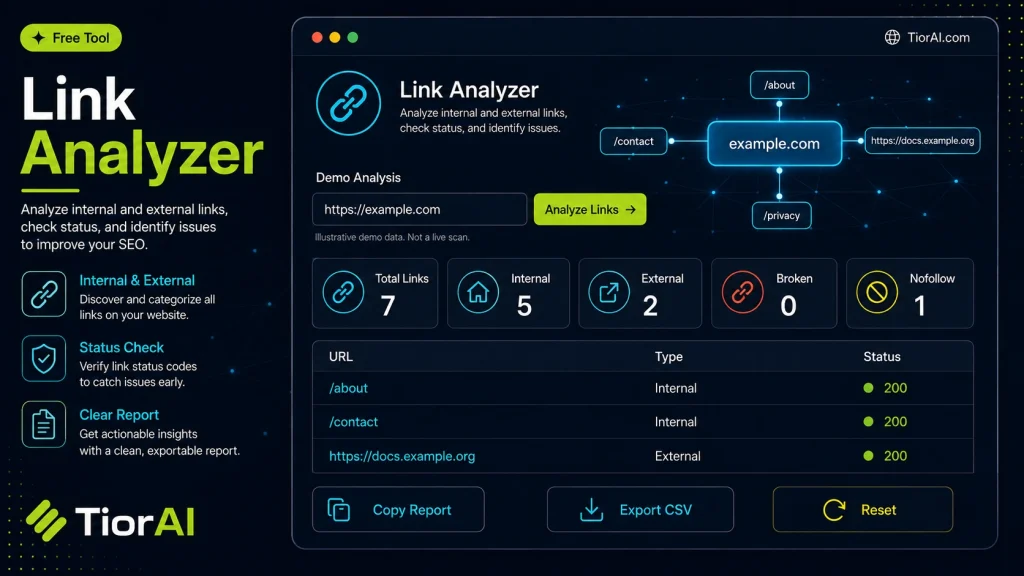
Inspect protocol, hostname, path, query parameters, and basic SEO link signals locally in your browser.
| Property | Analyzed Value |
|---|---|
| Full URL | — |
| Protocol | — |
| Hostname | — |
| Port | — |
| Pathname | — |
| Query Parameters | — |
| Fragment | — |
| Security | — |
| Tracking Parameters | — |
| Path Depth | — |
| Anchor Text | — |
How to use it
- Enter Domain or IP Enter the domain name, IP address, or URL into the Link Analyzer to start the lookup or analysis.
- Run the Check Click the check button to query the relevant databases. Results are retrieved and displayed in seconds.
- Analyze the Results Review the detailed results including status, records, and diagnostics to troubleshoot or verify your query.
Tip Run the Link Analyzer from different times of day to catch intermittent issues that only appear during peak traffic.
Understanding Link Analysis
A link analyzer is a tool designed to examine the hyperlinks on a website or a specific webpage. Links are fundamental to the web, connecting pages and enabling navigation, but they also play a crucial role in search engine optimization (SEO) and website health.
Link analysis involves checking various attributes of links such as whether they are dofollow or nofollow, their anchor text, destination URLs, and the presence of broken or redirected links. This information helps webmasters and SEO professionals understand how their site is linked internally and externally, which affects search engine rankings and user experience.
Common situations where link analysis is essential include auditing backlinks to assess link quality, identifying broken links that harm usability and SEO, and verifying that nofollow tags are correctly applied to paid or untrusted links. It also helps detect potential spammy or harmful links that could lead to penalties from search engines.
What is Link Analysis?
Link analysis is the process of examining the hyperlinks on a website to understand their characteristics and impact. Links connect web pages and influence how search engines evaluate your site. By analyzing links, you can identify which are dofollow (passing SEO value) and which are nofollow (not passing SEO value), check for broken or redirected links, and assess anchor text relevance.
When to Use a Link Analyzer
- Auditing your website to find broken or redirected links that harm user experience.
- Evaluating your backlink profile to ensure link quality and avoid penalties.
- Checking that sponsored or paid links are properly marked as nofollow.
- Before launching link-building campaigns to understand your current link structure.
- Investigating sudden drops in search rankings potentially caused by link issues.
Common Mistakes to Avoid
- Misunderstanding the difference between nofollow and dofollow links and their SEO effects.
- Overlooking broken links that degrade site usability and search rankings.
- Assuming all external links should be dofollow without considering their quality or relevance.
Using a link analyzer regularly helps maintain a healthy link profile, improves SEO, and ensures a better experience for your visitors. It provides actionable insights to optimize your website’s linking strategy effectively.
Frequently asked questions
rel="nofollow" attribute in its HTML code, signaling search engines not to pass ranking credit. Dofollow links lack this attribute and allow link equity to flow to the linked page.Reviews and questions
Whether this tool gave people the answer they needed, and what they asked about it.
Sign in to review this tool.
Sign In to ReviewNo reviews yet
Be the first to say whether this tool gave you what you needed.
Ask how to read the result, or what the tool does with an edge case — or answer someone else.
Sign In to AskNo questions yet
Not sure how to read a result? Be the first to ask.
AI tools related to this topic
Tools from the TiorAI directory that work on the same kind of job.

AI Face Analyzer-Beauty Score Calculator
AI Face Analyzer-Beauty Score Calculator is a free web tool that uses AI to analyze facial features and generate a beauty score based on symmetry and proportions.

AI Web Page Analyzer (AI WPA)
AI Web Page Analyzer is a 100% free and open-source tool that lets AI analyze any site for SEO recommendations, keyword extraction and content generation.