

What Is My Browser
Browser detection involves identifying the web browser you are using by analyzing the User-Agent string and other technical details your browser sends when connecting to a website. This information includes the browser name, version, operating system, and device type. Understanding your browser details is important…
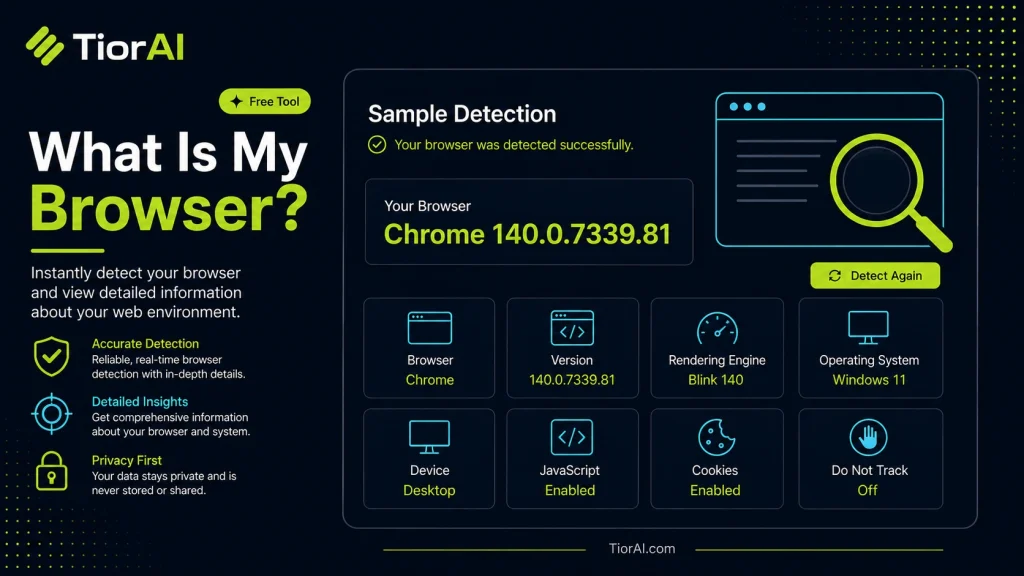
| Property | Detected Value |
|---|---|
| Browser | — |
| Engine | — |
| Platform | — |
| Language | — |
| Cookies | — |
| JavaScript | — |
| User Agent | — |
How to use it
- Paste or Enter Your Input Paste your code, text, or data into the input field. The tool supports large inputs without performance issues.
- Process and Analyze Click the action button or let the tool auto-process your input. Results appear in real time with highlighted details.
- Copy or Download the Output Review the results and copy the output to clipboard or download as a file for use in your project.
Tip Keyboard shortcut: Ctrl+V to paste input, then Ctrl+C to copy output - saves time in repetitive workflows.
Understanding Browser Detection
Browser detection is the process of identifying the web browser a user is currently using to access a website or online service. This identification typically involves reading the User-Agent string sent by the browser to the server. The User-Agent contains information about the browser name, version, operating system, and sometimes device type.
Why is browser detection important? Websites and web applications often need to tailor content or functionality based on the browser to ensure compatibility and optimal user experience. For example, some features may only work in modern browsers, or certain CSS styles may render differently across browsers.
Common uses of browser detection include:
- Debugging and troubleshooting website issues related to browser compatibility.
- Providing customized instructions or support based on the detected browser.
- Analytics to understand what browsers visitors use most frequently.
While browser detection can be useful, it is important to note that relying solely on it can lead to issues because User-Agent strings can be spoofed or changed. Modern best practices recommend feature detection over browser detection when possible.
What Is Browser Detection?
Browser detection involves identifying the web browser you are using by analyzing the User-Agent string and other technical details your browser sends when connecting to a website. This information includes the browser name, version, operating system, and device type.
Understanding your browser details is important because websites may behave differently depending on the browser. Some features might only work on certain browsers or versions, and knowing your browser helps troubleshoot issues or optimize your experience.
When to Use a Browser Detection Tool
- When you encounter website problems and need to confirm which browser and version you are using.
- To provide accurate information to technical support teams for faster issue resolution.
- When checking if your browser is up to date and compatible with modern web standards.
- For developers to gather analytics on what browsers visitors use.
Common Mistakes to Avoid
- Assuming the detected browser info is always correct; User-Agent strings can be spoofed or altered.
- Using browser detection to block users instead of adapting the website to work across browsers.
- Confusing browser detection with feature detection, which tests if a browser supports specific capabilities rather than relying on its name or version.
Browser detection tools provide valuable insights but should be used thoughtfully alongside other web development best practices.
Frequently asked questions
Reviews and questions
Whether this tool gave people the answer they needed, and what they asked about it.
Sign in to review this tool.
Sign In to ReviewNo reviews yet
Be the first to say whether this tool gave you what you needed.
Ask how to read the result, or what the tool does with an edge case — or answer someone else.
Sign In to AskNo questions yet
Not sure how to read a result? Be the first to ask.
AI tools related to this topic
Tools from the TiorAI directory that work on the same kind of job.

ChatGPT
ChatGPT is an AI chatbot by OpenAI powered by GPT-4o. It handles writing, coding, research, data analysis, and natural conversation. Free tier available, Plus at $20/month.