

HTML Unescape
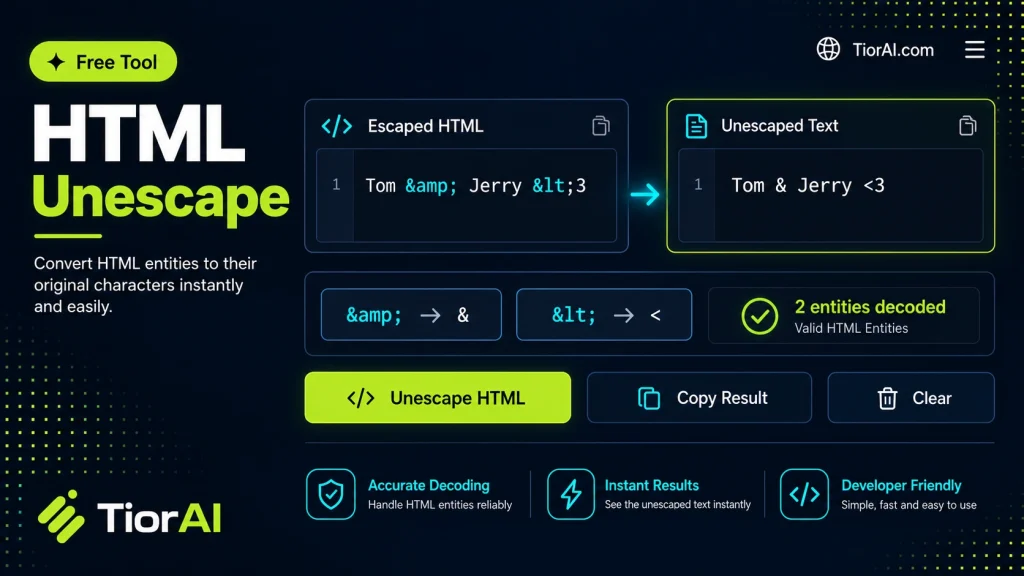
Speed up your development workflow with the html unescape. This free browser-based tool processes your code instantly with no plugins or IDE extensions required.
How to use it
- Paste Your Input Paste your code or data into the Html Unescape. The tool accepts standard input formats and validates your entry.
- Process and Transform Click the action button to process your input. Results are generated instantly with proper formatting.
- Export the Output Copy the processed output to your clipboard or download it for use in your development workflow.
Tip The Html Unescape runs entirely in your browser — your code never leaves your device, keeping it private and secure.
About HTML Unescape
HTML unescaping is the process of converting HTML entities back into their original characters. When web content is encoded, certain characters like <, >, &, and others are replaced with their corresponding HTML entities (<, >, &) to ensure the content is safely displayed in browsers without being interpreted as HTML code. Unescaping reverses this process, turning those entities back into readable characters.
This conversion is essential because many systems, APIs, or databases store or transmit HTML-encoded data to prevent injection attacks or formatting issues. When developers or content managers want to display or process the original text, they need to unescape these entities.
Common situations where HTML unescaping is needed:
- Data extraction: When scraping web pages or receiving HTML-encoded data from APIs, the content often contains escaped entities that need to be converted back to normal text.
- Content editing: Editors working with HTML source code may want to view or modify the actual characters instead of encoded entities.
- Debugging: Developers troubleshooting web content or scripts may need to unescape HTML to understand the real data being processed.
What is HTML Unescape?
HTML unescape is the process of converting HTML entities back into their original characters. When web content is encoded, special characters like < and & are replaced with entities such as < and & to prevent browsers from misinterpreting them as code. Unescaping reverses this encoding, restoring the original text.
When to Use HTML Unescape
- If you receive HTML-encoded data from an API and want to display it as readable text.
- When copying content from a web page source that contains encoded entities and you need plain text.
- During debugging or editing HTML to view actual characters instead of encoded forms.
Common Mistakes to Avoid
- Attempting to unescape text that is already unescaped, which can cause errors or unexpected output.
- Confusing HTML unescape with other decoding methods like URL decode, leading to incorrect results.
Understanding HTML unescape is important for developers and content managers who work with web data. It ensures that encoded characters are properly converted back to their intended form, enabling accurate display and processing of text.
Frequently asked questions
Reviews and questions
Whether this tool gave people the answer they needed, and what they asked about it.
Sign in to review this tool.
Sign In to ReviewNo reviews yet
Be the first to say whether this tool gave you what you needed.
Ask how to read the result, or what the tool does with an edge case — or answer someone else.
Sign In to AskNo questions yet
Not sure how to read a result? Be the first to ask.
AI tools related to this topic
Tools from the TiorAI directory that work on the same kind of job.

Code to Flow: Visualize your code
Code to Flow is a web tool that automatically converts source code into flowcharts, helping developers visualize and understand code logic easily.