

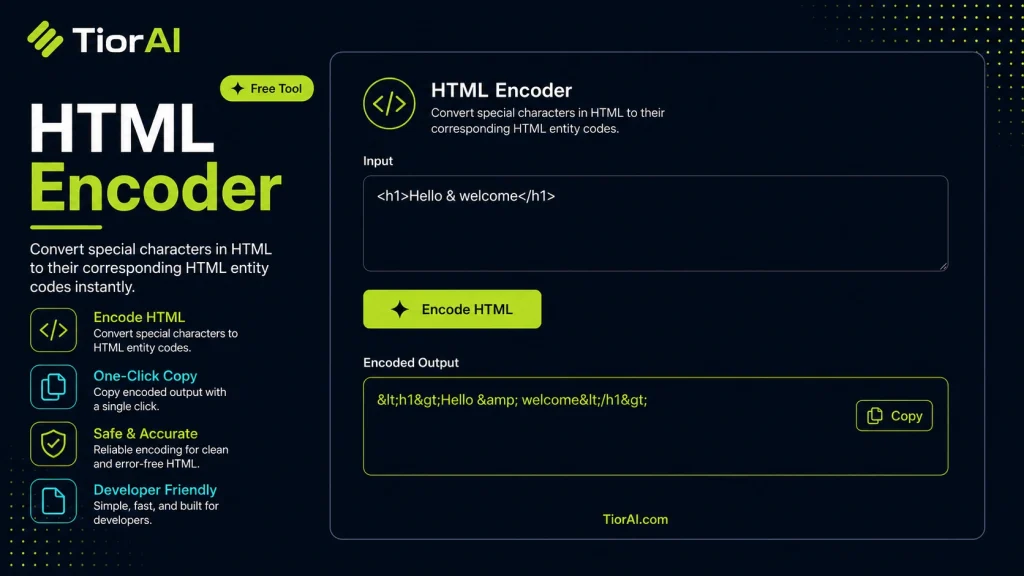
How to use it
- Enter Source Value Type or paste the value you want to convert into the Html Encoder. The tool accepts a wide range of input formats.
- Select Target Format Choose your desired output format or unit from the available options. The conversion starts automatically.
- Copy the Result Review the converted output and click copy to use it in your project, document, or workflow.
Tip Paste large blocks of content into the Html Encoder — there's no size limit on input for most conversions.
What is HTML Encoding?
HTML encoding is the process of converting certain characters in a text string into their corresponding HTML entities. This is necessary because some characters have special meanings in HTML syntax, such as <, >, and &. If these characters appear in content without encoding, browsers might interpret them as HTML tags or entities, which can break the layout or cause security issues.
Why is HTML encoding important?
- It prevents browsers from misinterpreting content as code.
- It helps protect against cross-site scripting (XSS) attacks by neutralizing malicious code embedded in user input.
- It ensures that special characters display correctly on web pages.
Common situations where HTML encoding is used include displaying user-generated content safely, embedding code snippets in tutorials, or preparing data for insertion into HTML documents. For example, if you want to show the literal text <script>alert('Hi')</script> on a webpage, encoding it ensures it appears as text rather than executing as a script.
Understanding HTML Encoding
HTML encoding transforms special characters in text into their HTML entity equivalents. This process is essential because characters like <, >, and & have special functions in HTML. Without encoding, these characters might be interpreted as HTML tags or entities, causing display issues or security risks.
For example, if you want to display the less-than symbol (<) on a webpage, encoding it as < ensures it shows correctly instead of being treated as the start of an HTML tag.
When to Use an HTML Encoder
- Displaying user-generated content safely to prevent HTML injection.
- Embedding code snippets in tutorials or documentation.
- Preparing data for insertion into HTML pages or attributes.
- Ensuring special characters render properly across different browsers.
Common Mistakes to Avoid
- Encoding text that is already encoded, which leads to double encoding and unreadable output.
- Not encoding all necessary characters, which can break HTML structure or introduce security vulnerabilities.
Using an HTML encoder correctly helps maintain the integrity and security of your web content. It ensures that special characters are displayed as intended and protects your site from potential code injection attacks.
Frequently asked questions
Reviews and questions
Whether this tool gave people the answer they needed, and what they asked about it.
Sign in to review this tool.
Sign In to ReviewNo reviews yet
Be the first to say whether this tool gave you what you needed.
Ask how to read the result, or what the tool does with an edge case — or answer someone else.
Sign In to AskNo questions yet
Not sure how to read a result? Be the first to ask.
AI tools related to this topic
Tools from the TiorAI directory that work on the same kind of job.

Greip: Fraud Prevention
Greip is a real-time fraud prevention platform that uses machine learning to monitor transactions, assign risk scores, and prevent fraudulent activities for businesses.

Code to Flow: Visualize your code
Code to Flow is a web tool that automatically converts source code into flowcharts, helping developers visualize and understand code logic easily.