

Domain DNS
Check network details quickly with the domain dns. This free tool queries multiple databases simultaneously and returns comprehensive results in seconds.
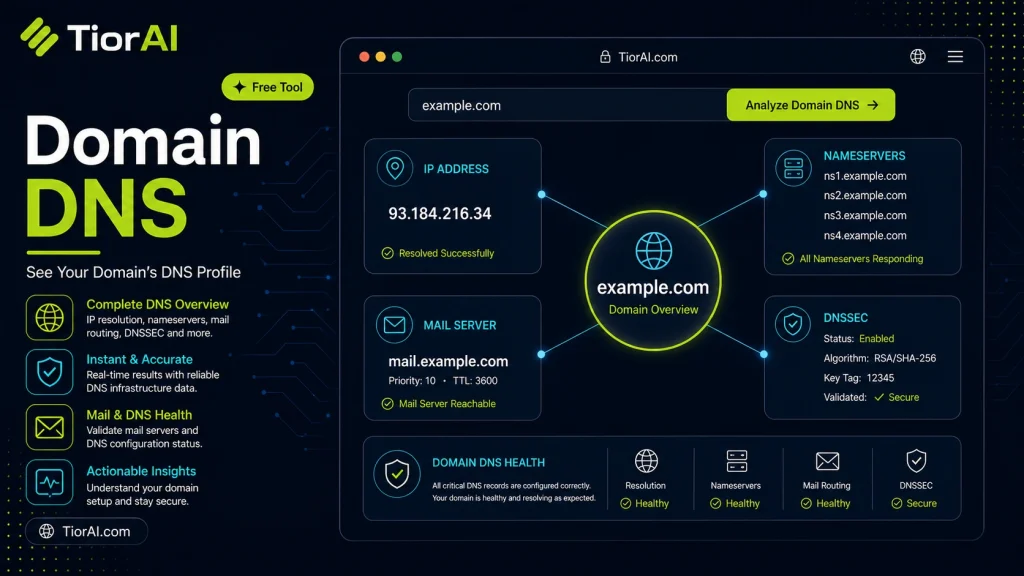
How to use it
- Enter Domain or IP Enter the domain name, IP address, or URL into the Domain Dns to start the lookup or analysis.
- Run the Check Click the check button to query the relevant databases. Results are retrieved and displayed in seconds.
- Analyze the Results Review the detailed results including status, records, and diagnostics to troubleshoot or verify your query.
Tip Bookmark the Domain Dns for your network troubleshooting toolkit — quick lookups save hours of debugging.
Understanding Domain DNS and DNS Tools
Domain Name System (DNS) is a fundamental technology that translates human-readable domain names (like example.com) into IP addresses that computers use to identify each other on the internet. DNS acts like a phonebook for the web, enabling browsers to load websites by resolving domain names to their corresponding IP addresses.
DNS tools are utilities designed to query and retrieve DNS records associated with a domain. These records include various types such as A (IPv4 address), AAAA (IPv6 address), MX (mail servers), CNAME (aliases), TXT (text information), and others. By examining these records, users can diagnose connectivity issues, verify domain configurations, or gather information about a domain’s infrastructure.
DNS lookups are essential for troubleshooting email delivery problems, verifying domain ownership, configuring web hosting, and ensuring proper security settings like SPF or DKIM records. For example, a system administrator might use a DNS tool to confirm that the MX records for a domain point to the correct mail servers, or a developer might check CNAME records to verify subdomain aliases.
Overall, DNS tools provide visibility into the backend settings of domains, helping maintain reliable internet services and troubleshoot issues effectively.
What is Domain DNS?
The Domain Name System (DNS) is a critical internet service that translates domain names into IP addresses, allowing browsers and other services to locate websites and servers. Without DNS, users would need to remember numeric IP addresses instead of easy-to-remember domain names.
When to Use a DNS Tool
- After updating DNS settings to verify changes have been applied correctly.
- When troubleshooting website access issues caused by DNS resolution failures.
- To check email server configurations by inspecting MX and SPF records.
- Before migrating domains or hosting to ensure DNS points to the correct new servers.
- To confirm security-related DNS records like DKIM or DMARC are properly set.
Common Mistakes to Avoid
- Assuming DNS changes are immediate without accounting for propagation delays.
- Querying DNS without specifying the correct record type, leading to incomplete information.
- Ignoring DNS caching effects that may cause outdated results on some networks.
Using DNS tools effectively requires understanding the types of DNS records and the impact of caching. These tools provide valuable insights into domain configurations, helping maintain reliable and secure internet services.
Frequently asked questions
Reviews and questions
Whether this tool gave people the answer they needed, and what they asked about it.
Sign in to review this tool.
Sign In to ReviewNo reviews yet
Be the first to say whether this tool gave you what you needed.
Ask how to read the result, or what the tool does with an edge case — or answer someone else.
Sign In to AskNo questions yet
Not sure how to read a result? Be the first to ask.
AI tools related to this topic
Tools from the TiorAI directory that work on the same kind of job.

Digital Domain
Digital Domain is a top visual effects and digital production studio specializing in CGI, virtual reality, and immersive media for films, commercials, and interactive experiences.

Fast Domain
Fast Domain is a web-based platform providing affordable domain registration, transfers, and DNS management with a focus on simplicity and speed.

Near Domain
Near Domain is a web-based SEO tool that helps users find relevant and expired domains using semantic keyword analysis and provides domain authority and backlink metrics to support SEO and branding strategies.