

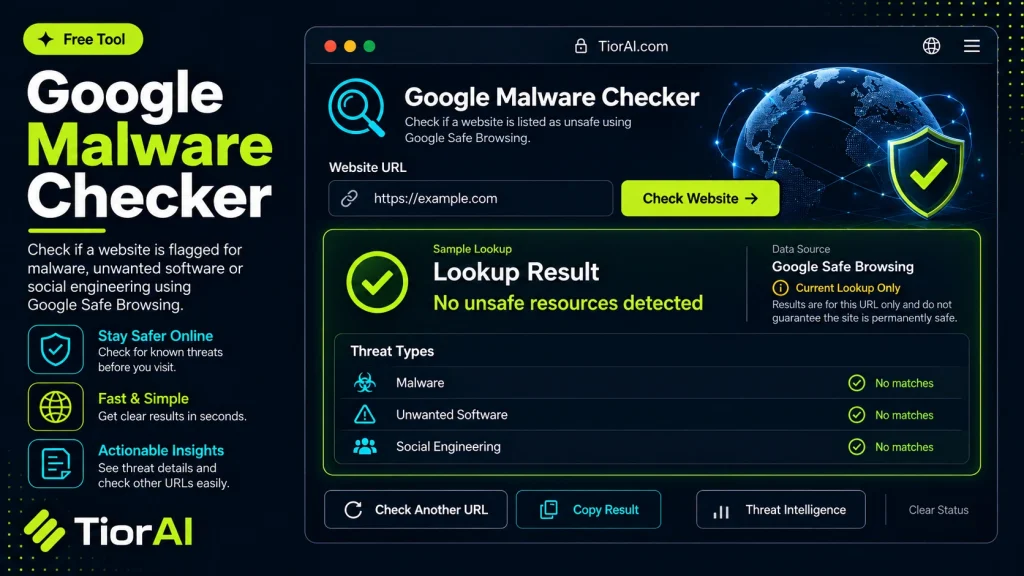
Google Malware Checker
Heuristic safety scan (HTTPS, security headers, response). Note: this does NOT query Google Safe Browsing — for an authoritative verdict use Google's Safe Browsing site status / Transparency Report..
How to use it
- Enter Target URL or Data Enter the URL, domain, or data you want to check into the Google Malware Checker to initiate the security scan.
- Run the Scan Click scan to analyze your input against security databases and threat intelligence sources.
- Review the Report Examine the security report with findings, risk levels, and actionable recommendations to improve safety.
Tip Run the Google Malware Checker after every deployment to verify your security posture hasn't degraded with new code.
Understanding Website Malware Scanning
Malware scanning tools analyze websites to detect malicious software or code that could harm visitors or compromise site security. These tools work by crawling the website’s pages and examining the code, scripts, and files for known malware signatures, suspicious behavior, or blacklisting status. This process helps identify threats such as viruses, trojans, phishing scripts, or injected spam content.
Why is malware scanning important? Websites infected with malware can damage a site’s reputation, cause search engines to blacklist the domain, and expose visitors to security risks. Regular scanning ensures early detection and mitigation, maintaining both user trust and search engine rankings.
Common situations for malware scanning include:
- After a security breach or hack to assess damage.
- Before launching a new website to ensure clean code.
- Routine maintenance to prevent unnoticed infections.
- When search engines flag your site for suspicious activity.
What is Website Malware Scanning?
Website malware scanning is the process of analyzing your site’s code and content to detect malicious software or harmful scripts. This is essential because malware can compromise your visitors’ security, damage your site’s reputation, and lead to search engine penalties.
When to Use a Malware Checker
- After a suspected security breach to identify infections.
- Before launching or relaunching a website to ensure it is clean.
- Following updates to plugins, themes, or third-party scripts.
- If Google or other search engines flag your site for malware.
- When experiencing unexplained drops in traffic or search rankings.
Common Mistakes to Avoid
- Relying solely on malware scanners without implementing broader security measures.
- Waiting for user complaints before scanning your site.
- Confusing malware issues with unrelated SEO problems.
Using a Google Malware Checker helps you leverage Google’s extensive security data to detect threats early. While it does not remove malware, it provides critical alerts so you can take timely action to protect your website and visitors.
Frequently asked questions
Reviews and questions
Whether this tool gave people the answer they needed, and what they asked about it.
Sign in to review this tool.
Sign In to ReviewNo reviews yet
Be the first to say whether this tool gave you what you needed.
Ask how to read the result, or what the tool does with an edge case — or answer someone else.
Sign In to AskNo questions yet
Not sure how to read a result? Be the first to ask.
AI tools related to this topic
Tools from the TiorAI directory that work on the same kind of job.

42Crunch API Security
42Crunch presents itself as an AI/MCP security platform alongside API security.
Amplifier Security
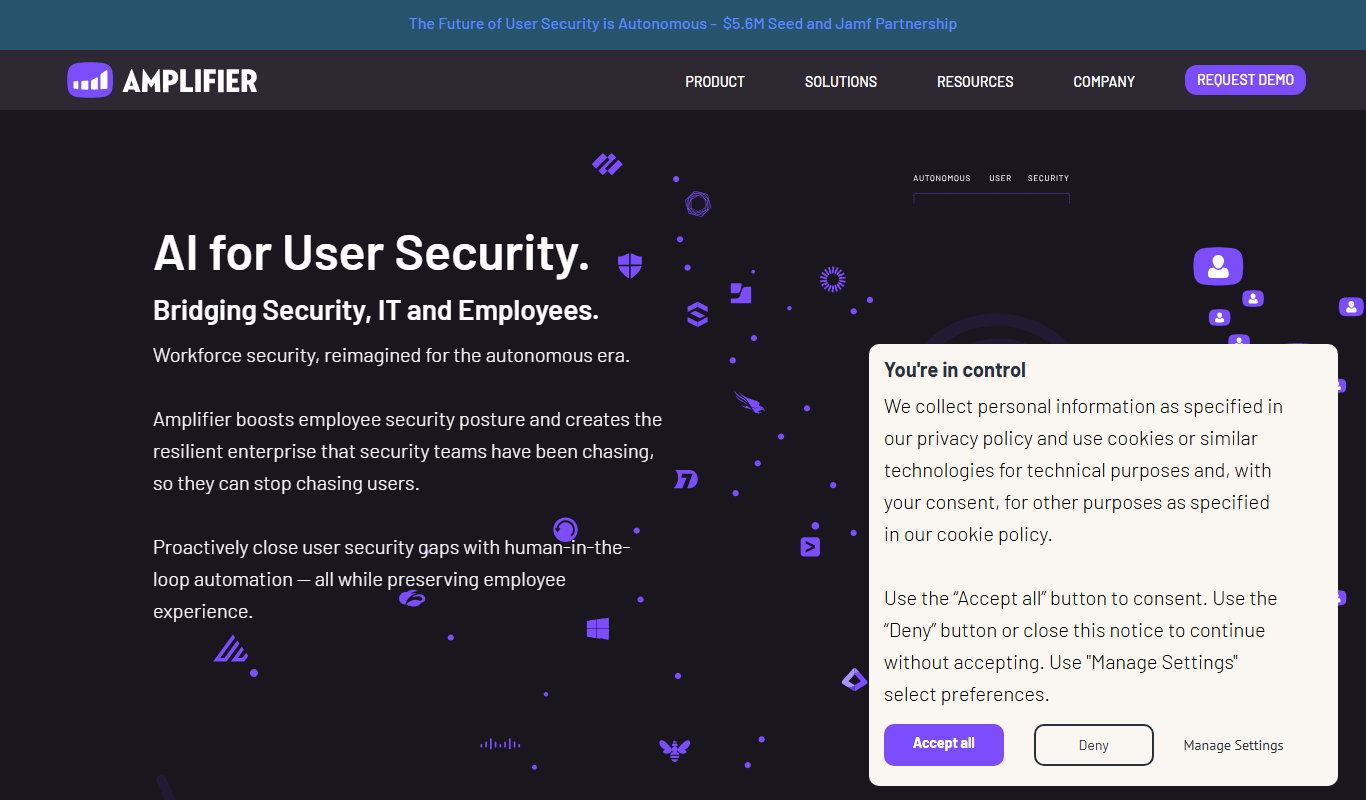
Amplifier Security uses AI agents that engage employees in Slack or Teams to drive remediation of security findings and confirm the work is done.

Aqua Security
Aqua Security is a cloud native security platform that protects containerized applications and Kubernetes environments by providing vulnerability scanning, runtime threat detection, and compliance management integrated into DevOps workflows.

Beagle Security
Beagle Security is an agentic AI pentesting platform for automated penetration testing of web apps, APIs and GraphQL.

BITE
BITE automates import and export compliance with AI-first screening, HTS classification, export control and tariff analysis, built to scale from SMB to enterprise.