

Check for Cloudflare
Check public DNS signals to see whether a domain appears to use Cloudflare nameservers or related DNS records.
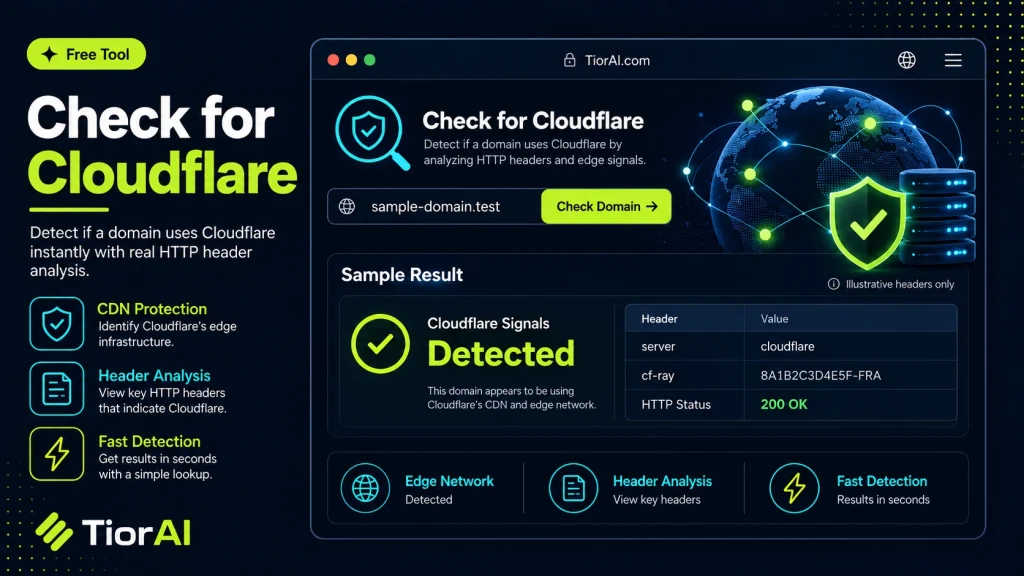
This check relies on public DNS evidence and may not detect every Cloudflare setup.
How to use it
- Enter Domain or IP Enter the domain name, IP address, or URL into the Check for Cloudflare to start the lookup or analysis.
- Run the Check Click the check button to query the relevant databases. Results are retrieved and displayed in seconds.
- Analyze the Results Review the detailed results including status, records, and diagnostics to troubleshoot or verify your query.
Tip Run the Check for Cloudflare from different times of day to catch intermittent issues that only appear during peak traffic.
Understanding Cloudflare and Its Detection
Cloudflare is a widely used content delivery network (CDN) and security service that sits between a website visitor and the website’s hosting server. It provides benefits like DDoS protection, caching, SSL termination, and performance optimization. Detecting whether a website uses Cloudflare involves identifying if the site’s traffic is routed through Cloudflare’s network.
When a website uses Cloudflare, its DNS records typically point to Cloudflare IP addresses instead of the origin server’s IP. Additionally, HTTP headers and response patterns can indicate Cloudflare’s presence. Checking for Cloudflare is important for various reasons, such as troubleshooting connectivity issues, verifying security configurations, or understanding the infrastructure behind a competitor’s site.
Common situations where people check for Cloudflare include:
- Website owners verifying if their site is properly protected by Cloudflare.
- SEO professionals analyzing site performance and security layers.
- Developers diagnosing network or caching problems.
- Security analysts assessing the attack surface of a website.
Detecting Cloudflare usage helps clarify how traffic is managed and whether additional security or performance features are active.
What is Cloudflare and Why Detect It?
Cloudflare is a service that improves website security and performance by acting as an intermediary between visitors and the website’s server. It provides features like DDoS protection, caching, and SSL encryption. Detecting Cloudflare usage means identifying whether a website’s traffic is routed through Cloudflare’s network.
When to Use a Cloudflare Detection Tool
- To confirm if your website is protected by Cloudflare.
- When troubleshooting website performance or security issues.
- To analyze competitors’ infrastructure and security setup.
- To verify DNS changes that should route traffic through Cloudflare.
Common Mistakes When Checking for Cloudflare
- Assuming a site is not using Cloudflare just because the IP address isn’t obviously from Cloudflare’s known ranges.
- Confusing Cloudflare’s caching with the website’s own server caching, which can lead to incorrect assumptions about content delivery.
Understanding whether Cloudflare is active helps clarify how traffic is managed and whether additional security or performance layers are in place. This knowledge is valuable for website owners, developers, SEO professionals, and security analysts alike.
Frequently asked questions
Reviews and questions
Whether this tool gave people the answer they needed, and what they asked about it.
Sign in to review this tool.
Sign In to ReviewNo reviews yet
Be the first to say whether this tool gave you what you needed.
Ask how to read the result, or what the tool does with an edge case — or answer someone else.
Sign In to AskNo questions yet
Not sure how to read a result? Be the first to ask.
AI tools related to this topic
Tools from the TiorAI directory that work on the same kind of job.

Action Network
Action Network is a free digital organizing platform designed for progressive activists and nonprofits to manage petitions, fundraising, email and SMS outreach, and events.

Cloudflare
Cloudflare is a web infrastructure platform offering CDN, security, DNS, and SSL services to improve website speed and protect against cyber threats.