

Search Engine Spider Simulator
See a web page the way a search-engine crawler does: title, meta, headings, links and readable text only.

How to use it
- Enter URL or Keyword Enter your website URL or target keyword into the Search Engine Spider Simulator to begin the analysis process.
- Run the Analysis Click analyze to scan your input. The tool examines multiple SEO factors and compiles the results.
- Review Your Report Examine the detailed report with actionable insights, scores, and recommendations to improve your SEO.
Tip Pair the Search Engine Spider Simulator with Google Search Console data for a complete picture of your site's SEO health.
What is a Search Engine Spider Simulator?
A search engine spider simulator is a tool that mimics how search engine crawlers (also called spiders or bots) access and interpret a website. Search engines use automated programs to scan web pages, analyze their content, and index them for search results. These crawlers follow links, read HTML, and evaluate page elements to determine relevance and ranking.
Why simulate a spider? Because the way a human sees a webpage can differ significantly from how a crawler reads it. For example, some content might be hidden behind scripts, blocked by robots.txt, or loaded dynamically, which can prevent proper indexing. A spider simulator helps webmasters understand exactly what a search engine bot ‘sees’ when it visits their site.
Common use cases include:
- Diagnosing SEO issues related to content visibility and crawlability.
- Checking if important pages are accessible to bots.
- Verifying that meta tags, structured data, and links are correctly interpreted.
- Ensuring that JavaScript or other dynamic content does not block indexing.
By simulating a spider, you can identify and fix problems that might hurt your search rankings before they impact your site’s performance in search results.
Understanding Search Engine Spider Simulation
Search engine spiders, or crawlers, are automated programs that browse the web to index pages for search engines. However, the way these spiders interpret a webpage can differ from what a human visitor sees. A search engine spider simulator replicates this process, showing you exactly how a crawler views your site’s content and structure.
This simulation is essential because certain elements—like JavaScript, robots.txt rules, or meta tags—can block or alter what the crawler accesses. By using a spider simulator, you can detect hidden content, blocked pages, or rendering issues that might prevent your site from ranking well.
When to Use a Search Engine Spider Simulator
- Before launching a new website or redesign, to ensure all SEO-critical pages are crawlable.
- When troubleshooting why specific pages are missing from search results.
- To verify that dynamic content loaded via JavaScript is visible to crawlers.
- To confirm that no accidental crawl blocks or noindex directives are in place.
- When auditing your site’s SEO health and crawlability regularly.
Common Mistakes to Avoid
- Assuming the simulator perfectly replicates Googlebot’s rendering, which can lead to overlooking some issues.
- Ignoring robots.txt or meta robots tags that might block crawling but are not obvious in the simulator’s output.
Using a search engine spider simulator helps you bridge the gap between human and crawler perspectives, ensuring your website is fully optimized for search engine indexing and ranking.
Frequently asked questions
Reviews and questions
Whether this tool gave people the answer they needed, and what they asked about it.
Sign in to review this tool.
Sign In to ReviewNo reviews yet
Be the first to say whether this tool gave you what you needed.
Ask how to read the result, or what the tool does with an edge case — or answer someone else.
Sign In to AskNo questions yet
Not sure how to read a result? Be the first to ask.
AI tools related to this topic
Tools from the TiorAI directory that work on the same kind of job.

123RF AI Search Engine
123RF AI Search Engine is an AI-powered tool that enables users to find relevant stock photos by keyword or image upload, improving search accuracy and speed.

Dejams – A smart movie search engine
Dejams is a free smart movie search engine that uses natural language processing to help users find movies quickly with detailed information including cast and ratings.

iAsk Ai Generative Ai Search Engine
iAsk AI is a generative AI-powered search engine that provides conversational, context-aware answers by synthesizing information from multiple sources, enhancing traditional search experiences.
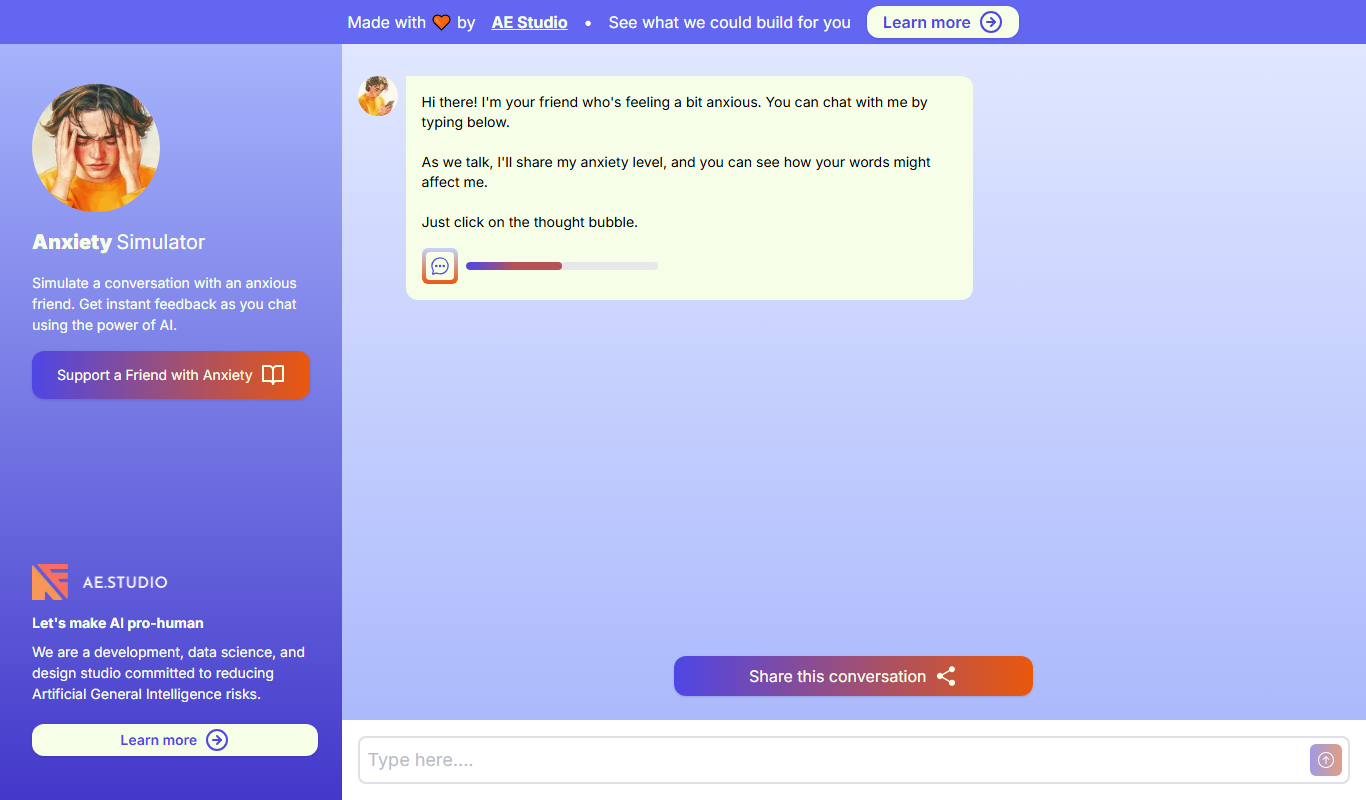
Anxiety Simulator
Anxiety Simulator is a free web-based tool that simulates the physical and emotional symptoms of anxiety to educate users and foster empathy.

CARLA Simulator
CARLA Simulator is a free, open-source autonomous driving simulator that provides realistic urban environments and sensor data for testing and developing self-driving vehicle algorithms.