

Page Size Checker
What is Page Size and Why It Matters Page size is the total amount of data a browser downloads to display a web page. This includes all files such as HTML, CSS, JavaScript, images, and fonts. Understanding page size is essential because it directly influences…
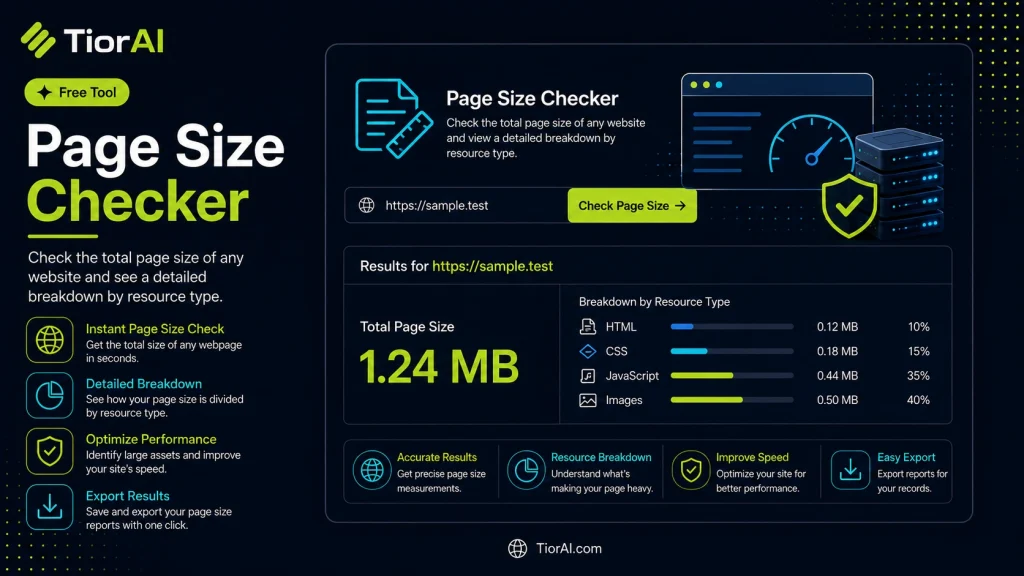
How to use it
- Enter Domain or IP Enter the domain name, IP address, or URL into the Page Size Checker to start the lookup or analysis.
- Run the Check Click the check button to query the relevant databases. Results are retrieved and displayed in seconds.
- Analyze the Results Review the detailed results including status, records, and diagnostics to troubleshoot or verify your query.
Tip Compare results from the Page Size Checker with your hosting provider's dashboard to spot discrepancies early.
Understanding Web Page Size
The page size of a website refers to the total amount of data that must be downloaded by a browser to fully load a web page. This includes HTML files, CSS stylesheets, JavaScript files, images, fonts, and other resources. Page size is typically measured in kilobytes (KB) or megabytes (MB).
Monitoring page size is crucial because it directly impacts page load speed, user experience, and search engine optimization (SEO). Larger pages take longer to load, especially on slower internet connections or mobile devices, which can increase bounce rates and reduce user engagement.
Common situations where checking page size is important include:
- Before launching a website or new page to ensure it loads efficiently.
- After adding new media or scripts to verify they don’t excessively increase page size.
- During SEO audits to identify performance bottlenecks.
- When optimizing for mobile users who often have limited bandwidth.
By understanding and controlling page size, developers and marketers can improve site speed, enhance user satisfaction, and boost search rankings.
What is Page Size and Why It Matters
Page size is the total amount of data a browser downloads to display a web page. This includes all files such as HTML, CSS, JavaScript, images, and fonts. Understanding page size is essential because it directly influences how fast a page loads, which affects user experience and SEO rankings.
When to Use a Page Size Checker
- Before launching a new page to ensure it loads quickly.
- After adding media or scripts to monitor their impact on size.
- During SEO audits to identify pages that may slow down your site.
- When optimizing for mobile users who often have slower connections.
Common Mistakes to Avoid
- Focusing only on the HTML file size and ignoring other resources like images and scripts.
- Overlooking third-party scripts or ads that can significantly increase page size.
By regularly checking page size, you can maintain optimal site performance, improve user satisfaction, and enhance your SEO efforts.
Frequently asked questions
Reviews and questions
Whether this tool gave people the answer they needed, and what they asked about it.
Sign in to review this tool.
Sign In to ReviewNo reviews yet
Be the first to say whether this tool gave you what you needed.
Ask how to read the result, or what the tool does with an edge case — or answer someone else.
Sign In to AskNo questions yet
Not sure how to read a result? Be the first to ask.
AI tools related to this topic
Tools from the TiorAI directory that work on the same kind of job.

Action Network
Action Network is a progressive organizing platform with free access for grassroots activists and paid plans from $15/month.

Layla Network AI
Layla is a private offline AI assistant for Android and iOS that runs local models on your phone for chat, characters and image generation.