

Gzip Compression Test
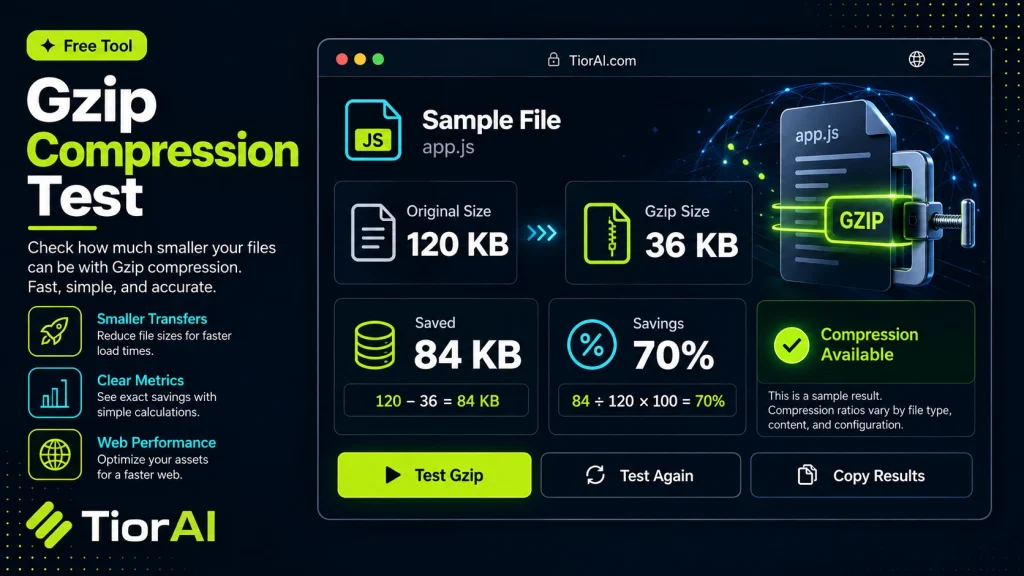
GZIP compression is a widely used technique to reduce the size of web files sent from servers to browsers. By compressing files like HTML, CSS, and JavaScript, it decreases the amount of data transferred, which leads to faster page load times and lower bandwidth consumption.…
How to use it
- Enter Domain or IP Enter the domain name, IP address, or URL into the Gzip Compression Test to start the lookup or analysis.
- Run the Check Click the check button to query the relevant databases. Results are retrieved and displayed in seconds.
- Analyze the Results Review the detailed results including status, records, and diagnostics to troubleshoot or verify your query.
Tip Use the Gzip Compression Test to verify DNS propagation after making changes — it can take up to 48 hours for full propagation.
Understanding GZIP Compression
GZIP compression is a method used to reduce the size of files sent from a web server to a browser. It works by encoding the original data into a smaller format, which decreases the amount of data transferred over the network. This process speeds up website loading times and reduces bandwidth usage.
When a browser requests a webpage, it can indicate support for GZIP compression. If the server is configured to compress files using GZIP, it sends the compressed version of the content. The browser then decompresses it and displays the page. This compression is typically applied to text-based files such as HTML, CSS, and JavaScript.
Why is GZIP compression important? Because it improves website performance, it directly impacts user experience and search engine optimization (SEO). Faster loading pages reduce bounce rates and can improve rankings in search results.
Common use cases include:
- Optimizing website speed by compressing HTML, CSS, and JavaScript files.
- Reducing bandwidth costs by minimizing data transfer.
- Improving mobile user experience where network speeds may be slower.
What is GZIP Compression?
GZIP compression is a widely used technique to reduce the size of web files sent from servers to browsers. By compressing files like HTML, CSS, and JavaScript, it decreases the amount of data transferred, which leads to faster page load times and lower bandwidth consumption.
When to Use a GZIP Compression Test
- To verify if your web server is correctly compressing resources.
- When troubleshooting slow website performance potentially caused by uncompressed files.
- After making changes to server settings to confirm compression is active.
- To ensure your website meets SEO best practices related to page speed.
Common Mistakes to Avoid
- Assuming GZIP is enabled without testing, which can lead to missed optimization opportunities.
- Testing compression on images or other binary files that do not benefit from GZIP.
Understanding how GZIP compression works and regularly testing your website can significantly improve user experience and SEO performance. This utility helps you quickly check if your server is delivering compressed content, allowing you to take action if needed.
Frequently asked questions
Reviews and questions
Whether this tool gave people the answer they needed, and what they asked about it.
Sign in to review this tool.
Sign In to ReviewNo reviews yet
Be the first to say whether this tool gave you what you needed.
Ask how to read the result, or what the tool does with an edge case — or answer someone else.
Sign In to AskNo questions yet
Not sure how to read a result? Be the first to ask.
AI tools related to this topic
Tools from the TiorAI directory that work on the same kind of job.

Action Network
Action Network is a free digital organizing platform designed for progressive activists and nonprofits to manage petitions, fundraising, email and SMS outreach, and events.

Layla Network AI
Layla Network AI is an AI-driven platform that automates network monitoring, anomaly detection, and troubleshooting to improve network reliability and operational efficiency.