

Website Screenshot Generator
Capture a website at the size and format you need.
How to use it
- Paste or Enter Your Input Paste your code, text, or data into the input field. The tool supports large inputs without performance issues.
- Process and Analyze Click the action button or let the tool auto-process your input. Results appear in real time with highlighted details.
- Copy or Download the Output Review the results and copy the output to clipboard or download as a file for use in your project.
Tip This tool preserves your input formatting. Check format settings if the output differs from expected.
Understanding Website Screenshot Generation
A website screenshot generator is a tool that captures a visual image of a webpage as it appears in a browser. This process involves rendering the webpage’s HTML, CSS, and JavaScript code to produce an accurate snapshot of the page’s layout, content, and design at a specific moment in time.
Why is this useful? Screenshots provide a quick way to preserve or share the appearance of a website without requiring access to the live site. They are commonly used for documentation, presentations, bug reporting, archiving, and competitive analysis.
Website screenshot generation typically works by loading the target URL in a headless browser or rendering engine, then capturing the rendered page as an image file (such as PNG or JPEG). This approach ensures that dynamic content, styles, and scripts are fully processed before the screenshot is taken.
Common scenarios include:
- Developers capturing UI states for testing and debugging.
- Marketers creating visuals for reports or social media.
- Researchers archiving web content for reference.
- Support teams documenting issues reported by users.
What is a Website Screenshot Generator?
A website screenshot generator is a utility that captures an image of a webpage as it appears in a browser. It processes the webpage’s code to render the full layout, styles, and content, then saves this visual as an image file. This process is essential for preserving or sharing the exact look of a website at a given moment.
When to Use a Website Screenshot Generator
- To create visual documentation for bug reports or design feedback.
- For archiving webpages to track changes over time.
- When preparing presentations or marketing materials that include website visuals.
- To verify UI consistency during development and testing.
Common Mistakes to Avoid
- Trying to capture content behind login screens without proper authentication, which will result in incomplete screenshots.
- Not setting the viewport size, leading to screenshots that don’t match the intended device display.
- Assuming the screenshot reflects real-time content when caching or delays may cause outdated captures.
Technical Context
Website screenshot tools typically use headless browsers that load the full webpage including scripts and styles before capturing the image. This ensures dynamic content is rendered correctly. Users can often specify parameters like image format, resolution, and device emulation to tailor the output. While most public websites can be captured easily, pages requiring user interaction or authentication may need additional configuration.
Frequently asked questions
Reviews and questions
Whether this tool gave people the answer they needed, and what they asked about it.
Sign in to review this tool.
Sign In to ReviewNo reviews yet
Be the first to say whether this tool gave you what you needed.
Ask how to read the result, or what the tool does with an edge case — or answer someone else.
Sign In to AskNo questions yet
Not sure how to read a result? Be the first to ask.
AI tools related to this topic
Tools from the TiorAI directory that work on the same kind of job.
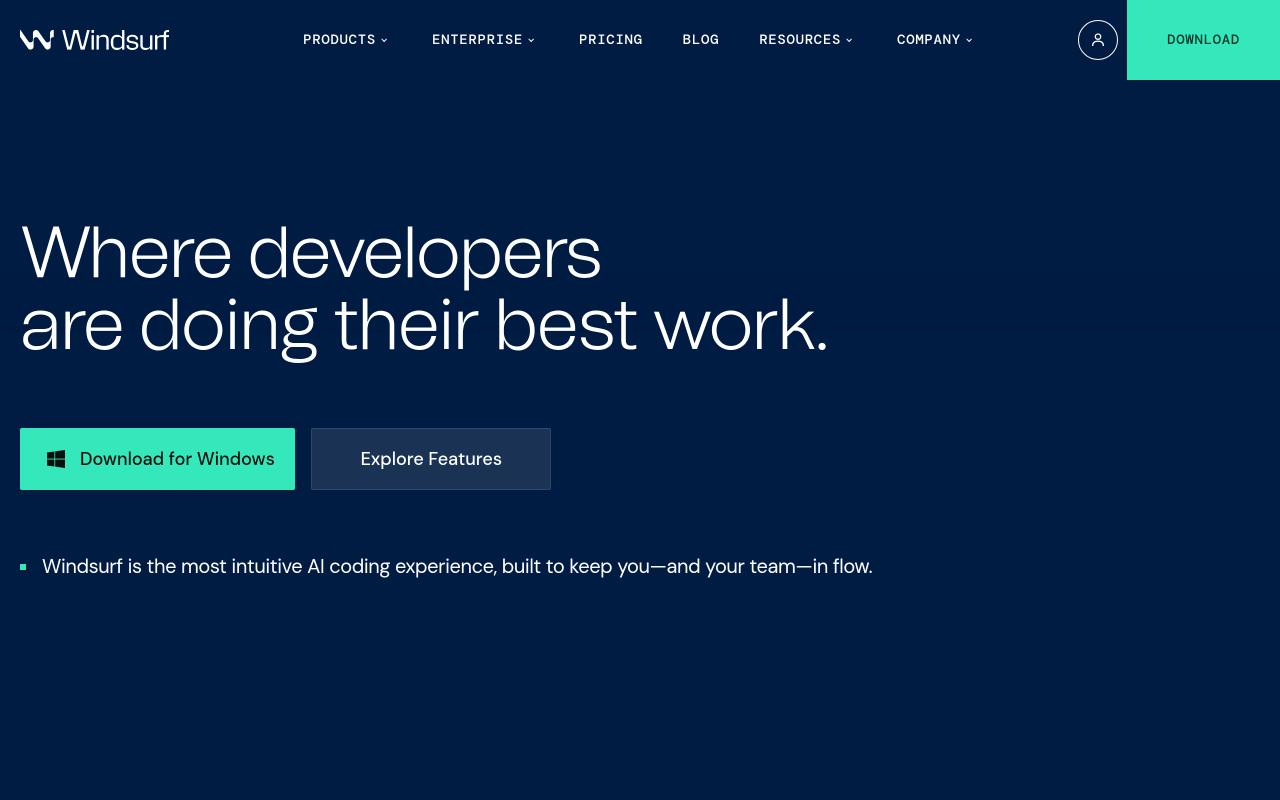
Codeium
Codeium is an AI code assistant that provides real-time code completions, natural language to code generation, and code explanations integrated into popular IDEs like VS Code and JetBrains.

ChatGPT
ChatGPT is an AI chatbot by OpenAI powered by GPT-4o. It handles writing, coding, research, data analysis, and natural conversation. Free tier available, Plus at $20/month.