

Contentfries AI Content Repurposing Tool for Social Media and Marketing
ContentFries is content repurposing software that turns one long-form recording into clips, posts, blog drafts, and visuals.
- Best for
- Social Media Content Creation
- Key capability
- AI-Powered Content Slicing
Save Contentfries, follow its updates and vote on it — everything stays in your account.
Sign in or create a free account

What is Contentfries?
ContentFries is content repurposing software for expert-led brands with long-form content. Starting from one recording, it builds an Opportunity Map, Auto Kitchen prepares a first batch, and recipes let users cook clips, posts, blog drafts, and visuals themselves.
Key features of Contentfries
Contentfries offers automated video clipping, multi-format export options, social media scheduling integrations, and AI-driven content suggestions to streamline repurposing workflows for marketing teams and content creators.
AI-Powered Content Slicing
Automatically detects highlights and segments in long-form content for repurposing.
Multi-Platform Export
Export videos optimized for Instagram, TikTok, LinkedIn, YouTube, and more.
Caption and Subtitle Generation
Automatically generate captions to improve accessibility and engagement.
Brand Customization
Add logos, colors, and fonts to maintain brand consistency across clips.
Social Media Scheduling
Integrate with scheduling tools to publish content directly from Contentfries.
Pros and cons of Contentfries
Pros
- Automates time-consuming content repurposing tasks
- Supports multiple social media formats and platforms
- Easy-to-use interface with AI assistance
- Customizable branding options
- Integrates with scheduling tools
Cons
- Limited language support (English only)
- No desktop or mobile app, web-only platform
- Pricing may be high for small creators
Key use cases for Contentfries
Social Media Content Creation
Automatically generate multiple social media posts from long-form videos or podcasts to increase engagement.
Video Content Repurposing
Transform webinars, interviews, and podcasts into short clips optimized for different platforms.
Marketing Campaign Efficiency
Save time by automating the content slicing and formatting process for various marketing channels.
Content Distribution
Easily export and schedule repurposed content across multiple social media platforms.
How Contentfries works
- 1
Upload Content
Import your long-form videos or podcasts into the platform.
- 2
AI Content Analysis
The AI analyzes your content to identify key moments and segments.
- 3
Create Clips
Automatically generate multiple short clips tailored for different social media formats.
- 4
Edit and Customize
Fine-tune clips with editing tools, add captions, and brand elements.
- 5
Export and Schedule
Export clips in various formats or schedule them directly to social media platforms.
Who is using Contentfries
Contentfries pricing
Free
$0 /mo
150 one-time permanent signup credits, first activation batch sponsored, 50 monthly credits that reset with no rollover, 1 workspace and 1 seat.
Creator
$39 /mo
For experts turning every source into a repeatable content system: 650 monthly credits, rollover up to 1,300 credits, 3 workspaces and 3 seats, Agent API, hosted MCP, and webhooks.
Scale
$99 /mo
For teams operating repeatable content systems across more brands: 2,500 monthly credits, rollover up to 5,000 credits, unlimited internal workspaces and 10 seats, Agent API, hosted MCP, and webhooks.
Pay as you go
From $4 one-time
Permanent credit packs; credits purchased this way never expire, no subscription required.
Plans and prices are as published by the vendor and can change. Check the official site before you buy. Open the pricing page (opens in a new tab)
Frequently asked questions about Contentfries
Yes, Contentfries supports repurposing audio content by generating video clips with captions and visuals.
Contentfries integrates with popular scheduling tools, allowing you to schedule posts directly, but direct posting depends on the integration.
There is a Free plan with 150 one-time permanent signup credits and 50 monthly credits, and no card is required.
It depends on your specific needs and how you plan to use the tool. The official website and documentation are the best sources for the latest details.
Yes, it can help with that use case depending on how you configure it and what features are available. You’ll get the best results with clear inputs and a defined goal.
It depends on your specific needs and how you plan to use the tool. The official website and documentation are the best sources for the latest details.
Conclusion
One long-form recording is the raw material, whether a podcast interview, solo teaching, a product demo or a case study. After upload, ContentFries maps the recording into clip opportunities and proof moments, and Auto Kitchen prepares a first batch of clips, posts and visuals. A review station lets users trim clips, adjust captions or presets and rate each asset, and every edit becomes a signal for what Auto Kitchen cooks more of next. Outputs include short clips in vertical, square or landscape formats, branded quote cards, SEO-ready blog posts, thumbnails and timestamped transcripts.
The service is built for expert-led brands with long-form content, and podcast producers and social media marketers are among its intended users. A Free plan needs no card, Creator and Scale add monthly credits, workspaces and agent access, and permanent credit packs cover pay-as-you-go use.
Sources
Sign in to review this tool.
Sign In to ReviewNo reviews yet
Be the first to share how this tool worked for you.
Ask about pricing, limits, or how it compares — or answer someone else.
Sign In to AskNo questions yet
Have a question about using or paying for this tool? Be the first to ask.
Featured on TiorAI



Alternative Tools
Explore similar AI tools that might fit your needs

Repurpose.io
Repurpose.io is a web-based platform that automates converting long-form videos and podcasts into optimized clips for social media, enabling content creators to save time and expand reach.
More AI Subtitle Generator tools
Other tools in the same category, for when this one is not quite the fit.

AutoAgentX
AutoAgentX is an AI video editor that turns boring clips into high-retention shorts with stronger hooks, cleaner subtitles and tighter pacing.
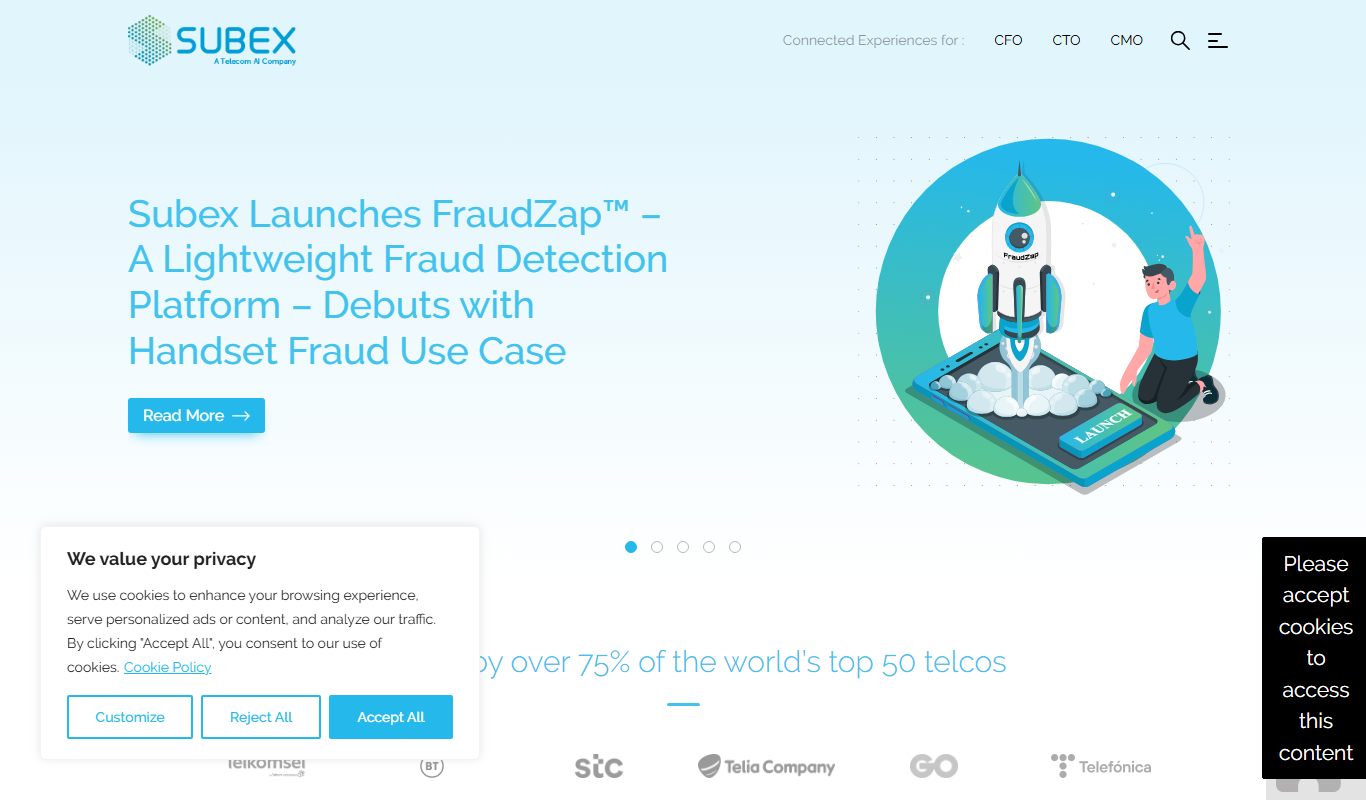
subex.com
Subex is a telecom-focused analytics and risk management software platform that uses AI to detect fraud, assure revenue, and manage operational risks for telecom operators.
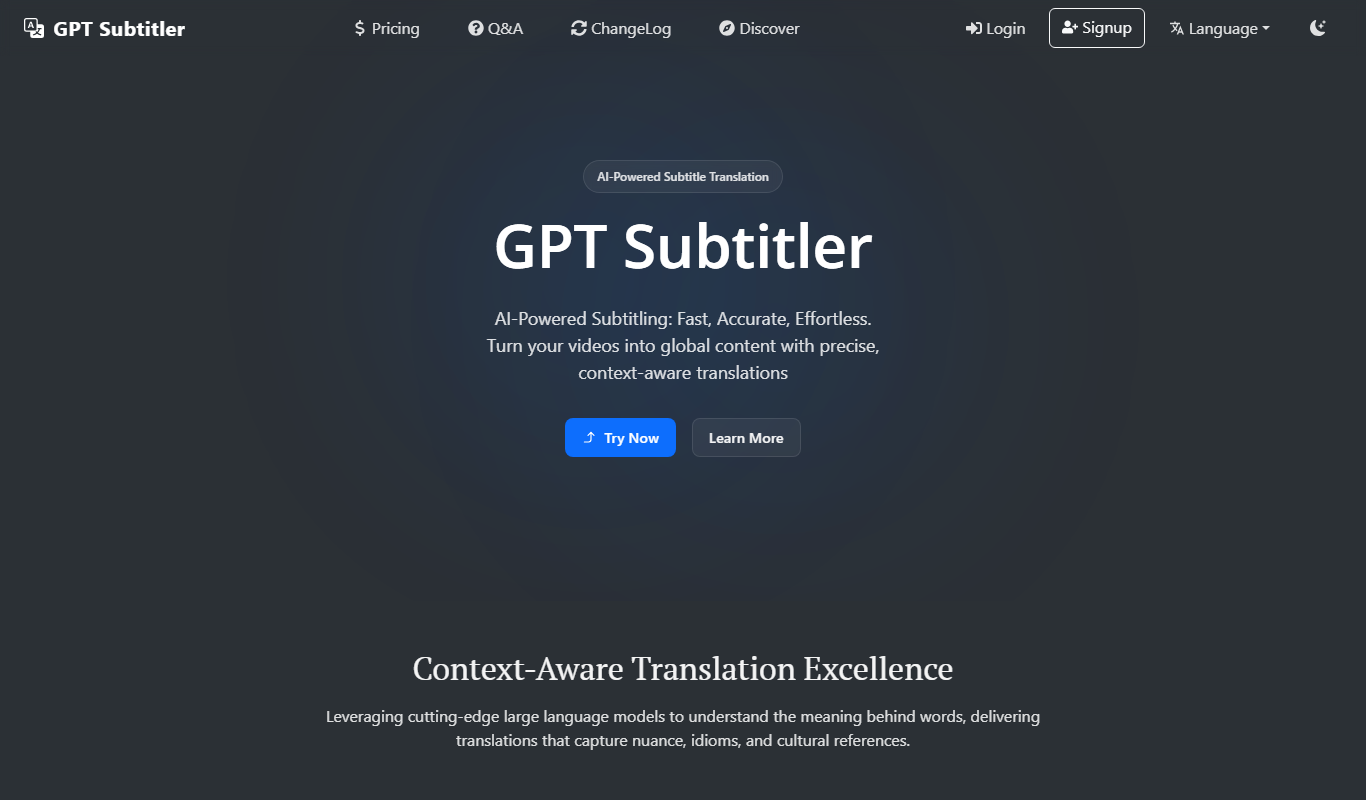
GPT Subtitler
GPT Subtitler translates subtitle files in 100+ languages with context-aware AI, or transcribes audio and video into editable captions.
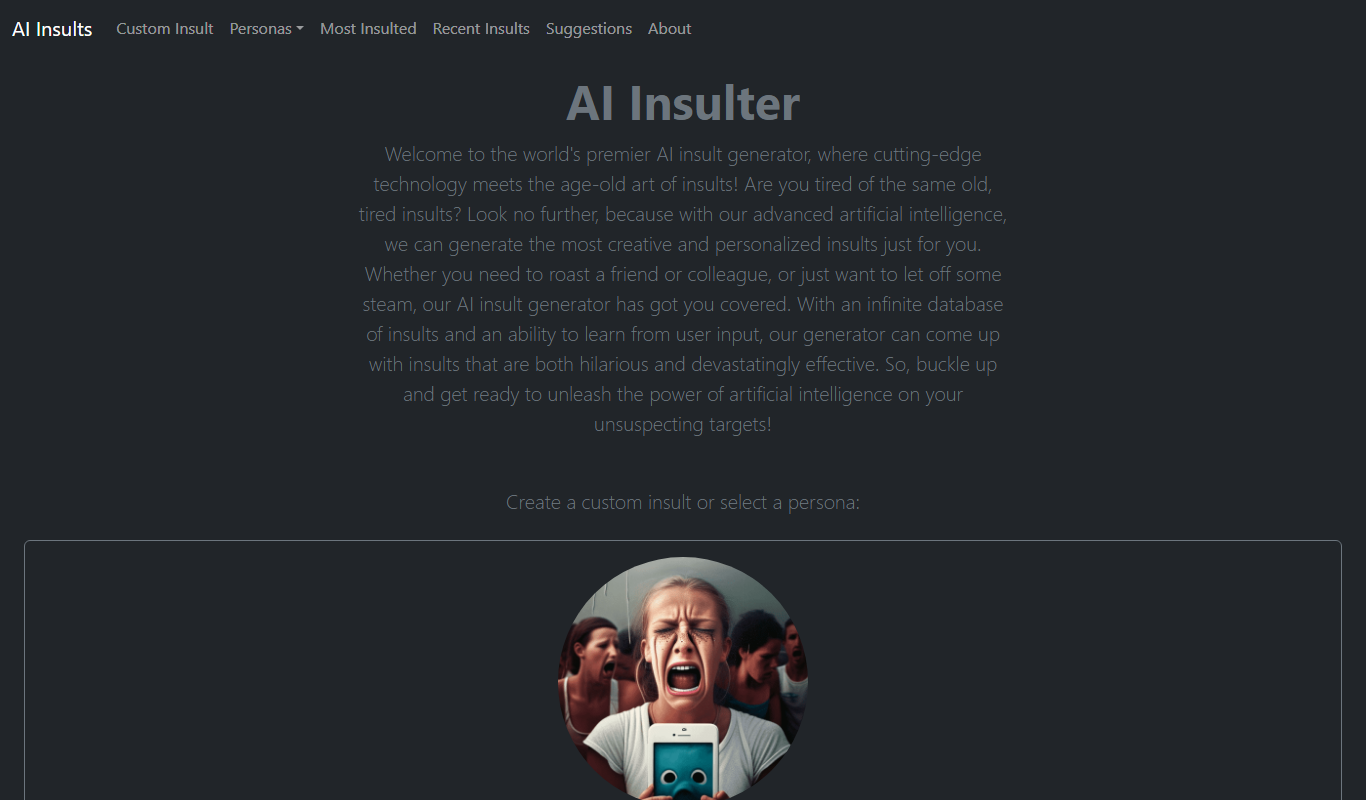
AI Insult Generator
AI Insult Generator is a free web-based tool that creates humorous and creative insults instantly for entertainment and creative use.

YouTube Scribe
YouTube Scribe is an AI tool that transcribes and summarizes YouTube videos automatically, helping creators generate captions and concise content summaries.
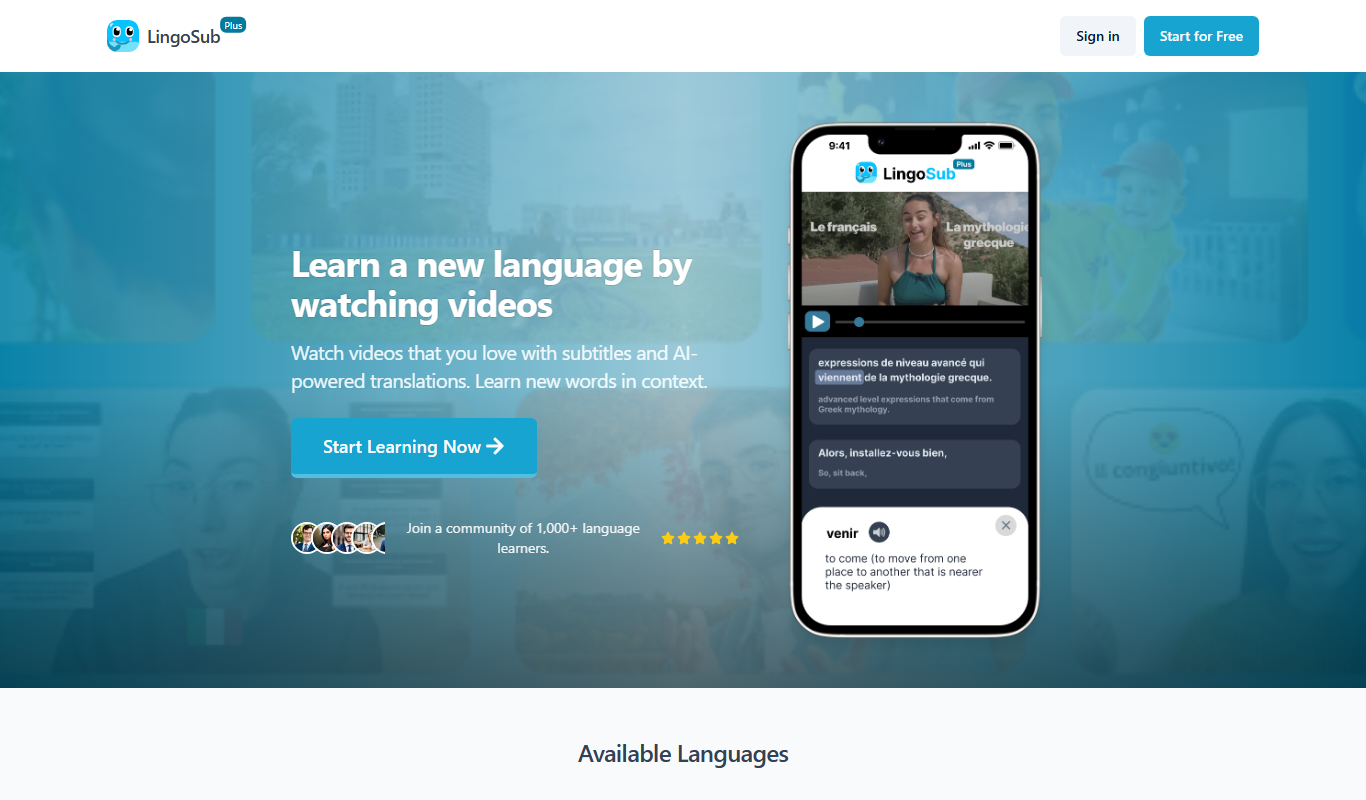
LingoSub
LingoSub is an AI-driven platform that automatically generates and translates video subtitles into multiple languages, enhancing accessibility and audience reach.

Pikzels
Pikzels is an AI-powered image generation tool that transforms text prompts into unique digital artworks, ideal for content creators and marketers seeking custom visuals.
Capit
Capit is an AI-powered writing assistant that helps users generate, edit, and improve written content efficiently through real-time suggestions and grammar corrections.