

From my experience with Presently AI, I found it excels at simplifying video presentation creation by automating the conversion of text scripts into engaging videos with voice narration. The platform’s intuitive interface and AI-powered features make it accessible for professionals without video editing expertise. It’s particularly well-suited for marketers, educators, and small business owners who need quick, polished video content. However, the tool has some limitations, such as limited language support and basic customization options compared to advanced video editors. Overall, if you want to create professional video presentations efficiently, Presently AI delivers solid results.
Presently AI Review: AI-Powered Video Presentation Maker for Professionals
Presently AI is an AI-driven platform that transforms text scripts into video presentations with automated slides and voice narration, ideal for business and marketing videos.
- Best for
- Business Presentations
- Key capability
- Automated Script-to-Video Conversion
Your actions
Save Presently AI, follow its updates and vote on it — everything stays in your account.
Sign in or create a free account
What is Presently AI?
Presently AI is a web-based AI-powered video presentation maker that transforms text scripts into engaging video presentations. It automates the video creation process by generating slides, voiceovers, and visuals based on user input, enabling professionals to create polished videos without advanced video editing skills.
Key features of Presently AI
Presently AI offers automated script-to-video conversion, AI-generated voice narration, customizable slide designs, and easy export options. It streamlines video presentation creation for business, marketing, and educational use cases.
Automated Script-to-Video Conversion
Transforms written scripts into video presentations with minimal manual effort.
AI Voice Narration
Generates natural-sounding voiceovers from text to narrate the video.
Customizable Slide Designs
Offers templates and design options to tailor the presentation’s look and feel.
Easy Export Options
Supports exporting videos in multiple formats suitable for different platforms.
Pros and cons of Presently AI
Pros
- User-friendly interface with minimal learning curve
- Automates video creation from text scripts efficiently
- Offers AI-generated voice narration for professional audio
- Affordable pricing with a free tier for testing
Cons
- Limited language support for voice narration
- Customization options are basic compared to advanced video editors
- Free plan videos include watermarks
Key use cases for Presently AI
Business Presentations
Create engaging video presentations for sales pitches, client meetings, and internal communications.
Marketing Videos
Produce promotional videos quickly to support marketing campaigns and social media content.
Educational Content
Develop instructional videos and explainer content for training or e-learning purposes.
Content Repurposing
Transform blog posts, articles, or scripts into dynamic video presentations to reach wider audiences.
How Presently AI works
- 1
Input Script
Users provide a text script or upload content that they want to convert into a video presentation.
- 2
AI Video Generation
The AI processes the script to generate slides, select visuals, and create voice narration automatically.
- 3
Customize Presentation
Users can adjust slide layouts, change voice options, and tweak visuals to match their branding.
- 4
Export and Share
Once satisfied, users export the video in various formats for sharing on social media, websites, or presentations.
Who is using Presently AI
Marketing professionals
Small business owners
Educators and trainers
Content creators
Sales teams
Presently AI pricing
Free
$0/month
Basic features with limited video length and watermark on videos.
Pro
$19/month
Full access to features, longer videos, HD exports, and no watermarks.
Plans and prices are as published by the vendor and can change. Check the official site before you buy. Open the pricing page (opens in a new tab)
Frequently asked questions about Presently AI
Yes, Presently AI is designed to automate video creation, making it accessible for users without prior video editing skills.
Currently, Presently AI supports English for AI-generated voice narration.
Yes, users can select from different AI voice options and adjust speech speed and tone.
Yes, videos created on the free plan include a Presently AI watermark.
It depends on your specific needs and how you plan to use the tool. The official website and documentation are the best sources for the latest details.
Pricing depends on the plan and included features. For the most accurate and up-to-date details, check the official pricing page.
Yes, it can help with that use case depending on how you configure it and what features are available. You’ll get the best results with clear inputs and a defined goal.
Sign in to review this tool.
Sign In to ReviewNo reviews yet
Be the first to share how this tool worked for you.
Ask about pricing, limits, or how it compares — or answer someone else.
Sign In to AskNo questions yet
Have a question about using or paying for this tool? Be the first to ask.
Featured on TiorAI



More AI Video Generator tools
Other tools in the same category, for when this one is not quite the fit.

Freemium
Youku
Youku is a Chinese online video streaming platform owned by Alibaba Group, offering a vast library of movies, TV shows, and original content primarily for Chinese audiences.

Commission-based
ManyVids
ManyVids is an adult content platform that allows creators to monetize videos, photos, live streams, and subscriptions directly with fans through a secure marketplace.
Free
Flowframes
Flowframes is a free Windows desktop software that uses AI to interpolate video frames, creating smooth slow motion and enhancing video frame rates without internet connection.
Free
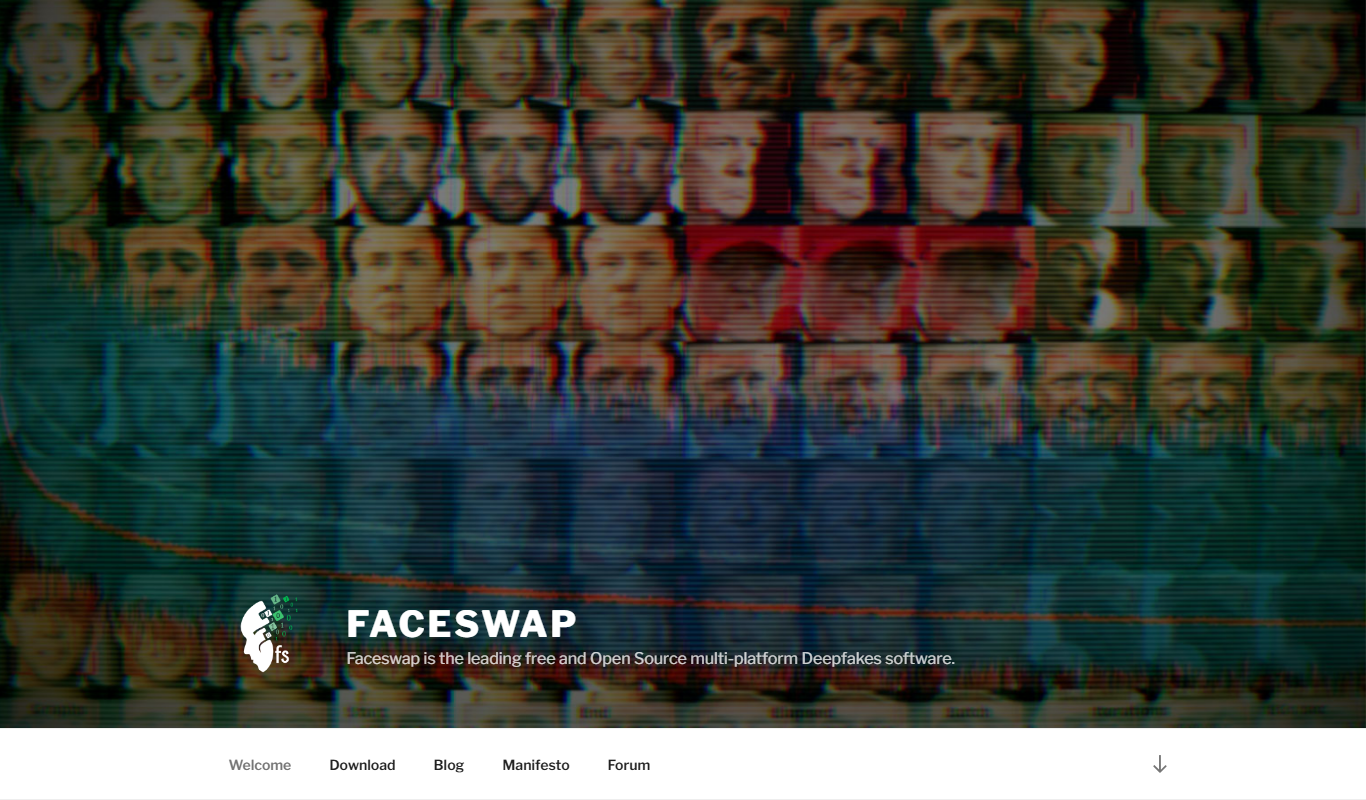
FaceSwap
FaceSwap is a free, open-source AI software that enables realistic face swapping in images and videos using deep learning techniques.

Free
OpenShot
OpenShot is a free, open-source video editing software that supports Windows, macOS, and Linux. It offers features like unlimited tracks, video transitions, 3D animated titles, and a drag-and-drop interface, making it ideal for beginners and intermediate users.

Freemium
Clideo
Clideo is a web-based video editing platform that allows users to cut, merge, compress, convert, and create videos online without installing software.
Pay As You Go
Subly
Subly is an AI-driven web platform that automatically transcribes video audio into subtitles, allows editing and styling of captions, and supports multi-language translation to make videos accessible and shareable worldwide.

Freemium
Viddo-Al Video
Viddo AI is an all-in-one AI video and image generator.