

750 Words Daily Writing Tool for Personal Journaling and Creativity
750 Words is a web-based platform that encourages users to write 750 words daily to build a consistent writing habit, offering a distraction-free interface and progress tracking.
- Best for
- Daily Journaling
- Key capability
- Distraction-Free Writing Interface
Save 750 Words, follow its updates and vote on it — everything stays in your account.
Sign in or create a free account
What is 750 Words?
750 Words is a web-based writing tool designed to help users develop a daily writing habit by encouraging them to write 750 words each day. It provides a distraction-free environment for freeform writing, journaling, and creative expression. The platform tracks writing streaks and offers motivational statistics to help users stay consistent and improve their writing skills over time.
Key features of 750 Words
Key features include a simple, clean writing interface, daily word count goals, progress tracking with streaks and badges, privacy-focused journaling, and motivational statistics that encourage daily writing habits.
Distraction-Free Writing Interface
A minimalist editor that helps users focus solely on writing without interruptions.
Daily Word Count Goal
Encourages writing 750 words daily to build a consistent habit.
Progress Tracking and Streaks
Visualizes writing streaks and provides badges to motivate continued writing.
Privacy and Security
All writing is private and secure, with no sharing unless the user chooses.
Motivational Statistics
Offers insights such as average words per day, writing speed, and mood tracking.
Pros and cons of 750 Words
Pros
- Simple and distraction-free writing environment
- Effective habit-building with daily word goals
- Motivational progress tracking and streaks
- Strong focus on privacy and security
- Supports creative and reflective writing
Cons
- No mobile app available
- Limited language support (English only)
- No collaborative or social writing features
Key use cases for 750 Words
Daily Journaling
Encourages users to write 750 words daily to build a consistent journaling habit.
Creative Writing Practice
Helps writers overcome blocks by providing a private space to write freely without judgment.
Self-Reflection and Mental Clarity
Supports personal growth by allowing users to process thoughts and emotions through writing.
Writing Productivity Tracking
Tracks writing streaks and progress to motivate users to maintain their writing routine.
Idea Generation
Acts as a brainstorming tool to capture ideas and thoughts that can be developed later.
How 750 Words works
- 1
Create an Account
Sign up on the 750 Words website to start your daily writing journey.
- 2
Write Daily
Each day, write at least 750 words in the distraction-free editor.
- 3
Track Progress
Monitor your writing streaks, word counts, and motivational stats.
- 4
Reflect and Improve
Use the insights and writing habit to enhance creativity and personal growth.
Who is using 750 Words
750 Words pricing
Free Trial
$0 for 30 days
Full access to all features for 30 days to test the platform.
Subscription
$5/month or $45/year
Continued access to daily writing tools, progress tracking, and motivational features.
Plans and prices are as published by the vendor and can change. Check the official site before you buy. Open the pricing page (opens in a new tab)
Frequently asked questions about 750 Words
Yes, it is designed to help writers of all levels develop a daily writing habit.
Yes, users can export their writing for personal use or backup.
Absolutely, all writing is private and not shared with others.
Currently, 750 Words is only available as a web application.
This tool is designed to help users accomplish its core tasks more efficiently. It is typically used by individuals or teams looking to improve productivity and workflow.
It depends on your specific needs and how you plan to use the tool. The official website and documentation are the best sources for the latest details.
Some tools offer a free plan or trial with limited features. Availability can vary, so confirm on the official website.
Yes, it can help with that use case depending on how you configure it and what features are available. You’ll get the best results with clear inputs and a defined goal.
Conclusion
The core rule is a daily target: write at least 750 words each day in a distraction-free editor. Users sign up on the website to start, and the minimalist editor lets them focus solely on writing without interruptions. The writing itself is freeform, covering journaling and creative expression. Streaks, word counts and badges are tracked to motivate continued writing, along with statistics such as average words per day, writing speed and mood tracking.
All writing is private and secure, with no sharing unless the user chooses, and it can be exported for personal use or backup. That private space is meant to help writers overcome blocks and write freely without judgment. Other use cases are daily journaling, processing thoughts and emotions for personal growth, and capturing ideas to develop later. It is designed to help writers of all levels develop a daily writing habit, and it targets aspiring writers, creative professionals and personal development enthusiasts.
Access starts with full features for 30 days as a free trial, followed by a paid subscription. It is only available as a web application, and there are no collaborative or social writing features.
Sources
Sign in to review this tool.
Sign In to ReviewNo reviews yet
Be the first to share how this tool worked for you.
Ask about pricing, limits, or how it compares — or answer someone else.
Sign In to AskNo questions yet
Have a question about using or paying for this tool? Be the first to ask.
Featured on TiorAI



Alternative Tools
Explore similar AI tools that might fit your needs

Penzu
Penzu is a secure online journaling app that offers encrypted personal diaries, customizable journals, and syncing across web and mobile platforms.
More AI Content Generator tools
Other tools in the same category, for when this one is not quite the fit.

Ion Interactive
Ion Interactive is a web-based platform that enables marketers to create interactive content like quizzes and assessments to engage audiences and generate leads without coding.

写作猫AI
写作猫AI is a Chinese-language AI writing assistant that supports content generation, creative writing, and text refinement through a web platform.

Calmly Writer
Calmly Writer is a minimalist writing app designed to help users focus by providing a distraction-free interface, Markdown support, autosave, and export options. It is available as a free web app and a paid desktop app for offline use.

Bewerbung2Go
Bewerbung2Go is an AI-driven platform that helps German-speaking users generate customized cover letters and optimize job applications efficiently.

Gengo
Gengo is a professional human translation platform that provides accurate, culturally relevant translations for businesses via web and API, supporting over 70 language pairs.
Skyword
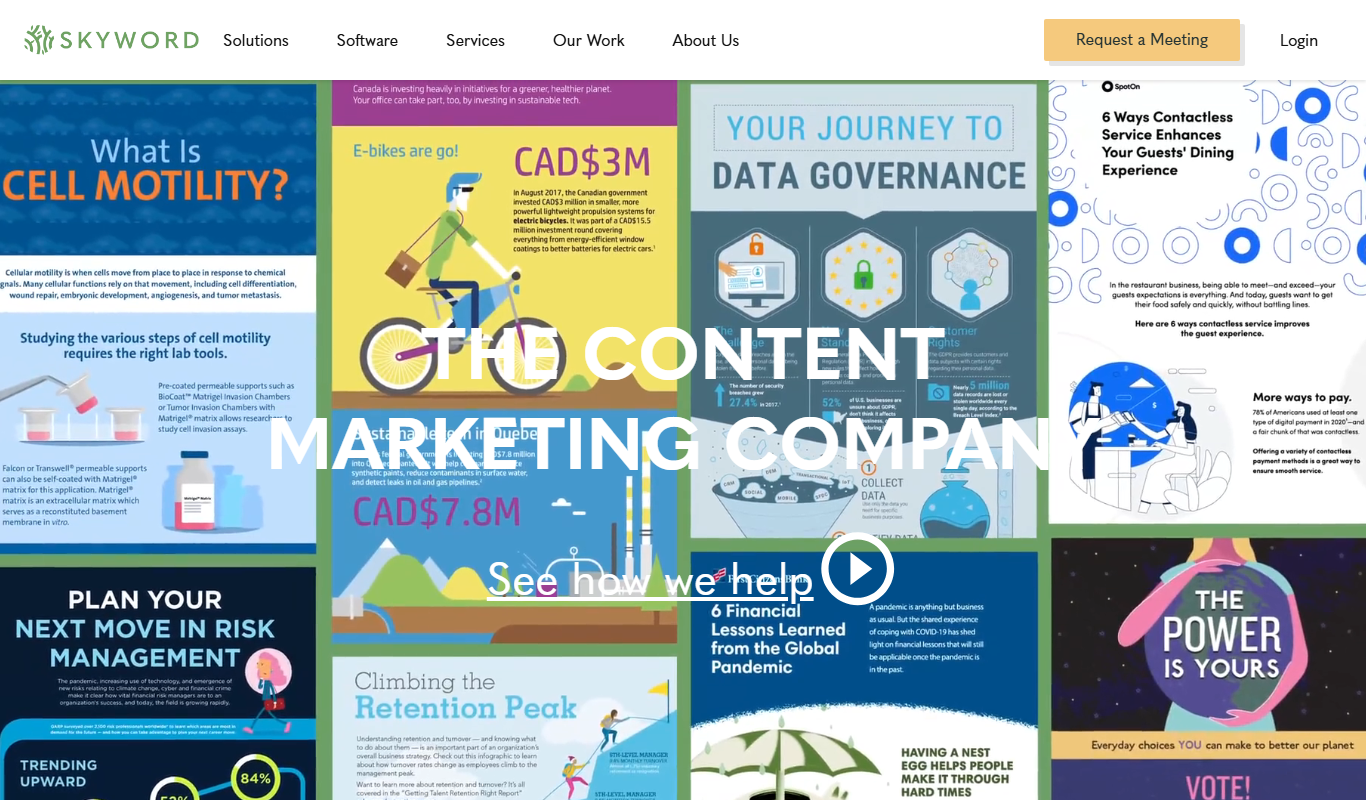
Skyword is an enterprise content marketing platform that helps organizations plan, create, manage, and analyze content marketing campaigns with collaboration tools and a freelance network.

Archive.org
Archive.org is a free digital library and internet archive providing access to billions of archived web pages, books, audio, video, and software for research, education, and creative projects.
Kitchen Stories
Kitchen Stories is a cooking app offering recipes with step-by-step photo and video instructions, meal planning tools and shopping lists, with an optional paid Kitchen Stories Plus subscription.