

From my experience with LivePortrait, I found it excels at transforming static portrait photos into smooth, realistic animated videos with minimal effort. The web-based platform is intuitive, making it accessible even for users without animation skills. It’s particularly well-suited for social media creators and marketers who want quick, engaging video content. However, the free plan’s watermark and limited customization options mean serious users will likely need the paid subscription for professional results. Overall, if you want to bring photos to life easily for creative or promotional purposes, LivePortrait offers a solid, user-friendly solution.
LivePortrait AI Animation Tool for Realistic Portrait Video Creation
LivePortrait is an AI-driven web tool that animates static portrait photos into realistic videos by applying facial movements and expressions using deep learning.
- Best for
- Social Media Content Creation
- Key capability
- AI-Powered Facial Animation
Your actions
Save LivePortrait, follow its updates and vote on it — everything stays in your account.
Sign in or create a free account
What is LivePortrait?
LivePortrait is a web-based AI-powered tool that transforms static portrait photos into realistic animated videos. Using advanced deep learning models, it animates facial expressions and movements to create lifelike video portraits from a single image. This technology enables users to bring photos to life for creative, marketing, or personal uses without requiring complex video editing skills.
Key features of LivePortrait
LivePortrait offers intuitive AI-driven animation of portrait photos, customizable animation styles, easy video export options, and a user-friendly web interface that requires no prior animation experience.
AI-Powered Facial Animation
Transforms static images into dynamic videos using deep learning facial animation models.
Multiple Animation Presets
Offers a variety of animation styles and expressions to customize the output.
High-Quality Video Export
Exports videos in HD quality suitable for professional and personal use.
User-Friendly Web Interface
No software installation required; accessible directly through a web browser.
Pros and cons of LivePortrait
Pros
- Easy to use with no technical skills needed
- Produces realistic and smooth facial animations
- Accessible via web browser without installation
Cons
- Free plan videos have watermarks
- Limited customization options compared to professional animation software
- Requires good quality frontal photos for best results
Key use cases for LivePortrait
Social Media Content Creation
Create engaging animated portraits for social media posts and stories to increase audience interaction.
Marketing and Advertising
Produce realistic animated videos for brand campaigns and advertisements to capture viewer attention.
Entertainment and Art
Generate creative animated portraits for digital art projects, music videos, and entertainment content.
Personalized Video Messages
Make unique animated video messages for greetings, invitations, or personal communication.
How LivePortrait works
- 1
Upload a Portrait Photo
Start by uploading a clear, frontal portrait image to the LivePortrait web platform.
- 2
Select Animation Style
Choose from various animation presets or customize facial movements and expressions.
- 3
Generate Animated Video
The AI processes the image and creates a realistic animated video of the portrait.
- 4
Download and Share
Export the animated video in common formats and share it on social media or other platforms.
Who is using LivePortrait
Social media content creators
Digital marketers
Artists and entertainers
Individuals creating personalized video messages
LivePortrait pricing
Free
$0/month
Basic access with limited video length and watermark on exports.
Pro
$14.99/month
Full access to all features, longer video durations, and watermark-free exports.
Plans and prices are as published by the vendor and can change. Check the official site before you buy. Open the pricing page (opens in a new tab)
Frequently asked questions about LivePortrait
LivePortrait works best with clear, frontal portrait photos. Images with obstructions or extreme angles may not animate well.
Yes, videos exported under the free plan include a LivePortrait watermark.
Videos can be exported in common formats such as MP4, compatible with most platforms.
No, the platform is designed for ease of use with no prior animation or video editing experience required.
It depends on your specific needs and how you plan to use the tool. The official website and documentation are the best sources for the latest details.
Some tools offer a free plan or trial with limited features. Availability can vary, so confirm on the official website.
It depends on your specific needs and how you plan to use the tool. The official website and documentation are the best sources for the latest details.
Sign in to review this tool.
Sign In to ReviewNo reviews yet
Be the first to share how this tool worked for you.
Ask about pricing, limits, or how it compares — or answer someone else.
Sign In to AskNo questions yet
Have a question about using or paying for this tool? Be the first to ask.
Featured on TiorAI



More AI Animation & Motion Tools tools
Other tools in the same category, for when this one is not quite the fit.

Subscription
Virbo AI Talking Photo
Virbo AI Talking Photo is an app that uses AI to animate static photos by syncing facial movements with voice recordings or text-to-speech audio, enabling users to create talking pictures and videos easily on web and mobile platforms.
Free Trial
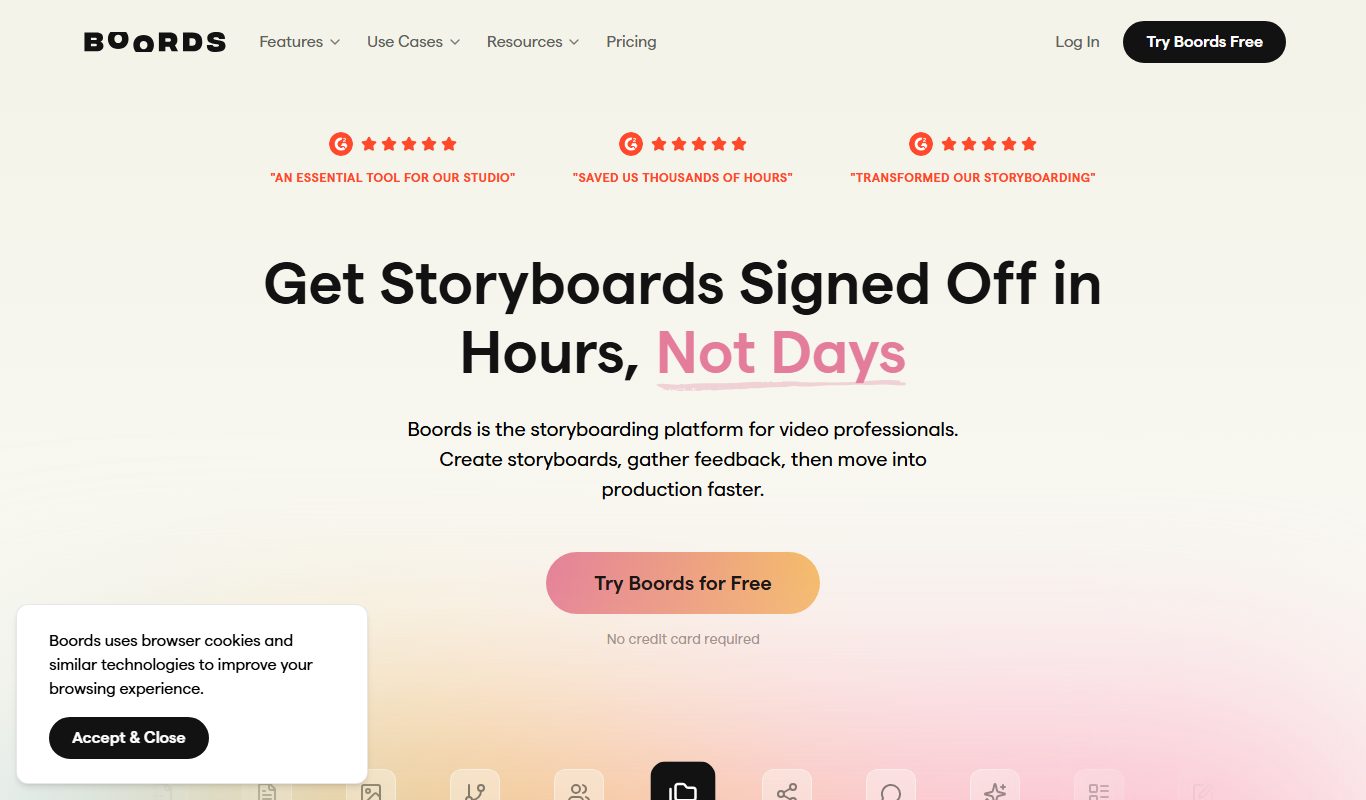
Boords
Boords is an online storyboarding software that helps video and animation teams create, collaborate on, and export detailed storyboards to streamline pre-production workflows.

Free
Plask
Plask is a web-based AI motion capture platform that turns any video into 3D animation, with no suits or sensors required, and exports it to 3D tools and game engines.

Freemium
Artflow ai
Artflow is an AI identity platform where Artflow Actors generate photos and videos that actually look like the user.
Custom Pricing
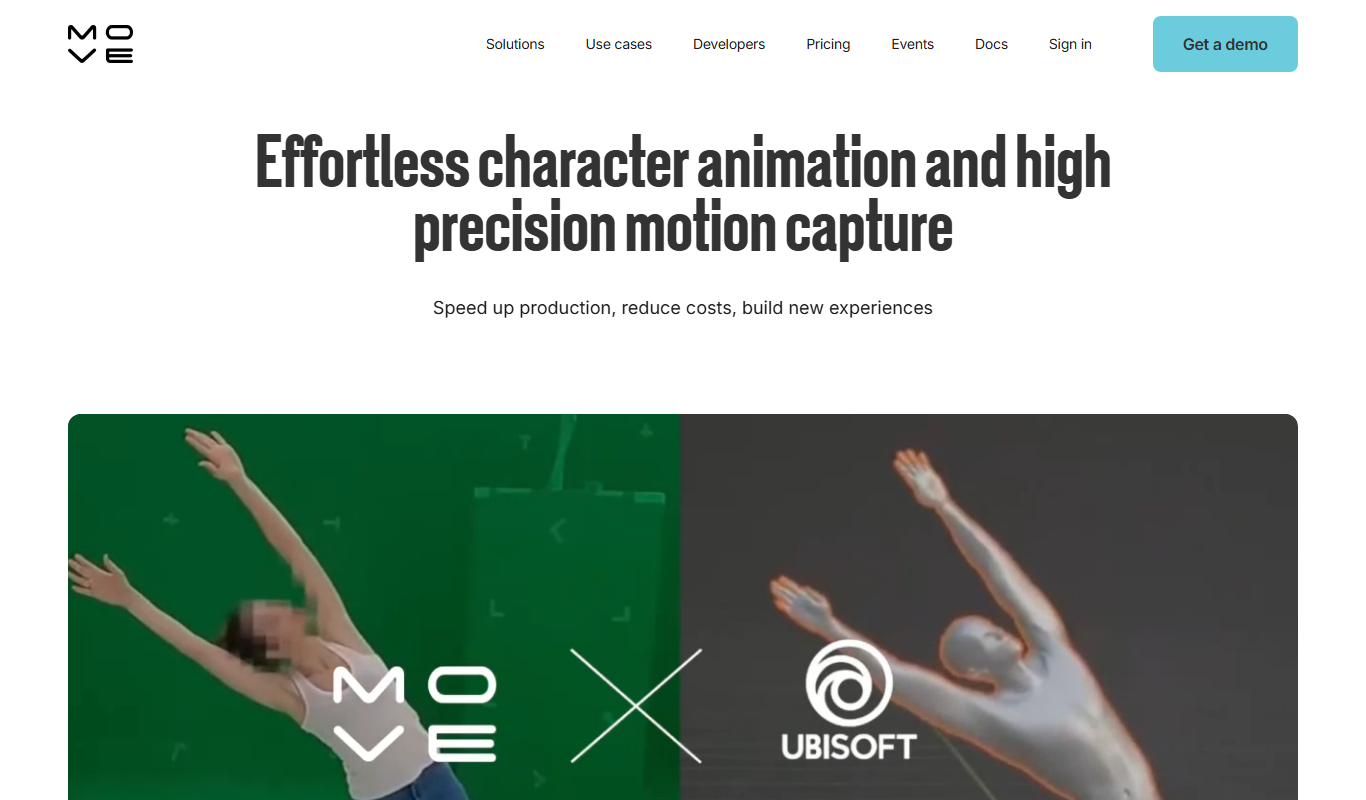
move.ai
Move.ai is an AI-driven markerless motion capture software that converts standard video footage into 3D animation data, streamlining animation and visual effects production without specialized hardware.

Free
AI CSS Animations
AI CSS Animations is a free online tool that helps web designers and developers generate customizable CSS animation code quickly without manual coding.

Free Trial
Drawings Alive
Drawings Alive is an interactive animation software that allows users to animate drawings and images with interactive hotspots and synchronized audio, ideal for educational and marketing content creation.

Free
Storyboarder.ai
Storyboarder.ai is a free, open-source desktop application that uses AI to help filmmakers and animators create and organize storyboards quickly and efficiently.