

LLM Playground - Interactive Platform for Testing Large Language Models Online
LLM Playground is a free, web-based tool that lets users interactively test and compare outputs from multiple large language models such as OpenAI GPT and Hugging Face models without coding.
- Best for
- Model Experimentation
- Key capability
- Multi-Model Support
Save LLM Playground, follow its updates and vote on it — everything stays in your account.
Sign in or create a free account

What is LLM Playground?
LLM Playground is a bring-your-own-key (BYOK) workspace that now includes AI characters, team servers and image generation, not only a playground for OpenAI and Hugging Face models.
Key features of LLM Playground
The platform offers easy access to multiple LLMs, prompt input customization, real-time response generation, and side-by-side model comparisons. It supports models from popular providers and allows users to save and share their experiments.
Multi-Model Support
Access a variety of LLMs from different providers in one interface.
Real-Time Output
Instantly generate and view model responses to prompts.
Prompt Customization
Adjust prompts easily to experiment with different inputs and contexts.
Side-by-Side Comparison
Compare outputs from multiple models simultaneously to evaluate differences.
No Coding Required
User-friendly interface designed for non-developers and developers alike.
Pros and cons of LLM Playground
Pros
- Easy access to multiple LLMs without coding
- Supports side-by-side model comparisons
- User-friendly interface for prompt experimentation
- Good educational resource for understanding LLMs
Cons
- Dependent on third-party API availability and limits
- Limited advanced customization options
- No offline or desktop version available
Key use cases for LLM Playground
Model Experimentation
Allows developers and researchers to test and compare outputs from various large language models interactively.
Prompt Engineering
Users can craft and refine prompts to see how different models respond, aiding in prompt optimization.
Educational Tool
Serves as a learning platform for those new to large language models to understand their capabilities and limitations.
API Exploration
Facilitates exploration of different LLM APIs such as OpenAI and Hugging Face without coding.
How LLM Playground works
- 1
Access the Website
Navigate to llmplayground.net on any modern web browser.
- 2
Select a Model
Choose from a list of available large language models including OpenAI GPT and Hugging Face models.
- 3
Enter Your Prompt
Type or paste the text prompt you want the model to respond to.
- 4
Generate Response
Click the generate button to see the model’s output instantly.
- 5
Compare and Iterate
Optionally select multiple models to compare outputs side-by-side and refine prompts.
Who is using LLM Playground
LLM Playground pricing
Free
$0
Free, but requires sign up and your own API key from a provider.
Plans and prices are as published by the vendor and can change. Check the official site before you buy. Open the pricing page (opens in a new tab)
Frequently asked questions about LLM Playground
Yes, you sign up with a username and bring your own API key.
The platform supports models from OpenAI, Hugging Face, and other popular LLM providers.
Usage limits depend on the underlying API providers; the playground itself does not impose additional restrictions.
Yes, you can save and share your experiments through the platform.
This tool is designed to help users accomplish its core tasks more efficiently. It is typically used by individuals or teams looking to improve productivity and workflow.
Yes, it can help with that use case depending on how you configure it and what features are available. You’ll get the best results with clear inputs and a defined goal.
Some tools offer a free plan or trial with limited features. Availability can vary, so confirm on the official website.
It depends on your specific needs and how you plan to use the tool. The official website and documentation are the best sources for the latest details.
Conclusion
Bring your own key is the model here: users sign up with a username and connect an API key from their own provider. The workspace itself is free, and usage limits depend on the underlying API providers. Beyond model testing, it now includes AI characters, team servers and image generation.
Users select a model, type or paste a text prompt, and click the generate button to see the output. Multiple models can be compared side by side to evaluate differences and refine prompts. Users can save and share their experiments through the platform. It is aimed at prompt engineers, AI researchers and developers experimenting with LLMs.
Sources
Sign in to review this tool.
Sign In to ReviewNo reviews yet
Be the first to share how this tool worked for you.
Ask about pricing, limits, or how it compares — or answer someone else.
Sign In to AskNo questions yet
Have a question about using or paying for this tool? Be the first to ask.
Featured on TiorAI



More AI Large Language Models Tools tools
Other tools in the same category, for when this one is not quite the fit.

Magai
Magai puts ChatGPT, Claude, Gemini, Grok and dozens more AI models in one chat for one price, and lets you switch models mid-conversation and keep every word.

Rival
Rival compares AI models side by side: one prompt runs through hundreds of models such as GPT, Claude and Gemini, and people vote on the best answer.

Chat100.ai
Chat100.ai is a free all-in-one AI chatbot where you switch between ChatGPT, Grok and Gemini models under one account and compare their answers.

Ollama
Ollama runs open models locally on macOS, Windows and Linux or in its cloud, and lets developers use them with coding agents while keeping data private.
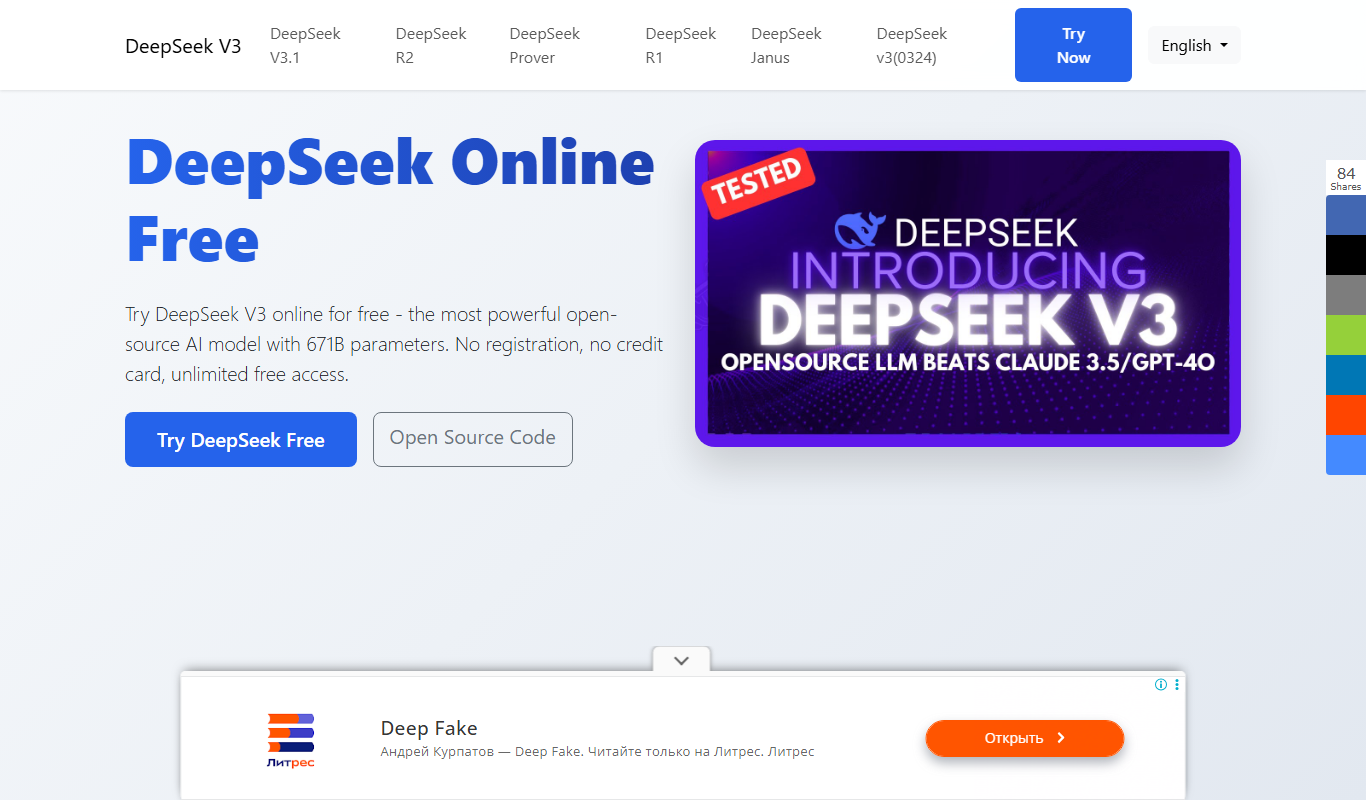
DeepSeek Online
DeepSeek Online is an unofficial site for free browser chat with DeepSeek V3 and other DeepSeek models, with no registration.

Nexal AI – All In One AI Platform
Nexal AI is an all-in-one AI chat and image creation platform with models such as ChatGPT, Gemini, Llama, Mistral AI and Claude on web, Android and iOS.

GradeLab
GradeLab is an AI-driven grading platform that automates student assignment evaluation, providing fast, consistent grades and detailed feedback to educators.

HelperHat
HelperHat is an AI live chat assistant for websites that answers customer questions from the site's own content, with human takeover when needed.