

BoltAI native AI app for Mac
BoltAI is a native AI app for Mac where you use ChatGPT, Claude, Gemini and local LLMs in one desktop workspace, sold as a one-time purchase.
- Best for
- Comparing AI models
- Key capability
- Many AI providers in one app
Save boltai.com, follow its updates and vote on it — everything stays in your account.
Sign in or create a free account

What is boltai.com?
BoltAI is a native AI app for Mac that lets you use ChatGPT, Claude, Gemini and local LLMs in one fast desktop app, with projects, reusable agents and document analysis. It is sold as a one-time purchase with a free trial.
Key features of boltai.com
BoltAI switches between 300+ AI models from one native Mac app, runs local models, organizes work in projects with reusable agents and forked chats, analyzes documents and screenshots and opens over any app with a global shortcut.
Many AI providers in one app
Use OpenAI, Anthropic, Google, Mistral, Azure, Bedrock and local models in one unified workspace.
Local models
Run LLMs locally via Ollama and LM Studio without per-token costs.
Projects and agents
Work with projects, multi-chat threads, forking and reusable agents.
Global shortcut and screenshots
Open BoltAI over any app with a single keystroke, or capture your screen to get explanations or fixes.
Pros and cons of boltai.com
Pros
- One-time purchase, no subscription
- Chats stored locally and never used for training
- Supports local LLMs via Ollama and LM Studio
- 30-day money back guarantee
Cons
- Cloud Sync, mobile access and new updates require renewal after the first year
- Windows version is still coming soon
Key use cases for boltai.com
Comparing AI models
Switch between 300+ AI models from one native Mac app.
Private local AI
Run LLMs locally for fast, private responses.
Document and screenshot analysis
Analyze PDFs, screenshots, code and research documents with vision-enabled models.
AI help over any app
Open BoltAI over any app with a single keystroke.
How boltai.com works
- 1
Install the app
Open the DMG, drag BoltAI to Applications, then launch it.
- 2
Choose a provider
Pick from 300+ models, including OpenAI, Anthropic, OpenRouter and local LLMs.
- 3
Start chatting
Use global shortcuts or the menu bar to access BoltAI anywhere.
- 4
Monitor and Optimize
Use analytics dashboards to track chatbot interactions and improve performance over time.
Who is using boltai.com
boltai.com pricing
Essential
$79 one-time
For students and hobbyists; 1 seat.
Pro
$99 one-time
For freelancers and professionals; 2 desktop devices + 1 mobile.
Pro+
$199 one-time
For power users; 3 desktop devices + 2 mobile.
Team Perpetual
$99 per seat, optional renewal $79/seat/year
Team licenses, 5 seats minimum.
Plans and prices are as published by the vendor and can change. Check the official site before you buy. Open the pricing page (opens in a new tab)
Frequently asked questions about boltai.com
Providers such as OpenAI, Anthropic, Google, Mistral, Azure and Bedrock, plus local models.
No. It is a one-time purchase with one year of updates included; renewal is optional.
A computer with Intel or Apple Silicon running macOS 13 or later.
Chats are stored locally and never used for training, and API keys can be encrypted with your passphrase.
Conclusion
Mac users who juggle several AI services get one native desktop workspace here, where ChatGPT, Claude, Gemini and local LLMs sit side by side. Providers range from OpenAI and Anthropic to Azure and Bedrock, and local models run through Ollama or LM Studio without per-token costs. Work is organized in projects with reusable agents and forked chats, and vision-enabled models read PDFs and screenshots.
A single keystroke opens BoltAI instantly over any app. Chats are stored locally and never used for training, which may suit users who prefer to keep their data on their own machine. It runs on Intel and Apple Silicon Macs with macOS 13 or later, and iPhone and iPad sync is offered too. Licenses are one-time purchases with a year of updates and a free trial first, though cloud sync and new updates need renewal after that year.
Sources
Sign in to review this tool.
Sign In to ReviewNo reviews yet
Be the first to share how this tool worked for you.
Ask about pricing, limits, or how it compares — or answer someone else.
Sign In to AskNo questions yet
Have a question about using or paying for this tool? Be the first to ask.
Featured on TiorAI



More AI Chatbot & Conversational Tools tools
Other tools in the same category, for when this one is not quite the fit.

IntelliMuse
IntelliMuse offers custom AI companions called Muses, with their own personalities, expertise and voices, for text chat on the web or voice calls on iPhone.

Mammouth
Mammouth gives you GPT, Claude, Gemini, Mistral, FLUX and other GenAI models in one subscription, with one-click reprompting between models.

Mumble
Mumble is a web platform integrated with WhatsApp that helps businesses manage customer interactions, automate sales processes, warm up leads and track customer journeys.

Emly Labs
Emly Labs offers a no-code AI framework to build AI chatbots and predictive AI models and to prepare data.

Dokko
Dokko is a document AI platform that reads contracts, manuals and policies in full, answers with citations and acts on what it finds, for teams and their customers.

OnDemand
OnDemand is an operating system for agentic AI that lets you build, orchestrate and deploy intelligent agents across any model, tool, data source or infrastructure.

AutoFlow
AutoFlow is an open source Graph RAG knowledge base tool from PingCAP, built on TiDB Vector, LlamaIndex and DSPy.
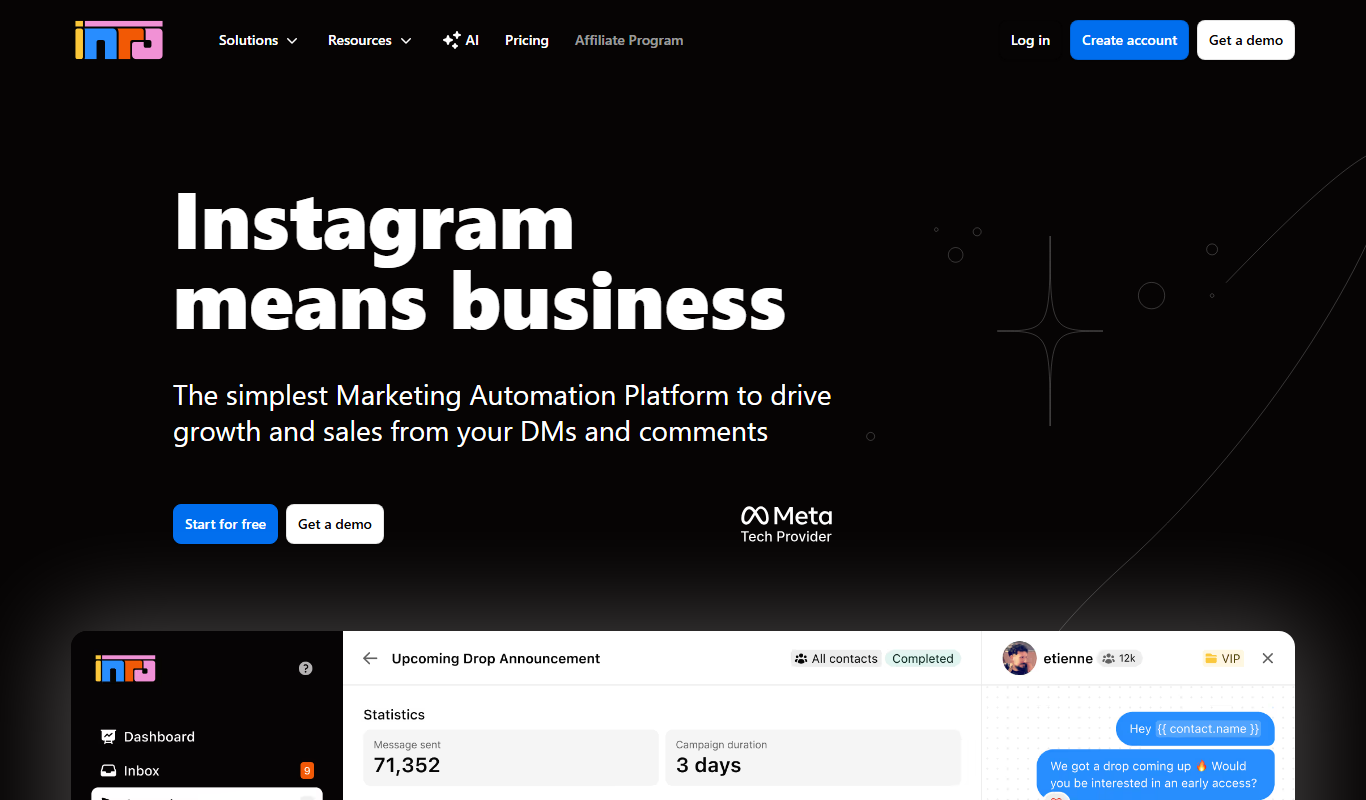
Inro
Inro is Instagram DM automation with an AI agent that answers every comment and DM in your voice, captures leads and runs DM campaigns.