

From my experience with Rival, I found it excels at delivering timely and detailed esports statistics that are crucial for both bettors and competitive gamers. The platform’s real-time data feeds and community-driven tips provide a practical edge when analyzing matches. While it currently lacks a dedicated mobile app, its web interface is intuitive and responsive. Rival is particularly well-suited for esports bettors and analysts seeking data-backed insights without overwhelming complexity. However, advanced features require a subscription, which might be a consideration for casual users. Overall, Rival offers solid value for anyone serious about esports analytics and betting.
Rival Tips Platform for Real-Time Esports Stats and Analytics
Rival is a web platform offering real-time esports statistics, analytics, and betting tips to support informed decisions in esports betting and competitive gaming.
- Best for
- Esports Betting Analysis
- Key capability
- Real-Time Match Data
Your actions

Do you recommend this tool?
What is Rival?
Rival is a web-based platform that delivers real-time esports statistics, analytics, and betting tips. It aggregates live data from various esports games to provide users with actionable insights for betting and competitive analysis. The platform focuses on popular esports titles and offers a community-driven environment for sharing tips and strategies.
Key features of Rival
Rival features live match tracking, detailed player and team statistics, predictive analytics for betting, and a community hub for esports enthusiasts to exchange tips and insights.
Real-Time Match Data
Up-to-the-minute statistics on ongoing esports matches.
Detailed Player and Team Stats
Comprehensive analytics covering performance metrics for players and teams.
Betting Tips and Predictions
Data-backed suggestions to assist esports bettors.
Community Sharing
Platform for users to share tips, discuss matches, and collaborate.
Pros and cons of Rival
Pros
- Provides real-time esports data and analytics
- Community-driven platform for sharing tips
- User-friendly web interface
- Affordable premium subscription
Cons
- No dedicated mobile app available
- Limited to supported esports titles
- Advanced features require subscription
Key use cases for Rival
Esports Betting Analysis
Provides real-time statistics and data-driven insights to help bettors make informed decisions on esports matches.
Competitive Gaming Insights
Offers detailed analytics for esports teams and players to analyze performance and strategies.
Live Match Tracking
Tracks live esports matches with up-to-date stats and tipping suggestions.
Community Engagement
Enables users to share tips and discuss esports events within a community platform.
How Rival works
- 1
Access the Platform
Visit the Rival website and create a free account to start exploring esports data.
- 2
Select an Esport
Choose from supported esports titles to view live matches and statistics.
- 3
Analyze Data
Review real-time stats, player performance, and team analytics to inform your decisions.
- 4
Use Betting Tips
Leverage data-driven tips and community insights to guide your esports betting.
Who is using Rival
Esports bettors
Competitive gamers
Esports analysts
Gaming communities
Sports betting enthusiasts
Rival pricing
Free
$0/month
Access to basic esports stats and community features.
Premium
$9.99/month
Enhanced analytics, advanced betting tips, and ad-free experience.
Plans and prices are as published by the vendor and can change. Check the official site before you buy. Open the pricing page (opens in a new tab)
Frequently asked questions about Rival
Rival supports popular esports titles such as League of Legends, Dota 2, CS:GO, and others.
Currently, Rival is accessible via web browsers; no dedicated mobile app is available.
Yes, Rival offers a free plan with access to basic stats and community features.
Yes, it can help with that use case depending on how you configure it and what features are available. You’ll get the best results with clear inputs and a defined goal.
Some tools offer a free plan or trial with limited features. Availability can vary, so confirm on the official website.
It depends on your specific needs and how you plan to use the tool. The official website and documentation are the best sources for the latest details.
Sign in to review this tool.
Sign In to ReviewNo reviews yet
Be the first to share how this tool worked for you.
Ask about pricing, limits, or how it compares — or answer someone else.
Sign In to AskNo questions yet
Have a question about using or paying for this tool? Be the first to ask.
Featured on TiorAI



Alternative Tools
Explore similar AI tools that might fit your needs

Free
GosuGamers
GosuGamers is a free esports news and community platform offering real-time tournament coverage, player stats, and forums for competitive gaming fans.
More AI Large Language Models Tools tools
Other tools in the same category, for when this one is not quite the fit.

Free
LLM Playground
LLM Playground is a free, web-based tool that lets users interactively test and compare outputs from multiple large language models such as OpenAI GPT and Hugging Face models without coding.

Free
Online Llama 3.1 405B Chat
Online Llama 3.1 405B Chat is a free web-based chatbot powered by a 405 billion parameter LLaMA 3.1 language model, enabling advanced conversational AI interactions.

Contact Sales
Featherless LLM
Featherless LLM is a platform that enables businesses to fine-tune, deploy, and manage custom large language models via scalable infrastructure and API access.
Contact for pricing
LLMWare
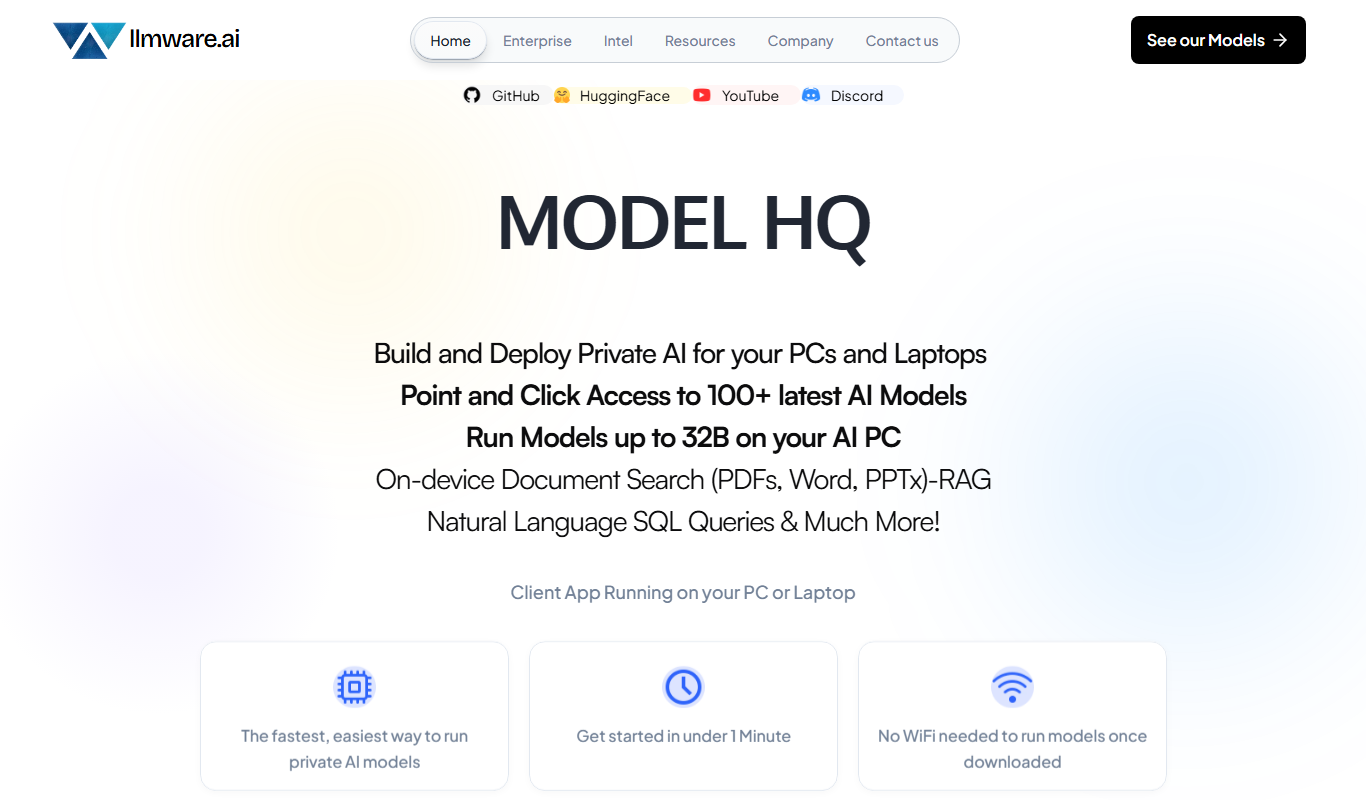
LLMWare is an AI platform that enables enterprises to deploy, manage, and scale large language models securely with flexible infrastructure and integration options.

Free
LLMArena
LLMArena is a free web platform that benchmarks and compares large language models on various tasks to help researchers and developers evaluate AI capabilities.
Free Trial
Cortex Click
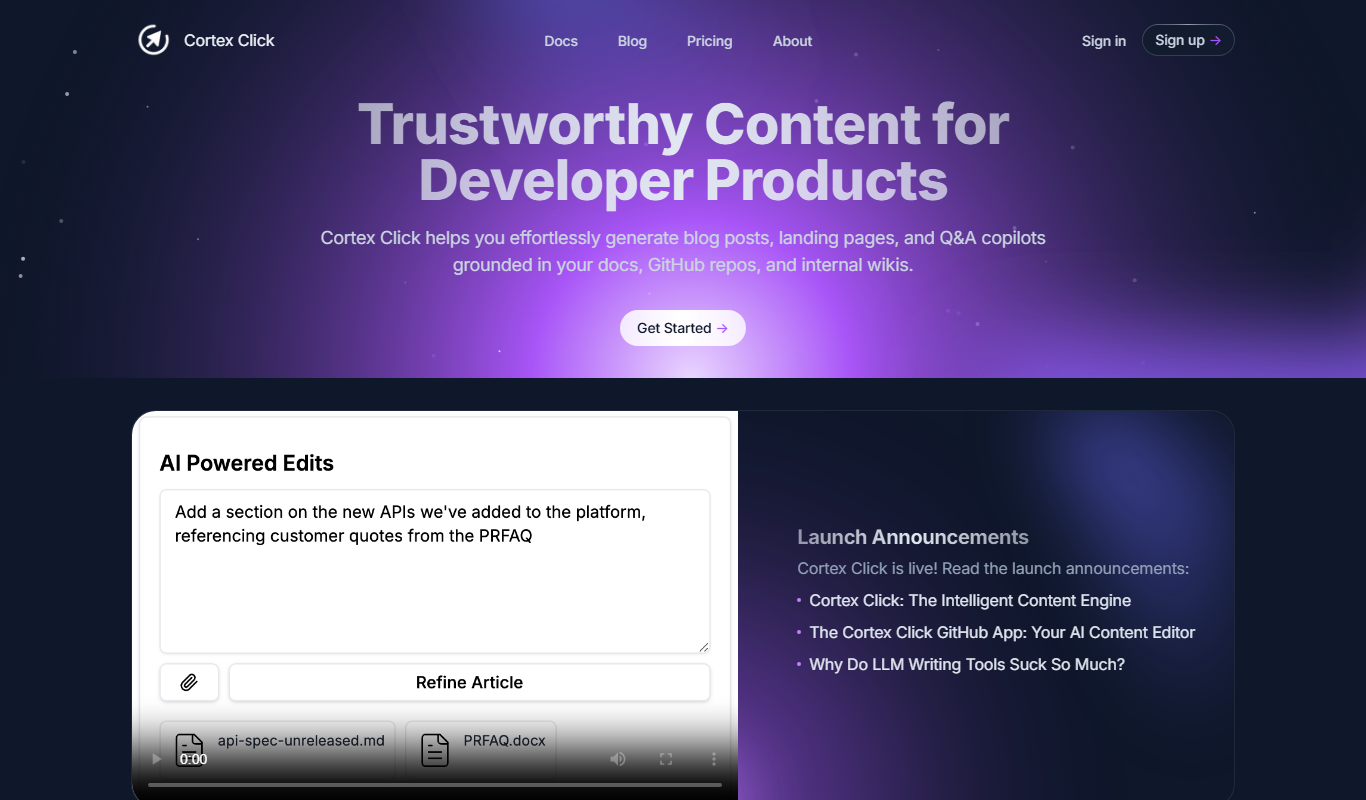
Cortex Click is an AI-driven content optimization tool that helps marketers improve SEO by analyzing content and providing keyword and structural recommendations.

Freemium
Lensgo
Lensgo is an AI-driven video creation tool that automates script writing, voiceover generation, and video editing to help marketers and content creators produce videos efficiently.

Freemium
Aqaba.ai
Aqaba.ai is an AI-driven data analytics platform that automates complex data analysis and provides interactive visual insights without requiring coding skills.