

From my experience with LLM Playground, I found it excels at providing an accessible, no-code environment to experiment with various large language models quickly. The ability to compare outputs side-by-side helps users understand subtle differences between models, which is invaluable for prompt engineering and AI research. However, since it relies on third-party APIs, usage can be limited by external quotas and occasional latency. Overall, if you want a straightforward way to test and learn about LLMs without setup hassle, LLM Playground is a practical and free solution.
LLM Playground - Interactive Platform for Testing Large Language Models Online
LLM Playground is a free, web-based tool that lets users interactively test and compare outputs from multiple large language models such as OpenAI GPT and Hugging Face models without coding.
- Best for
- Model Experimentation
- Key capability
- Multi-Model Support
Your actions
Save LLM Playground, follow its updates and vote on it — everything stays in your account.
Sign in or create a free account

What is LLM Playground?
LLM Playground is a free, web-based interactive platform that enables users to experiment with various large language models (LLMs) such as OpenAI’s GPT series and Hugging Face models. It provides a user-friendly interface to input prompts and instantly see model-generated responses, making it ideal for developers, researchers, and enthusiasts to test, compare, and understand LLM behavior without needing to write code or manage infrastructure.
Key features of LLM Playground
The platform offers easy access to multiple LLMs, prompt input customization, real-time response generation, and side-by-side model comparisons. It supports models from popular providers and allows users to save and share their experiments.
Multi-Model Support
Access a variety of LLMs from different providers in one interface.
Real-Time Output
Instantly generate and view model responses to prompts.
Prompt Customization
Adjust prompts easily to experiment with different inputs and contexts.
Side-by-Side Comparison
Compare outputs from multiple models simultaneously to evaluate differences.
No Coding Required
User-friendly interface designed for non-developers and developers alike.
Pros and cons of LLM Playground
Pros
- Easy access to multiple LLMs without coding
- Free to use with no signup required
- Supports side-by-side model comparisons
- User-friendly interface for prompt experimentation
- Good educational resource for understanding LLMs
Cons
- Dependent on third-party API availability and limits
- Limited advanced customization options
- No offline or desktop version available
Key use cases for LLM Playground
Model Experimentation
Allows developers and researchers to test and compare outputs from various large language models interactively.
Prompt Engineering
Users can craft and refine prompts to see how different models respond, aiding in prompt optimization.
Educational Tool
Serves as a learning platform for those new to large language models to understand their capabilities and limitations.
API Exploration
Facilitates exploration of different LLM APIs such as OpenAI and Hugging Face without coding.
How LLM Playground works
- 1
Access the Website
Navigate to llmplayground.net on any modern web browser.
- 2
Select a Model
Choose from a list of available large language models including OpenAI GPT and Hugging Face models.
- 3
Enter Your Prompt
Type or paste the text prompt you want the model to respond to.
- 4
Generate Response
Click the generate button to see the model’s output instantly.
- 5
Compare and Iterate
Optionally select multiple models to compare outputs side-by-side and refine prompts.
Who is using LLM Playground
AI researchers
Developers experimenting with LLMs
Educators and students learning about AI
Content creators exploring AI writing tools
Prompt engineers
LLM Playground pricing
Free
$0
Full access to the playground with no cost or signup required.
Plans and prices are as published by the vendor and can change. Check the official site before you buy. Open the pricing page (opens in a new tab)
Frequently asked questions about LLM Playground
No, you can use the platform without creating an account.
The platform supports models from OpenAI, Hugging Face, and other popular LLM providers.
Usage limits depend on the underlying API providers; the playground itself does not impose additional restrictions.
Yes, you can save and share your experiments through the platform.
This tool is designed to help users accomplish its core tasks more efficiently. It is typically used by individuals or teams looking to improve productivity and workflow.
Yes, it can help with that use case depending on how you configure it and what features are available. You’ll get the best results with clear inputs and a defined goal.
Some tools offer a free plan or trial with limited features. Availability can vary, so confirm on the official website.
It depends on your specific needs and how you plan to use the tool. The official website and documentation are the best sources for the latest details.
Sign in to review this tool.
Sign In to ReviewNo reviews yet
Be the first to share how this tool worked for you.
Ask about pricing, limits, or how it compares — or answer someone else.
Sign In to AskNo questions yet
Have a question about using or paying for this tool? Be the first to ask.
Featured on TiorAI



More AI Large Language Models Tools tools
Other tools in the same category, for when this one is not quite the fit.
Contact for pricing
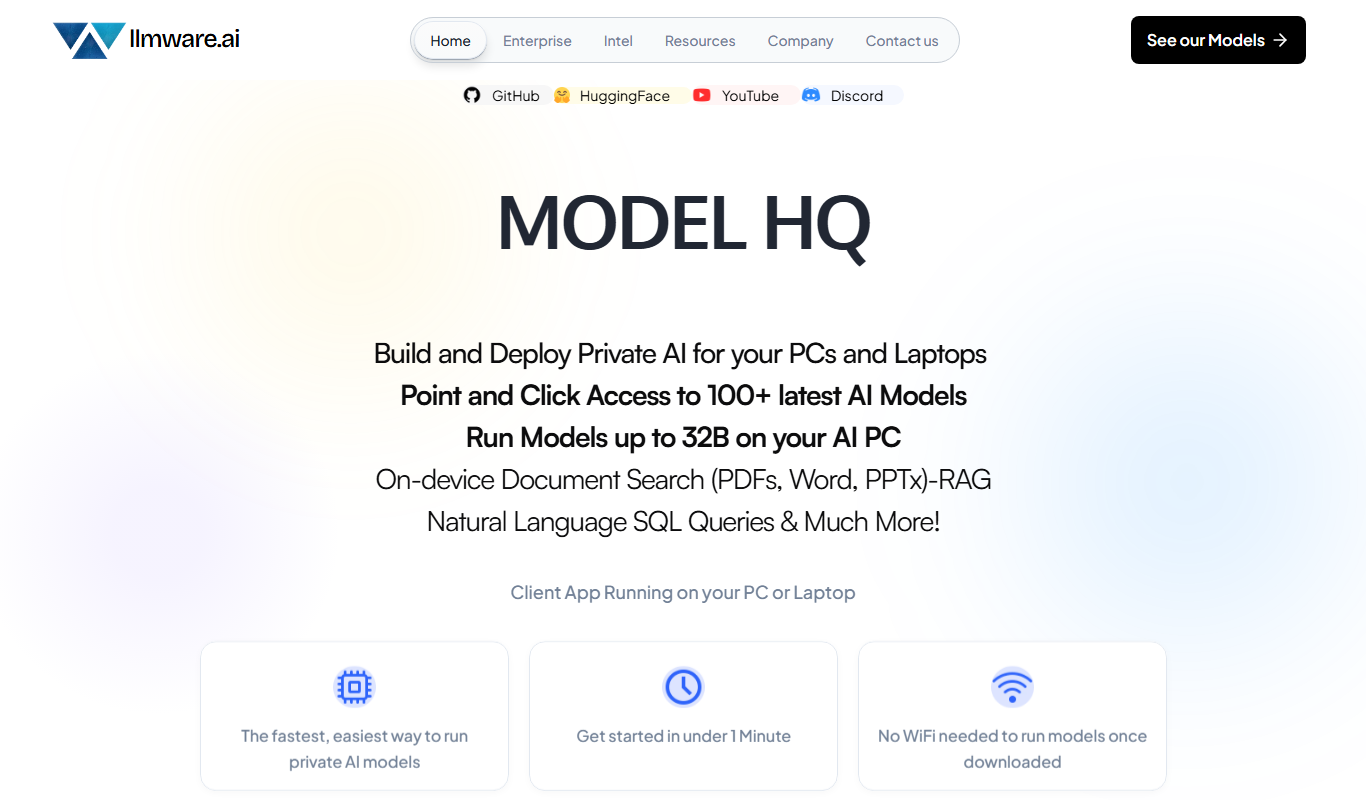
LLMWare
LLMWare is an AI platform that enables enterprises to deploy, manage, and scale large language models securely with flexible infrastructure and integration options.

Free
Rival
Rival is a web platform offering real-time esports statistics, analytics, and betting tips to support informed decisions in esports betting and competitive gaming.

Freemium
Chat100.ai
Chat100.ai is an AI-powered chatbot platform that automates customer support and engagement with live chat integration and multilingual capabilities.

Free
Ollama
Ollama is a macOS-based AI platform that allows users to run and interact with large language models locally, ensuring privacy and offline access through a chat interface, CLI, and API.
Custom Pricing
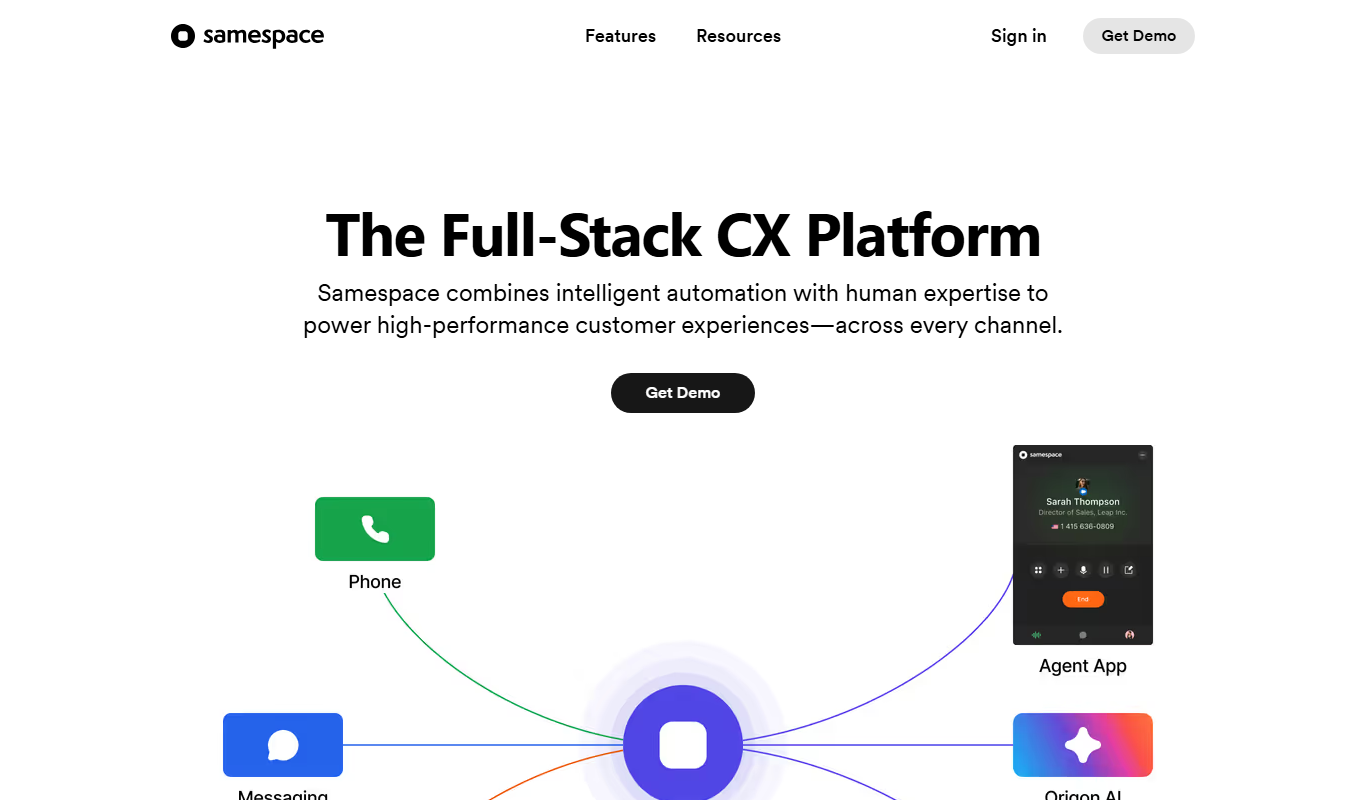
samespace.com
Samespace is a cloud-based contact center software that enables businesses to manage customer interactions across voice, SMS, chat, and email channels from a unified platform with features like IVR, call routing, and real-time analytics.

Free Trial
chat4o.ai
chat4o.ai is a no-code AI chatbot platform designed to automate customer support and lead generation by deploying conversational AI chatbots on websites.
Free Trial
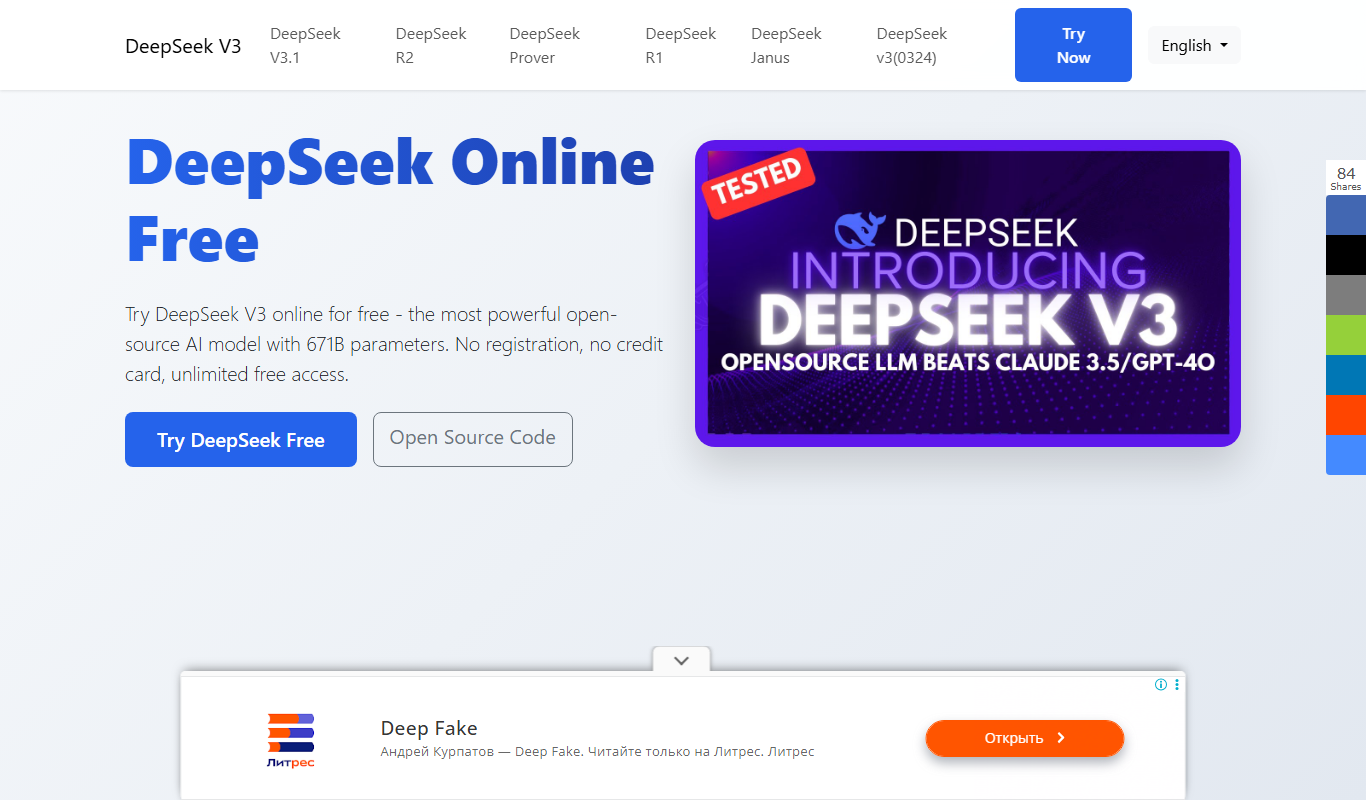
DeepSeek Online
DeepSeek Online is an AI-driven semantic search platform that helps enterprises and researchers find relevant information quickly by understanding the context of queries across multiple data sources.
Freemium
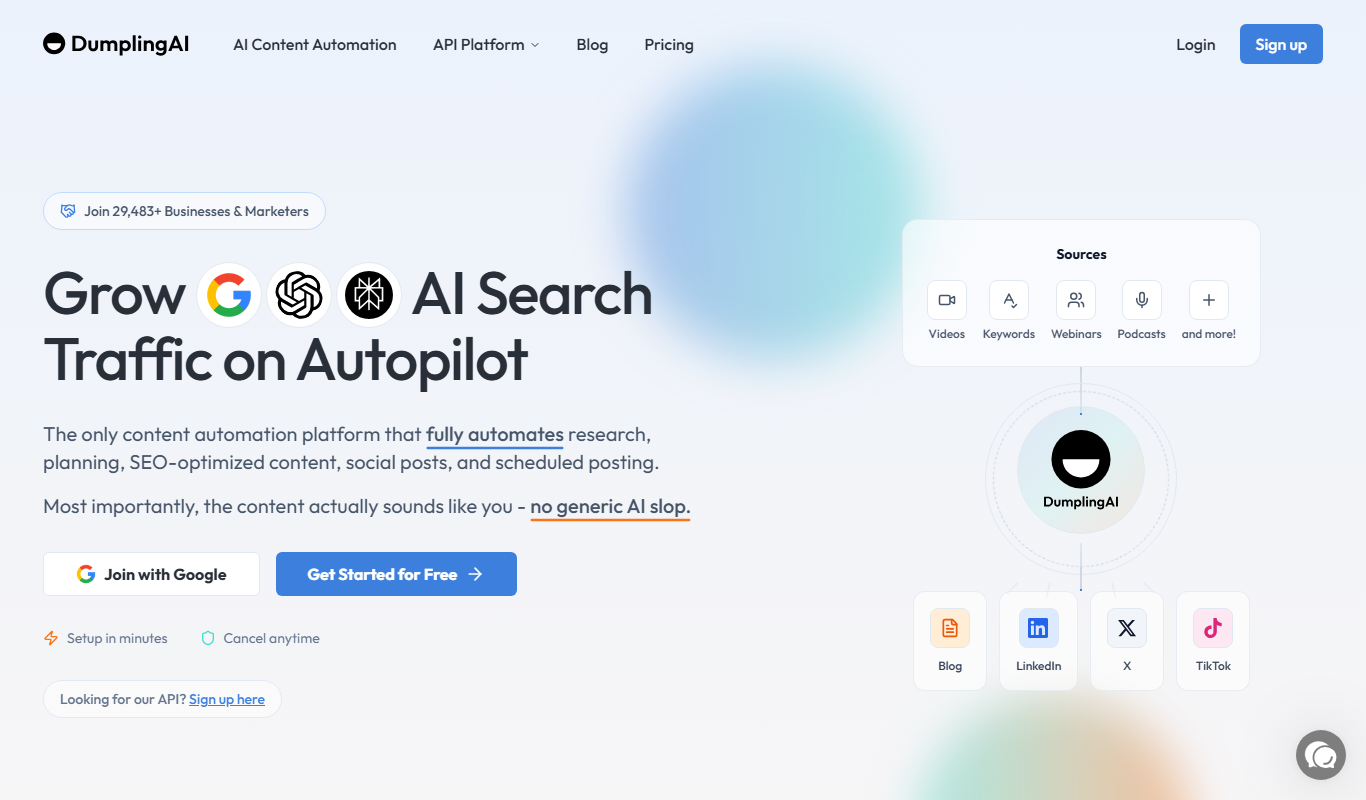
Dumpling AI
Dumpling AI is an AI writing assistant that helps users generate, rewrite, and enhance written content efficiently, primarily supporting English language content creation.