

Let Me Know When: AI-powered website change monitoring with email and Slack alerts
Let Me Know When monitors websites for price changes, competitor updates, stock availability and new content, and alerts you by email or Slack.
- Best for
- Price change alerts
- Key capability
- Website change tracking
Save Let Me Know When, follow its updates and vote on it — everything stays in your account.
Sign in or create a free account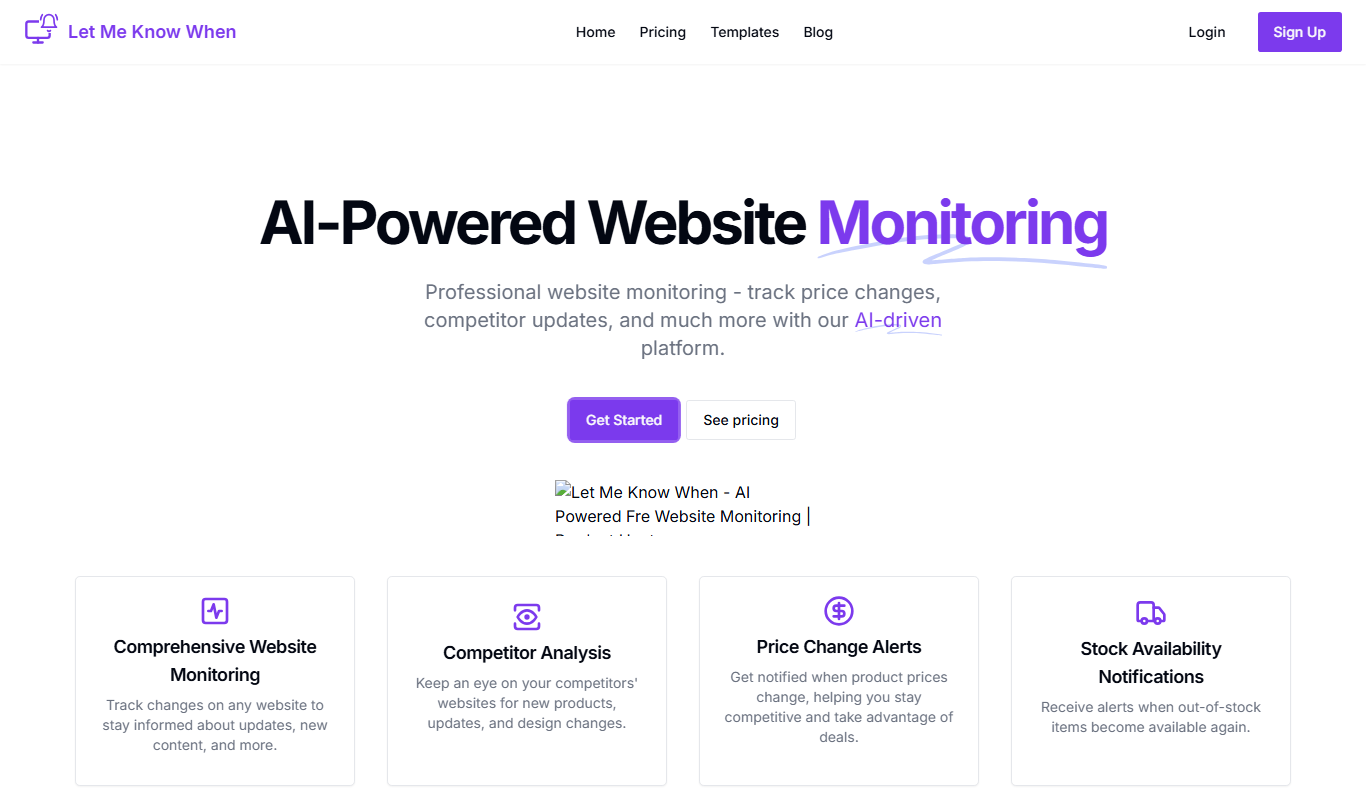
What is Let Me Know When?
Let Me Know When is an AI-powered website monitoring service. It tracks changes on any website, such as price changes, competitor updates, stock availability, new content or event tickets, and sends notifications by email or Slack, with an AI assistant that analyzes monitored websites for insights.
Key features of Let Me Know When
Let Me Know When tracks changes on any website, including price changes, competitor updates, stock availability, design changes and new content, and sends alerts by email or Slack, with an AI assistant and AI workflows on the paid plans.
Website change tracking
Track changes on any website to stay informed about updates and new content.
Price and stock alerts
Get notified when product prices change or out-of-stock items become available again.
Email and Slack notifications
Receive notifications via email or Slack, depending on your plan.
Pros and cons of Let Me Know When
Pros
- Tracks prices, competitors, stock and content on any website
- Email or Slack notifications
- AI assistant for insights on monitored websites
- Free trial on the Basic plan
Cons
- Basic plan sends email notifications only, without Slack
- Check frequency and website count are capped by plan
- Basic feature set without advanced task management
Key use cases for Let Me Know When
Price change alerts
Get notified when product prices change to take advantage of deals.
Competitor analysis
Keep an eye on competitors' websites for new products, updates and design changes.
Event ticket monitoring
Track availability and prices of tickets for concerts, sports and other events.
How Let Me Know When works
- 1
Sign up
Create an account and choose a plan; the Basic plan starts with a free trial.
- 2
Add websites to track
Track any website or monitor your competitors for the changes you care about.
- 3
Get alerts and insights
Get notified via email or Slack when a change is detected, and ask the AI assistant for insights.
Who is using Let Me Know When
Let Me Know When pricing
Basic
$3.99/month
Free trial, up to 10 websites, 600 checks per month (2 checks per website per day), email notifications.
Starter
$9.99/month
Up to 20 websites, 1 AI workflow, 2,400 checks per month (4 checks per website per day), email and Slack notifications.
Advanced
$19.99/month
Up to 30 websites, 5 AI workflows, 5,400 checks per month (6 checks per website per day), email and Slack notifications.
Plans and prices are as published by the vendor and can change. Check the official site before you buy. Open the pricing page (opens in a new tab)
Frequently asked questions about Let Me Know When
Yes. Monitoring runs from an account, and you sign up to start tracking websites.
Notifications arrive via email or Slack; the Basic plan sends email notifications only.
Price changes, competitor updates, stock availability, design changes, new content, job postings, event tickets and website uptime, among others.
It depends on the plan: 2 checks per website per day on Basic, 4 on Starter and 6 on Advanced.
Yes. The Basic plan starts with a free trial.
It analyzes the websites you monitor to provide actionable insights.
Conclusion
Any website can become a watch item: Let Me Know When checks it several times a day and sends an email or Slack alert when something changes. Typical targets are product prices, competitor sites and out-of-stock items, along with event tickets and new blog posts or job listings. An AI assistant analyzes the monitored websites for insights, and higher plans add AI workflows.
Tracking starts once you sign up for an account. The Basic plan covers up to 10 websites and 600 checks per month, while Advanced allows up to 30 websites and 5,400 checks per month. The entry plan starts with a free trial but sends email notifications only, so Slack alerts need one of the higher tiers.
Sources
Sign in to review this tool.
Sign In to ReviewNo reviews yet
Be the first to share how this tool worked for you.
Ask about pricing, limits, or how it compares — or answer someone else.
Sign In to AskNo questions yet
Have a question about using or paying for this tool? Be the first to ask.
Featured on TiorAI



Alternative Tools
Explore similar AI tools that might fit your needs

Todoist
Todoist is a cross-platform task management app designed to help users organize tasks, set priorities, collaborate on projects, and track productivity efficiently.
More AI Productivity Tools tools
Other tools in the same category, for when this one is not quite the fit.

AI-Prompt Lab
AI Prompt Lab is a browser extension where you can create, store, organize and share your prompts for ChatGPT and other AI tools.
Mapify
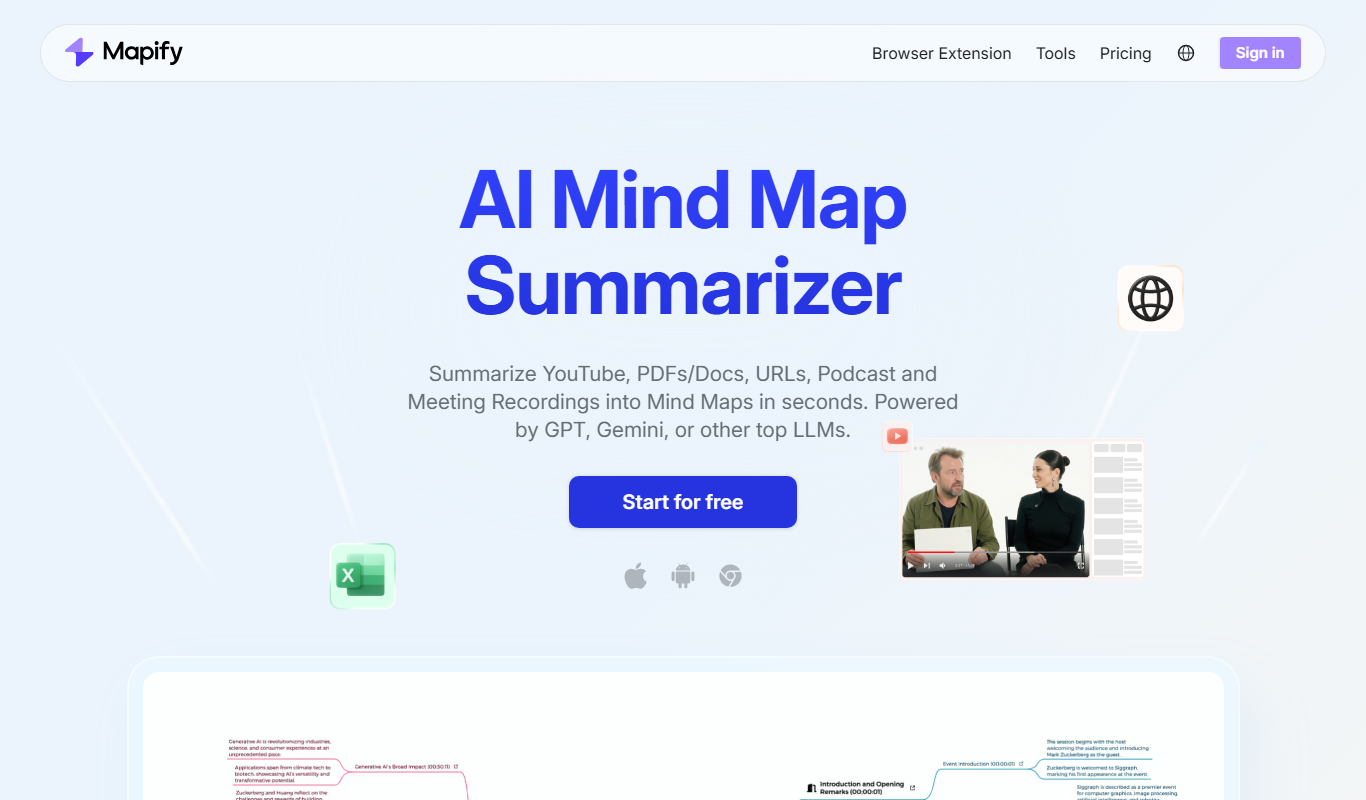
Mapify is an AI mind map summarizer that turns PDFs, YouTube videos, webpages and recordings into structured mind maps.

ConceptMap AI
ConceptMap AI turns a PDF, lecture notes or a long ChatGPT chat into a mindmap that can be walked through node by node in Present mode.

Parcae: AI Mind Map Creator
Parcae is an AI-powered mobile mind mapping app that instantly transforms typed, pasted or dictated text into a mind map.

shutu.cn
TreeMind on shutu.cn is an AI mind mapping tool that turns a sentence, an image or a document into an editable mind map, with apps for desktop and mobile.

WiseMap.ai
WiseMap.ai is an AI-driven mind mapping tool that helps users generate, organize, and collaborate on ideas visually, enhancing creativity and productivity.

Live Minder
Live Minder shows your Apple Reminders and to-do lists on the Lock Screen, Always On Display and Dynamic Island, and can generate lists with ChatGPT.

smudge.ai
Smudge.ai is a Chrome extension that gives you ChatGPT-powered shortcuts in your right-click menu to summarize, correct, refine or translate text on any web page.