

Looking Glass Factory 3D Holographic Displays for Immersive Visual Experiences
Looking Glass Factory offers advanced glasses-free 3D holographic displays that enable users to view and interact with volumetric 3D content without headsets, suitable for design, education, and entertainment.
- Best for
- 3D Content Visualization
- Key capability
- Glasses-Free 3D Display
Save Looking Glass Factory, follow its updates and vote on it — everything stays in your account.
Sign in or create a free account
What is Looking Glass Factory?
Looking Glass Factory develops advanced 3D holographic display technology that allows users to view and interact with three-dimensional content without the need for special glasses or headsets. Their displays create volumetric holograms that can be seen from multiple angles, providing a natural and immersive visualization experience. The technology supports a wide range of applications including design, education, entertainment, and medical imaging.
Key features of Looking Glass Factory
The main features of Looking Glass Factory’s products include glasses-free 3D holographic displays, support for volumetric video and 3D models, multi-view rendering for natural depth perception, and compatibility with common 3D content creation tools. Their hardware and software solutions enable creators to produce and showcase holographic content easily.
Glasses-Free 3D Display
View holograms without the need for VR headsets or special glasses.
Multi-View Volumetric Rendering
Provides natural depth perception by rendering multiple perspectives simultaneously.
Compatibility with 3D Content
Supports common 3D file formats and volumetric video for easy content creation.
Interactive Holograms
Enables user interaction with holographic content for enhanced engagement.
Developer Tools and SDKs
Offers software development kits for integrating holographic displays into custom applications.
Pros and cons of Looking Glass Factory
Pros
- Glasses-free 3D viewing enhances natural interaction
- Supports a wide range of 3D content formats
- High-resolution displays for professional use
- Developer SDKs enable custom application integration
Cons
- Higher price point compared to traditional monitors
- Requires compatible 3D content for best experience
- Limited portability due to hardware size
Key use cases for Looking Glass Factory
3D Content Visualization
View and interact with 3D models and holograms without the need for VR headsets or glasses.
Product Design and Prototyping
Visualize product designs in three dimensions to better understand form and function before manufacturing.
Education and Training
Enhance learning experiences by displaying complex 3D structures and concepts in an interactive holographic format.
Entertainment and Media
Create immersive holographic videos and animations for exhibitions, marketing, and storytelling.
Medical Imaging
Display volumetric medical scans in 3D to assist in diagnosis and surgical planning.
How Looking Glass Factory works
- 1
Create or Import 3D Content
Users prepare 3D models or volumetric videos using supported software or capture devices.
- 2
Upload to Looking Glass Software
Content is uploaded to the Looking Glass software platform for processing and optimization.
- 3
Display on Looking Glass Hardware
The processed content is displayed on the holographic screen, rendering a glasses-free 3D hologram visible from multiple angles.
- 4
Interact and Share
Users can interact with the holograms and share their creations with others using compatible devices.
Who is using Looking Glass Factory
Looking Glass Factory pricing
Hololuminescent Display (HLD) 16 or 27 inch
$2,000 to $4,000
Current HLD models in 16 and 27 inch sizes.
16 inch Light Field Display
$3,000
Current Light Field Display model.
Enterprise Solutions
Custom pricing
Tailored holographic display solutions for businesses and specialized applications.
Hololuminescent Display (HLD) 86 inch
$20,000
Large-format holographic display for environments, installations and room-scale attention, aimed at digital signage, retail and experiential activations.
Plans and prices are as published by the vendor and can change. Check the official site before you buy. Open the pricing page (opens in a new tab)
Frequently asked questions about Looking Glass Factory
No, Looking Glass Factory’s displays provide glasses-free 3D holograms visible to the naked eye.
You can display 3D models, volumetric videos, and other supported 3D content formats.
Yes, Looking Glass displays support both Mac and Windows operating systems.
Yes, the platform supports common 3D file formats and integrates with popular 3D creation tools.
This tool is designed to help users accomplish its core tasks more efficiently. It is typically used by individuals or teams looking to improve productivity and workflow.
It depends on your specific needs and how you plan to use the tool. The official website and documentation are the best sources for the latest details.
Yes, it can help with that use case depending on how you configure it and what features are available. You’ll get the best results with clear inputs and a defined goal.
It depends on your specific needs and how you plan to use the tool. The official website and documentation are the best sources for the latest details.
Conclusion
Content comes first: 3D models or volumetric videos are prepared in supported software or with capture devices, then processed and optimized in the Looking Glass software. The display then shows a glasses-free 3D hologram visible from multiple angles, rendering multiple perspectives simultaneously for natural depth perception. Developer SDKs allow the holographic displays to be integrated into custom applications.
Use cases include visualizing product designs in three dimensions before manufacturing and creating holographic videos for exhibitions and marketing. It is aimed at 3D artists and designers, product developers and engineers, and educators. Current models are Hololuminescent Displays (HLD) in 16 or 27 inch sizes from $2,000 to $4,000 and an 86 inch HLD at $20,000. A 16 inch Light Field Display costs $3,000. The page notes that the displays require compatible 3D content.
Sources
Sign in to review this tool.
Sign In to ReviewNo reviews yet
Be the first to share how this tool worked for you.
Ask about pricing, limits, or how it compares — or answer someone else.
Sign In to AskNo questions yet
Have a question about using or paying for this tool? Be the first to ask.
Featured on TiorAI



More AI Avatar Generator tools
Other tools in the same category, for when this one is not quite the fit.

DeepAR SDK
DeepAR SDK is a cross-platform augmented reality development kit that enables real-time face tracking, AI avatar creation, and 3D AR effects for mobile apps, games, and live streaming.

Banuba SDK
Banuba SDK is an AI-powered augmented reality software development kit that enables developers to integrate real-time face tracking, 3D masks, beauty filters, and avatar effects into mobile and desktop applications.
PhotoBoutique – AI Avatar maker
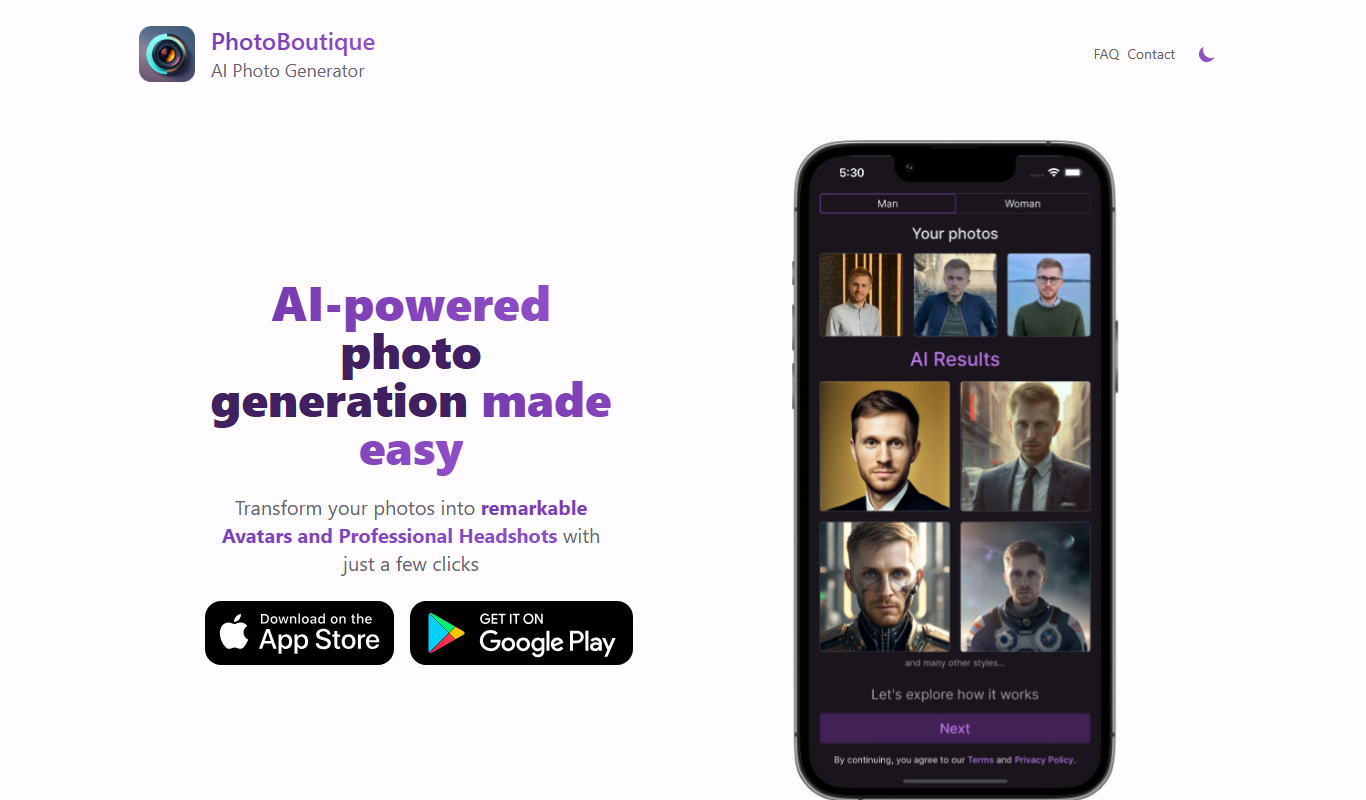
PhotoBoutique is a web-based AI avatar maker that generates personalized avatars using artificial intelligence, suitable for social media profiles, gaming, and creative uses.

FaceTec
FaceTec is an AI-driven biometric authentication platform specializing in 3D facial recognition and liveness detection to securely verify user identities and prevent fraud.

Portrait AI
Portrait AI is a web-based AI avatar generator that creates realistic and artistic digital portraits from user photos using advanced AI technology.

ArcFace
ArcFace is an AI-powered facial recognition software developed by ArcSoft that provides high-accuracy face detection and verification with anti-spoofing features, suitable for identity verification and security applications.

Open Peeps
Open Peeps is a free, open source library of modular hand-drawn character illustrations that designers and developers can customize and use in digital projects.
Snapchat
Snapchat is a multimedia messaging app by Snap Inc. that lets users send disappearing messages, share stories, and use augmented reality lenses for creative photos and videos.