

Holoxica 3D Holographic Visualization Software for Medical and Scientific Imaging
Holoxica is a UK-based company providing advanced 3D holographic visualization software and hardware solutions primarily for medical and scientific imaging, enabling interactive, glasses-free holograms from volumetric data.
- Best for
- Medical Imaging Visualization
- Key capability
- True 3D Holographic Display
Save Holoxica, follow its updates and vote on it — everything stays in your account.
Sign in or create a free accountWhat is Holoxica?
Holoxica is a UK-based technology company specializing in advanced 3D holographic visualization software and hardware solutions. Their platform enables the creation and display of true 3D holograms from volumetric data, primarily targeting medical, scientific, and industrial applications. By converting complex imaging data into interactive holographic visuals, Holoxica helps professionals gain deeper insights and improve communication of spatial information.
Key features of Holoxica
Holoxica offers real-time 3D holographic rendering, support for multiple volumetric data formats, interactive manipulation of holograms, and integration with medical imaging devices. Their technology supports both software and hardware components to deliver high-quality holographic displays without the need for special glasses.
True 3D Holographic Display
Delivers glasses-free, full-parallax 3D holograms that can be viewed from multiple angles.
Multi-format Data Support
Compatible with common medical imaging formats (DICOM) and 3D model files.
Real-time Interaction
Enables users to interact with holograms dynamically for detailed examination.
Custom Hardware Integration
Works with Holoxica’s proprietary holographic display devices for optimal visualization.
Pros and cons of Holoxica
Pros
- Enables true 3D holographic visualization without glasses
- Supports a wide range of volumetric data formats
- Interactive and real-time manipulation of holograms
- Applicable across medical, scientific, and industrial fields
Cons
- Pricing is not publicly available and requires direct consultation
- Hardware requirements may involve additional investment
- Primarily targeted at professional and enterprise users
Key use cases for Holoxica
Medical Imaging Visualization
Enables doctors and researchers to visualize complex medical data in 3D holographic form for better diagnosis and treatment planning.
Scientific Research Visualization
Allows scientists to display and analyze volumetric data sets such as MRI scans, CT scans, and microscopy images in three dimensions.
Education and Training
Provides interactive 3D holograms for educational institutions to enhance learning experiences in anatomy, biology, and engineering.
Industrial Design and Prototyping
Supports visualization of product designs and prototypes in 3D holographic format to facilitate design reviews and presentations.
How Holoxica works
- 1
Data Input
Users upload volumetric data such as MRI, CT scans, or 3D CAD models into the Holoxica software.
- 2
3D Hologram Generation
The software processes the data to create a true 3D holographic image using proprietary algorithms.
- 3
Interactive Visualization
Users can manipulate the hologram in real-time, rotating and zooming to explore different perspectives.
- 4
Display Output
The hologram is projected using Holoxica’s specialized display hardware or compatible 3D display systems.
Who is using Holoxica
Holoxica pricing
Custom Enterprise Solutions
Contact for pricing
Tailored pricing based on project scope, hardware requirements, and licensing.
Plans and prices are as published by the vendor and can change. Check the official site before you buy. Open the pricing page (opens in a new tab)
Frequently asked questions about Holoxica
Holoxica supports volumetric medical imaging data such as MRI and CT scans, as well as 3D CAD models and microscopy data.
No, Holoxica’s technology provides glasses-free holographic displays viewable from multiple angles.
Yes, it is widely used in education to provide interactive 3D visualizations for enhanced learning.
Pricing is customized based on your needs; you can contact Holoxica directly through their website.
This tool is designed to help users accomplish its core tasks more efficiently. It is typically used by individuals or teams looking to improve productivity and workflow.
It depends on your specific needs and how you plan to use the tool. The official website and documentation are the best sources for the latest details.
Yes, it can help with that use case depending on how you configure it and what features are available. You’ll get the best results with clear inputs and a defined goal.
Conclusion
Holoxica takes volumetric data such as MRI or CT scans and 3D CAD models, processes it with proprietary algorithms and produces a true 3D holographic image. Users can rotate and zoom the hologram in real time to explore different perspectives, which enables dynamic interaction for detailed examination. The holograms are glasses-free and full-parallax, so they can be viewed from multiple angles without special glasses. Medical imaging files in the DICOM format are supported alongside 3D model files and microscopy data.
Output depends on hardware: the hologram is projected on the company’s specialized display hardware or on compatible 3D display systems, and those hardware requirements may involve additional investment. Its intended users include medical professionals and radiologists, scientific researchers and educators, and industrial designers and engineers. Scientists can display and analyze volumetric data sets such as microscopy images in three dimensions. Educational institutions can use the interactive holograms in anatomy, biology and engineering learning, and industrial teams can review product designs and prototypes in holographic format. Pricing is tailored to project scope, hardware requirements and licensing, and it is obtained by contacting Holoxica directly.
Sources
Sign in to review this tool.
Sign In to ReviewNo reviews yet
Be the first to share how this tool worked for you.
Ask about pricing, limits, or how it compares — or answer someone else.
Sign In to AskNo questions yet
Have a question about using or paying for this tool? Be the first to ask.
Featured on TiorAI



More AI Content Generator tools
Other tools in the same category, for when this one is not quite the fit.

Bewerbung2Go
Bewerbung2Go is an AI-driven platform that helps German-speaking users generate customized cover letters and optimize job applications efficiently.

Gengo
Gengo is a professional human translation platform that provides accurate, culturally relevant translations for businesses via web and API, supporting over 70 language pairs.
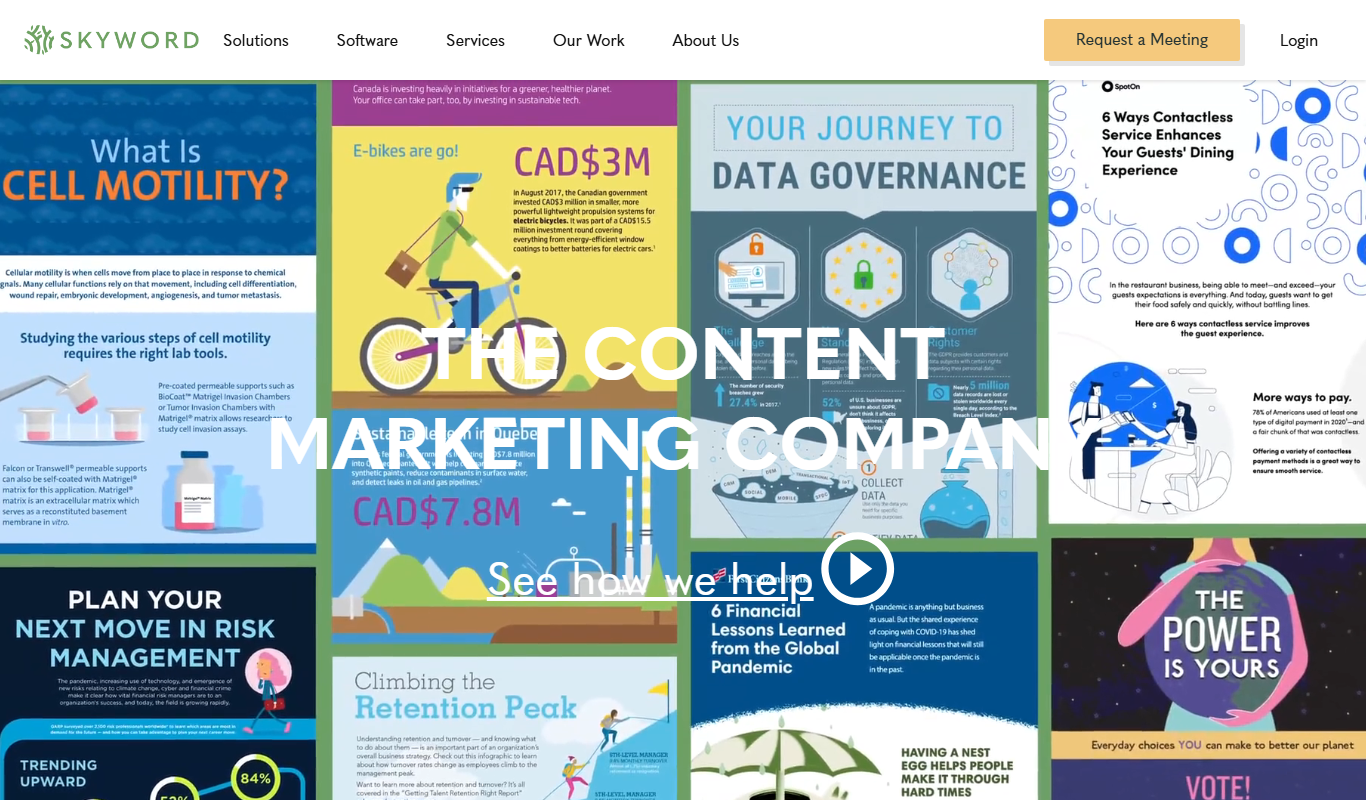
Skyword
Skyword is an enterprise content marketing platform that helps organizations plan, create, manage, and analyze content marketing campaigns with collaboration tools and a freelance network.

Archive.org
Archive.org is a free digital library and internet archive providing access to billions of archived web pages, books, audio, video, and software for research, education, and creative projects.
Kitchen Stories
Kitchen Stories is a cooking app offering recipes with step-by-step photo and video instructions, meal planning tools and shopping lists, with an optional paid Kitchen Stories Plus subscription.

Cookpad
Cookpad is a global recipe sharing platform where home cooks can discover, share, and organize recipes while engaging with a cooking community.

ReadWorks
ReadWorks is a free online platform providing leveled reading passages, lesson plans, and assessment tools to improve K-12 students' reading comprehension and literacy skills.

LitCharts
LitCharts is an online platform providing detailed literature summaries, analyses, and educational resources to help students and educators understand and teach literary works effectively.