

From my experience with Doodle Morph AI, I found it excels at turning simple sketches into smooth, eye-catching animations without requiring any animation expertise. The AI-driven morphing creates fluid transitions that bring doodles to life, making it a great fit for artists, educators, and content creators who want quick, creative visuals. However, the free plan’s watermark and limited customization options mean serious animators might need to upgrade or look elsewhere for advanced features. Overall, if you want an easy and fun way to animate sketches online, Doodle Morph AI delivers solid results.
Doodle Morph AI - AI-Powered Sketch Animation and Morphing Tool
Doodle Morph AI is a web-based tool that uses AI to transform static sketches into smooth morphing animations, ideal for artists and content creators seeking easy animation solutions.
- Best for
- Creative Animation
- Key capability
- AI-Powered Morphing
Your actions
Save Doodle Morph AI, follow its updates and vote on it — everything stays in your account.
Sign in or create a free account
What is Doodle Morph AI?
Doodle Morph AI is a web-based AI-powered animation tool that enables users to convert static sketches and doodles into fluid, morphing animations. It leverages artificial intelligence to analyze and interpolate between different drawing states, creating smooth transitions and dynamic visual effects without requiring advanced animation skills.
Key features of Doodle Morph AI
The tool offers intuitive sketch upload, AI-driven morphing animation generation, customizable animation speed and style, and easy export options. It is designed to help artists, educators, and content creators bring their doodles to life effortlessly.
AI-Powered Morphing
Automatically creates smooth transitions between sketches using advanced AI algorithms.
User-Friendly Interface
Simple drag-and-drop upload and easy controls for animation customization.
Multiple Export Formats
Supports exporting animations as GIFs, MP4 videos, or other common formats.
Cloud-Based Platform
No software installation required; accessible from any modern web browser.
Pros and cons of Doodle Morph AI
Pros
- Easy to use with no animation experience needed
- AI creates smooth and visually appealing morphing effects
- Supports multiple export formats for versatile use
Cons
- Free plan includes watermarks on exported animations
- Limited customization options compared to professional animation software
- Only available as a web-based platform
Key use cases for Doodle Morph AI
Creative Animation
Transform simple sketches into smooth animated sequences for creative projects.
Content Creation
Generate engaging animated visuals for social media, marketing, and storytelling.
Educational Tools
Use animated doodles to explain concepts visually in an easy-to-understand format.
Artistic Experimentation
Explore morphing effects between sketches to create unique digital art pieces.
How Doodle Morph AI works
- 1
Upload Sketches
Users upload one or multiple sketches or doodles to the platform.
- 2
AI Animation Processing
The AI analyzes the sketches and generates smooth morphing animations between them.
- 3
Customize Animation
Adjust animation speed, style, and looping preferences to fit your needs.
- 4
Export and Share
Download the animated output in various formats or share directly on social media.
Who is using Doodle Morph AI
Digital artists and illustrators
Content creators and social media marketers
Educators and trainers
Hobbyists interested in animation
Doodle Morph AI pricing
Free
$0/month
Basic access with limited animations and watermark on exports.
Pro
$9.99/month
Unlimited animations, high-resolution exports, and watermark removal.
Plans and prices are as published by the vendor and can change. Check the official site before you buy. Open the pricing page (opens in a new tab)
Frequently asked questions about Doodle Morph AI
Yes, the tool works with any sketches or doodles you upload, no advanced drawing skills required.
You can upload common image formats such as PNG, JPG, and SVG for your sketches.
The free plan has limits on the number of animations, while the Pro plan offers unlimited usage.
Yes, Pro plan users can export animations for commercial projects without restrictions.
It depends on your specific needs and how you plan to use the tool. The official website and documentation are the best sources for the latest details.
Some tools offer a free plan or trial with limited features. Availability can vary, so confirm on the official website.
Yes, it can help with that use case depending on how you configure it and what features are available. You’ll get the best results with clear inputs and a defined goal.
Sign in to review this tool.
Sign In to ReviewNo reviews yet
Be the first to share how this tool worked for you.
Ask about pricing, limits, or how it compares — or answer someone else.
Sign In to AskNo questions yet
Have a question about using or paying for this tool? Be the first to ask.
Featured on TiorAI



More AI Animation & Motion Tools tools
Other tools in the same category, for when this one is not quite the fit.

Free
Studio
Studio.Design is a no-code design tool that turns any idea into a website, with a design editor, CMS, forms, SEO and one-click publishing.

Freemium
TooToon
TooToon turns your ideas into webtoons: create and illustrate your webtoon with AI-driven tools for story writing, line art, character assets and full-color artwork.
Free
CrazyFace
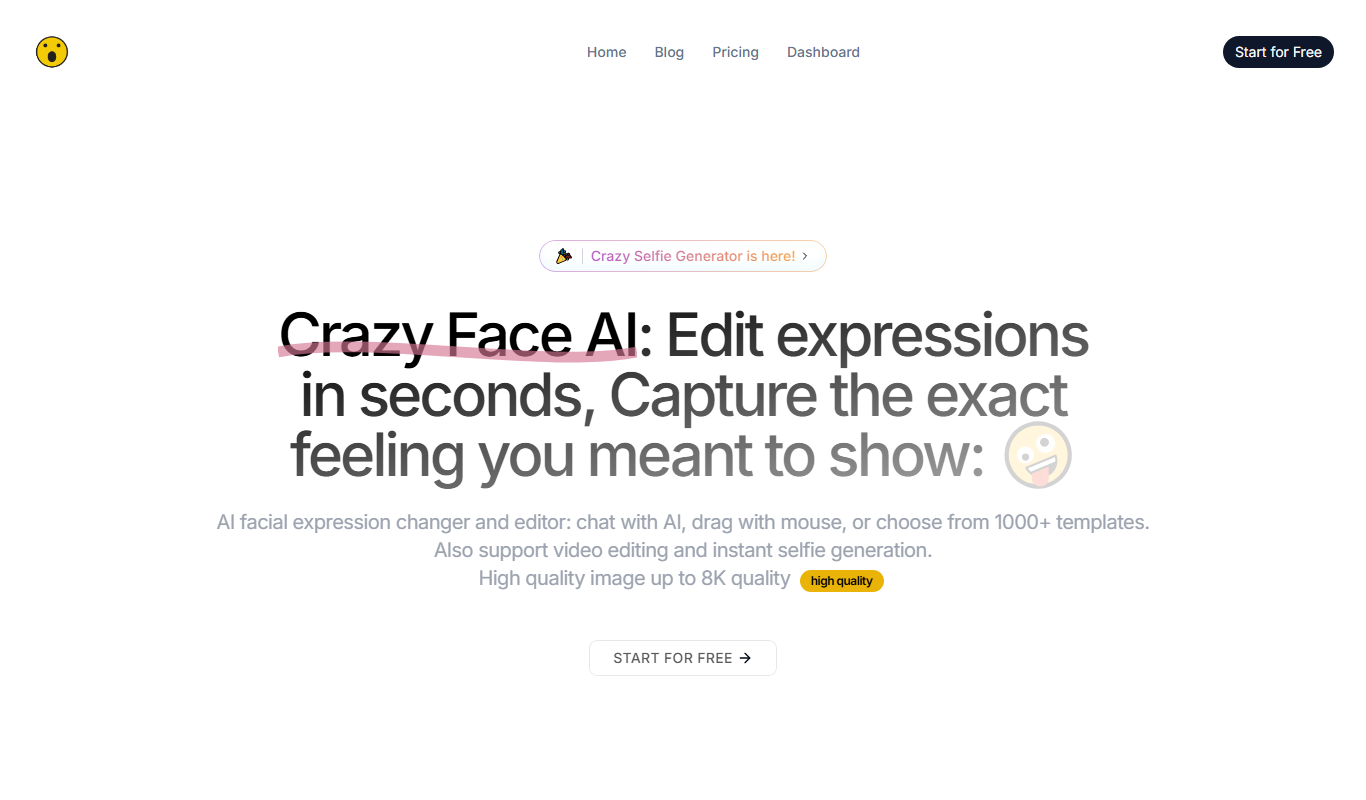
CrazyFace is an AI facial expression changer and editor: chat with AI, drag with the mouse or choose from 1000+ templates, with video editing and instant selfie generation.

Freemium
Neural4D
Neural4D is an AI 3D generator that turns text, images and videos into high-quality 3D models and CAD assets in minutes.

Free Trial
We Are Learning
We Are is a learning design tool for creating 3D animated videos and interactive simulations, called Stories, that can be shared in your LMS or anywhere your learners are.

Free Trial
Storyboarder.ai
Storyboarder.ai is an AI storyboard generator: upload your script and get a complete storyboard, shot list, screenplay and animatic in minutes.

Free
Webcam Motion Capture
Webcam Motion Capture is software that uses a standard webcam to track body and facial movements in real time, enabling users to animate 3D characters without expensive hardware.

Free Trial
Viddyoze
Viddyoze AI Video Generator is a cloud-based platform that automates video creation using AI-powered templates, enabling users to produce professional intros, outros, and animations quickly without prior editing experience.