

Anvil Low-Code Platform for Building Web Apps Without Coding Skills
Anvil is a low-code platform that enables users to build full-stack web applications using Python with a drag-and-drop interface, eliminating the need for JavaScript or HTML knowledge.
- Best for
- Rapid Web App Development
- Key capability
- Drag-and-Drop UI Builder
Save Anvil, follow its updates and vote on it — everything stays in your account.
Sign in or create a free account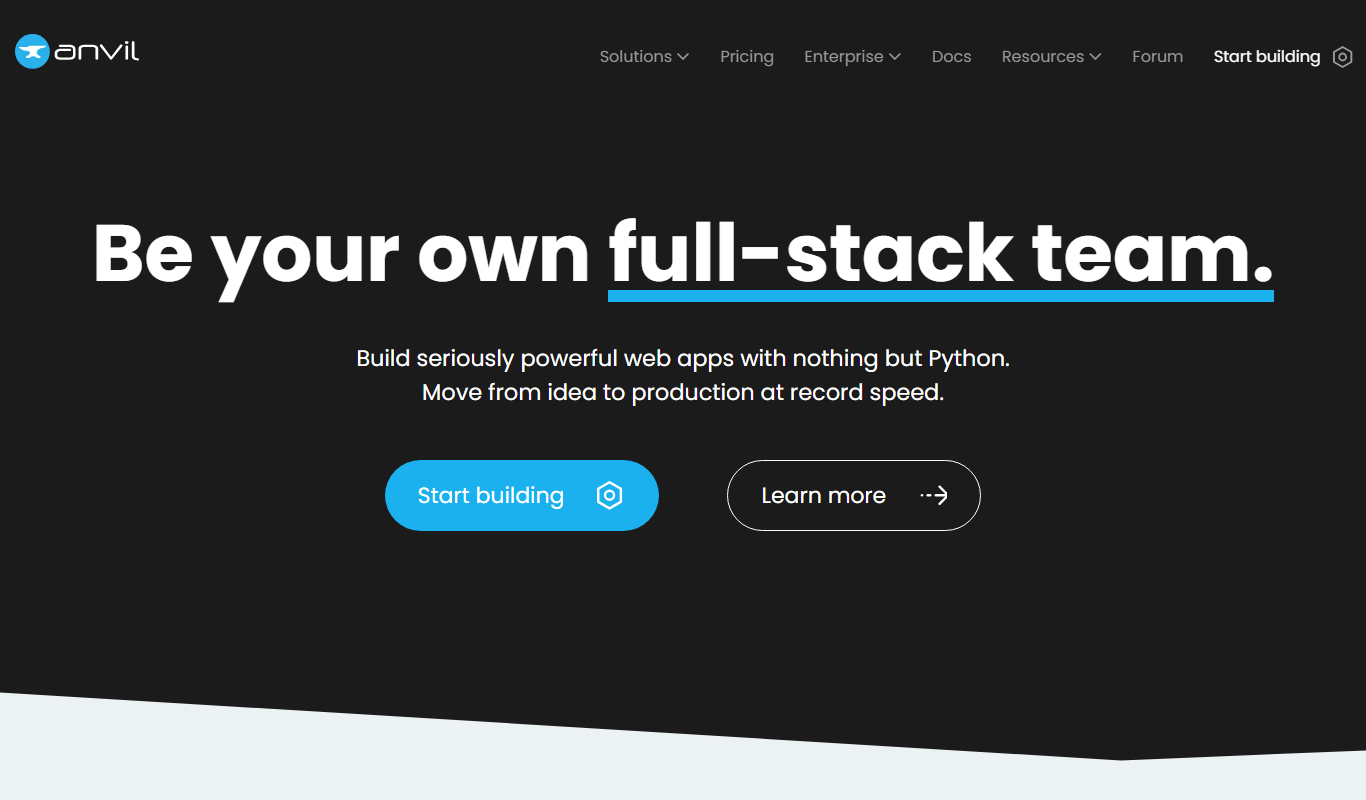
What is Anvil?
Anvil is a low-code platform that enables users to build full-stack web applications entirely in Python with a drag-and-drop interface. It abstracts away the complexities of front-end and back-end development by providing a visual UI builder combined with server-side Python code execution. This allows developers and non-developers alike to create interactive web apps quickly without needing to manage infrastructure or write JavaScript or HTML manually.
Key features of Anvil
Anvil offers a visual drag-and-drop editor for designing user interfaces, seamless Python backend integration, built-in database support, user authentication, and easy deployment options. It supports custom client-server communication and API integrations, making it a versatile tool for building a wide range of web applications.
Drag-and-Drop UI Builder
Create responsive web interfaces visually without writing HTML or CSS.
Full-Stack Python Development
Write both client and server code in Python, simplifying development workflows.
Built-in Database
Store and query data directly within Anvil without external database setup.
User Authentication
Add user login, registration, and role-based access controls easily.
API Integration
Connect to external APIs or expose your app's functionality via REST APIs.
Instant Deployment
Deploy apps to the web with a single click, hosted on Anvil's infrastructure.
Pros and cons of Anvil
Pros
- Simplifies full-stack web app development with Python
- No need to manage infrastructure or deployment
- Visual drag-and-drop interface accelerates UI design
- Built-in database and authentication features
- Good for both beginners and experienced developers
Cons
- Limited customization compared to traditional coding
- Pricing can be high for larger teams or enterprise use
- Primarily web-based, no native mobile app builder
Key use cases for Anvil
Rapid Web App Development
Build fully functional web applications quickly using drag-and-drop components and Python code without needing traditional front-end or back-end development skills.
Internal Business Tools
Create custom internal tools such as dashboards, CRMs, and data entry forms tailored to specific business workflows without extensive coding.
Prototyping and MVPs
Develop prototypes and minimum viable products rapidly to validate ideas and gather user feedback before full-scale development.
Educational Projects
Use Anvil as a teaching tool to introduce programming concepts and web development to beginners through a simplified Python environment.
API Integration
Integrate third-party APIs and services easily within apps to extend functionality without complex backend setup.
How Anvil works
- 1
Design UI
Use Anvil’s drag-and-drop editor to create your app’s user interface visually.
- 2
Write Python Code
Add Python code to handle client-side interactions and server-side logic within the same environment.
- 3
Connect Data
Use Anvil’s built-in database or connect external data sources to manage your app’s data.
- 4
Test and Deploy
Preview your app in real-time and deploy it instantly to Anvil’s cloud hosting platform.
Who is using Anvil
Anvil pricing
Free
$0/month
Basic features with limited app size, users, and Anvil branding.
Hobby
$12/month
Everything in Free plus no Anvil banner, scheduled tasks and one custom domain, for one developer only. Aimed at personal projects.
Business
$89/month
Everything in Hobby plus app collaboration, SSO in apps, staging environments and community support. Aimed at professional use.
Production
From about $1,050/month
Support and performance plan with private support, reserved resources, unlimited extra compute and SQL access to Data Tables.
Enterprise
Custom pricing
Dedicated, fully isolated Anvil instance with private on-prem or cloud deployment and corporate authentication.
Plans and prices are as published by the vendor and can change. Check the official site before you buy. Open the pricing page (opens in a new tab)
Frequently asked questions about Anvil
No, Anvil allows you to build web apps entirely using Python with a visual UI builder, so knowledge of JavaScript or HTML is not required.
Anvil primarily offers cloud hosting, but they also provide options for self-hosting for enterprise customers.
Yes, Anvil offers a free plan with basic features and limited usage suitable for learning and small projects.
Yes, Anvil supports integration with external APIs to extend your app’s functionality.
It depends on your specific needs and how you plan to use the tool. The official website and documentation are the best sources for the latest details.
Yes, it can help with that use case depending on how you configure it and what features are available. You’ll get the best results with clear inputs and a defined goal.
It depends on your specific needs and how you plan to use the tool. The official website and documentation are the best sources for the latest details.
It depends on your specific needs and how you plan to use the tool. The official website and documentation are the best sources for the latest details.
Conclusion
Everything in an Anvil app is written in Python, from client-side interactions to server-side logic, so JavaScript or HTML knowledge is not required. The interface is laid out in a drag-and-drop editor, data can live in the built-in database or come from external sources, and deployment to Anvil’s cloud hosting is instant.
Python developers seeking rapid web app development, startups building MVPs and educators teaching programming are among its users. Beyond the Free plan, Hobby costs $12 per month and Business $89 per month. Production starts at about $1,050 per month, and Enterprise is custom priced.
Sources
Sign in to review this tool.
Sign In to ReviewNo reviews yet
Be the first to share how this tool worked for you.
Ask about pricing, limits, or how it compares — or answer someone else.
Sign In to AskNo questions yet
Have a question about using or paying for this tool? Be the first to ask.
Featured on TiorAI



Alternative Tools
Explore similar AI tools that might fit your needs

Bubble
Bubble is a no-code AI app builder for creating web and mobile apps visually, switching between AI prompting and visual editing for design, database, logic and privacy rules.

OutSystems
OutSystems is a low-code platform that accelerates enterprise application development through visual tools, AI assistance, and seamless integration, enabling rapid deployment across web and mobile.
More AI Developer Tools tools
Other tools in the same category, for when this one is not quite the fit.

CrayEye
CrayEye is a free, open-source mobile app for crafting and sharing multimodal LLM vision prompts that use your camera plus sensor data such as location and weather.

TestLabs
TestLabs tests your app on 20 real devices for 14 days to meet the Google Play testing policy, with daily reports, device logs and screenshots.

Modly
Modly.ai trains, fine-tunes and hosts custom large language models on your business data, delivered as a managed service with API access.

modl.ai
modl.ai automates game testing and QA with AI agents that play your build and analysts that report bugs, glitches and performance issues, with no SDKs or code needed.

Mirascope
Mirascope is The LLM Anti-Framework: open-source Python and TypeScript SDKs with one API for OpenAI, Anthropic and Google, plus tools, tracing and versioning.

Myple
Myple is a developer platform to build, deploy and secure AI applications such as AI agents and RAG chatbots, with SDKs, a CLI and a free Hacker plan.

Momentic
Momentic is an AI testing platform where agents run and maintain plain-English end-to-end tests for web, iOS and Android apps, locally or in CI.

Intuition Machines
Intuition Machines builds privacy-preserving AI/ML platforms: the hCaptcha Security Suite against fraud and abuse, and the IM Perception Platform for training, deploying and improving ML models.