

VSDECO Virtual Home Staging and Interior Design Ideas Generator
VSDECO uses artificial intelligence to transform photos, sketches and drawings into photorealistic renders for virtual home staging and interior restyling.
- Best for
- Real estate listings
- Key capability
- Room restyling
Save VSDECO, follow its updates and vote on it — everything stays in your account.
Sign in or create a free account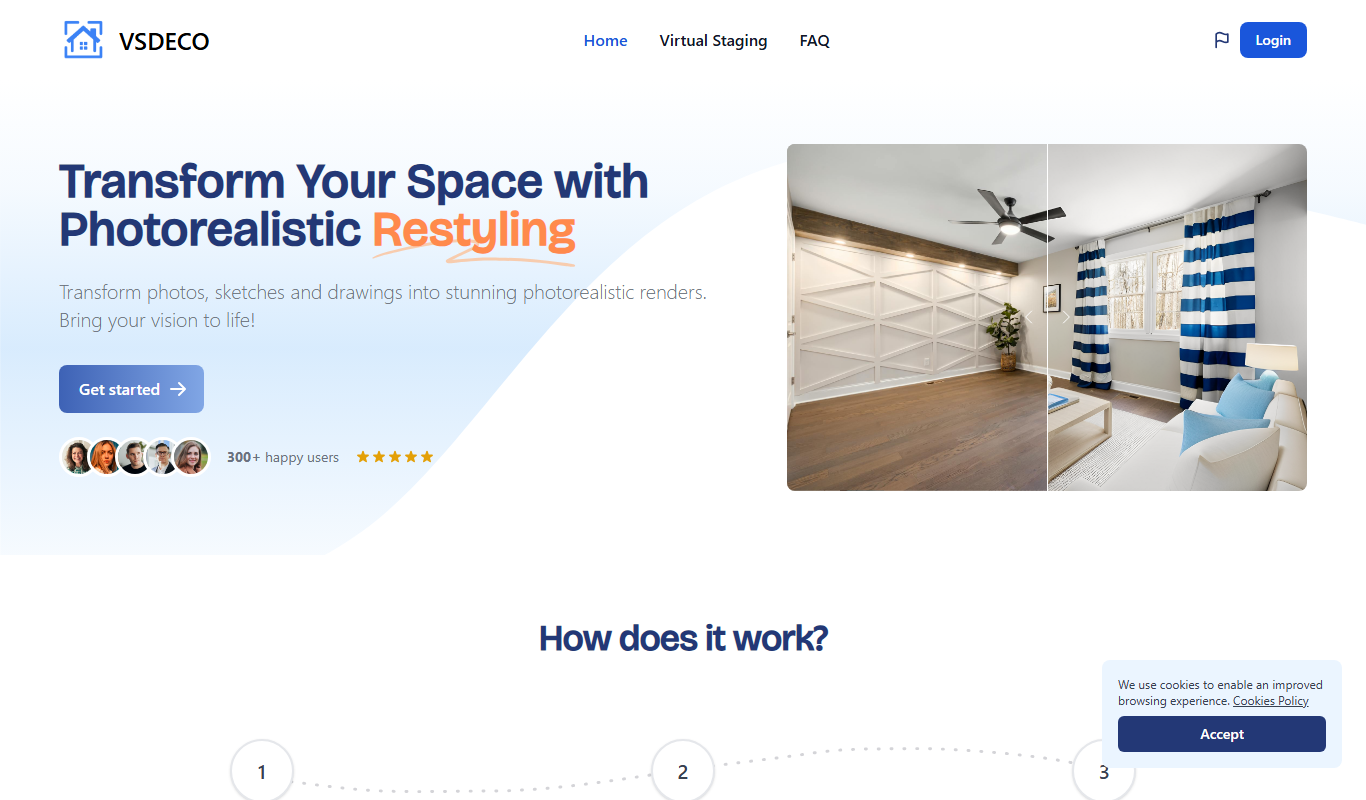
What is VSDECO?
VSDECO is an AI virtual home staging and interior design ideas generator. It transforms photos, sketches and drawings into photorealistic renders in a chosen interior design style.
Key features of VSDECO
VSDECO restyles room photos in a wide range of design styles, furnishes property photos with virtual staging, turns SketchUp models and hand-drawn sketches into photorealistic renders and declutters spaces.
Room restyling
Upload a room photo, choose a design style and get a photorealistic restyled render.
Virtual staging
Turn property photos into furnished interiors with AI virtual staging.
SketchUp and sketch to render
Transform SketchUp models and hand-drawn sketches into photorealistic renders.
Decluttering
Clear away excess furniture, tidy up countertops and remove distracting elements.
Pros and cons of VSDECO
Pros
- Accepts photos, SketchUp models or hand-drawn sketches
- Generated images are available for commercial use
- No watermark on any plan
- Unlimited storage for renders on Standard and Advanced
Cons
- No free trial
- Subscriptions are not refunded
Key use cases for VSDECO
Real estate listings
Show the potential of properties to owners, clients or prospective buyers with furnished interiors.
Design presentations
Communicate design ideas to clients, stakeholders and collaborators with clear visualizations.
Renovation planning
Visualize design ideas before committing to physical renovations or purchases.
Decluttering property photos
Remove excess furniture and distracting elements to show a property in its best light.
How VSDECO works
- 1
Select an image
Upload photos of your existing room or sketches and drafts of your design ideas.
- 2
Choose a style
Pick from a wide range of design styles for your restyling project.
- 3
Generate
The room is transformed with photorealistic rendering.
- 4
Use your images
Generated images are available for commercial use in your projects and portfolios.
Who is using VSDECO
VSDECO pricing
Starter
$29/month
35 renders per month, all room types and styles, no watermark.
Standard
$59/month
100 renders per month, all room types and styles, no watermark, unlimited storage for renders, access to latest features.
Advanced
$149/month
300 renders per month, all room types and styles, no watermark, unlimited storage for renders, early access to latest features.
Plans and prices are as published by the vendor and can change. Check the official site before you buy. Open the pricing page (opens in a new tab)
Frequently asked questions about VSDECO
Yes. Generated images are available for commercial use.
No. VSDECO does not offer free trials at this time.
No. Refunds are not offered because of the GPU processing costs of AI image generation.
Log in to your account and cancel in the billing portal.
Photos, SketchUp models or hand-drawn sketches.
Payment processing is handled by Stripe.
Conclusion
Three kinds of input are accepted, namely room photos, SketchUp models and hand-drawn sketches, and each comes back as a photorealistic render in the chosen design style. For property photos, virtual staging furnishes the interiors and a decluttering function clears away excess furniture or distracting elements. Generated images are available for commercial use.
Realtors, architects, designers and homeowners are the people VSDECO addresses. Every plan is a monthly subscription that differs by the number of renders per month, and none adds a watermark. There is no free trial, and subscriptions are not refunded because of the GPU processing costs of image generation.
Sources
Sign in to review this tool.
Sign In to ReviewNo reviews yet
Be the first to share how this tool worked for you.
Ask about pricing, limits, or how it compares — or answer someone else.
Sign In to AskNo questions yet
Have a question about using or paying for this tool? Be the first to ask.
Featured on TiorAI



Alternative Tools
Explore similar AI tools that might fit your needs

DaVinci Resolve
DaVinci Resolve is a professional video editing software combining editing, color grading, visual effects, and audio post-production in one platform, available in free and paid Studio versions.
More AI Image & Visual Tools tools
Other tools in the same category, for when this one is not quite the fit.

TwoShot
TwoShot is an AI creative suite for music, audio, video and images: generate music and sounds from text, split stems, make voiceovers and produce in an online studio.

Midjourney API
Midjourney API is available through TTAPI, which gives access to Midjourney and 100+ AI models through one unified REST API with one API key, one balance and pay as you go billing.

Sticker.Show
Sticker.Show is an online AI sticker generator that creates custom stickers from a text description, with transparent-background downloads and a searchable sticker gallery.
Gensbot
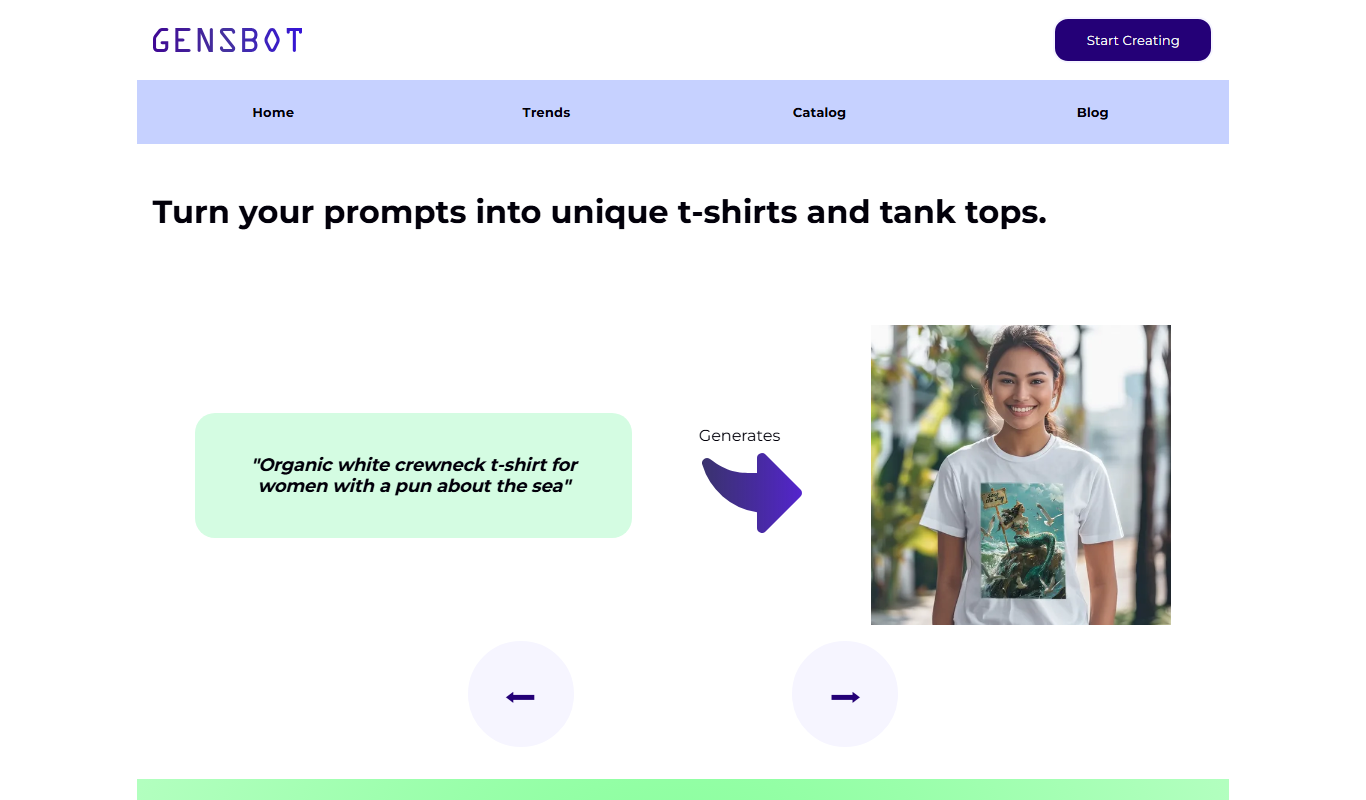
Gensbot turns your prompts into personalized printed merchandise, from t-shirts and mugs to canvas art, designed by AI in less than a minute and produced on demand.

PlatePose
PlatePose trains an AI model on 10-20 photos of your dish and generates professional, stylised food photos for menus and social profiles, with full ownership of the images.

RealFake
Real Fake Photos turns 10-20 selfies into photoshoot quality AI headshots for LinkedIn and more, sold as one-time style packages.

Nyx
Nyx.gallery is a preview gallery of photorealistic AI-generated images that can be downloaded and used for commercial or non-commercial purposes.

Pawfect Snapshots
Pawfect Snapshots trains an AI model on 5-10 photos of your pet and generates personalized pet portraits in styles such as Professional Photo, Water Color and Digital Art, paid with FurTokens.