

From my experience with Zoviz, I found it excels at simplifying video creation for users without any editing background. The AI-driven text-to-video conversion is intuitive and fast, making it a great fit for marketers and small businesses needing quick social media content. However, the platform’s editing capabilities are somewhat basic, and the free plan includes a watermark, which might limit professional use. Overall, if you want to produce engaging marketing videos efficiently without learning complex software, Zoviz offers a practical and affordable solution.
Zoviz AI Video Generator for Marketing and Content Creation
Zoviz is an AI-powered platform that converts text scripts into engaging videos, ideal for marketers and content creators to produce videos quickly without editing skills.
- Best for
- Marketing Video Production
- Key capability
- AI Text-to-Video Conversion
Your actions
Save Zoviz, follow its updates and vote on it — everything stays in your account.
Sign in or create a free account
What is Zoviz?
Zoviz is an AI-powered video generation platform that transforms text input into engaging videos. It enables marketers, content creators, and businesses to produce professional-quality videos quickly without requiring advanced video editing skills. By leveraging AI, Zoviz automates video creation, making it accessible and efficient for various use cases such as marketing, social media, and internal communications.
Key features of Zoviz
Zoviz offers features like AI-driven text-to-video conversion, customizable templates, voiceover integration, and easy social media sharing options. It streamlines video production workflows and helps users create visually appealing videos tailored to their audience.
AI Text-to-Video Conversion
Automatically converts text scripts into dynamic video content.
Customizable Templates
Offers a variety of templates to suit different video styles and purposes.
Voiceover and Audio Integration
Supports adding voiceovers and background music to enhance videos.
Social Media Optimization
Creates videos optimized for popular social media platforms.
User-Friendly Interface
Designed for users without video editing experience to create videos easily.
Pros and cons of Zoviz
Pros
- Easy to use with no video editing skills required
- Quick video generation from text scripts
- Affordable pricing with a free tier
- Good selection of customizable templates
- Optimized for social media sharing
Cons
- Limited advanced editing features
- Free plan videos include watermark
- Only supports English language currently
Key use cases for Zoviz
Marketing Video Production
Create engaging promotional videos for social media and advertising campaigns quickly using AI.
Content Creation
Generate videos from text scripts to enhance blog posts, newsletters, or educational content.
Social Media Engagement
Produce short, shareable videos optimized for platforms like Instagram, Facebook, and TikTok.
Product Demonstrations
Easily create product showcase videos to highlight features and benefits.
Internal Communications
Develop training or company update videos without needing extensive video editing skills.
How Zoviz works
- 1
Enter Text Script
Input your video script or key points that you want to visualize.
- 2
Customize Video
Select templates, styles, and add voiceovers or background music to personalize your video.
- 3
Generate Video
Let the AI process your inputs and create a video automatically.
- 4
Download or Share
Download the finished video or share it directly on social media platforms.
Who is using Zoviz
Digital marketers
Content creators
Small business owners
Social media managers
Educators and trainers
Zoviz pricing
Free
$0/month
Basic access with limited video exports and watermark on videos.
Pro
$29/month
Unlimited video exports, no watermark, access to premium templates and features.
Plans and prices are as published by the vendor and can change. Check the official site before you buy. Open the pricing page (opens in a new tab)
Frequently asked questions about Zoviz
Yes, Zoviz is designed to be user-friendly and does not require prior video editing skills.
Videos can be exported in standard MP4 format suitable for most platforms.
Yes, videos created with the free plan include a Zoviz watermark.
Yes, you can upload your own voiceover or use built-in text-to-speech features.
It depends on your specific needs and how you plan to use the tool. The official website and documentation are the best sources for the latest details.
Some tools offer a free plan or trial with limited features. Availability can vary, so confirm on the official website.
Yes, it can help with that use case depending on how you configure it and what features are available. You’ll get the best results with clear inputs and a defined goal.
Sign in to review this tool.
Sign In to ReviewNo reviews yet
Be the first to share how this tool worked for you.
Ask about pricing, limits, or how it compares — or answer someone else.
Sign In to AskNo questions yet
Have a question about using or paying for this tool? Be the first to ask.
Featured on TiorAI



More AI Ai Tools tools
Other tools in the same category, for when this one is not quite the fit.
Freemium
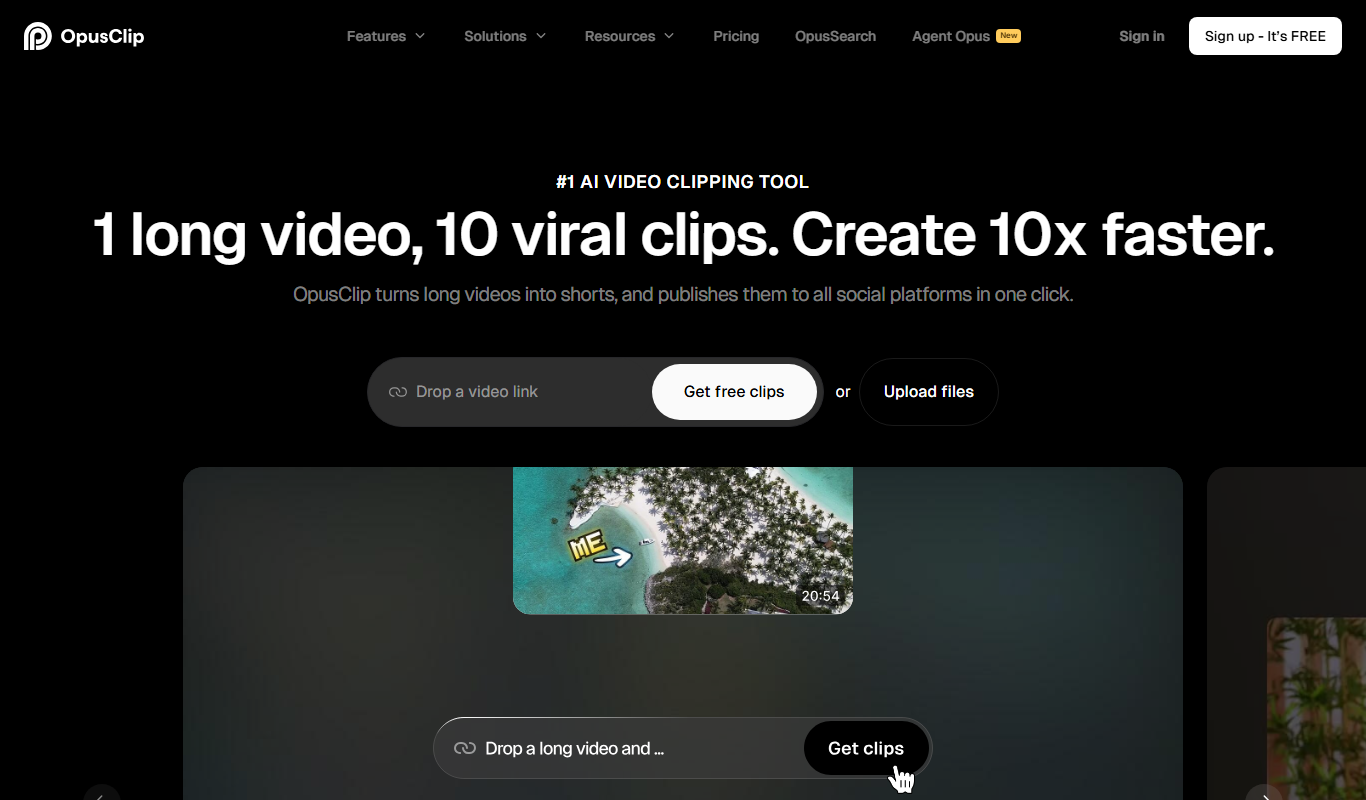
Opus Clip AI
Opus Clip AI is an AI-driven video editing tool that automatically generates short highlight clips from longer videos, simplifying content repurposing for social media.

Freemium
Spikes Studio
Spikes Studio is an AI-driven video editing tool that automates the creation of social media optimized videos by clipping, captioning, and formatting content efficiently.

Free Trial
AutoCaption
AutoCaption is an AI caption generator for TikTok, Instagram and YouTube with animated subtitles, emojis and translations in 100+ languages.

Free Trial
adwisely.com
Adwisely is an app that automates Facebook and Google ads for Shopify stores with AI-powered campaigns and human ad experts.

Subscription
MakeUGC
MakeUGC is an AI platform that generates authentic user-generated content style videos to help brands create engaging marketing materials without filming real users.

Freemium
SongGenerator.io: Create Music for Free
SongGenerator.io is an AI song generator that turns text descriptions or lyrics into songs, with a free plan and paid Pro and Ultra subscriptions.

Freemium
AI Video Cut
AI Video Cut is a web-based tool that uses AI to automatically detect scenes and cut videos into shorter clips, streamlining video editing for creators and marketers.

Free Trial
Landing
Landing is an AI-driven landing page generator that creates custom, responsive landing pages quickly without requiring coding skills, ideal for marketers and small businesses.