

From my experience with WriteApp.co, I found it excels at simplifying the content creation process with its intuitive AI writing and editing tools. The platform is particularly well-suited for bloggers, marketers, and small business owners who need to produce quality content quickly without a steep learning curve. However, the limitation to English language support and lack of mobile apps may restrict some users. Overall, if you want an accessible AI assistant to help draft and polish your writing, WriteApp.co offers solid value, especially with its free tier and affordable subscription.
WriteApp.co AI Writing Assistant for Content Creation and Editing
WriteApp.co is an AI-powered writing assistant that helps users generate, edit, and enhance written content efficiently, primarily supporting English language content creation.
- Best for
- Content Writing
- Key capability
- AI Content Generation
Your actions
Save writeapp.co, follow its updates and vote on it — everything stays in your account.
Sign in or create a free account
What is writeapp.co?
WriteApp.co is an AI-powered writing assistant designed to help users create, edit, and enhance written content efficiently. It leverages advanced natural language processing to generate text, suggest improvements, and streamline the writing process for various content types.
Key features of writeapp.co
WriteApp.co offers AI-driven content generation, grammar and style correction, creative brainstorming, and customizable writing templates to support diverse writing needs.
AI Content Generation
Automatically create high-quality text based on user prompts and topics.
Grammar and Style Correction
Detect and fix grammatical errors and improve writing style for clarity and impact.
Customizable Templates
Use pre-built templates tailored for different writing formats and purposes.
Real-time Suggestions
Receive instant feedback and improvement suggestions while writing.
User-friendly Interface
Clean and intuitive design that simplifies the writing and editing process.
Pros and cons of writeapp.co
Pros
- Easy-to-use interface suitable for beginners
- Effective AI-generated content with good quality
- Helpful grammar and style correction tools
- Affordable pricing with a free tier
Cons
- Limited language support (English only)
- Lacks mobile app versions
- Some advanced features require paid subscription
Key use cases for writeapp.co
Content Writing
Generate blog posts, articles, and marketing copy quickly with AI assistance.
Editing and Proofreading
Improve grammar, style, and clarity of existing text using AI-powered editing tools.
Creative Writing
Brainstorm ideas and draft creative content such as stories or scripts.
Email Drafting
Compose professional and personalized emails efficiently.
Social Media Content
Create engaging posts and captions tailored for various social platforms.
How writeapp.co works
- 1
Sign Up
Create a free account on WriteApp.co to access the AI writing tools.
- 2
Select Writing Mode
Choose the type of content you want to create or edit, such as blog posts or emails.
- 3
Input Text or Topic
Enter your existing text for editing or provide a topic to generate new content.
- 4
Customize and Generate
Adjust settings and preferences, then let the AI generate or improve your text.
- 5
Review and Export
Review the AI-generated content, make any manual edits, and export or copy the final text.
Who is using writeapp.co
Content creators and bloggers
Marketing professionals
Small business owners
Students and educators
Freelance writers
writeapp.co pricing
Free
$0/month
Access to basic AI writing features with limited usage.
Pro
$19/month
Unlimited access to all features, faster generation, and priority support.
Plans and prices are as published by the vendor and can change. Check the official site before you buy. Open the pricing page (opens in a new tab)
Frequently asked questions about writeapp.co
Yes, it offers advanced AI tools that help professional writers generate and refine content efficiently.
Yes, there is a free plan with limited features and usage to try out the platform.
Currently, WriteApp.co primarily supports English.
WriteApp.co follows standard security practices to protect user data and privacy.
It depends on your specific needs and how you plan to use the tool. The official website and documentation are the best sources for the latest details.
Some tools offer a free plan or trial with limited features. Availability can vary, so confirm on the official website.
Yes, it can help with that use case depending on how you configure it and what features are available. You’ll get the best results with clear inputs and a defined goal.
Sign in to review this tool.
Sign In to ReviewNo reviews yet
Be the first to share how this tool worked for you.
Ask about pricing, limits, or how it compares — or answer someone else.
Sign In to AskNo questions yet
Have a question about using or paying for this tool? Be the first to ask.
Featured on TiorAI



More AI Content Creation Tools tools
Other tools in the same category, for when this one is not quite the fit.
Free
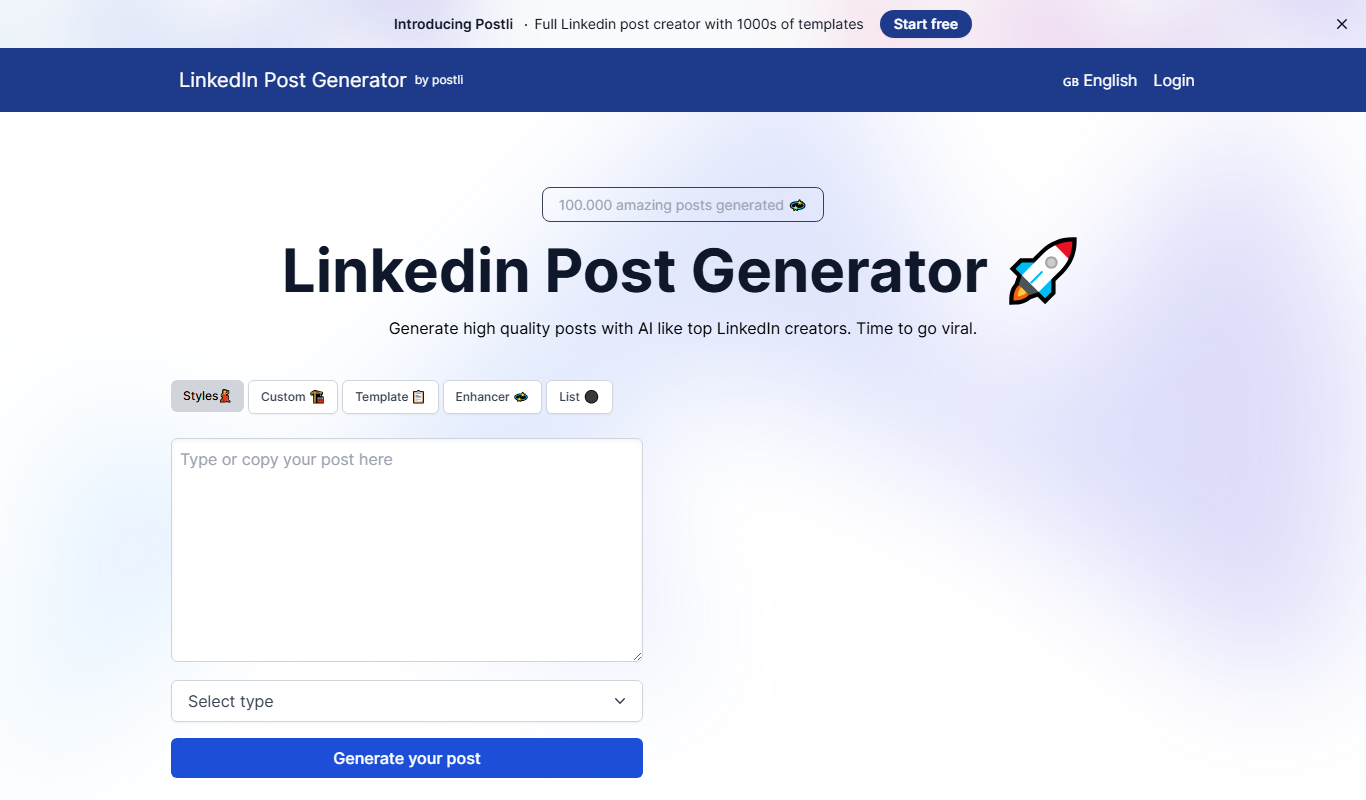
LinkedIn Post Generator
LinkedIn Post Generator is an AI-powered web tool that helps users quickly create professional LinkedIn posts by generating content drafts based on user input.

Freemium
Festive Slideshow Maker
Festive Slideshow Maker is an iOS app for creating holiday-themed slideshows with 50+ templates and a music library.

Free
Cambiador De Palabras
Cambiador De Palabras is a free online tool that rewrites Spanish text by replacing words with synonyms and restructuring sentences to create unique content.

Freemium
CourseMind
CourseMind is an AI-driven tool that automates the creation of online courses, lesson plans, and quizzes, enabling educators and trainers to build e-learning content quickly and efficiently.

Free
Article Idea Generator
Article Idea Generator is a free web tool that helps users generate multiple article or blog post ideas based on a keyword input, ideal for content creators and marketers seeking inspiration.

Free Trial
Idea Generators – Copy Creator
Idea Generators - Copy Creator is an AI-driven web tool that helps marketers and content creators generate creative copy ideas and drafts for various marketing channels quickly and efficiently.

Custom Pricing
MyPerfectWords
MyPerfectWords is an online platform offering custom academic writing, editing, and proofreading services with qualified writers and plagiarism-free guarantees.

Free
PaperTyper.net
PaperTyper.net is a set of academic writing tools with a paid essay ordering service.