

From my experience with Cambiador De Palabras, I found it excels at quickly generating alternative Spanish text versions without any cost or registration barriers. The straightforward interface makes it accessible for writers and students who need fast paraphrasing help. However, the tool is limited to Spanish only and lacks advanced customization features, which might restrict users seeking more control over rewriting nuances. Overall, if you need a simple, free Spanish text rewriter for content variation or language practice, Cambiador De Palabras delivers reliable and immediate results.
Cambiador De Palabras - Free Spanish Text Rewriter and Paraphrasing Tool Online
Cambiador De Palabras is a free online tool that rewrites Spanish text by replacing words with synonyms and restructuring sentences to create unique content.
- Best for
- Content Rewriting
- Key capability
- Synonym Replacement
Your actions
Save Cambiador De Palabras, follow its updates and vote on it — everything stays in your account.
Sign in or create a free account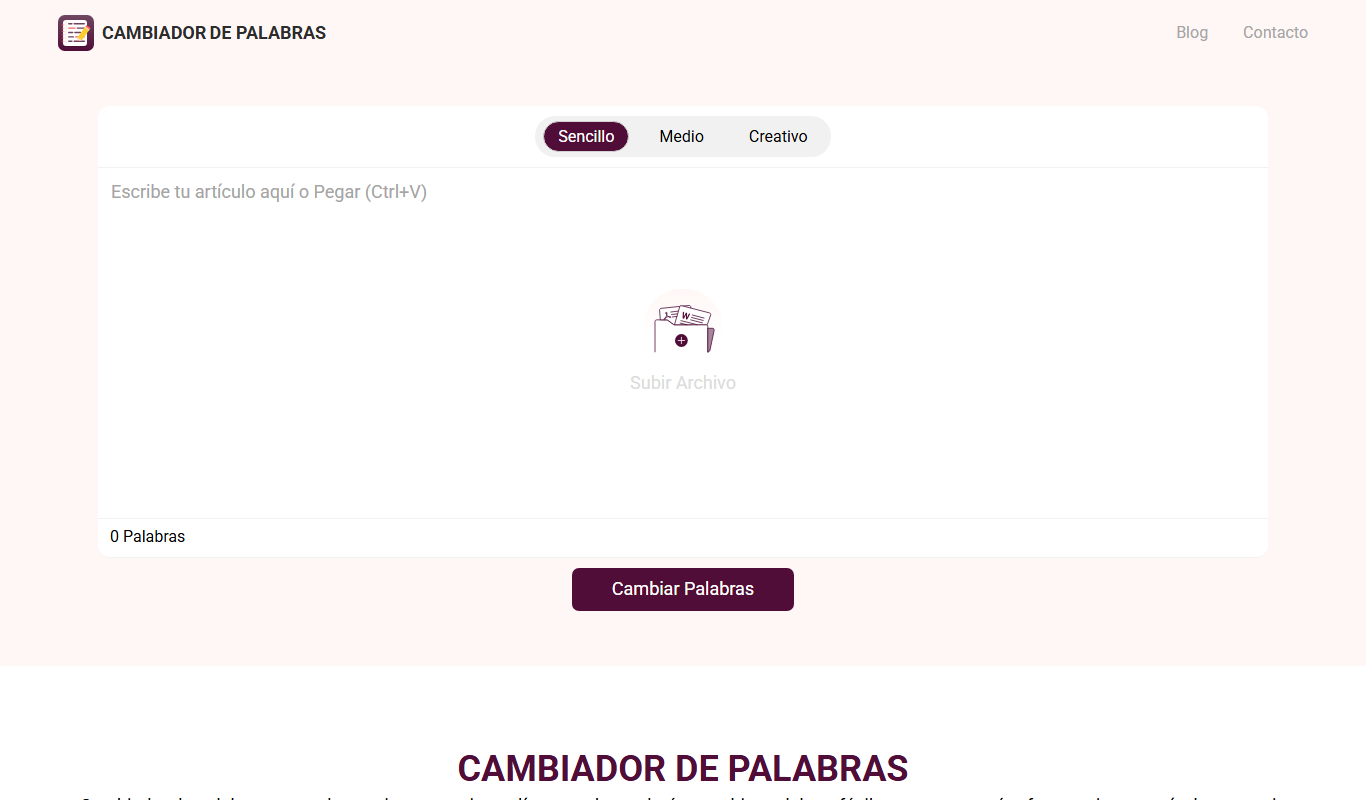
What is Cambiador De Palabras?
Cambiador De Palabras is a free online Spanish text rewriting and paraphrasing tool designed to help users generate alternative versions of their text. It replaces words and phrases with synonyms or rephrased expressions to create unique content while preserving the original meaning. The tool is accessible via a simple web interface without requiring registration.
Key features of Cambiador De Palabras
The tool offers automatic synonym replacement, sentence restructuring, and quick text processing for Spanish language content. It is user-friendly, requires no installation, and provides instant rewritten text output for easy copy-pasting.
Synonym Replacement
Automatically swaps words with suitable synonyms to vary the text.
Sentence Restructuring
Rearranges sentence structure to improve uniqueness and readability.
Instant Processing
Provides quick results without delays or waiting times.
No Registration Required
Accessible freely without the need to create an account.
Pros and cons of Cambiador De Palabras
Pros
- Completely free with no signup required
- Simple and intuitive web interface
- Fast text processing and output
- Focused on Spanish language content
Cons
- Limited to Spanish language only
- No advanced editing or customization options
- No mobile app or API available
Key use cases for Cambiador De Palabras
Content Rewriting
Rewrite Spanish text to create unique versions for blogs, articles, or social media posts.
Paraphrasing Assistance
Help users paraphrase sentences or paragraphs to avoid plagiarism or improve clarity.
Language Learning Support
Assist Spanish learners in understanding alternative ways to express ideas.
SEO Content Generation
Generate varied content to improve SEO by avoiding duplicate text penalties.
How Cambiador De Palabras works
- 1
Enter Text
Paste or type the Spanish text you want to rewrite into the input box.
- 2
Start Rewriting
Click the button to process the text and generate a paraphrased version.
- 3
Review Output
Check the rewritten text for accuracy and make manual adjustments if needed.
- 4
Copy and Use
Copy the final text and use it for your content creation or language practice.
Who is using Cambiador De Palabras
Spanish content writers
Students and language learners
SEO specialists working with Spanish content
Bloggers and social media managers
Cambiador De Palabras pricing
Free
$0
Unlimited access to text rewriting features at no cost.
Plans and prices are as published by the vendor and can change. Check the official site before you buy. Open the pricing page (opens in a new tab)
Frequently asked questions about Cambiador De Palabras
Yes, the tool is completely free and does not require any payment.
No, the tool is specifically designed for Spanish text rewriting.
No, you can use the tool directly without registration.
Yes, the output can be used freely, but always review for accuracy.
It depends on your specific needs and how you plan to use the tool. The official website and documentation are the best sources for the latest details.
Some tools offer a free plan or trial with limited features. Availability can vary, so confirm on the official website.
Yes, it can help with that use case depending on how you configure it and what features are available. You’ll get the best results with clear inputs and a defined goal.
Yes, it can help with that use case depending on how you configure it and what features are available. You’ll get the best results with clear inputs and a defined goal.
Sign in to review this tool.
Sign In to ReviewNo reviews yet
Be the first to share how this tool worked for you.
Ask about pricing, limits, or how it compares — or answer someone else.
Sign In to AskNo questions yet
Have a question about using or paying for this tool? Be the first to ask.
Featured on TiorAI



More AI Content Creation Tools tools
Other tools in the same category, for when this one is not quite the fit.

Free Trial
Idea Generators – Copy Creator
Idea Generators - Copy Creator is an AI-driven web tool that helps marketers and content creators generate creative copy ideas and drafts for various marketing channels quickly and efficiently.

Custom Pricing
MyPerfectWords
MyPerfectWords is an online platform offering custom academic writing, editing, and proofreading services with qualified writers and plagiarism-free guarantees.

Free
PaperTyper.net
PaperTyper.net is a set of academic writing tools with a paid essay ordering service.

Free Trial
SermonAI
SermonAI is an AI-driven platform that assists pastors in generating sermon outlines, full sermons, and devotional content based on scripture and topics, streamlining sermon preparation.
Free
Pastors.ai
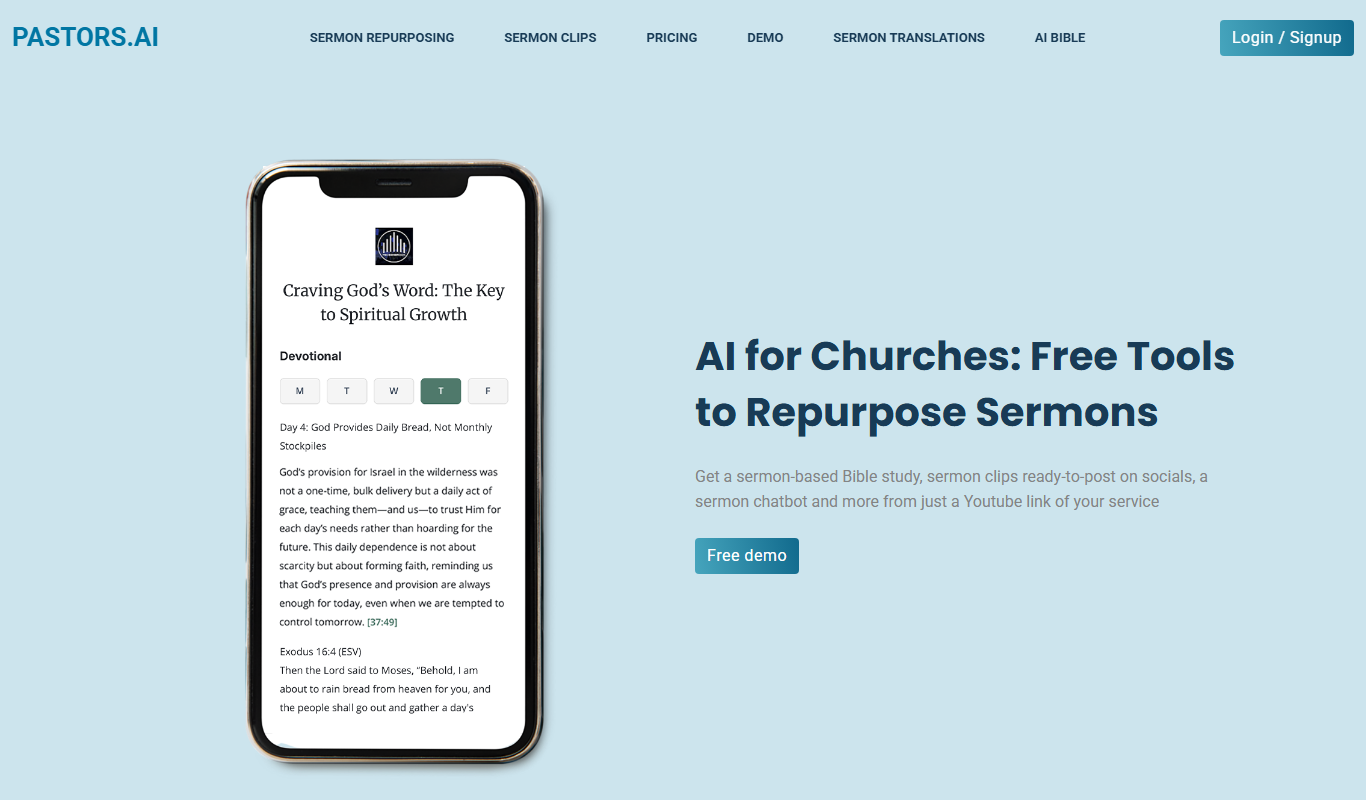
Pastors.ai turns a YouTube sermon link into sermon clips, devotionals, Bible studies and a custom church chatbot, emailed in about 30 minutes.

Freemium
Jugemu.app with OpenAI o1 Support
Jugemu.app brings together more than 17 large language models, including ChatGPT, Claude and Gemini, and compares them.
Freemium
Humanizador de IA
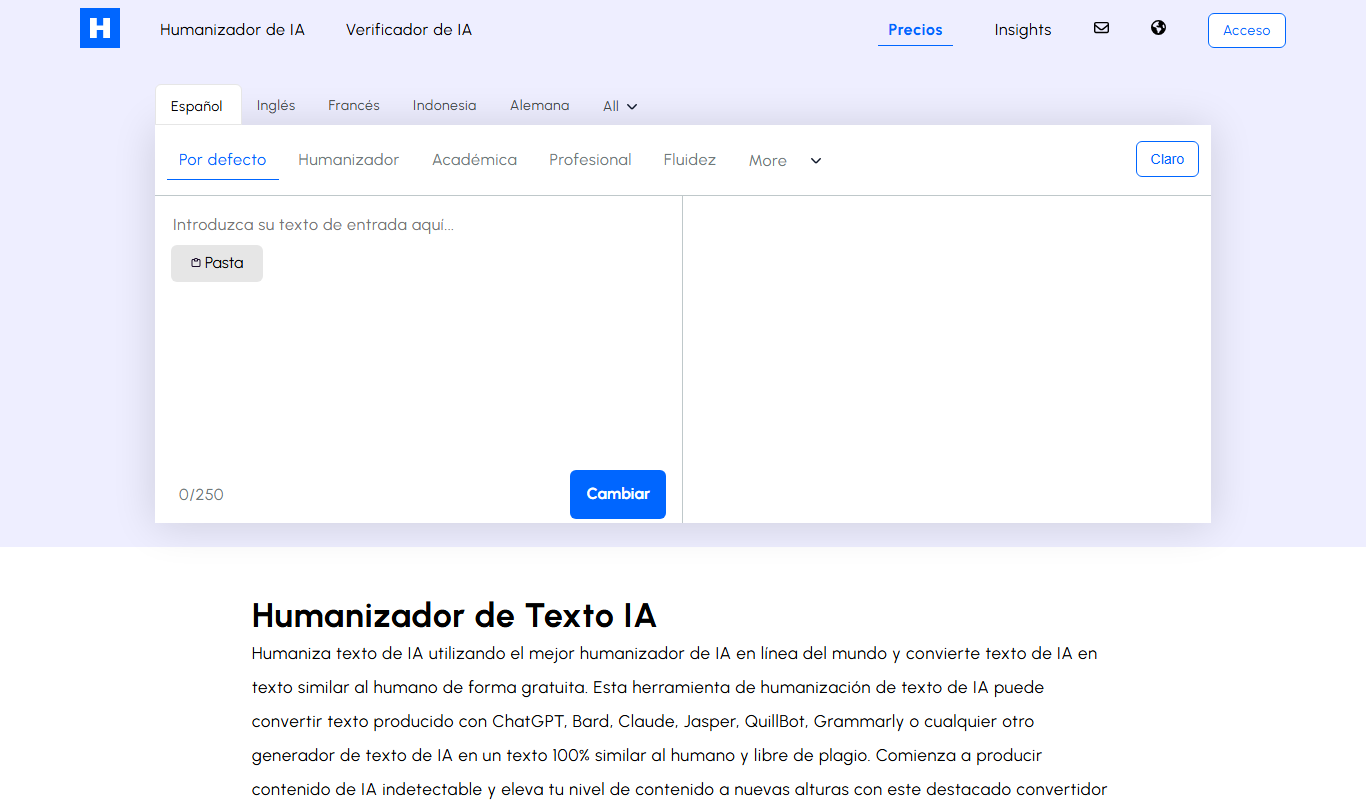
Humanizador de IA rewrites AI-generated text into human-like text, with a focus on Spanish, support for other languages and a free 250-word limit.

Custom Pricing
clickworker
Clickworker is a crowdsourcing platform that connects businesses with a global network of freelancers to complete microtasks such as data annotation, content creation, and surveys, enabling scalable and flexible project execution.