

From my experience with WP 3D Viewer, it stands out for its seamless integration into WordPress sites and ease of use without requiring coding knowledge. The plugin’s support for multiple 3D formats and responsive design makes it a practical choice for e-commerce, design portfolios, and educational content. However, the free plan limits upload capacity, and complex models can impact page load times, which is a trade-off to consider. Overall, if you want to add interactive 3D models to your WordPress site with minimal hassle, WP 3D Viewer offers a solid and user-friendly solution.
WP 3D Viewer Plugin for Interactive 3D Models on WordPress Sites
WP 3D Viewer is a WordPress plugin that allows embedding and interactive display of 3D models in various formats, enhancing website engagement without coding.
- Best for
- E-commerce Product Visualization
- Key capability
- Multi-format 3D Model Support
Do you recommend this tool?
What is WP 3D Viewer?
WP 3D Viewer is a WordPress plugin that enables users to embed and display interactive 3D models directly on their WordPress websites. It supports various 3D file formats and leverages WebGL technology to render models smoothly in browsers without requiring additional software. This tool is designed to help website owners enhance user engagement by integrating immersive 3D content seamlessly into their pages.
Key features of WP 3D Viewer
The plugin offers easy embedding of 3D models, support for multiple file formats (like glTF, OBJ, STL), customizable viewer settings, responsive design for mobile compatibility, and integration with popular WordPress page builders. It also includes features like annotations, animations, and lighting controls to enrich the 3D viewing experience.
Multi-format 3D Model Support
Supports popular 3D file formats including glTF, OBJ, STL, and more for flexible content integration.
Interactive Viewer Controls
Users can rotate, zoom, and pan 3D models directly within the browser for an engaging experience.
Responsive and Mobile-friendly
Ensures 3D models display correctly across all devices including smartphones and tablets.
Customizable Annotations and Animations
Add informative annotations and animations to models to highlight features or demonstrate functionality.
Integration with WordPress Builders
Compatible with Gutenberg, Elementor, and other popular page builders for easy embedding.
Pros and cons of WP 3D Viewer
Pros
- Easy integration with WordPress sites
- Supports multiple 3D file formats
- Responsive and mobile-optimized viewer
- Customizable annotations and animations
- Compatible with popular page builders
Cons
- Advanced features require paid subscription
- Limited free plan upload capacity
- Some complex 3D models may affect load times
Key use cases for WP 3D Viewer
E-commerce Product Visualization
Embed interactive 3D models of products on WordPress e-commerce sites to enhance customer experience and increase engagement.
Architectural and Design Showcases
Showcase architectural models or design prototypes interactively on websites for clients and stakeholders.
Educational Content
Integrate 3D models into educational WordPress sites to provide immersive learning experiences.
Portfolio Presentation
Artists and designers can display their 3D artworks or models interactively within their WordPress portfolios.
Marketing and Advertising
Use interactive 3D content to create engaging marketing campaigns directly on WordPress sites.
How WP 3D Viewer works
- 1
Install and Activate Plugin
Download WP 3D Viewer from the WordPress repository or the official website and activate it on your WordPress dashboard.
- 2
Upload 3D Models
Upload your 3D model files directly through the plugin interface or WordPress media library.
- 3
Embed Models in Pages or Posts
Use shortcodes or Gutenberg blocks provided by the plugin to insert interactive 3D models into your content.
- 4
Customize Viewer Settings
Adjust settings such as camera angles, lighting, annotations, and animations to tailor the 3D experience.
- 5
Publish and View
Publish your page or post and allow visitors to interact with the 3D models seamlessly on desktop and mobile devices.
Who is using WP 3D Viewer
E-commerce store owners
Architects and designers
Educators and trainers
Digital artists and portfolio creators
Marketing professionals
WP 3D Viewer pricing
Free
$0/month
Basic features with limited uploads and standard viewer options.
Pro
€9/month
Advanced features including unlimited uploads, custom branding, and priority support.
Business
€29/month
Full feature set with team collaboration, API access, and enhanced customization.
Plans and prices are as published by the vendor and can change. Check the official site before you buy. Open the pricing page (opens in a new tab)
Frequently asked questions about WP 3D Viewer
It supports glTF, OBJ, STL, and several other common 3D model formats.
Yes, the plugin is compatible with most WordPress themes and page builders.
Yes, the viewer is fully responsive and works smoothly on mobile devices.
No coding skills are required; embedding is done via shortcodes or blocks.
It depends on your specific needs and how you plan to use the tool. The official website and documentation are the best sources for the latest details.
Yes, it can help with that use case depending on how you configure it and what features are available. You’ll get the best results with clear inputs and a defined goal.
Some tools offer a free plan or trial with limited features. Availability can vary, so confirm on the official website.
Yes, it can help with that use case depending on how you configure it and what features are available. You’ll get the best results with clear inputs and a defined goal.
Sign in to review this tool.
Sign In to ReviewNo reviews yet
Be the first to share how this tool worked for you.
Ask about pricing, limits, or how it compares — or answer someone else.
Sign In to AskNo questions yet
Have a question about using or paying for this tool? Be the first to ask.
Featured on TiorAI



Alternative Tools
Explore similar AI tools that might fit your needs
Free
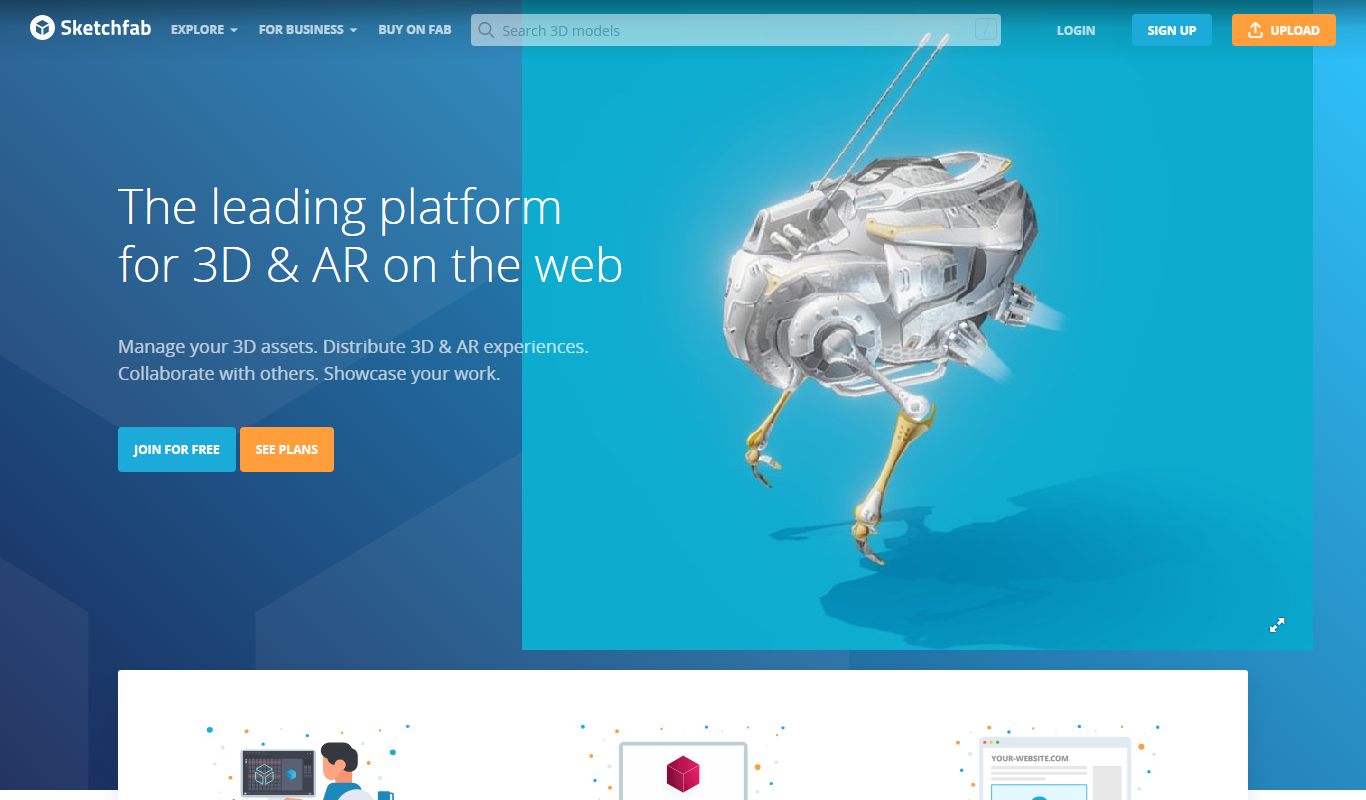
Sketchfab
Sketchfab is a web platform for publishing, sharing, and embedding interactive 3D models with support for VR and AR, widely used by artists, marketers, and developers.
More AI Content Generator tools
Other tools in the same category, for when this one is not quite the fit.

Custom Pricing
Ion Interactive
Ion Interactive is a web-based platform that enables marketers to create interactive content like quizzes and assessments to engage audiences and generate leads without coding.
Freemium
简道云内容助手
Jiandaoyun Content Assistant is an AI writing tool embedded in a no-code platform that helps users generate and automate content creation, primarily for Chinese language users.

Free
写作猫AI
写作猫AI is a Chinese-language AI writing assistant that supports content generation, creative writing, and text refinement through a web platform.

Free
Internet Archive
Internet Archive is a free nonprofit digital library offering millions of books, audio, video, and archived websites accessible online through its web platform and the Wayback Machine.

Freemium
Simpleclub
Simpleclub is an educational platform providing interactive video lessons and personalized learning tools primarily for secondary school students, helping them understand school subjects and prepare for exams.

Free
Calmly Writer
Calmly Writer is a minimalist writing app designed to help users focus by providing a distraction-free interface, Markdown support, autosave, and export options. It is available as a free web app and a paid desktop app for offline use.

Free
Fighting Fantasy
Fighting Fantasy is a web-based interactive story platform that lets users play and create branching narrative gamebooks inspired by the classic Fighting Fantasy series, incorporating RPG elements like dice rolls and character stats.

Free
Spreadsheeto
Spreadsheeto is an online platform offering detailed Microsoft Excel tutorials and courses to help users from beginners to advanced professionals improve their spreadsheet skills.