

From my experience with Wingman, I found it excels at providing real-time, actionable coaching during sales calls that genuinely helps reps navigate conversations more effectively. The automatic CRM logging significantly reduces manual data entry, freeing up time for selling rather than admin work. It’s particularly well-suited for sales teams that rely heavily on calls and want to improve performance through data-driven coaching. However, the tool requires using the Chrome browser and currently supports only English, which might limit some users. Overall, if you want to boost your sales team’s efficiency with AI-powered insights and seamless CRM integration, Wingman delivers solid results.
Wingman AI Sales Assistant for Real-Time Call Coaching and CRM Automation
Wingman is an AI-powered sales assistant that provides real-time call coaching and automates CRM updates to improve sales conversations and productivity.
- Best for
- Real-Time Sales Call Coaching
- Key capability
- Real-Time Call Transcription and Coaching


Do you recommend this tool?
What is Wingman?
Wingman is an AI-powered sales assistant designed to support sales teams by providing real-time call coaching and automating CRM updates. It integrates with popular CRM platforms and communication tools to listen to live calls, offer actionable insights, and reduce administrative overhead. Wingman helps sales reps improve their conversations, capture important details automatically, and enables managers to coach more effectively.
Key features of Wingman
Wingman’s main features include real-time call transcription and coaching prompts, automatic CRM logging, call recording and playback, AI-driven analytics, and integration with major CRM and communication platforms. These features collectively enhance sales productivity and improve deal outcomes.
Real-Time Call Transcription and Coaching
Provides live transcription and actionable prompts to improve sales conversations as they happen.
CRM Integration and Automation
Seamlessly logs call data, notes, and highlights into CRMs like Salesforce and HubSpot.
Call Recording and Playback
Records calls for later review with AI-generated insights and keyword highlights.
AI-Powered Analytics
Offers detailed metrics on call performance, talk ratios, and competitor mentions.
Team Collaboration and Coaching
Enables managers to share call insights and coach sales reps based on real data.
Pros and cons of Wingman
Pros
- Real-time actionable coaching improves sales conversations
- Automates tedious CRM data entry saving time
- Integrates with major CRM and communication platforms
- Detailed analytics help identify coaching opportunities
- Supports remote and hybrid sales teams effectively
Cons
- Limited language support, primarily English only
- Requires Chrome browser for extension functionality
- Pricing can be high for small teams on Pro plan
Key use cases for Wingman
Real-Time Sales Call Coaching
Wingman listens to live sales calls and provides real-time suggestions and prompts to improve sales conversations.
CRM Automation
Automatically logs call notes, highlights, and action items into CRM systems like Salesforce and HubSpot, reducing manual data entry.
Sales Team Training
Enables managers to review call recordings with AI-generated insights to coach and train sales reps effectively.
Call Analysis and Insights
Provides detailed analytics on call performance, talk-to-listen ratios, competitor mentions, and objection handling.
Pipeline Management
Helps sales teams track deal progress and customer sentiment through call data integrated with CRM.
How Wingman works
- 1
Install and Integrate
Add Wingman as a Chrome extension and connect it to your CRM and communication platforms.
- 2
Join or Start Calls
Wingman automatically joins your sales calls and starts listening in real time.
- 3
Receive Real-Time Coaching
Get AI-generated prompts and suggestions during calls to handle objections, ask questions, and guide conversations.
- 4
Automatic CRM Updates
After calls, Wingman logs notes, highlights, and action items directly into your CRM.
- 5
Review and Analyze
Managers and reps can review call recordings with AI insights to improve future performance.
Who is using Wingman
Sales teams and representatives
Sales managers and coaches
Small to medium-sized businesses
Enterprises with large sales departments
Remote and hybrid sales organizations
Wingman pricing
Free
$0/month
Basic features including limited call coaching and CRM logging for small teams.
Pro
$30/user/month
Full access to real-time coaching, advanced analytics, and unlimited CRM integrations.
Enterprise
Custom pricing
Tailored solutions with dedicated support, custom integrations, and advanced security.
Plans and prices are as published by the vendor and can change. Check the official site before you buy. Open the pricing page (opens in a new tab)
Frequently asked questions about Wingman
Wingman integrates with popular CRMs such as Salesforce, HubSpot, Pipedrive, and others.
Wingman primarily supports audio calls on platforms like Zoom, Google Meet, and Microsoft Teams.
Yes, Wingman uses industry-standard encryption and complies with data privacy regulations to protect your information.
Absolutely, Wingman is designed to support remote and distributed sales teams with real-time insights and call reviews.
It depends on your specific needs and how you plan to use the tool. The official website and documentation are the best sources for the latest details.
Integration support depends on the tool and its available connectors or API. Check the official documentation or integrations page to confirm what is supported.
It depends on your specific needs and how you plan to use the tool. The official website and documentation are the best sources for the latest details.
Sign in to review this tool.
Sign In to ReviewNo reviews yet
Be the first to share how this tool worked for you.
Ask about pricing, limits, or how it compares — or answer someone else.
Sign In to AskNo questions yet
Have a question about using or paying for this tool? Be the first to ask.
Featured on TiorAI



More AI Assistant tools
Other tools in the same category, for when this one is not quite the fit.

Free Trial
PagerGPT
PagerGPT is an AI assistant that integrates with PagerDuty to automate incident triage, provide contextual summaries, and assist engineers in resolving incidents faster.

Freemium
Phew AI Tab
Phew AI Tab is a Chrome browser extension that integrates AI-powered research, note-taking, and summarization tools directly into your browsing experience to enhance productivity and streamline information management.

Freemium
Owl at Work – AI Companion for Businesses
Owl at Work is an AI-powered business companion that automates workflows, manages tasks, and improves team collaboration through intelligent automation and integrations.

Freemium
Vivas.AI
Vivas.AI is an AI meeting assistant that transcribes meetings in real time, extracts action items, and generates summaries to improve team productivity.
Free
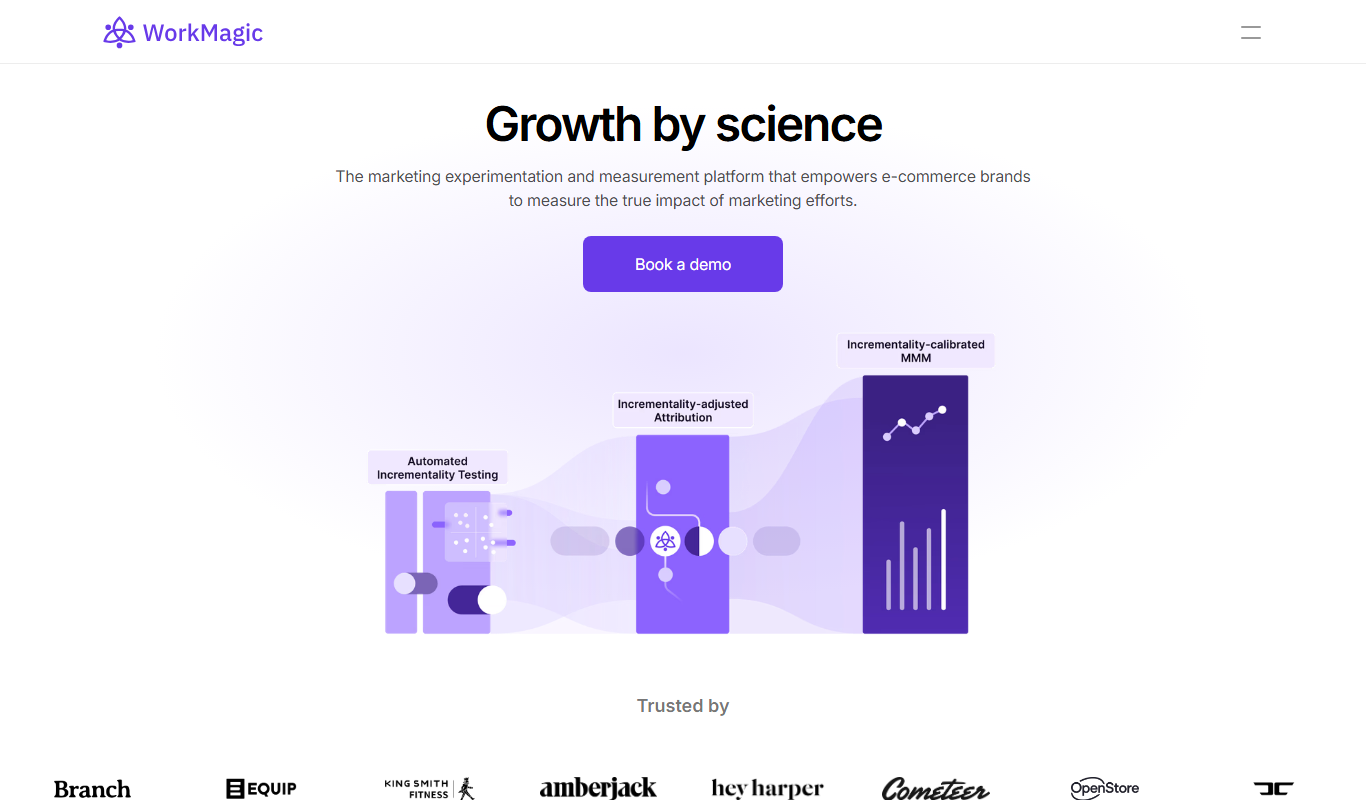
WorkMagic
WorkMagic is an AI-powered productivity assistant that automates tasks, manages workflows, and supports team collaboration through a web platform.

Free
Blue Bot
Blue Bot is a free web-based AI chatbot designed for fun and casual conversations, offering instant chat without registration.

Free Trial
Voxpad
Voxpad is an AI voice assistant that transcribes meetings in real-time and generates summaries to improve productivity and collaboration.

Free Trial
HubbleIQ
HubbleIQ is an AI meeting assistant that automates transcription, action item detection, and meeting summaries to enhance team collaboration.