

From my experience with Blue Bot, I found it excels at providing quick and entertaining AI conversations without any barriers like sign-ups or fees. The platform’s simplicity makes it ideal for casual users who want a fun virtual companion or just some lighthearted chat. However, its focus on entertainment means it lacks advanced features or multilingual support, limiting its use for professional or diverse language needs. Overall, if you want an easy-to-access, free AI chatbot purely for amusement, Blue Bot delivers a straightforward and enjoyable experience.
Blue Bot AI Chatbot for Fun Conversations and Entertainment Online
Blue Bot is a free web-based AI chatbot designed for fun and casual conversations, offering instant chat without registration.
- Best for
- Casual Conversations
- Key capability
- AI-Powered Chat

Do you recommend this tool?
What is Blue Bot?
Blue Bot is a free AI-powered chatbot designed for fun and casual conversations. It allows users to chat with an intelligent virtual assistant that can respond to a variety of prompts with entertaining and engaging replies. The tool is accessible via a web interface and focuses on providing an enjoyable user experience rather than professional or productivity-oriented tasks.
Key features of Blue Bot
Blue Bot offers a simple and intuitive chat interface, quick AI-generated responses, and a focus on entertainment and casual interaction. It does not require registration or payment, making it easily accessible for anyone seeking a fun AI chat experience.
AI-Powered Chat
Engage with an AI chatbot that understands and responds to user inputs conversationally.
No Registration Required
Start chatting instantly without the need to create an account or provide personal information.
Free to Use
Enjoy unlimited conversations at no cost.
Fun and Casual Tone
Designed to entertain users with playful and lighthearted interactions.
Pros and cons of Blue Bot
Pros
- Easy and quick access with no sign-up
- Fun and engaging chatbot experience
- Completely free to use
Cons
- Limited to English language
- Focused on entertainment, not professional tasks
- No mobile app or offline access
Key use cases for Blue Bot
Casual Conversations
Engage in lighthearted and entertaining chats with Blue Bot for fun and relaxation.
Entertainment
Use Blue Bot as a source of amusement through jokes, stories, and playful interactions.
Virtual Companion
Interact with Blue Bot as a friendly AI companion to alleviate boredom or loneliness.
How Blue Bot works
- 1
Access the Website
Visit bluebot.fun on any web browser to start chatting immediately.
- 2
Enter Your Message
Type your message or question into the chat input box.
- 3
Receive AI Responses
Blue Bot generates replies in real-time to keep the conversation flowing.
Who is using Blue Bot
Casual users seeking entertainment
People looking for a virtual companion
Users interested in AI chatbots for fun
Blue Bot pricing
Free
$0
Full access to Blue Bot chatbot features without any charges.
Plans and prices are as published by the vendor and can change. Check the official site before you buy. Open the pricing page (opens in a new tab)
Frequently asked questions about Blue Bot
No, Blue Bot can be used instantly without any registration.
Yes, Blue Bot is completely free with no hidden fees.
Currently, Blue Bot primarily supports English.
This tool is designed to help users accomplish its core tasks more efficiently. It is typically used by individuals or teams looking to improve productivity and workflow.
It depends on your specific needs and how you plan to use the tool. The official website and documentation are the best sources for the latest details.
Sign in to review this tool.
Sign In to ReviewNo reviews yet
Be the first to share how this tool worked for you.
Ask about pricing, limits, or how it compares — or answer someone else.
Sign In to AskNo questions yet
Have a question about using or paying for this tool? Be the first to ask.
Featured on TiorAI



Alternative Tools
Explore similar AI tools that might fit your needs

Free
Replika
Replika is an AI chatbot designed to provide personalized emotional support and companionship through text and voice conversations, helping users manage loneliness and stress.
Free
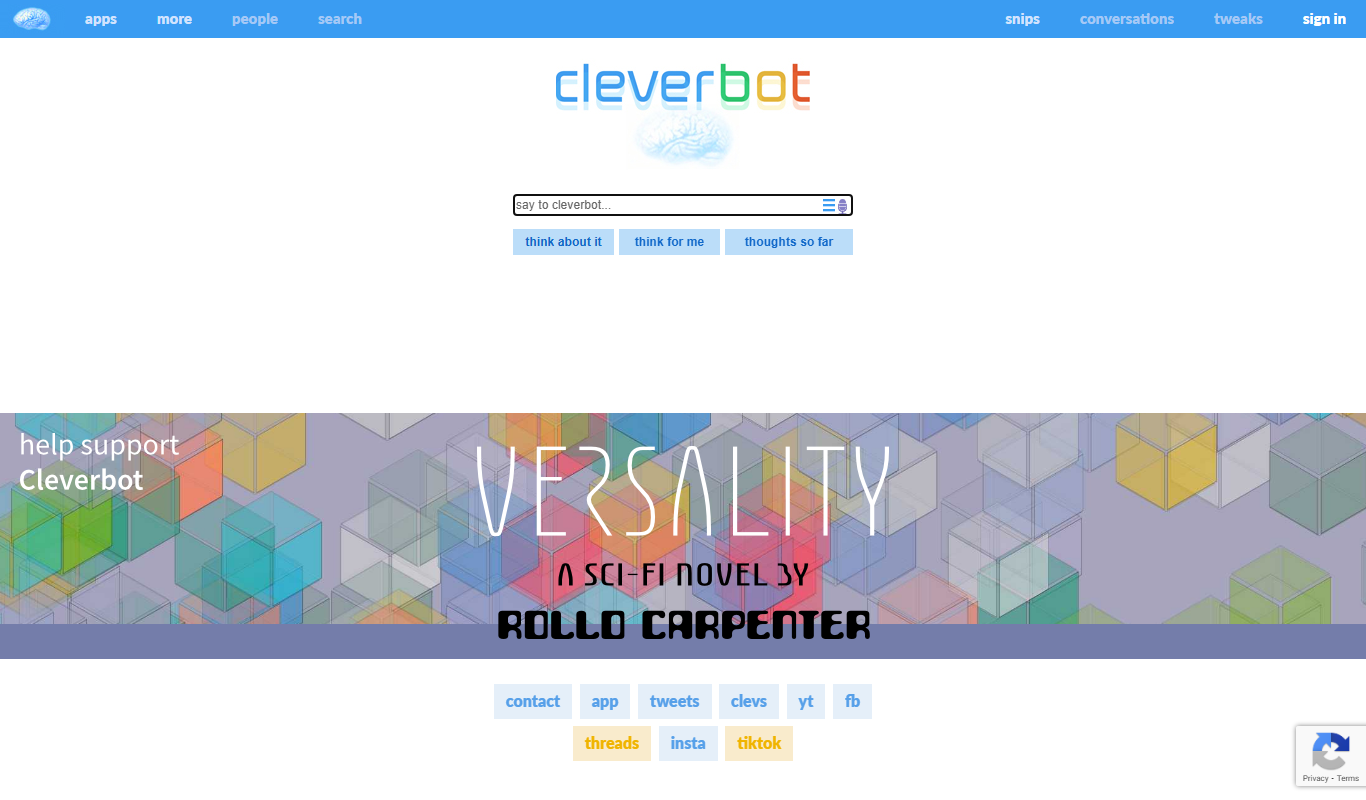
Cleverbot
Cleverbot is an AI chat generator that simulates human conversation using machine learning, accessible via web and API for real-time interactive dialogue.
More AI Assistant tools
Other tools in the same category, for when this one is not quite the fit.

Free Trial
PagerGPT
PagerGPT is an AI assistant that integrates with PagerDuty to automate incident triage, provide contextual summaries, and assist engineers in resolving incidents faster.

Freemium
Phew AI Tab
Phew AI Tab is a Chrome browser extension that integrates AI-powered research, note-taking, and summarization tools directly into your browsing experience to enhance productivity and streamline information management.

Freemium
Owl at Work – AI Companion for Businesses
Owl at Work is an AI-powered business companion that automates workflows, manages tasks, and improves team collaboration through intelligent automation and integrations.

Freemium
Vivas.AI
Vivas.AI is an AI meeting assistant that transcribes meetings in real time, extracts action items, and generates summaries to improve team productivity.
Free
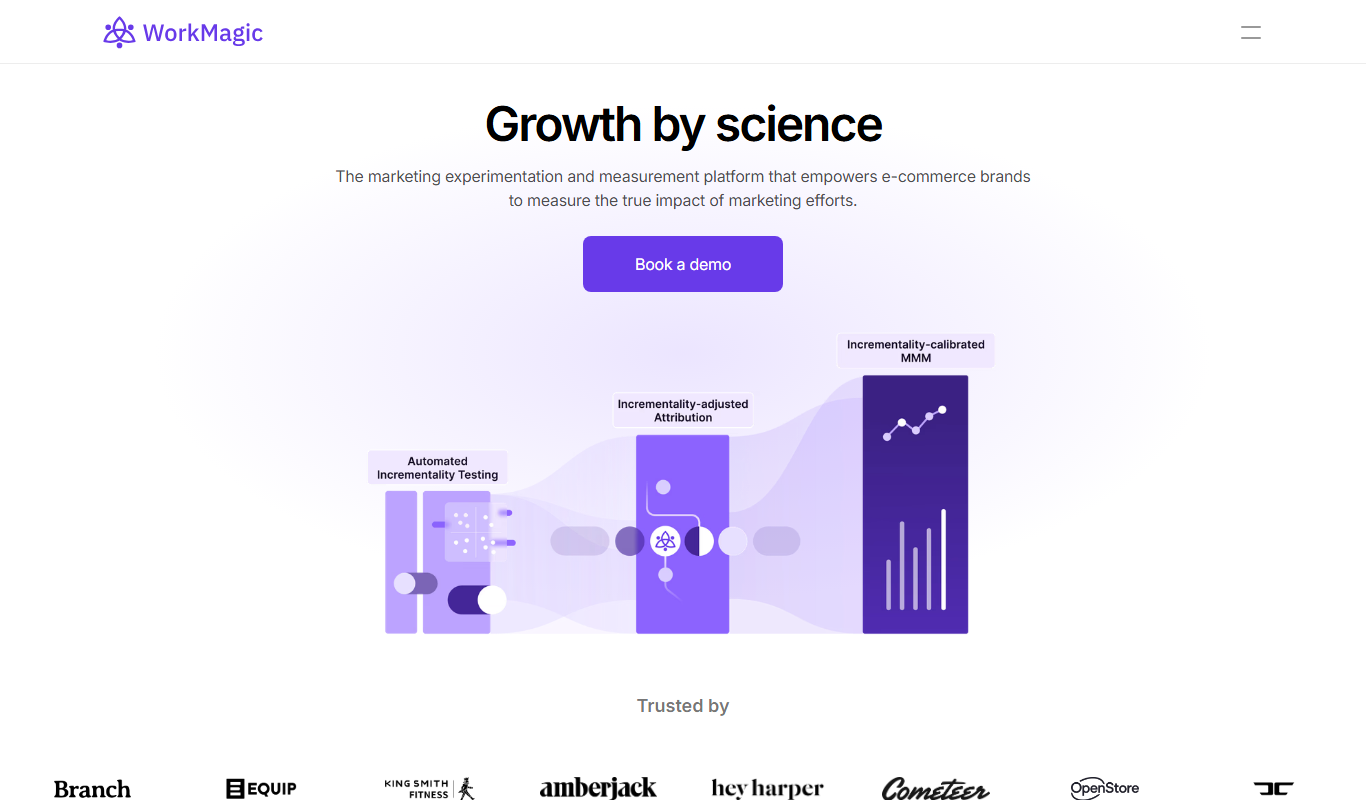
WorkMagic
WorkMagic is an AI-powered productivity assistant that automates tasks, manages workflows, and supports team collaboration through a web platform.

Free Trial
Voxpad
Voxpad is an AI voice assistant that transcribes meetings in real-time and generates summaries to improve productivity and collaboration.

Free Trial
HubbleIQ
HubbleIQ is an AI meeting assistant that automates transcription, action item detection, and meeting summaries to enhance team collaboration.

Free
Lunchbreak AI
Lunchbreak AI is an AI-driven tool that transcribes meetings in real time and generates concise summaries with action items, helping teams save time and improve productivity.