

From my experience with Wavify, it stands out as a straightforward and effective tool for generating animated SVG wave backgrounds without any coding hassle. Its real-time preview and simple customization sliders make it ideal for web designers and front-end developers who want to add dynamic wave effects quickly. However, its focus is quite narrow—limited to wave animations—so it’s not suited for more complex or varied animation needs. Overall, if you need clean, customizable wave animations for your website, Wavify delivers a no-frills, user-friendly solution.
Wavify Wave Animation Generator for Modern Web Design Projects
Wavify is a free online tool that generates customizable animated SVG wave backgrounds for websites, allowing designers to easily add dynamic wave effects with adjustable parameters like amplitude, speed, and color.
- Best for
- Creating Wave Animations
- Key capability
- Real-time Wave Animation Preview

Do you recommend this tool?
What is Wavify?
Wavify is a free web-based tool that allows designers and developers to create smooth, animated SVG wave shapes for use in web projects. It provides an intuitive interface to customize wave parameters such as amplitude, speed, and color, generating clean SVG code that can be embedded directly into websites.
Key features of Wavify
Wavify offers real-time wave animation previews, customizable wave properties, and easy export of SVG code. It simplifies adding dynamic wave effects to web pages without requiring complex coding.
Real-time Wave Animation Preview
See changes instantly as you adjust wave parameters.
Customizable Wave Properties
Control amplitude, speed, color, and wave count for tailored animations.
Clean SVG Code Export
Get optimized SVG code ready for seamless integration.
Free and No Signup Required
Use the tool instantly without any account creation or payment.
Pros and cons of Wavify
Pros
- Simple and intuitive interface
- Real-time animation preview
- No signup or payment required
- Generates clean, embeddable SVG code
Cons
- Limited to wave animations only
- No advanced customization beyond basic wave parameters
Key use cases for Wavify
Creating Wave Animations
Generate smooth, customizable wave animations for website backgrounds or section dividers.
Front-end Web Design
Enhance website aesthetics by integrating dynamic SVG wave animations easily.
Prototyping UI Elements
Quickly prototype wave-based UI components for client presentations or design iterations.
How Wavify works
- 1
Access the Web Tool
Open the Wavify website to start creating wave animations.
- 2
Customize Wave Parameters
Adjust settings like wave amplitude, speed, color, and number of waves using sliders.
- 3
Preview Animation
View the wave animation in real-time to fine-tune the appearance.
- 4
Export SVG Code
Copy the generated SVG code to embed the animated wave directly into your web project.
Who is using Wavify
Web designers
Front-end developers
UI/UX designers
Freelance developers
Creative agencies
Wavify pricing
Free
$0
Full access to all features with no cost.
Plans and prices are as published by the vendor and can change. Check the official site before you buy. Open the pricing page (opens in a new tab)
Frequently asked questions about Wavify
Yes, Wavify is completely free and does not require any signup.
Yes, you can adjust the wave colors using the color picker in the interface.
Wavify exports animated waves as SVG code that can be embedded in web projects.
It depends on your specific needs and how you plan to use the tool. The official website and documentation are the best sources for the latest details.
Yes, it can help with that use case depending on how you configure it and what features are available. You’ll get the best results with clear inputs and a defined goal.
Sign in to review this tool.
Sign In to ReviewNo reviews yet
Be the first to share how this tool worked for you.
Ask about pricing, limits, or how it compares — or answer someone else.
Sign In to AskNo questions yet
Have a question about using or paying for this tool? Be the first to ask.
Featured on TiorAI



Alternative Tools
Explore similar AI tools that might fit your needs
Free
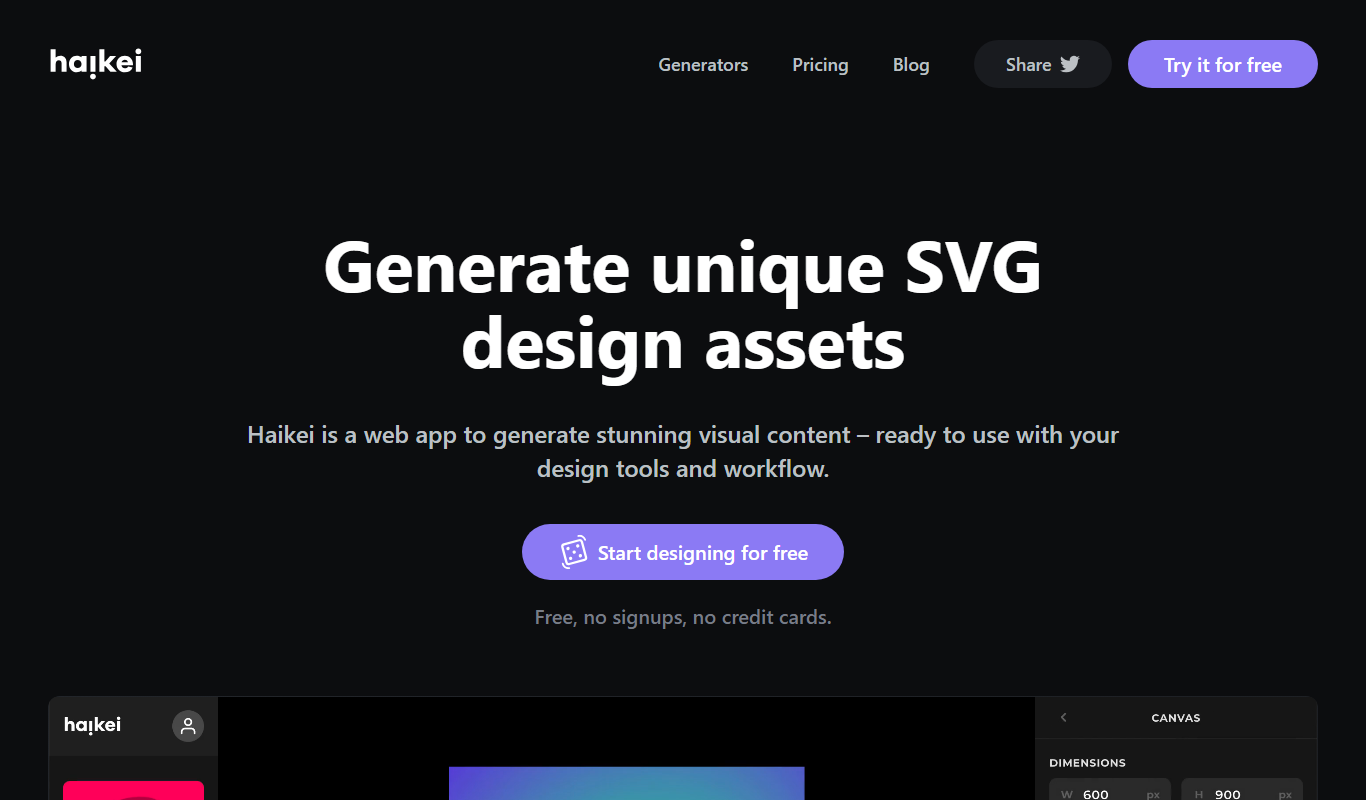
Haikei
Haikei is a web-based AI background generator that creates customizable SVG and abstract backgrounds for design projects, offering various styles and export options.

Free
Get Waves
Get Waves is a free online tool that generates customizable SVG wave backgrounds for web and graphic design, allowing users to adjust wave complexity, colors, and orientation with real-time preview and export options.
More AI Animation & Motion Tools tools
Other tools in the same category, for when this one is not quite the fit.

Free Trial
Gliytch
Gliytch is an AI-powered platform that enables users to create custom animated videos quickly and easily using text prompts and customizable templates.

Free Trial
Drawings Alive
Drawings Alive is an interactive animation software that allows users to animate drawings and images with interactive hotspots and synchronized audio, ideal for educational and marketing content creation.

Free
LivePortrait
LivePortrait is an AI-driven web tool that animates static portrait photos into realistic videos by applying facial movements and expressions using deep learning.

Free
Plask
Plask is a web-based AI-powered motion capture platform that uses a standard webcam to record, edit, and export 3D motion data for animation and game development.

Free
Animatable
Animatable AI is a web platform that uses artificial intelligence to help users create smooth character animations quickly and easily without prior animation experience.

Free Trial
MotionMate
MotionMate is an AI-driven video editing platform that automates the creation of motion graphics and animations, enabling users to produce professional videos quickly without advanced skills.

Freemium
Virbo AI Talking Photo
Virbo AI Talking Photo is an app that uses AI to animate static photos by syncing facial movements with voice recordings or text-to-speech audio, enabling users to create talking pictures and videos easily on web and mobile platforms.

Free
Storyboarder.ai
Storyboarder.ai is a free, open-source desktop application that uses AI to help filmmakers and animators create and organize storyboards quickly and efficiently.