

From my experience with Wavel AI, I found it excels at producing natural-sounding voiceovers quickly without the need for recording equipment or voice actors. The platform’s straightforward web interface and multilingual support make it especially useful for podcasters, video creators, and e-learning developers looking to streamline audio production. However, since it is web-based, offline use is not possible, and voice customization options are somewhat basic compared to some competitors. Overall, if you need a reliable, easy-to-use AI text-to-speech tool for diverse audio projects, Wavel AI delivers solid, professional results.
Wavel AI Text-to-Speech Platform for Natural Voiceovers and Audio Creation
Wavel AI is a web-based text-to-speech tool that converts text into natural-sounding voiceovers using AI, supporting multiple languages and customizable speech features.
- Best for
- Podcast Production
- Key capability
- Wide Voice Selection
Your actions
Save Wavel AI, follow its updates and vote on it — everything stays in your account.
Sign in or create a free account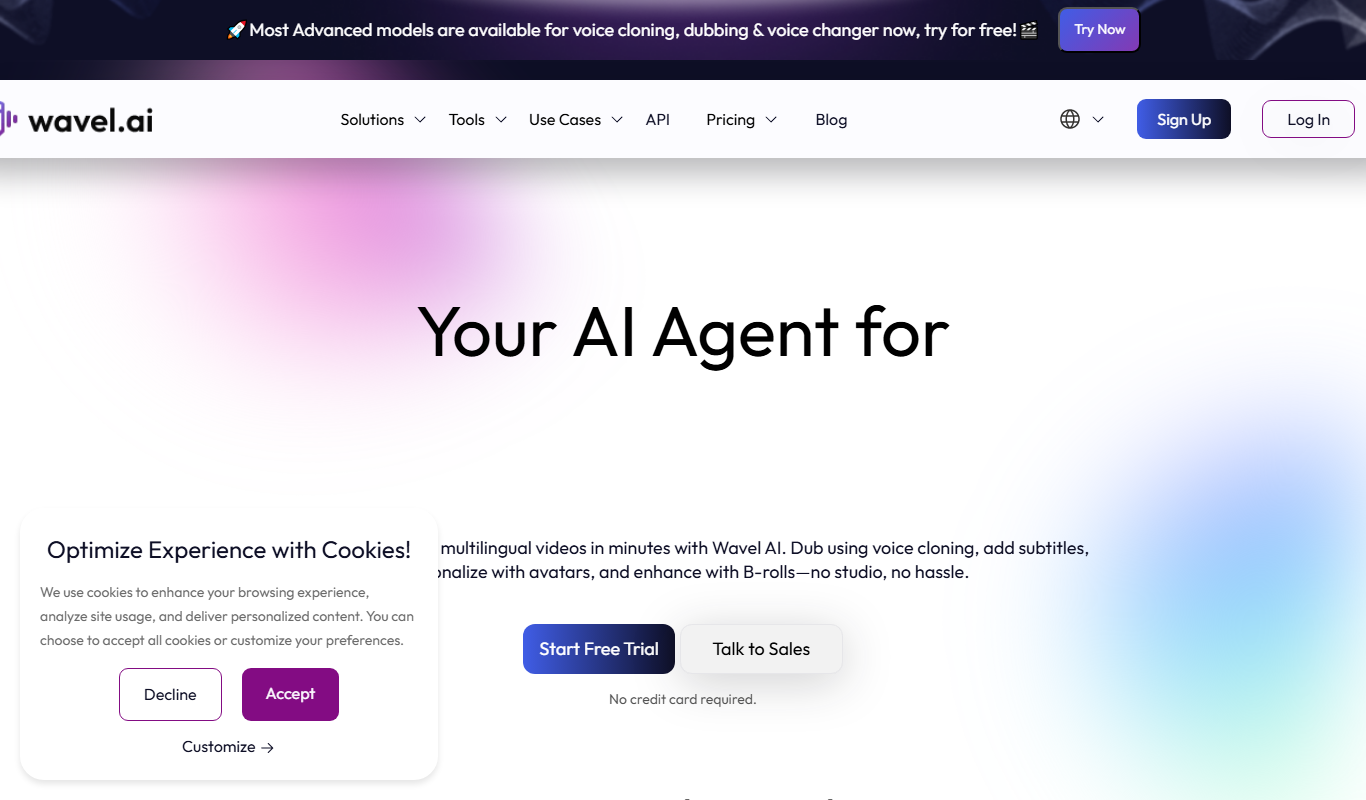

What is Wavel AI?
Wavel AI is a web-based text-to-speech platform that uses artificial intelligence to convert written text into natural, human-like voiceovers. It enables users to create audio content such as podcasts, audiobooks, video voiceovers, and e-learning narrations without the need for professional voice actors or recording equipment.
Key features of Wavel AI
Wavel AI offers a variety of realistic AI voices across multiple languages, customizable speech parameters, and an intuitive interface for easy audio creation. It supports exporting audio files in different formats and provides tools for syncing voiceovers with video content.
Wide Voice Selection
Access dozens of AI voices with different accents and styles.
Multilingual Support
Supports multiple languages for global content creation.
Customizable Speech Parameters
Modify speed, pitch, and emphasis to tailor voice output.
Audio Export Options
Download audio files in MP3 or WAV formats for various uses.
Video Voiceover Sync
Tools to align voiceovers with video timelines.
Pros and cons of Wavel AI
Pros
- Easy-to-use web interface with no software installation
- High-quality, natural-sounding AI voices
- Supports multiple languages and accents
- Flexible pricing with a free tier
- Useful for various audio content types
Cons
- Limited offline capabilities as it is web-based
- Customization options are basic compared to some competitors
- No dedicated mobile app currently
Key use cases for Wavel AI
Podcast Production
Create natural-sounding voiceovers for podcast episodes without recording your own voice.
Audiobook Narration
Generate professional audiobook narrations quickly using AI voices.
Video Voiceovers
Add realistic voiceovers to marketing videos, tutorials, and presentations.
E-learning Content
Produce engaging narration for online courses and educational materials.
Multilingual Audio
Create voice content in multiple languages to reach a global audience.
How Wavel AI works
- 1
Sign Up
Create a free account on the Wavel AI website to access the platform.
- 2
Input Text
Enter or paste the text you want to convert into speech.
- 3
Select Voice and Language
Choose from a range of AI voices and languages that best fit your project.
- 4
Customize Speech
Adjust speech speed, pitch, and pauses to enhance naturalness.
- 5
Generate and Export
Preview the audio, make edits if needed, then export the final voiceover file.
Who is using Wavel AI
Podcasters
Video content creators
E-learning developers
Audiobook producers
Marketing agencies
Wavel AI pricing
Free
$0/month
Limited monthly characters with access to basic voices.
Pro
$29/month
Higher character limits, premium voices, and commercial usage rights.
Enterprise
Custom pricing
Tailored solutions with dedicated support and advanced features.
Plans and prices are as published by the vendor and can change. Check the official site before you buy. Open the pricing page (opens in a new tab)
Frequently asked questions about Wavel AI
Yes, commercial usage is allowed on paid plans such as the Pro and Enterprise subscriptions.
Wavel AI supports English, Spanish, French, German, Portuguese, Italian, and several other languages.
Yes, the free plan allows you to try the service with limited characters each month.
Yes, you can adjust speech speed, pitch, and add pauses to make the voice sound more natural.
It depends on your specific needs and how you plan to use the tool. The official website and documentation are the best sources for the latest details.
Yes, it can help with that use case depending on how you configure it and what features are available. You’ll get the best results with clear inputs and a defined goal.
Yes, it can help with that use case depending on how you configure it and what features are available. You’ll get the best results with clear inputs and a defined goal.
Some tools offer a free plan or trial with limited features. Availability can vary, so confirm on the official website.
Sign in to review this tool.
Sign In to ReviewNo reviews yet
Be the first to share how this tool worked for you.
Ask about pricing, limits, or how it compares — or answer someone else.
Sign In to AskNo questions yet
Have a question about using or paying for this tool? Be the first to ask.
Featured on TiorAI



More AI Text-to-Speech tools
Other tools in the same category, for when this one is not quite the fit.

Free
Typecast AI
Typecast AI is a web-based platform that generates realistic AI voices using text-to-speech and voice cloning technologies, supporting multiple languages and emotional speech customization.

Free
free text Into Speech
Free Text Into Speech is a free web tool that converts typed text into natural-sounding speech with multiple voice options and downloadable MP3 audio.

Freemium
MS Text-to-Speech Downloader
MS Text-to-Speech Downloader is a web tool for synthesizing speech with the Microsoft Text-to-Speech service and playing or downloading the audio with one click, with a capped Free plan and a Pro plan for unlimited downloads.

Freemium
FREE Trump AI voice Generator
The AI Voice Generator is a web-based text to speech tool with a Donald Trump voice among 30+ AI voices, free with no sign-up for up to 120 characters per clip.
Free
Kokoro Web
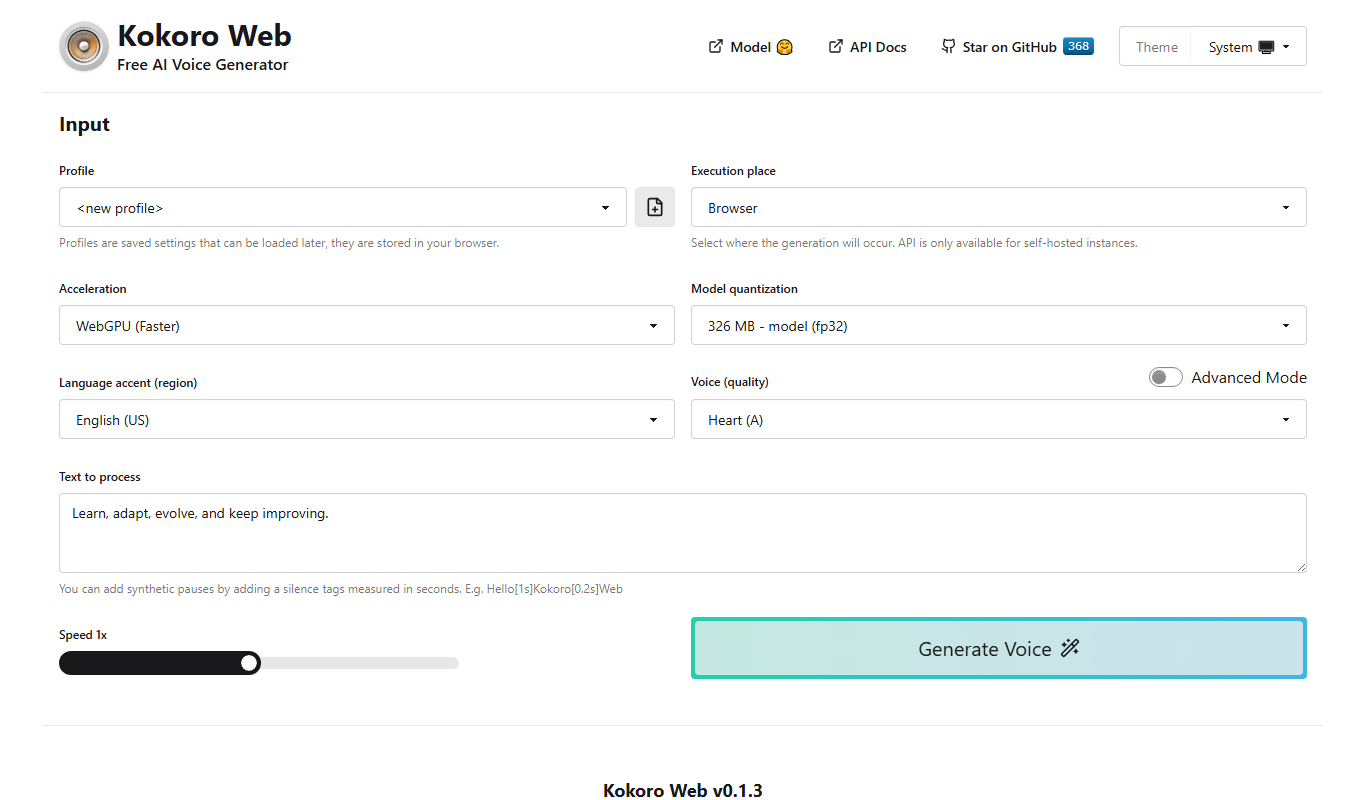
Kokoro Web is a free, open-source text-to-speech tool built on Kokoro-82M that supports 8 languages and more than 40 voices, with self-hosting and an OpenAI-compatible API.

Freemium
TTSLabs
TTSLabs is a real-time text to speech tool for live streams: the audience triggers the alerts, and the streamer controls the voices, clips and filters.

Freemium
TexttoSpeech.im: Convert Text to Speech Free Online
TexttoSpeech.im is a free web-based tool that converts written text into natural-sounding speech in multiple languages, allowing users to download the audio as MP3 files without registration.

Free
GPT Reader: A Free AI Text-to-Speech
GPT Reader is a browser extension for Chrome, Firefox and Edge that offers text-to-speech and speech-to-text.