

wAnywhere Employee Monitoring Software for Remote Workforce Management
wAnywhere is an employee monitoring software that helps businesses track remote and on-site employee activity, time, and productivity through real-time monitoring, automatic time tracking, and detailed reporting.
- Best for
- Remote Employee Monitoring
- Key capability
- Automatic Time Tracking
Save wAnywhere – Employee Monitoring Software, follow its updates and vote on it — everything stays in your account.
Sign in or create a free account

What is wAnywhere – Employee Monitoring Software?
wAnywhere is an employee monitoring software designed to help businesses oversee remote and on-site workforce activities. It provides real-time tracking of computer usage, time spent on tasks, and productivity metrics to improve workforce management and operational efficiency.
Key features of wAnywhere – Employee Monitoring Software
The software offers features such as automatic time tracking, activity monitoring, screenshot capture, productivity reports, and project time allocation, enabling managers to gain insights into employee performance and optimize workflows.
Automatic Time Tracking
Records work hours without manual input, ensuring accurate timesheets.
Activity Monitoring
Tracks application and website usage to assess employee productivity.
Screenshot Capture
Takes periodic screenshots to provide visual proof of work activity.
Detailed Reporting
Generates customizable reports for managers to analyze workforce performance.
Project and Task Tracking
Allows assignment and monitoring of time spent on specific projects or clients.
Pros and cons of wAnywhere – Employee Monitoring Software
Pros
- Comprehensive activity and time tracking features
- Supports both remote and on-site employee monitoring
- Detailed reporting for payroll and productivity analysis
Cons
- Pricing details are not publicly available
- Limited information on integrations with other software
Key use cases for wAnywhere – Employee Monitoring Software
Remote Employee Monitoring
Track and monitor remote employees’ computer activity to ensure productivity and compliance.
Time Tracking
Automatically record work hours and generate timesheets for payroll and project management.
Productivity Analysis
Analyze employee activity data to identify productive and unproductive time periods.
Project Management
Assign tasks and monitor time spent on specific projects or clients for better resource allocation.
Compliance and Security
Monitor application and website usage to ensure adherence to company policies and data security.
How wAnywhere – Employee Monitoring Software works
- 1
Install the Agent
Deploy the wAnywhere monitoring agent on employee computers to start tracking activity.
- 2
Configure Settings
Set up monitoring preferences, including which applications and websites to track.
- 3
Monitor Activity
Access the dashboard to view real-time data on employee work hours, application usage, and productivity.
- 4
Generate Reports
Create detailed reports for payroll, project management, and performance reviews.
Who is using wAnywhere – Employee Monitoring Software
wAnywhere – Employee Monitoring Software pricing
Basic
$6 per user per month
Essential productivity and time tracking: login, break, AUX, idle and remote time, application and website usage monitoring, activity monitoring, screenshots at set intervals, reports and attendance management.
Standard
$8 per user per month
Everything in Basic, plus shift management, enhanced attendance and productivity insights, and deeper reporting and analytics.
Pro
$10 per user per month
Everything in Standard, plus project management, notes, assessments and performance tracking, leave management, and cloud drive and document storage.
Enterprise
Contact Sales
AI-powered security and compliance suite: everything in Pro, plus AI-driven detections (not-at-desk, mobile device, unknown person), screen capture and recording, and PII masking.
Plans and prices are as published by the vendor and can change. Check the official site before you buy. Open the pricing page (opens in a new tab)
Frequently asked questions about wAnywhere – Employee Monitoring Software
Yes. The wAnywhere client can be installed on Windows, Mac and Linux.
Yes, wAnywhere provides real-time monitoring of employee activity and work hours.
Yes, the software can be configured to take periodic screenshots during work hours.
Yes. wAnywhere offers a free trial, which you can start from its website.
It depends on your specific needs and how you plan to use the tool. The official website and documentation are the best sources for the latest details.
It depends on your specific needs and how you plan to use the tool. The official website and documentation are the best sources for the latest details.
Yes, it can help with that use case depending on how you configure it and what features are available. You’ll get the best results with clear inputs and a defined goal.
Conclusion
A client installed on Windows, Mac or Linux computers records login, break, idle and remote time, along with application and website usage and screenshots at set intervals. Scheduled and downloadable reports, a centralized dashboard and attendance management are part of every plan. The top tier turns it into a compliance suite, adding AI-driven detection of an empty desk, mobile devices and unknown people, plus screen recording and masking of personal data.
The site addresses BPO operations looking to stay compliant and secured, and IT teams looking for real-time work insights. Pricing is published per user in four tiers, with yearly billing saving up to 10% and a free trial available.
Sources
Sign in to review this tool.
Sign In to ReviewNo reviews yet
Be the first to share how this tool worked for you.
Ask about pricing, limits, or how it compares — or answer someone else.
Sign In to AskNo questions yet
Have a question about using or paying for this tool? Be the first to ask.
Featured on TiorAI



Alternative Tools
Explore similar AI tools that might fit your needs

Hubstaff
Hubstaff is a time tracking and employee monitoring software that helps businesses manage remote and field teams by automating work hour tracking, activity monitoring, GPS location tracking, and payroll integration.

Teramind
Teramind is an employee monitoring software that helps organizations track user activity, detect insider threats, prevent data loss, and improve productivity through real-time analytics and alerts.
More Business Management tools
Other tools in the same category, for when this one is not quite the fit.

Monday.com AI
monday.com AI is a work operating system that uses AI to automate workflows, enhance project management, and improve team collaboration across platforms.

Asana AI
Asana AI is an AI-powered extension of the Asana platform that automates task creation, workflow management, and provides predictive analytics to improve project efficiency.

ClickUp AI
ClickUp AI is an AI assistant integrated into the ClickUp platform that automates project management tasks, generates content, and optimizes workflows to enhance team productivity.

Tailor Brands
Tailor Brands offers LLC formation services alongside its logo maker for small businesses.

Airbnb Experiences
Airbnb Experiences is a platform for booking unique local tours and activities hosted by locals worldwide, offering travelers authentic cultural and adventure experiences beyond traditional accommodations.

Pogo Travel
Pogo Travel is an AI-driven platform that generates personalized travel itineraries based on your preferences, travel dates, and interests, offering collaborative planning and offline access.
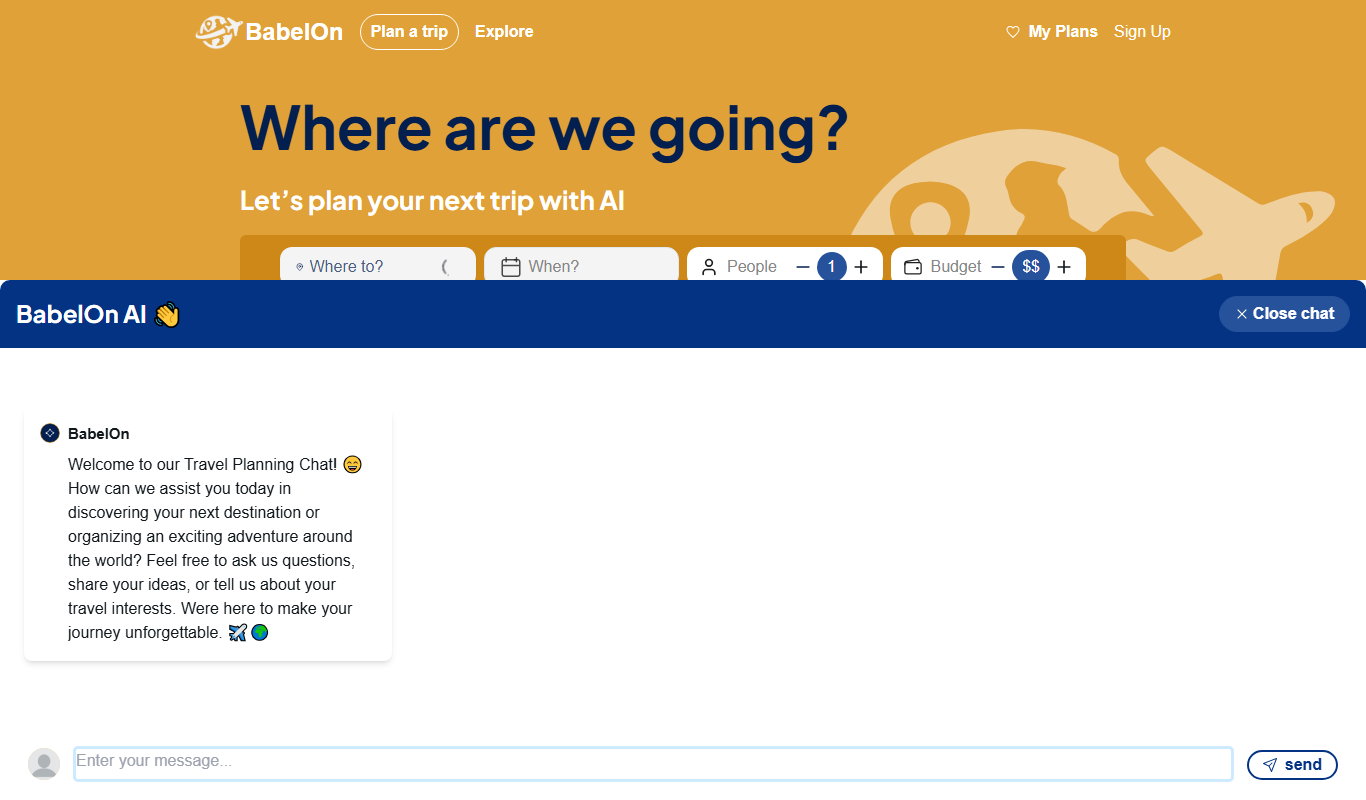
BabelOn
BabelOn is an AI-driven travel planning tool that generates personalized itineraries and helps organize all aspects of your trip in one place.

Furkot
Furkot is a web-based trip planner that helps users create multi-stop routes, optimize travel paths, schedule accommodations and activities, and share itineraries for efficient road trip planning.