

From my experience with Vision Boards AI, I found it excels at simplifying the creation of personalized vision boards by leveraging AI to suggest relevant images and layouts. The platform is intuitive and helps users stay motivated by visually organizing their goals. It is particularly well-suited for individuals focused on personal development and creative planning. However, the lack of a mobile app and limited features in the free plan are trade-offs to consider. Overall, if you want a streamlined, AI-assisted way to build inspiring vision boards online, Vision Boards AI delivers solid results.
Vision Boards AI - Create Personalized Vision Boards with AI Assistance
Vision Boards AI is a web platform that uses artificial intelligence to help users create personalized vision boards by suggesting relevant images and layouts based on their goals.
- Best for
- Goal Visualization
- Key capability
- AI-Powered Image Suggestions
Your actions
Save Vision Boards AI, follow its updates and vote on it — everything stays in your account.
Sign in or create a free account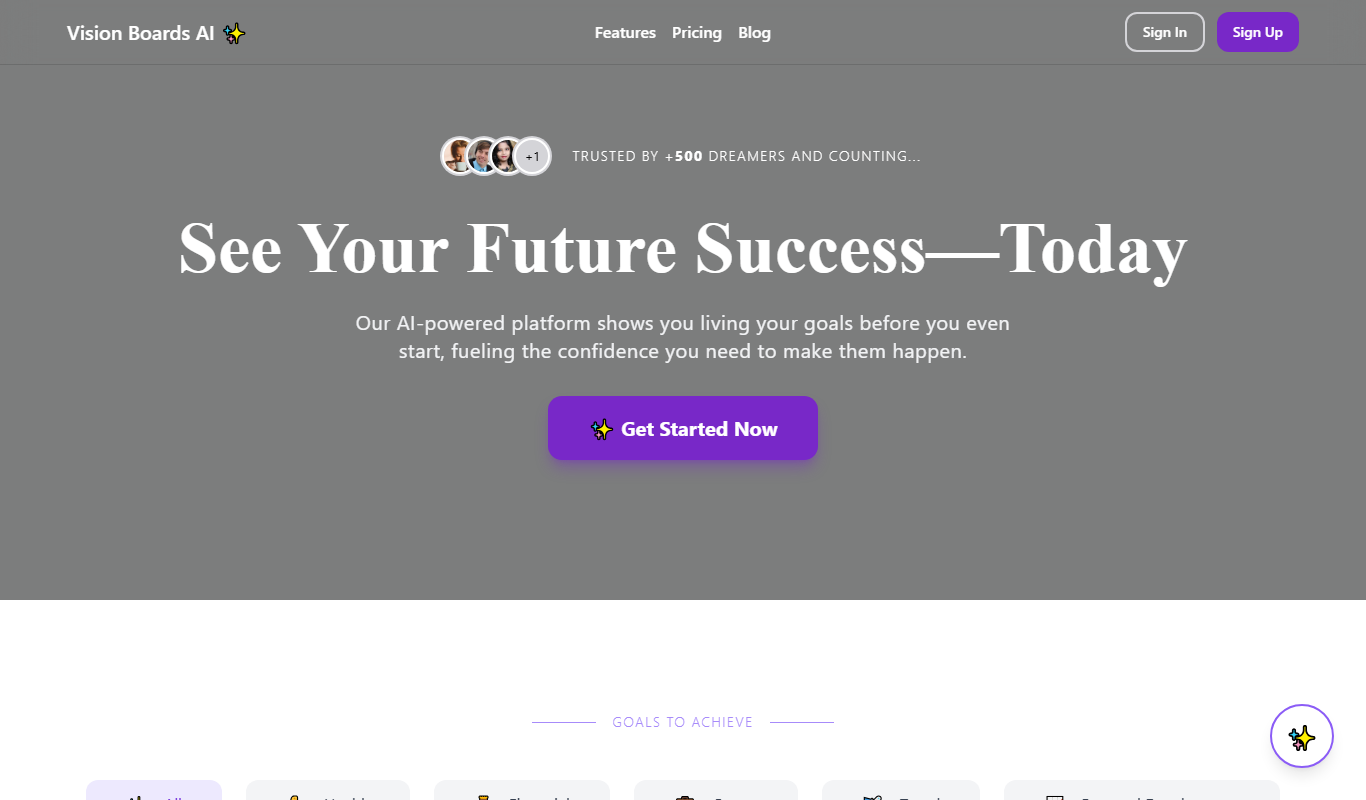
What is Vision Boards AI?
Vision Boards AI is a web-based platform that leverages artificial intelligence to help users create personalized vision boards quickly and easily. It combines AI-driven image suggestions and layout design to assist users in visualizing their goals and aspirations in a compelling and organized manner.
Key features of Vision Boards AI
The tool offers AI-powered image recommendations, customizable templates, drag-and-drop editing, and the ability to export or share completed vision boards. It streamlines the process of building a vision board by automating image discovery and layout design.
AI-Powered Image Suggestions
Automatically recommends images aligned with your goals to enhance your vision board.
Customizable Templates
Offers a variety of templates to suit different styles and preferences.
Drag-and-Drop Editor
Intuitive interface for easy arrangement and editing of vision board elements.
Export and Sharing Options
Allows users to download their vision boards or share them directly online.
Pros and cons of Vision Boards AI
Pros
- Easy-to-use drag-and-drop interface
- AI-assisted image recommendations save time
- Customizable templates for diverse needs
Cons
- No dedicated mobile app yet
- Limited free plan features
- Tech stack details not publicly disclosed
Key use cases for Vision Boards AI
Goal Visualization
Users can create visual representations of their personal and professional goals to stay motivated.
Personal Development
Helps individuals organize their aspirations and dreams into a structured, inspiring vision board.
Creative Planning
Supports creative brainstorming by allowing users to collect images and ideas in one place.
Motivation and Focus
Provides a visual reminder of goals to maintain focus and motivation over time.
How Vision Boards AI works
- 1
Sign Up
Create a free account on the Vision Boards AI website to access the platform.
- 2
Input Your Goals
Enter your personal or professional goals and aspirations into the system.
- 3
AI Generates Suggestions
The AI recommends relevant images and design layouts based on your inputs.
- 4
Customize Your Board
Use drag-and-drop tools to arrange images, add text, and personalize your vision board.
- 5
Save and Share
Export your vision board as an image or share it directly via social media or email.
Who is using Vision Boards AI
Individuals focused on personal development
Coaches and motivational speakers
Creative professionals and planners
Small business owners setting goals
Students and educators
Vision Boards AI pricing
Free
$0/month
Access to basic features with limited templates and exports.
Pro
$9.99/month
Unlocks all templates, unlimited exports, and priority support.
Plans and prices are as published by the vendor and can change. Check the official site before you buy. Open the pricing page (opens in a new tab)
Frequently asked questions about Vision Boards AI
Yes, there is a free plan that provides access to basic features and limited templates.
You can export your vision board as a high-resolution image file suitable for printing or sharing.
Currently, Vision Boards AI is only available as a web application.
It depends on your specific needs and how you plan to use the tool. The official website and documentation are the best sources for the latest details.
Some tools offer a free plan or trial with limited features. Availability can vary, so confirm on the official website.
Yes, it can help with that use case depending on how you configure it and what features are available. You’ll get the best results with clear inputs and a defined goal.
Sign in to review this tool.
Sign In to ReviewNo reviews yet
Be the first to share how this tool worked for you.
Ask about pricing, limits, or how it compares — or answer someone else.
Sign In to AskNo questions yet
Have a question about using or paying for this tool? Be the first to ask.
Featured on TiorAI



Alternative Tools
Explore similar AI tools that might fit your needs

Free
Milanote
Milanote is a visual collaboration and note-taking tool designed for creative project planning, brainstorming, and team collaboration using an intuitive drag-and-drop interface.
More AI Productivity Tools tools
Other tools in the same category, for when this one is not quite the fit.

Freemium
Nexus AI
Nexus AI is an all-in-one AI workspace for writing, research, content creation and planning: documents, decks, images, videos and code, with a free plan and paid plans.

Free Trial
AISOAP – AI SOAP Notes
AISOAP is an AI medical scribe that records and transcribes patient consultations and generates customized SOAP notes for clinicians.
Free Trial
Mindpool AI
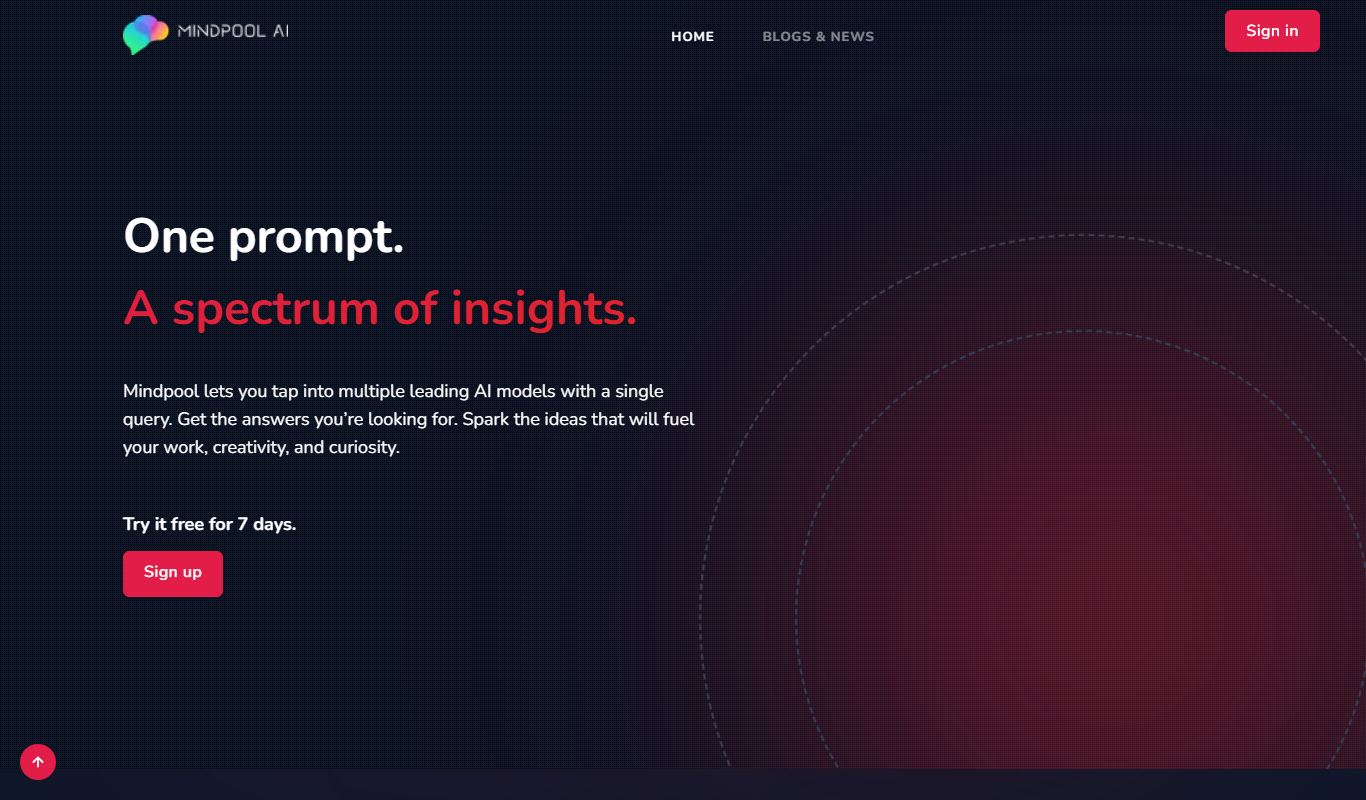
Mindpool AI lets you query multiple leading AI models with a single prompt and compare their outputs, with a 7-day free trial and a paid Standard plan.

Usage-based
Recall.ai
Recall.ai is the API to get transcripts, recordings and metadata from meetings on Zoom, Google Meet, Teams and more, through meeting bots, recording SDKs and a calendar API.

Enterprise
Spine
Spine AI builds Canvas for cloud-based multi-agent work across 300+ models and Medley for local-first agent orchestration.

Freemium
Verbatik
Verbatik AI is an all-in-one AI creative platform for text to speech, voice cloning, AI video, music, photo editing and sound effects.

Freemium
Raycast
Raycast is an extendable productivity launcher for macOS and Windows, with an iOS app, thousands of extensions and Raycast AI on paid Pro plans.

Freemium
TranscribetoText.AI
TranscribetoText.AI is an AI-driven online service that converts audio and video files into accurate text transcripts, supporting multiple languages and features like speaker identification and timestamps.