

From my experience with Visio Studio, it stands out as a practical AI code generation tool that effectively translates natural language prompts into usable code snippets. The platform is especially helpful for developers looking to speed up coding tasks, prototype quickly, or get assistance with debugging and documentation. While the web-based interface is intuitive and accessible, the lack of desktop or mobile apps might limit flexibility for some users. Overall, Visio Studio is well-suited for individual developers, students, and small teams seeking to enhance productivity through AI-assisted coding.
Visio Studio AI Code Generator for Developers and Programmers
Visio Studio is an AI-driven platform that converts natural language descriptions into code snippets, supports multiple programming languages, and assists developers with bug fixing and documentation.
- Best for
- Automated Code Generation
- Key capability
- Natural Language to Code
Your actions

Do you recommend this tool?
What is Visio Studio?
Visio Studio is an AI-powered code generation platform designed to assist developers by automating the creation of code snippets, functions, and entire modules. It leverages artificial intelligence to understand developer prompts and generate relevant, syntactically correct code, helping to accelerate software development workflows and reduce manual coding effort.
Key features of Visio Studio
Visio Studio offers features such as natural language to code conversion, multi-language support, code completion, bug detection, and documentation generation, all accessible through a user-friendly web interface.
Natural Language to Code
Convert plain English descriptions into functional code snippets.
Multi-Language Support
Supports generating code in multiple programming languages.
Bug Detection and Fixing
AI-assisted identification and correction of bugs in your code.
Code Documentation
Automatically generate comments and documentation for your code.
User-Friendly Interface
Clean and intuitive web interface for easy interaction with AI tools.
Pros and cons of Visio Studio
Pros
- Speeds up coding by generating code from natural language
- Supports multiple programming languages
- Includes bug detection and fixing assistance
- User-friendly web interface
- Offers a free plan for basic use
Cons
- Limited information on company background
- No desktop or mobile app versions available
- Some advanced features require paid subscription
Key use cases for Visio Studio
Automated Code Generation
Generate code snippets and entire functions automatically to speed up development.
Code Review Assistance
Use AI to analyze and suggest improvements or fixes in existing code.
Learning and Prototyping
Quickly prototype ideas or learn new programming concepts with AI-generated examples.
Bug Fixing
Identify and fix bugs in code by leveraging AI suggestions.
Documentation Generation
Automatically generate documentation or comments for codebases.
How Visio Studio works
- 1
Sign Up
Create an account on the Visio Studio website to access the AI code generation tools.
- 2
Input Your Request
Describe the code or functionality you want in natural language or provide existing code for improvement.
- 3
Generate Code
The AI processes your input and generates relevant code snippets or suggestions.
- 4
Review and Integrate
Review the generated code, make any necessary adjustments, and integrate it into your project.
Who is using Visio Studio
Software developers
Programming students
Startups and small development teams
Freelance programmers
Tech educators
Visio Studio pricing
Free
$0/month
Basic access with limited code generations and features.
Pro
$19/month
Unlimited code generations, priority support, and advanced features.
Plans and prices are as published by the vendor and can change. Check the official site before you buy. Open the pricing page (opens in a new tab)
Frequently asked questions about Visio Studio
Visio Studio supports popular languages including Python, JavaScript, Java, and more.
Yes, code generated by Visio Studio can be used in commercial applications.
Yes, the free plan allows you to try core features with some limitations.
Visio Studio uses secure protocols to protect your data and does not share your code publicly.
It depends on your specific needs and how you plan to use the tool. The official website and documentation are the best sources for the latest details.
Yes, it can help with that use case depending on how you configure it and what features are available. You’ll get the best results with clear inputs and a defined goal.
Some tools offer a free plan or trial with limited features. Availability can vary, so confirm on the official website.
Yes, it can help with that use case depending on how you configure it and what features are available. You’ll get the best results with clear inputs and a defined goal.
Sign in to review this tool.
Sign In to ReviewNo reviews yet
Be the first to share how this tool worked for you.
Ask about pricing, limits, or how it compares — or answer someone else.
Sign In to AskNo questions yet
Have a question about using or paying for this tool? Be the first to ask.
Featured on TiorAI



More AI Developer & Coding Tools tools
Other tools in the same category, for when this one is not quite the fit.

Free
CraftUI
CraftUI Studio is a no-code UI design tool that lets you visually create responsive web and mobile app interfaces with drag-and-drop components and export clean code for development.

Free Trial
Inductor
Inductor AI is an AI-powered software development assistant that automates code generation, refactoring, and bug fixing to enhance developer productivity.

Free
Webo.AI
Webo.AI is an AI-powered no-code website builder that automates website design and content creation, enabling users to launch responsive websites quickly without coding skills.

Free
Bloks
Bloks is a no-code platform that allows users to build custom web applications with drag-and-drop tools, data integration, and workflow automation, enabling businesses to create tailored digital solutions without programming.

Free
Autodevs by Create
Autodevs by Create is an AI-driven platform that automates code generation and software development tasks, helping developers build applications faster with less manual coding.

Free
BuilderKit
BuilderKit is an AI-driven no-code website builder that enables users to quickly create professional and responsive websites without any coding skills.

Freemium
pineapplebuilder.com
Pineapple Builder is a WordPress plugin that enables users to build websites visually using drag-and-drop tools, with responsive design and WooCommerce integration.
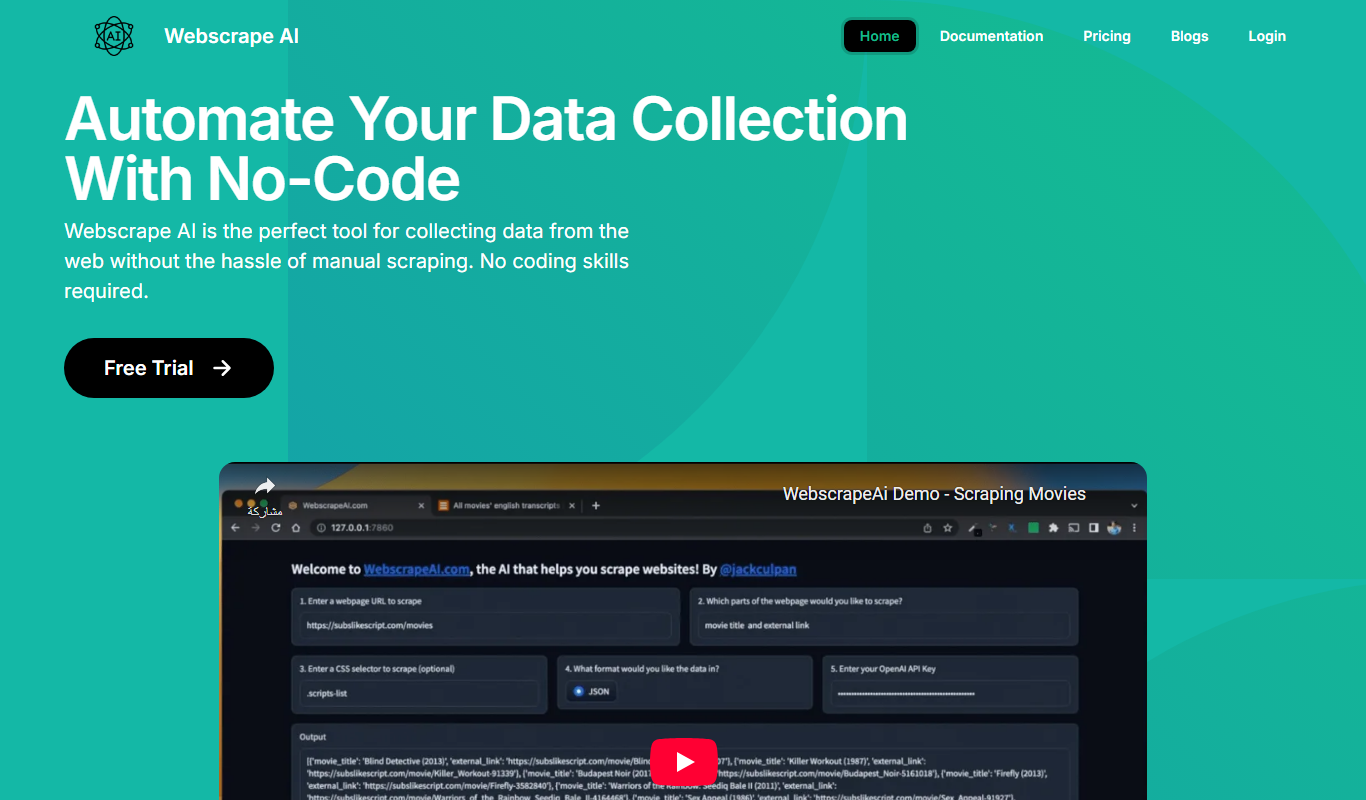
Free Trial
Webscape
Webscape is an AI-powered no-code website builder that enables users to create fast, responsive websites easily without programming skills.