

From my experience with VideoTap, I found it excels at simplifying the candidate screening process by enabling asynchronous video interviews. This flexibility reduces scheduling headaches and allows hiring teams to review candidates on their own time, which is especially valuable for remote or distributed teams. However, VideoTap does not currently support live video interviews, which might be a limitation for organizations wanting real-time interaction. Overall, if your goal is to streamline remote hiring with scalable video interviews, VideoTap offers a practical and user-friendly solution.
VideoTap Video Interview Platform for Remote Hiring and Recruitment
VideoTap is a video interview platform that enables asynchronous candidate interviews, helping employers streamline remote hiring and improve recruitment efficiency.
- Best for
- Remote Candidate Screening
- Key capability
- Asynchronous Video Interviews


Do you recommend this tool?
What is VideoTap?
VideoTap is a video interview platform designed to simplify and enhance the recruitment process. It enables employers to conduct asynchronous video interviews, allowing candidates to record responses to preset questions at their convenience. This approach reduces scheduling challenges and accelerates hiring decisions by providing a flexible and scalable way to assess candidates remotely.
Key features of VideoTap
VideoTap offers features such as customizable interview templates, asynchronous video recording, collaborative review tools for hiring teams, and integrations with applicant tracking systems. These features collectively help organizations streamline candidate evaluation and improve hiring efficiency.
Asynchronous Video Interviews
Candidates can record answers on their own schedule, reducing coordination overhead.
Customizable Interview Templates
Create tailored question sets to match specific job roles and requirements.
Collaborative Review Tools
Multiple team members can watch and comment on candidate videos to facilitate consensus.
Integration Capabilities
Connect with popular applicant tracking systems to streamline recruitment workflows.
Pros and cons of VideoTap
Pros
- Simplifies scheduling by enabling asynchronous interviews
- Facilitates collaborative candidate evaluation
- Customizable interview templates improve relevance
- Mobile-friendly for candidate convenience
Cons
- No live video interview functionality
- Pricing details not publicly disclosed
Key use cases for VideoTap
Remote Candidate Screening
Conduct video interviews asynchronously to evaluate candidates without scheduling conflicts.
Hiring Process Automation
Streamline recruitment workflows by automating interview scheduling and candidate evaluation.
Collaborative Hiring Decisions
Enable hiring teams to review candidate videos and provide feedback collaboratively.
Diversity and Inclusion Hiring
Reduce bias by standardizing interview questions and allowing candidates to respond on their own time.
How VideoTap works
- 1
Create Interview Templates
Set up interview questions and customize the format to fit your hiring needs.
- 2
Invite Candidates
Send candidates a link to record their video responses asynchronously.
- 3
Review Candidate Videos
Hiring teams watch recorded interviews and provide feedback within the platform.
- 4
Make Hiring Decisions
Use collected insights to move forward with the best candidates efficiently.
Who is using VideoTap
Recruitment agencies
Human resource departments
Small to medium-sized businesses
Remote-first companies
Talent acquisition teams
VideoTap pricing
Free Trial
$0 for 14 days
Access core features to evaluate the platform before committing.
Professional
Contact for pricing
Full access to all features with support and integrations for growing teams.
Plans and prices are as published by the vendor and can change. Check the official site before you buy. Open the pricing page (opens in a new tab)
Frequently asked questions about VideoTap
Yes, VideoTap’s web platform is mobile-friendly, allowing candidates to record videos from smartphones or tablets.
VideoTap focuses on asynchronous video interviews rather than live video calls.
Limits depend on the subscription plan; contact VideoTap for detailed information.
It depends on your specific needs and how you plan to use the tool. The official website and documentation are the best sources for the latest details.
Integration support depends on the tool and its available connectors or API. Check the official documentation or integrations page to confirm what is supported.
Sign in to review this tool.
Sign In to ReviewNo reviews yet
Be the first to share how this tool worked for you.
Ask about pricing, limits, or how it compares — or answer someone else.
Sign In to AskNo questions yet
Have a question about using or paying for this tool? Be the first to ask.
Featured on TiorAI



Alternative Tools
Explore similar AI tools that might fit your needs

Custom Pricing
HireVue
HireVue is an AI-driven recruiting platform that enables on-demand video interviews and uses artificial intelligence to assess candidates’ skills and fit, helping organizations streamline hiring processes and reduce bias.

Custom Pricing
VidCruiter
VidCruiter is a recruitment platform offering AI-powered video interviewing, applicant tracking, and automated scheduling to optimize hiring workflows.
More AI Blog Generator tools
Other tools in the same category, for when this one is not quite the fit.

Free
SAT Sphere
SAT Sphere is an online platform offering realistic SAT practice tests, detailed performance analytics, and personalized study plans to help students prepare effectively for the SAT exam.

Free Trial
Publish Studio
Publish Studio is a web platform that enables teams to collaboratively create, review, and publish digital content with real-time editing, approval workflows, and multi-channel distribution.

Commission-based
Go Vinted AI
Go Vinted AI is an online platform that uses artificial intelligence to help users buy and sell secondhand clothing with optimized listings and pricing, promoting sustainable fashion.

Free Trial
8arms
8arms is an AI-driven platform that enables automated testing and test management for web applications without requiring coding skills. It integrates with CI/CD pipelines and supports cross-browser testing to improve software quality and speed up releases.

Free
Spell AI
Spell AI is a cloud-based platform that provides scalable GPU compute, experiment tracking, and MLOps tools to help data scientists and engineers develop, train, and deploy machine learning models efficiently.
Free
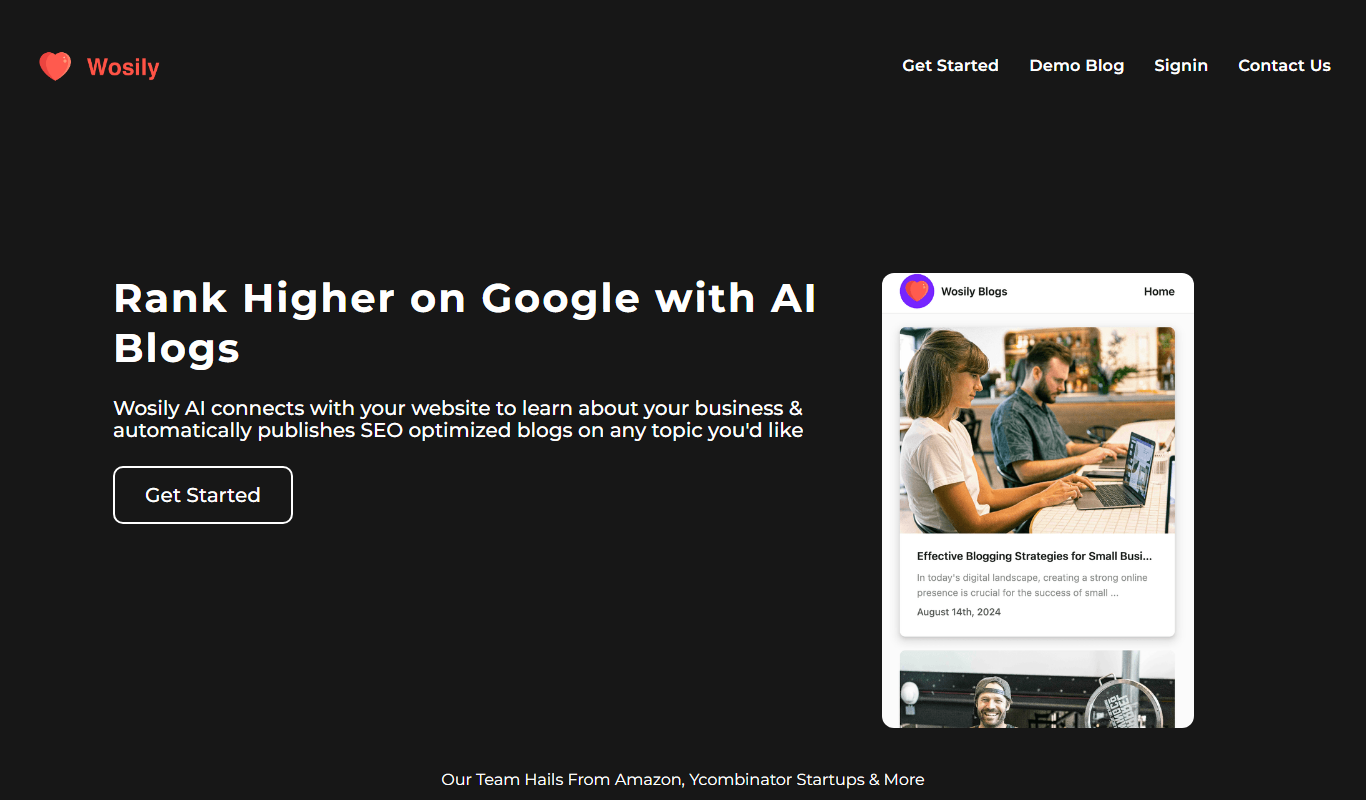
Wosily
Wosily is an AI chatbot platform that helps businesses automate customer interactions through customizable chatbots with natural language understanding, supporting deployment on websites and apps.

Freemium
GrackerAI
GrackerAI is an AI-powered data analytics platform that helps businesses visualize data, track performance, and generate predictive insights through customizable dashboards and automated reports.

Free Trial
QuillGenius AI Copywriting Tool
QuillGenius is an AI-powered copywriting tool that helps users create marketing, SEO, and creative content efficiently through customizable templates and AI-generated drafts.