

From my experience with Spell AI, I found it excels at providing scalable GPU resources combined with robust experiment tracking, which is essential for managing complex machine learning projects. The platform’s collaboration features make it a strong choice for teams working together on AI models. However, the free tier’s limited compute hours mean that users with heavier workloads will need to consider paid plans. Overall, Spell AI is well-suited for data scientists and ML engineers looking for an integrated cloud solution to streamline their workflows from training to deployment.
Spell AI Platform for Scalable Machine Learning and AI Model Management
Spell AI is a cloud-based platform that provides scalable GPU compute, experiment tracking, and MLOps tools to help data scientists and engineers develop, train, and deploy machine learning models efficiently.
- Best for
- Machine Learning Experiment Tracking
- Key capability
- Scalable Cloud GPU Compute

Do you recommend this tool?
What is Spell AI?
Spell AI is a cloud-based machine learning platform designed to simplify and accelerate the development, training, and deployment of AI models. It provides scalable compute resources, experiment tracking, and collaboration tools to help data scientists and ML engineers manage the entire lifecycle of machine learning projects without the overhead of infrastructure management.
Key features of Spell AI
Spell AI offers scalable GPU-powered compute environments, comprehensive experiment tracking, seamless collaboration features, and automated MLOps pipelines. It supports running training jobs on demand, managing datasets, and deploying models with monitoring capabilities.
Scalable Cloud GPU Compute
Access powerful GPU clusters on demand to accelerate model training.
Experiment Tracking Dashboard
Visualize and compare multiple training runs with detailed metrics and logs.
Collaboration Tools
Share projects, code, and results with team members securely.
Automated MLOps Pipelines
Streamline workflows from data ingestion to deployment with automation.
API and CLI Access
Interact programmatically with Spell’s platform for integration and automation.
Pros and cons of Spell AI
Pros
- Easy access to scalable GPU resources without infrastructure setup
- Comprehensive experiment tracking and visualization
- Supports collaboration for data science teams
- Flexible API and CLI for automation
- Automated MLOps pipelines streamline workflows
Cons
- Free tier has limited compute hours
- Pricing can be high for large-scale enterprise use
- Learning curve for users unfamiliar with cloud ML platforms
Key use cases for Spell AI
Machine Learning Experiment Tracking
Track, compare, and manage machine learning experiments efficiently with integrated tools.
Scalable Model Training
Run large-scale training jobs on cloud GPUs without managing infrastructure.
Model Deployment and Management
Deploy models to production environments and monitor their performance.
Collaboration for Data Science Teams
Enable teams to share projects, datasets, and results seamlessly.
Automated MLOps Pipelines
Automate workflows from data preprocessing to model deployment.
How Spell AI works
-
1
Create an Account
Sign up on the Spell platform to access cloud resources and tools.
-
2
Set Up Your Project
Configure your machine learning project, upload datasets, and define experiments.
-
3
Run Training Jobs
Launch scalable training jobs on cloud GPUs using Spell’s infrastructure.
-
4
Track and Analyze Experiments
Monitor metrics, compare runs, and optimize models using the experiment tracking dashboard.
-
5
Deploy and Monitor Models
Deploy trained models to production and monitor their performance in real time.
Who is using Spell AI
Data scientists
Machine learning engineers
AI researchers
Startups developing AI products
Enterprises scaling ML workloads
Spell AI pricing
Free
$0/month
Basic access with limited compute hours and experiment tracking.
Pro
$49/month
Increased compute resources, priority support, and advanced collaboration features.
Enterprise
Custom pricing
Tailored solutions with dedicated infrastructure, SLAs, and onboarding support.
Plans and prices are as published by the vendor and can change. Check the official site before you buy. Open the pricing page (opens in a new tab)
Frequently asked questions about Spell AI
Yes, you can upload and manage your own datasets within the platform.
Spell supports frameworks like TensorFlow, PyTorch, and others through custom environments.
The free plan includes limited GPU hours per month; additional usage requires upgrading.
Yes, Spell provides collaboration features to share projects and results securely.
This tool is designed to help users accomplish its core tasks more efficiently. It is typically used by individuals or teams looking to improve productivity and workflow.
Yes, it can help with that use case depending on how you configure it and what features are available. You’ll get the best results with clear inputs and a defined goal.
Pricing depends on the plan and included features. For the most accurate and up-to-date details, check the official pricing page.
Integration support depends on the tool and its available connectors or API. Check the official documentation or integrations page to confirm what is supported.
Sign in to review this tool.
Sign In to ReviewNo reviews yet
Be the first to share how this tool worked for you.
Ask about pricing, limits, or how it compares — or answer someone else.
Sign In to AskNo questions yet
Have a question about using or paying for this tool? Be the first to ask.
Featured on TiorAI



Alternative Tools
Explore similar AI tools that might fit your needs
Enterprise
Weights & Biases
Weights & Biases is a machine learning platform that helps data scientists track experiments, version datasets and models, collaborate with teams, and monitor models in production.

Free
Neptune.ai
Neptune.ai is a machine learning experiment tracking and model management platform that helps data scientists log, organize, and collaborate on ML projects efficiently.
More AI Blog Generator tools
Other tools in the same category, for when this one is not quite the fit.

Free
SAT Sphere
SAT Sphere is an online platform offering realistic SAT practice tests, detailed performance analytics, and personalized study plans to help students prepare effectively for the SAT exam.

Free Trial
Publish Studio
Publish Studio is a web platform that enables teams to collaboratively create, review, and publish digital content with real-time editing, approval workflows, and multi-channel distribution.

Commission-based
Go Vinted AI
Go Vinted AI is an online platform that uses artificial intelligence to help users buy and sell secondhand clothing with optimized listings and pricing, promoting sustainable fashion.

Free Trial
8arms
8arms is an AI-driven platform that enables automated testing and test management for web applications without requiring coding skills. It integrates with CI/CD pipelines and supports cross-browser testing to improve software quality and speed up releases.
Free
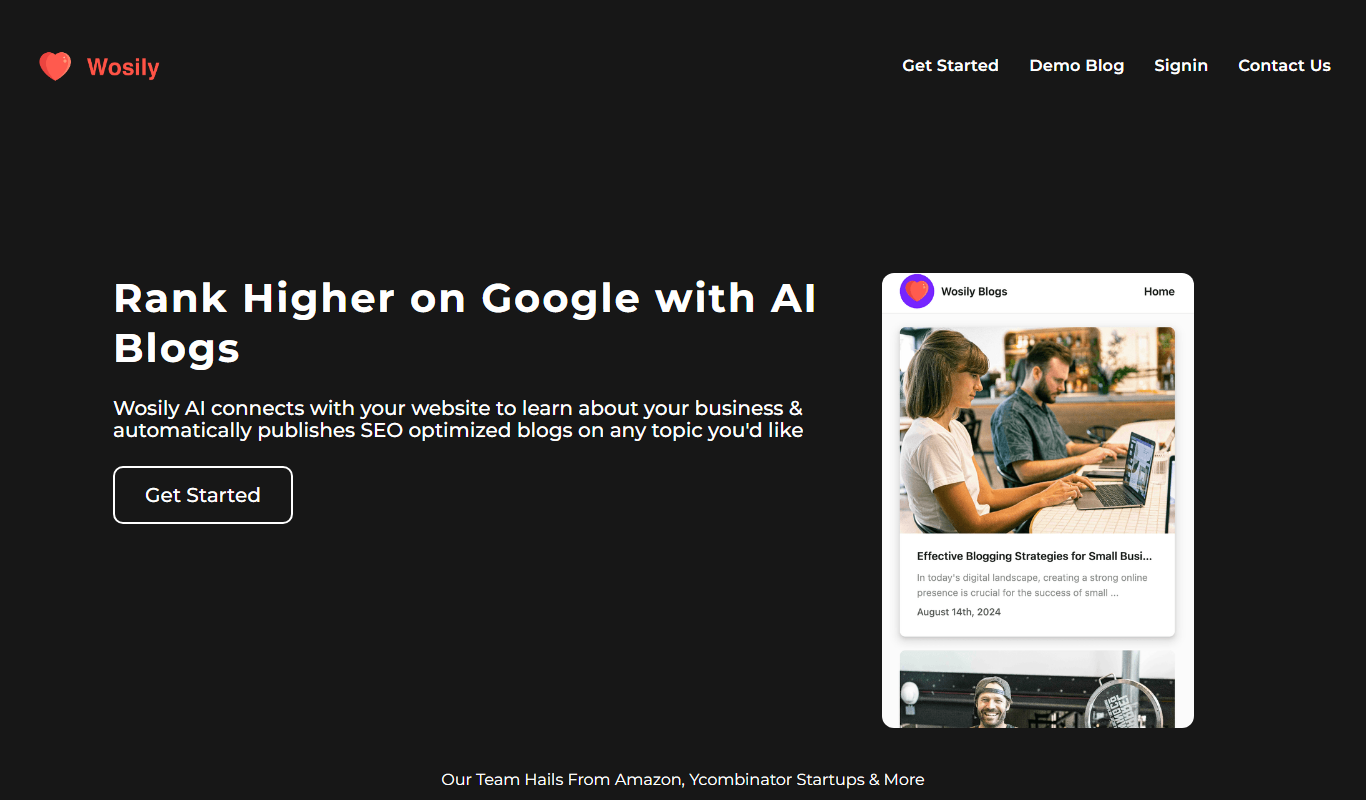
Wosily
Wosily is an AI chatbot platform that helps businesses automate customer interactions through customizable chatbots with natural language understanding, supporting deployment on websites and apps.

Freemium
GrackerAI
GrackerAI is an AI-powered data analytics platform that helps businesses visualize data, track performance, and generate predictive insights through customizable dashboards and automated reports.

Free Trial
QuillGenius AI Copywriting Tool
QuillGenius is an AI-powered copywriting tool that helps users create marketing, SEO, and creative content efficiently through customizable templates and AI-generated drafts.

Freemium
Jema.ai
Jema.ai is an AI-powered writing assistant designed to help marketers and content creators generate high-quality, SEO-friendly marketing content quickly and efficiently through an easy-to-use web platform.