

From my experience with VideoAsk by Typeform, I found it excels at creating engaging, personalized video interactions that go beyond traditional surveys. The ability for respondents to answer via video or audio adds a human touch that can significantly improve response quality. It’s particularly well-suited for marketing teams and recruiters looking to connect authentically with their audience. However, the platform’s limitations on response volume in lower-tier plans and lack of a dedicated desktop app may require consideration for high-volume users. Overall, VideoAsk delivers a compelling solution for interactive video engagement.
Interactive Video Platform VideoAsk by Typeform for Customer Engagement
VideoAsk by Typeform is an interactive video platform that lets you create video-based forms and surveys where respondents can reply via video, audio, or text, enhancing customer engagement and feedback collection.
- Best for
- Customer Feedback Collection
- Key capability
- Interactive Video Forms
Your actions
Save VideoAsk by Typeform Official | Interactive Video Platform, follow its updates and vote on it — everything stays in your account.
Sign in or create a free account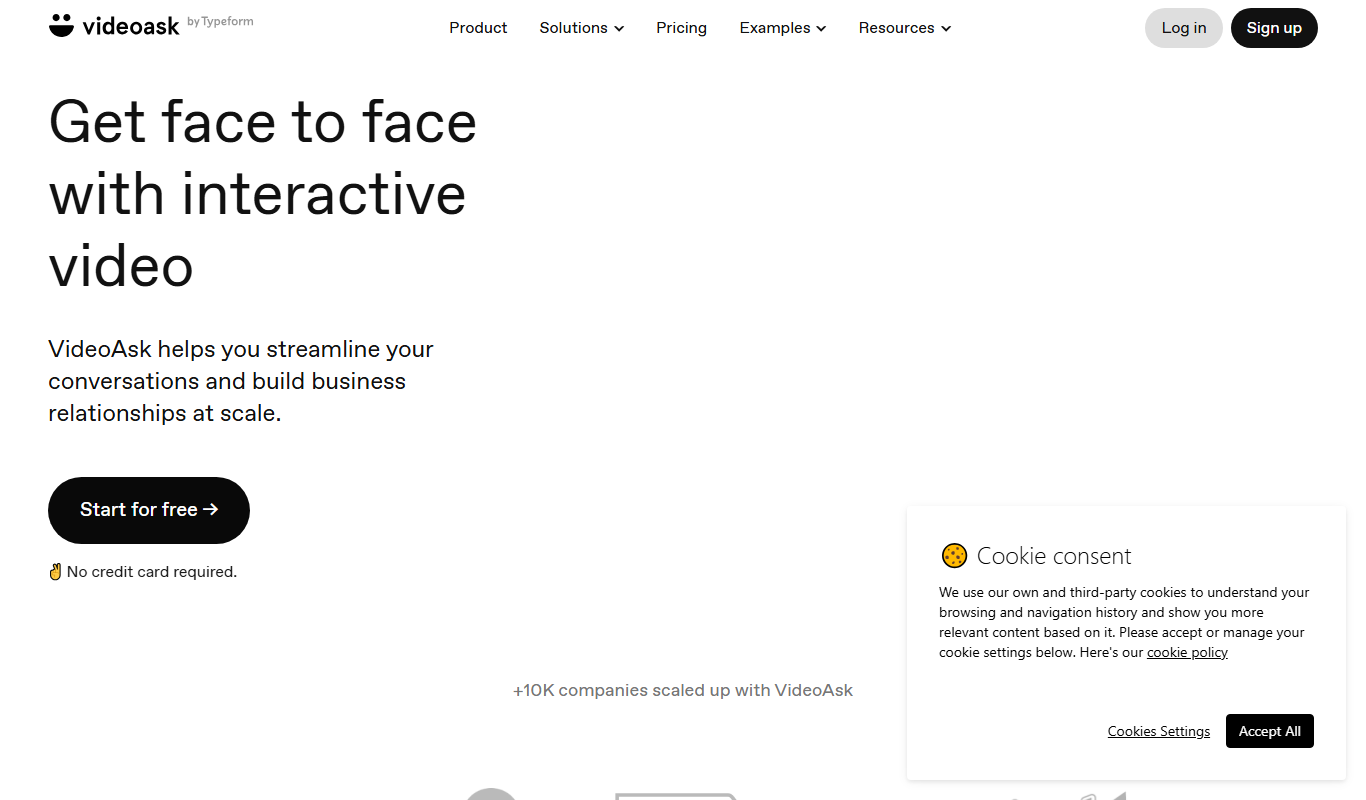
What is VideoAsk by Typeform Official | Interactive Video Platform?
VideoAsk by Typeform is an interactive video platform that enables businesses to create video-based forms, surveys, and messaging experiences. It combines video with conversational forms to engage audiences more personally and collect richer responses. Users can record or upload videos and add interactive questions that viewers answer via video, audio, or text, making communication more dynamic and human-centered.
Key features of VideoAsk by Typeform Official | Interactive Video Platform
VideoAsk offers features such as customizable video forms, multi-format responses (video, audio, text), seamless embedding on websites, integrations with popular tools like Zapier and CRM platforms, and analytics to track engagement and responses.
Interactive Video Forms
Create forms that combine video prompts with multiple response formats to boost engagement.
Multi-format Responses
Respondents can reply via video, audio, or text, allowing more expressive and personalized feedback.
Easy Embedding and Sharing
Embed VideoAsk on websites or share via direct links and email for flexible distribution.
Integrations
Connect with Zapier, HubSpot, Mailchimp, and other tools to automate data flow and follow-ups.
Analytics Dashboard
Monitor engagement metrics and response data to optimize your video interactions.
Pros and cons of VideoAsk by Typeform Official | Interactive Video Platform
Pros
- Engaging and personal way to collect feedback
- Supports multiple response formats including video
- Easy to embed and share across platforms
- Integrates well with popular marketing and CRM tools
- User-friendly interface with quick setup
Cons
- Limited advanced customization on lower-tier plans
- Primarily web-based, no dedicated desktop app
- Response limits on free and basic plans
Key use cases for VideoAsk by Typeform Official | Interactive Video Platform
Customer Feedback Collection
Use interactive video forms to gather detailed customer feedback in a more engaging way than traditional surveys.
Lead Generation
Capture leads through personalized video questions that encourage higher response rates and richer data.
Video Messaging
Send personalized video messages to prospects or customers to build stronger relationships and improve communication.
Market Research
Conduct qualitative research by asking open-ended questions via video to better understand customer needs and preferences.
Recruitment and Hiring
Use video questions to screen candidates interactively, saving time and adding a personal touch to the hiring process.
How VideoAsk by Typeform Official | Interactive Video Platform works
- 1
Create a VideoAsk
Record or upload a video and add interactive questions for your audience to answer.
- 2
Customize and Share
Personalize the appearance and behavior, then share via link, embed on your website, or send through email.
- 3
Collect Responses
Viewers respond with video, audio, or text, creating a richer and more engaging interaction.
- 4
Analyze and Integrate
Track responses and engagement metrics, then connect with other tools to automate workflows.
Who is using VideoAsk by Typeform Official | Interactive Video Platform
Marketing teams
Customer support departments
Recruiters and HR professionals
Small and medium businesses
Market researchers
VideoAsk by Typeform Official | Interactive Video Platform pricing
Free
$0/month
Basic features with limited video asks and responses per month.
Basic
$29/month
Increased limits, branding customization, and access to integrations.
Pro
$49/month
Advanced features including priority support, more responses, and team collaboration.
Plans and prices are as published by the vendor and can change. Check the official site before you buy. Open the pricing page (opens in a new tab)
Frequently asked questions about VideoAsk by Typeform Official | Interactive Video Platform
Yes, VideoAsk allows respondents to reply using video, audio, or text formats.
Yes, you can easily embed VideoAsk forms on your website using provided embed codes.
VideoAsk integrates with popular tools like Zapier, HubSpot, and Mailchimp to streamline workflows.
Yes, VideoAsk offers a free plan with basic features and limited usage.
This tool is designed to help users accomplish its core tasks more efficiently. It is typically used by individuals or teams looking to improve productivity and workflow.
It depends on your specific needs and how you plan to use the tool. The official website and documentation are the best sources for the latest details.
Yes, it can help with that use case depending on how you configure it and what features are available. You’ll get the best results with clear inputs and a defined goal.
Yes, it can help with that use case depending on how you configure it and what features are available. You’ll get the best results with clear inputs and a defined goal.
Sign in to review this tool.
Sign In to ReviewNo reviews yet
Be the first to share how this tool worked for you.
Ask about pricing, limits, or how it compares — or answer someone else.
Sign In to AskNo questions yet
Have a question about using or paying for this tool? Be the first to ask.
Featured on TiorAI



Alternative Tools
Explore similar AI tools that might fit your needs

Free
Loom
Loom is a video messaging platform that enables users to quickly record and share screen and webcam videos for remote communication, collaboration, and tutorials.

Free
Vidyard
Vidyard is a video platform that helps businesses create, host, and share personalized videos for marketing, sales, and customer engagement with detailed analytics and CRM integrations.
Free
Typeform
Typeform is an online platform that enables users to create interactive, conversational forms and surveys to collect data, feedback, and leads with customizable templates and logic jumps.
More AI Customer Engagement Tools tools
Other tools in the same category, for when this one is not quite the fit.

Custom Pricing
trueaccord.com
TrueAccord is an AI-powered debt collection platform that automates customer outreach and payment management through digital channels, improving recovery rates while ensuring compliance.
Custom Pricing
yalo.ai
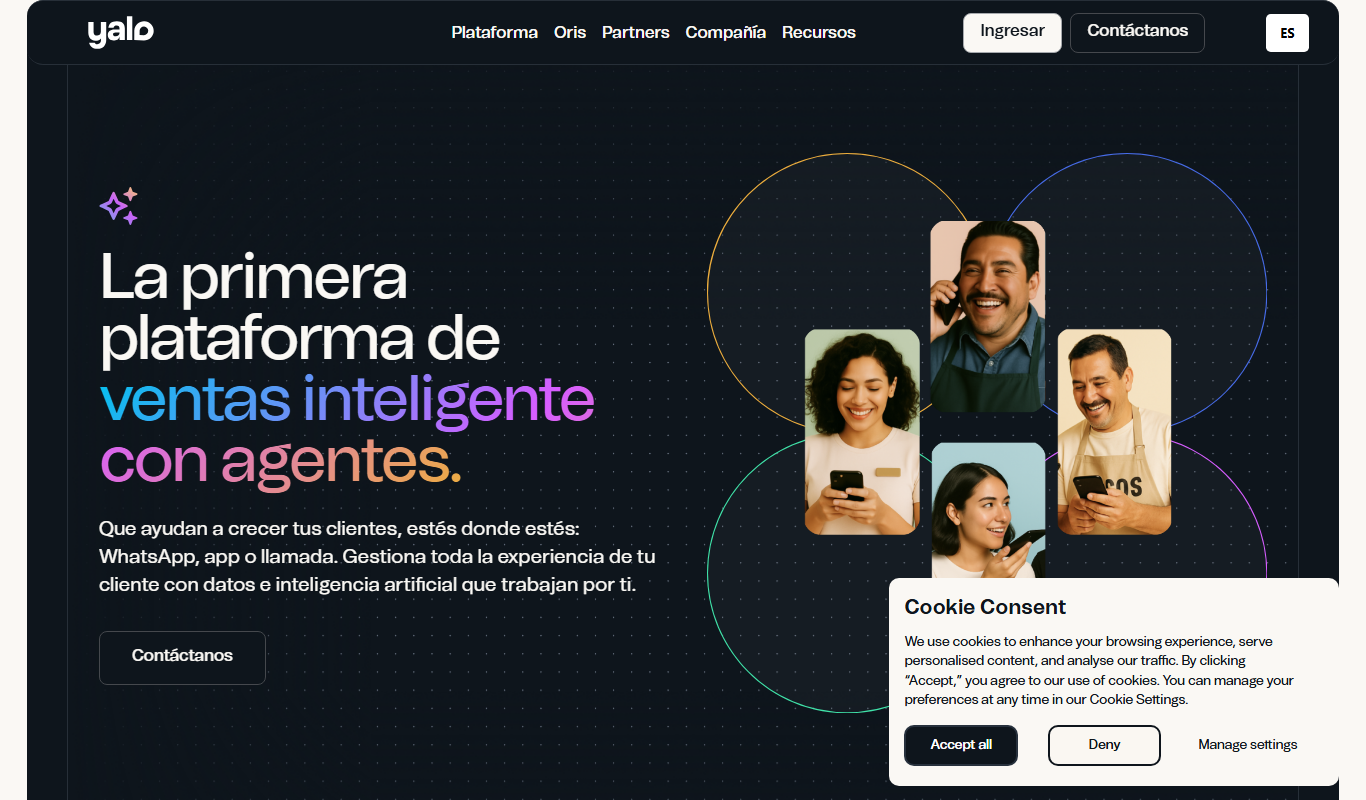
Yalo is a sales platform with AI agents on WhatsApp for large companies.

Contact for pricing
LEAFIO AI Retail Platform
LEAFIO AI Retail Platform is an AI-powered solution designed to enhance retail customer engagement, automate sales processes, and provide real-time analytics for better decision-making.

Custom Pricing
Perks
Perks is a customer loyalty platform from Sri Lanka that enables businesses to create and manage rewards programs to increase customer retention and engagement.

Custom Pricing
OmniChannel
OmniChannel is a unified customer engagement platform by Omni.us that integrates SMS, email, and voice communication to automate marketing, support sales, and enhance customer experience.

Free
Roast My Spot
Roast My Spot is a free web platform where customers can leave honest reviews about local businesses, helping communities share candid feedback and aiding business owners in reputation management.
Custom Pricing
Uprise Embedded
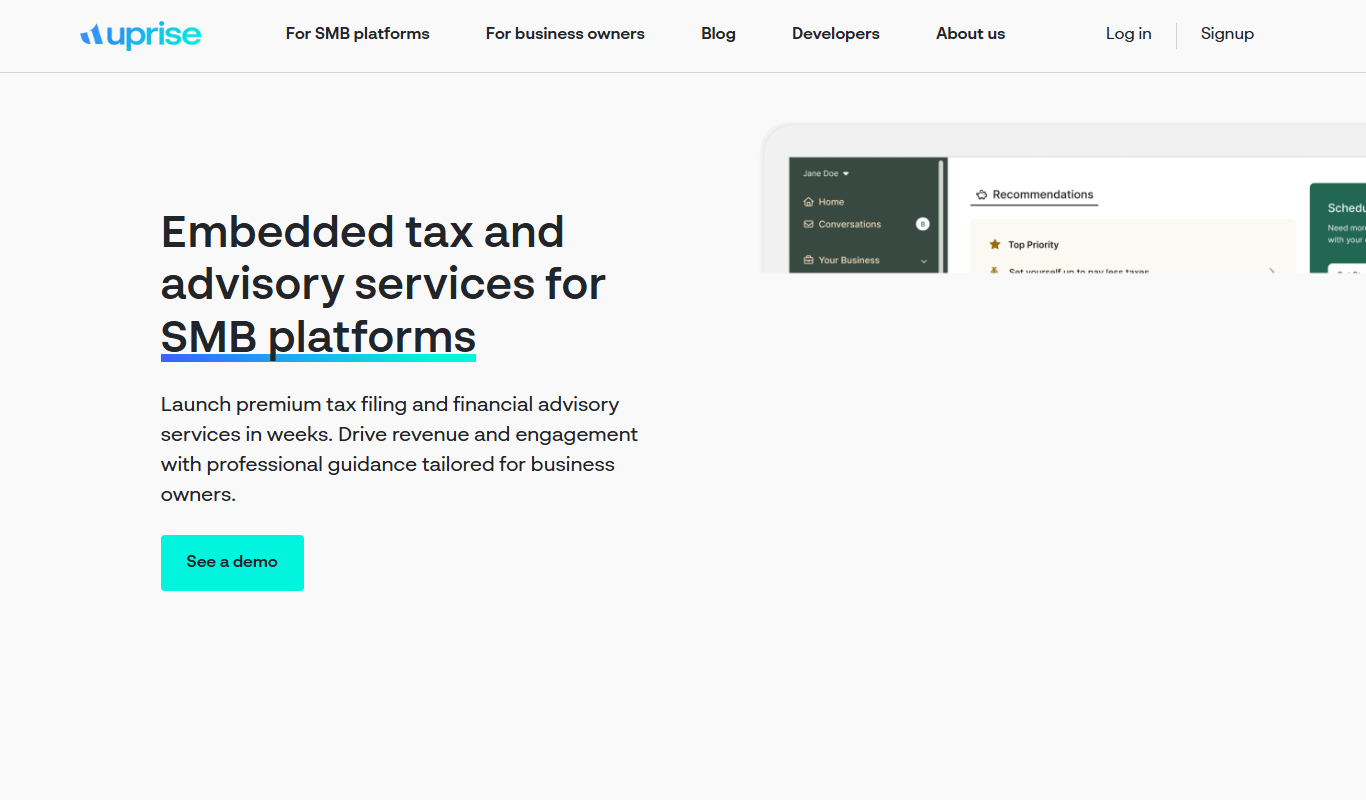
Uprise Embedded is a platform that enables businesses to embed customizable live chat widgets into their websites or applications to provide real-time customer support and proactive engagement.

Custom Pricing
Romo AI
Romo AI is a conversational avatar platform that helps businesses engage customers through AI-powered digital characters capable of natural dialogue and lead capture.