

From my experience with Video2Recipe, I found it excels at simplifying the tedious process of converting cooking videos into structured recipes. The AI’s ability to detect ingredients and cooking steps saves significant time for content creators and home cooks alike. While the tool currently supports only English and depends on video clarity for accuracy, its user-friendly interface and editable outputs make it practical for everyday use. If you frequently work with cooking videos and need quick recipe generation, Video2Recipe offers a reliable and affordable solution.
Video2Recipe AI Tool for Extracting Recipes from Cooking Videos Online
Video2Recipe is an AI tool that analyzes cooking videos to automatically generate detailed recipes by detecting ingredients and cooking steps.
- Best for
- Recipe Extraction from Videos
- Key capability
- Automatic Ingredient Detection
Your actions
Save Video2Recipe, follow its updates and vote on it — everything stays in your account.
Sign in or create a free account
What is Video2Recipe?
Video2Recipe is an AI-powered web application that automatically extracts detailed cooking recipes from online cooking videos. By leveraging advanced computer vision and natural language processing technologies, it analyzes video content to identify ingredients, cooking steps, and timings, transforming unstructured video data into structured, easy-to-follow recipes.
Key features of Video2Recipe
The tool offers automatic video analysis to detect ingredients and cooking actions, generates step-by-step recipe instructions, supports multiple video sources, and provides an intuitive web interface for users to upload or link cooking videos for instant recipe extraction.
Automatic Ingredient Detection
Identifies and lists ingredients shown or mentioned in the cooking video.
Step-by-Step Instruction Extraction
Breaks down cooking processes into clear, sequential steps derived from video content.
Multi-Source Video Support
Supports videos from popular platforms like YouTube and direct uploads.
User-Friendly Interface
Clean web interface allowing easy video input and recipe output management.
Editable Recipes
Allows users to modify extracted recipes to correct or customize instructions.
Pros and cons of Video2Recipe
Pros
- Automates tedious manual recipe transcription from videos
- User-friendly interface with easy video input
- Supports multiple video sources including YouTube
- Editable output recipes for customization
- Affordable pricing with a free tier
Cons
- Limited language support currently
- Accuracy depends on video quality and clarity
- Free plan has usage and video length restrictions
Key use cases for Video2Recipe
Recipe Extraction from Videos
Automatically generate detailed cooking recipes by analyzing cooking videos, saving users time from manual transcription.
Content Creation for Food Bloggers
Food bloggers and content creators can quickly convert video content into written recipes for blogs or social media.
Cooking Instruction Enhancement
Enhance cooking tutorials by providing step-by-step recipes extracted directly from video content.
Food Industry Research
Researchers and culinary professionals can analyze cooking trends and techniques by extracting structured data from videos.
How Video2Recipe works
- 1
Upload or Link Video
Users provide a cooking video by uploading a file or entering a URL from supported platforms.
- 2
AI Video Analysis
The AI engine processes the video using computer vision to identify ingredients and cooking steps.
- 3
Recipe Generation
Extracted data is compiled into a structured recipe format with ingredients list and step-by-step instructions.
- 4
Review and Export
Users can review the generated recipe, make edits if needed, and export or save it for later use.
Who is using Video2Recipe
Food bloggers and content creators
Home cooks seeking recipe extraction
Culinary educators and instructors
Food industry researchers
Cooking video producers
Video2Recipe pricing
Free
$0/month
Limited number of recipe extractions per month with basic features.
Pro
$15/month
Unlimited recipe extractions, priority processing, and advanced editing tools.
Plans and prices are as published by the vendor and can change. Check the official site before you buy. Open the pricing page (opens in a new tab)
Frequently asked questions about Video2Recipe
It supports direct uploads and popular platforms like YouTube for recipe extraction.
Yes, users can review and modify the extracted recipes before saving or exporting.
Longer videos may take more processing time; the free plan has some limits on video length.
Currently, the tool primarily supports English-language videos.
It depends on your specific needs and how you plan to use the tool. The official website and documentation are the best sources for the latest details.
Yes, it can help with that use case depending on how you configure it and what features are available. You’ll get the best results with clear inputs and a defined goal.
Yes, it can help with that use case depending on how you configure it and what features are available. You’ll get the best results with clear inputs and a defined goal.
Sign in to review this tool.
Sign In to ReviewNo reviews yet
Be the first to share how this tool worked for you.
Ask about pricing, limits, or how it compares — or answer someone else.
Sign In to AskNo questions yet
Have a question about using or paying for this tool? Be the first to ask.
Featured on TiorAI



More AI Education & Learning Tools tools
Other tools in the same category, for when this one is not quite the fit.

Free
KidsAIStory
KidsAIStory is a tool for parents to create personalized illustrated children's books, not a platform where children write their own stories.

Free
FreeEssayWriter.AI
FreeEssayWriter.AI is a free web-based AI tool that generates essays instantly based on user topics, helping students create essay drafts without registration.

Free
Little Author
Little Author is an app from Blue Giraffe Labs that builds children's stories with AI from the 5Ws questions.
Custom Pricing
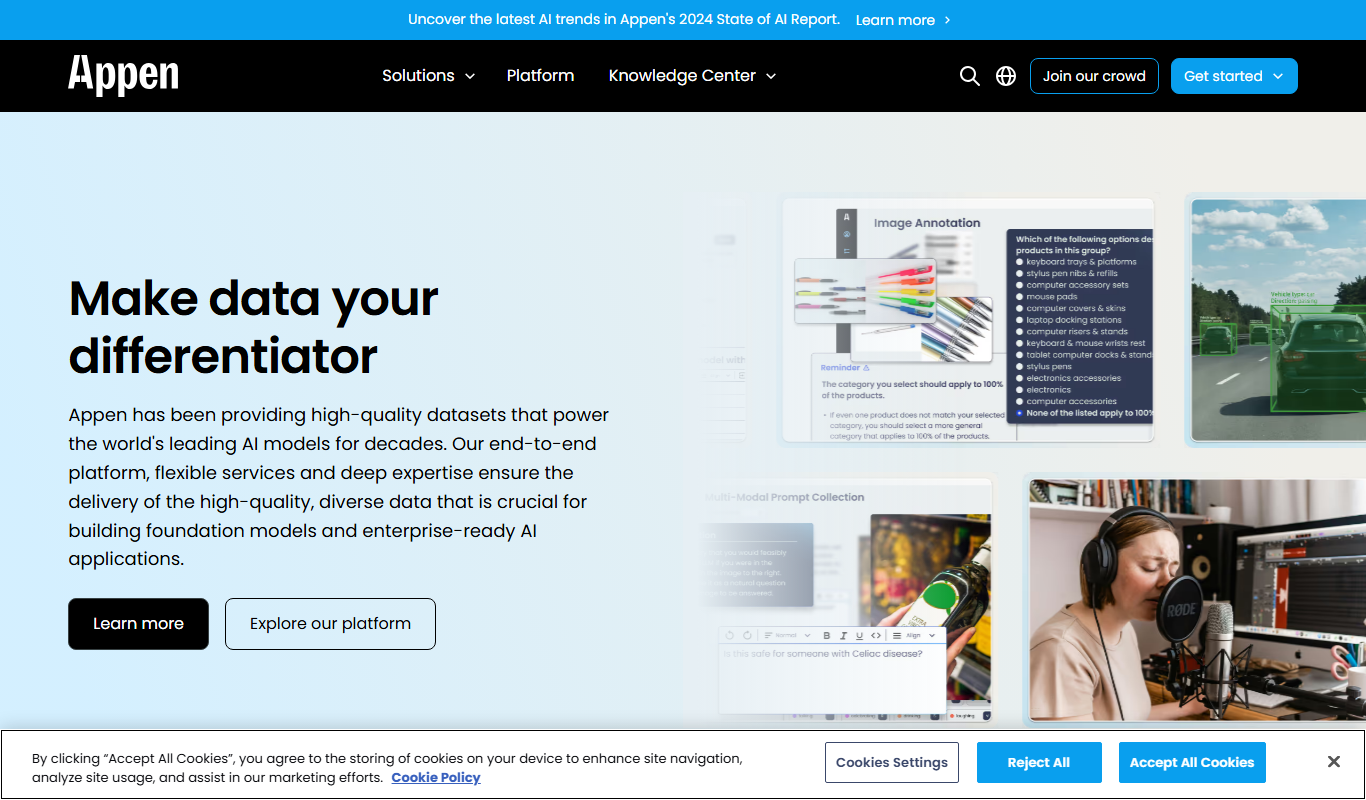
Appen
Appen is a platform offering scalable data annotation and collection services through a global crowd workforce to support AI and machine learning model training.
Free
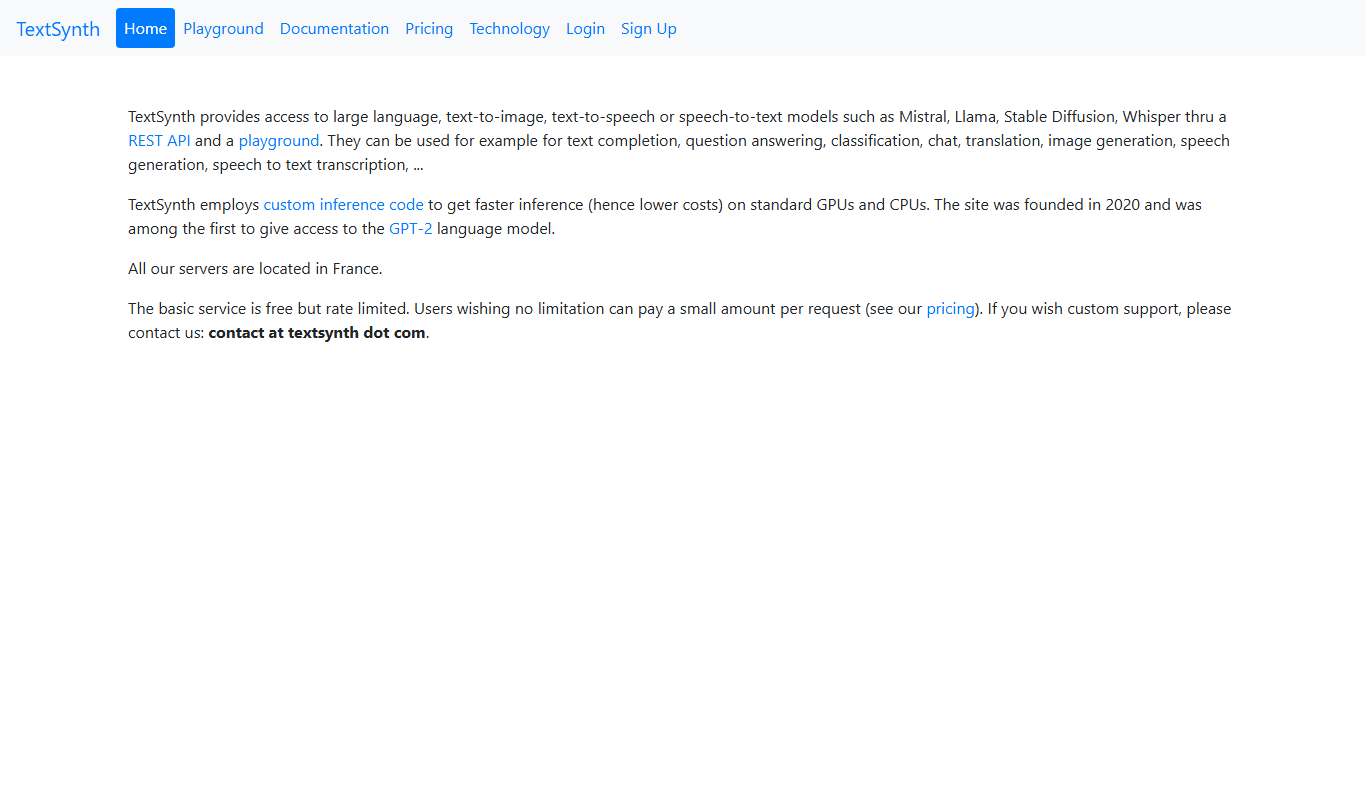
TextSynth
TextSynth is an AI platform for text generation, text-to-image, text-to-speech, speech-to-text, translation and classification.

Freemium
Readefine
Readefine is an AI reading assistant that helps users understand and summarize complex texts through AI-powered tools available on web and Chrome extension platforms.

Free Trial
Testnut
Testnut is an online exam platform that enables secure, scalable assessments with remote proctoring, automated grading, and detailed analytics, suitable for education and corporate use.

Free
AICamp
AICamp is an AI education platform offering project-based learning to teach AI, machine learning, and data science through hands-on projects and community mentorship.