

From my experience with Video Tap, I found it excels at simplifying video creation for users without editing skills. The platform’s intuitive drag-and-drop interface and ready-made templates make producing social media videos quick and accessible. It’s particularly well-suited for small business marketers and content creators who need fast turnaround without complex software. However, the trade-off is limited advanced editing features and the absence of a mobile app, which might be a drawback for users seeking more control or mobile flexibility. Overall, if you want straightforward video editing focused on social media content, Video Tap delivers solid results.
Video Tap Review: Easy Video Creation and Editing Platform for Creators
Video Tap is a web-based video editing platform offering easy-to-use templates and drag-and-drop tools for creating social media and marketing videos without prior experience.
- Best for
- Social Media Video Creation
- Key capability
- Drag-and-Drop Editor


Do you recommend this tool?
What is Video Tap?
Video Tap is a web-based video creation and editing platform designed to simplify the process of making professional-looking videos. It offers an intuitive interface with drag-and-drop functionality and a library of customizable templates, enabling users to produce videos quickly without prior editing experience.
Key features of Video Tap
Video Tap provides a range of features including pre-built video templates, easy trimming and cutting tools, text and sticker overlays, music integration, and export options optimized for social media platforms.
Drag-and-Drop Editor
User-friendly interface that allows easy placement and adjustment of video elements.
Video Templates
A library of customizable templates tailored for social media and marketing videos.
Text and Sticker Overlays
Add engaging text captions and stickers to enhance video storytelling.
Music Integration
Access to royalty-free music tracks to add background audio to videos.
Social Media Export
Optimized export settings for popular platforms like Instagram, TikTok, and YouTube.
Pros and cons of Video Tap
Pros
- Easy to use with no technical skills required
- Wide variety of customizable video templates
- Affordable pricing with a free tier
- Optimized exports for social media platforms
Cons
- Limited advanced editing features compared to professional software
- No dedicated mobile app available
- Free plan includes watermark on videos
Key use cases for Video Tap
Social Media Video Creation
Create engaging videos optimized for platforms like Instagram, TikTok, and YouTube with easy-to-use templates.
Marketing Content Production
Produce promotional videos and ads quickly to support marketing campaigns without needing advanced video editing skills.
Personal Video Projects
Edit and customize videos for personal use such as events, presentations, or sharing with friends and family.
Educational Video Content
Develop instructional or explainer videos with simple editing tools suitable for educators and trainers.
How Video Tap works
- 1
Sign Up
Create a free account on the Video Tap website to access the video editor.
- 2
Choose a Template or Start from Scratch
Select from a variety of professionally designed templates or begin a new project with a blank canvas.
- 3
Customize Your Video
Add your own clips, images, text, music, and stickers using the drag-and-drop editor.
- 4
Preview and Edit
Review your video and make adjustments to timing, transitions, and effects.
- 5
Export and Share
Download the finished video or share it directly to social media platforms.
Who is using Video Tap
Social media content creators
Small business marketers
Educators and trainers
Personal users creating event videos
Video Tap pricing
Free
$0/month
Basic access with limited templates, watermark on videos, and standard export quality.
Pro
$15/month
Access to all templates, removal of watermark, HD exports, and priority support.
Plans and prices are as published by the vendor and can change. Check the official site before you buy. Open the pricing page (opens in a new tab)
Frequently asked questions about Video Tap
Yes, Video Tap is designed with beginners in mind, featuring an intuitive drag-and-drop editor and ready-made templates.
Free plan videos include a watermark; upgrading to the Pro plan removes the watermark.
Videos can be exported in MP4 format optimized for social media platforms.
Currently, Video Tap is available as a web-based platform and does not offer a dedicated mobile app.
Some tools offer a free plan or trial with limited features. Availability can vary, so confirm on the official website.
It depends on your specific needs and how you plan to use the tool. The official website and documentation are the best sources for the latest details.
Yes, it can help with that use case depending on how you configure it and what features are available. You’ll get the best results with clear inputs and a defined goal.
Yes, it can help with that use case depending on how you configure it and what features are available. You’ll get the best results with clear inputs and a defined goal.
Sign in to review this tool.
Sign In to ReviewNo reviews yet
Be the first to share how this tool worked for you.
Ask about pricing, limits, or how it compares — or answer someone else.
Sign In to AskNo questions yet
Have a question about using or paying for this tool? Be the first to ask.
Featured on TiorAI



More AI Blog Generator tools
Other tools in the same category, for when this one is not quite the fit.

Free
SAT Sphere
SAT Sphere is an online platform offering realistic SAT practice tests, detailed performance analytics, and personalized study plans to help students prepare effectively for the SAT exam.

Free Trial
Publish Studio
Publish Studio is a web platform that enables teams to collaboratively create, review, and publish digital content with real-time editing, approval workflows, and multi-channel distribution.

Commission-based
Go Vinted AI
Go Vinted AI is an online platform that uses artificial intelligence to help users buy and sell secondhand clothing with optimized listings and pricing, promoting sustainable fashion.

Free Trial
8arms
8arms is an AI-driven platform that enables automated testing and test management for web applications without requiring coding skills. It integrates with CI/CD pipelines and supports cross-browser testing to improve software quality and speed up releases.

Free
Spell AI
Spell AI is a cloud-based platform that provides scalable GPU compute, experiment tracking, and MLOps tools to help data scientists and engineers develop, train, and deploy machine learning models efficiently.
Free
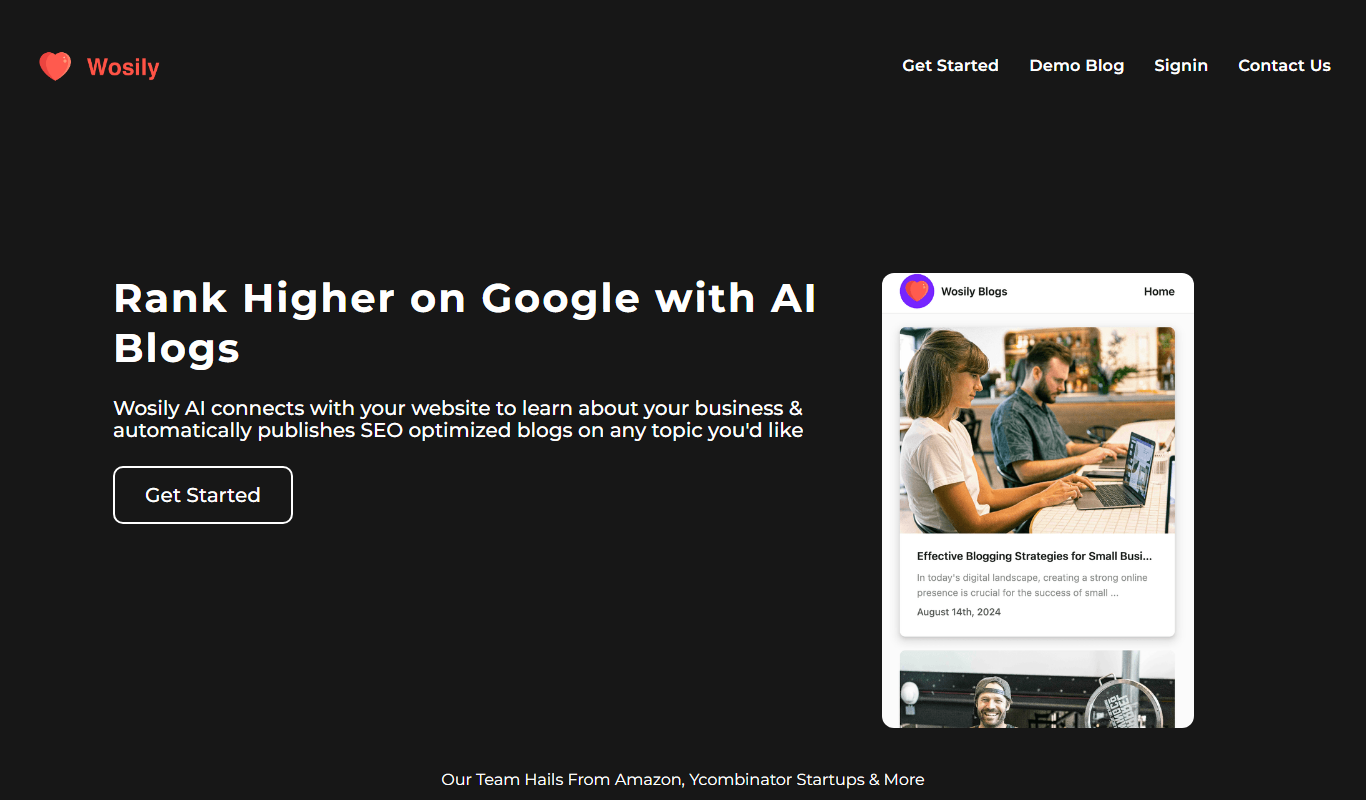
Wosily
Wosily is an AI chatbot platform that helps businesses automate customer interactions through customizable chatbots with natural language understanding, supporting deployment on websites and apps.

Freemium
GrackerAI
GrackerAI is an AI-powered data analytics platform that helps businesses visualize data, track performance, and generate predictive insights through customizable dashboards and automated reports.

Free Trial
QuillGenius AI Copywriting Tool
QuillGenius is an AI-powered copywriting tool that helps users create marketing, SEO, and creative content efficiently through customizable templates and AI-generated drafts.