

Vaanee: AI voice cloning, text-to-speech and video dubbing
Vaanee Labs offers AI voice cloning, text-to-speech, speech-to-speech translation and video dubbing with human-like voices in Indian and global languages.
- Best for
- Movie dubbing
- Key capability
- Text-to-speech
Save Vaanee AI Engine, follow its updates and vote on it — everything stays in your account.
Sign in or create a free account

What is Vaanee AI Engine?
Vaanee is an AI voice studio from Vaanee Labs for text-to-speech, voice cloning, speech-to-speech translation and AI video dubbing. It creates realistic voiceovers with human-like voices, supporting Indian languages and global language diversity.
Key features of Vaanee AI Engine
Text-to-speech with emotional depth, voice cloning from a few samples, speech-to-speech translation that keeps your voice, AI video dubbing with lip sync, and voice customization of pitch, pace, tone and personality.
Text-to-speech
Convert written text into natural-sounding speech with emotional depth.
Voice cloning
Create a digital replica of a voice from just a few samples.
Speech-to-speech translation
Real-time voice translation that preserves your unique voice characteristics.
AI video dubbing
Dub videos into multiple languages while maintaining lip sync.
Voice customization
Adjust pitch, pace, tone and personality of the voice.
Pros and cons of Vaanee AI Engine
Pros
- Covers text-to-speech, cloning, translation and dubbing in one studio
- Supports Indian languages alongside global languages
- Strong focus on speech analytics and quality monitoring
Cons
- No published prices: pricing is customized
- Some access runs through a waitlist
Key use cases for Vaanee AI Engine
Movie dubbing
Lifelike AI dubbing in multiple languages.
Documentaries
Professional voiceovers for documentaries with natural tone and pacing.
Content creation
Custom voice solutions for digital content creators.
Multilingual Support
Deploy conversational AI that understands and responds in multiple languages to serve diverse customer bases.
How Vaanee AI Engine works
- 1
Choose a voice task
Pick text-to-speech, voice cloning, speech-to-speech translation or video dubbing.
- 2
Provide text, audio or video
Enter written text, or supply voice samples or a video to translate or dub.
- 3
Customize the voice
Adjust pitch, pace, tone and personality.
- 4
Monitoring and Optimization
Use analytics tools to monitor performance and continuously improve the AI responses.
Who is using Vaanee AI Engine
Vaanee AI Engine pricing
AI Voice Generation
Custom pricing
Customizable pricing designed to adapt to your needs.
Plans and prices are as published by the vendor and can change. Check the official site before you buy. Open the pricing page (opens in a new tab)
Frequently asked questions about Vaanee AI Engine
Text-to-speech, speech-to-speech translation, video dubbing and expressive voice cloning.
The studio supports 50+ languages and accents.
Pricing is customizable and designed to adapt to your needs.
Yes, it can help with that use case depending on how you configure it and what features are available. You’ll get the best results with clear inputs and a defined goal.
Integration support depends on the tool and its available connectors or API. Check the official documentation or integrations page to confirm what is supported.
It depends on your specific needs and how you plan to use the tool. The official website and documentation are the best sources for the latest details.
Conclusion
Voice generation is the focus here rather than speech recognition: Vaanee Labs converts text into speech with emotional depth and builds a replica of a voice from just a few samples. Its speech-to-speech translation keeps the speaker’s own voice characteristics, and AI video dubbing carries content into other languages while maintaining lip sync. Pitch, pace, tone and personality can all be adjusted.
The examples centre on film work, with movie dubbing and documentary voiceovers, plus custom voices for digital content creators. Indian languages are supported alongside global language diversity, with 50+ languages and accents in the studio. No prices are published because pricing is customized, and the site points visitors to a waitlist, a free try or a demo booking.
Sources
Sign in to review this tool.
Sign In to ReviewNo reviews yet
Be the first to share how this tool worked for you.
Ask about pricing, limits, or how it compares — or answer someone else.
Sign In to AskNo questions yet
Have a question about using or paying for this tool? Be the first to ask.
Featured on TiorAI



More AI Speech Synthesis Tools tools
Other tools in the same category, for when this one is not quite the fit.

vocalimage.app
Vocal Image is an AI speaking coach that gives instant feedback on recorded voice exercises and builds a daily training plan, on iOS, Android and the web.

Voxify
Voxify is an AI text to speech voice generator with 450+ voices in 140+ languages and controls for pitch, speed and emotion.

Dubformer
Dubformer is an AI dubbing studio with phrase-level control in 140+ languages.
AudiowaveAI
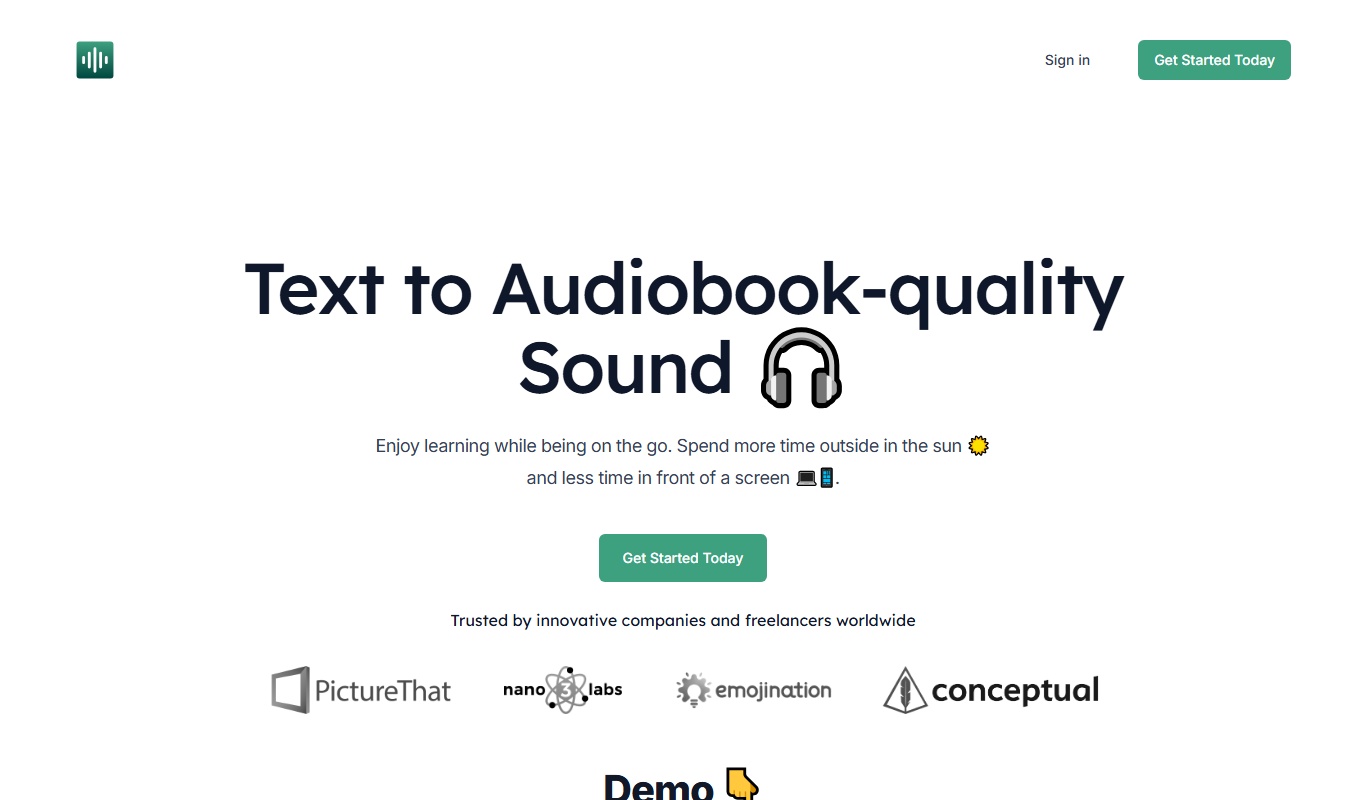
AudiowaveAI converts text such as articles, blog posts, EPUBs and PDFs into audiobook quality sound for listening on the go.

Voice Out
Voice Out is a text-to-speech extension for Chrome and Edge that reads aloud any Google Doc, PDF, webpage or book in 60+ languages and 100+ voices.

Beepbooply
Beepbooply converts text to speech with 900+ voices across 80+ languages and lets you download realistic audio with a click.

AiVOOV – Text to Speech Solution
AiVOOV is an AI-driven text to speech platform that converts written text into natural, human-like audio in multiple languages, suitable for voiceovers, audiobooks, and accessibility.

SteosVoice
SteosVoice is an AI-driven text-to-speech platform that converts text into natural, human-like speech with multi-language support and voice cloning capabilities.