

Uscreen Video Monetization Platform for OTT and Streaming Businesses
Uscreen is a platform that enables creators and businesses to launch their own OTT streaming services with branded apps, flexible monetization options, and marketing tools.
- Best for
- Launching OTT Streaming Services
- Key capability
- Branded Video Websites and Apps
Save Uscreen, follow its updates and vote on it — everything stays in your account.
Sign in or create a free accountWhat is Uscreen?
Uscreen is a comprehensive video monetization platform designed to help creators, entrepreneurs, and businesses launch and grow their own OTT (over-the-top) streaming services. It provides tools to upload, manage, and distribute video content across multiple platforms, including branded apps for iOS, Android, and connected TVs. Uscreen enables content owners to monetize their videos via subscriptions, rentals, or purchases, with built-in payment processing and marketing features.
Key features of Uscreen
Uscreen offers a full suite of features including customizable video websites, native mobile and TV apps, flexible monetization options, content management system, marketing automation, analytics, and customer management tools. It is designed to simplify launching a professional streaming service without requiring technical expertise.
Branded Video Websites and Apps
Create custom websites and native apps for iOS, Android, Roku, Apple TV, and Fire TV.
Flexible Monetization Options
Support for subscriptions, rentals, one-time purchases, and coupons.
Content Management System
Organize videos, create categories, and manage metadata easily.
Marketing and Automation Tools
Email marketing, drip campaigns, coupons, and affiliate program support.
Analytics and Reporting
Track viewer behavior, revenue, and engagement metrics.
Pros and cons of Uscreen
Pros
- Comprehensive all-in-one video monetization platform
- Supports multiple platforms including mobile and connected TV
- Flexible monetization models to suit different business needs
- Built-in marketing and analytics tools
- No coding required to launch a professional streaming service
Cons
- Pricing may be high for small creators just starting out
- Limited customization beyond provided templates
- No free plan available, only paid subscriptions
Key use cases for Uscreen
Launching OTT Streaming Services
Create and manage your own over-the-top (OTT) streaming service with branded apps and web portals.
Video Monetization
Monetize video content through subscriptions, rentals, or one-time purchases with integrated payment gateways.
Content Management
Organize, upload, and manage video libraries with customizable categories and metadata.
Audience Engagement
Engage viewers with marketing tools, email automation, and analytics to grow your subscriber base.
Multi-Platform Distribution
Distribute video content across web, mobile apps, and connected TV devices.
How Uscreen works
- 1
Sign Up and Set Up Your Store
Create an account and configure your branded video website and apps.
- 2
Upload and Organize Content
Add your videos, organize them into categories, and set pricing models.
- 3
Customize Monetization
Choose subscription, rental, or purchase options and set payment methods.
- 4
Launch and Promote
Publish your streaming service and use marketing tools to attract subscribers.
- 5
Analyze and Grow
Use analytics and customer data to optimize content and marketing strategies.
Who is using Uscreen
Uscreen pricing
Starter
$49/month
Limited to 100 subscribers. Aimed at creators who want to earn their first dollar and grow into a membership business.
Growth
$149/month billed annually or $199/month billed monthly
Custom branded domain, unlimited subscribers and a $1.99 subscriber fee. Aimed at creators and brands building recurring revenue.
App Essentials
$449 to $499/month
Everything in Growth plus 2 mobile apps (iOS and Android), with a $0.99 subscriber fee.
Custom
Custom pricing with subscriber fees
Fully tailored plan with everything in App Essentials plus 5 TV apps, arranged by booking a demo.
Plans and prices are as published by the vendor and can change. Check the official site before you buy. Open the pricing page (opens in a new tab)
Frequently asked questions about Uscreen
Yes, Uscreen allows you to create custom branded apps for iOS, Android, Roku, Apple TV, and Fire TV.
You can monetize your videos via subscriptions, rentals, one-time purchases, and offer coupons or discounts.
Yes, Uscreen integrates with payment gateways to securely process transactions.
No, Uscreen is designed for users without technical skills, providing an easy-to-use interface and support.
It depends on your specific needs and how you plan to use the tool. The official website and documentation are the best sources for the latest details.
Yes, it can help with that use case depending on how you configure it and what features are available. You’ll get the best results with clear inputs and a defined goal.
Pricing depends on the plan and included features. For the most accurate and up-to-date details, check the official pricing page.
Conclusion
Setting up starts with creating an account and configuring a branded video website and apps. Those native apps cover iOS, Android, Roku, Apple TV and Fire TV next to the website. Videos are then uploaded, organized into categories and given a pricing model: subscriptions, rentals or one-time purchases, with coupons on top. Payment processing is built in, and the marketing side adds email marketing, drip campaigns and affiliate program support.
It is aimed at entrepreneurs launching OTT services, fitness instructors and educators, and media companies and studios. Viewer behavior, revenue and engagement metrics are tracked in the analytics. On pricing, the Starter plan costs $49 a month, while Growth is $149 a month billed annually or $199 billed monthly. Above them sit App Essentials at $449 to $499 a month and a Custom plan with subscriber fees.
Sources
Sign in to review this tool.
Sign In to ReviewNo reviews yet
Be the first to share how this tool worked for you.
Ask about pricing, limits, or how it compares — or answer someone else.
Sign In to AskNo questions yet
Have a question about using or paying for this tool? Be the first to ask.
Featured on TiorAI



Alternative Tools
Explore similar AI tools that might fit your needs

Brightcove
Brightcove is a cloud-based video platform that enables enterprises to host, stream, monetize, and analyze video content across devices with scalable and customizable solutions.
More Business Management tools
Other tools in the same category, for when this one is not quite the fit.

LueinHire.com
LueinHire is an AI hiring and career platform where employers screen and interview candidates, job seekers practice AI mock interviews and build resumes, and institutions run mock interview cycles.
sprockets.ai
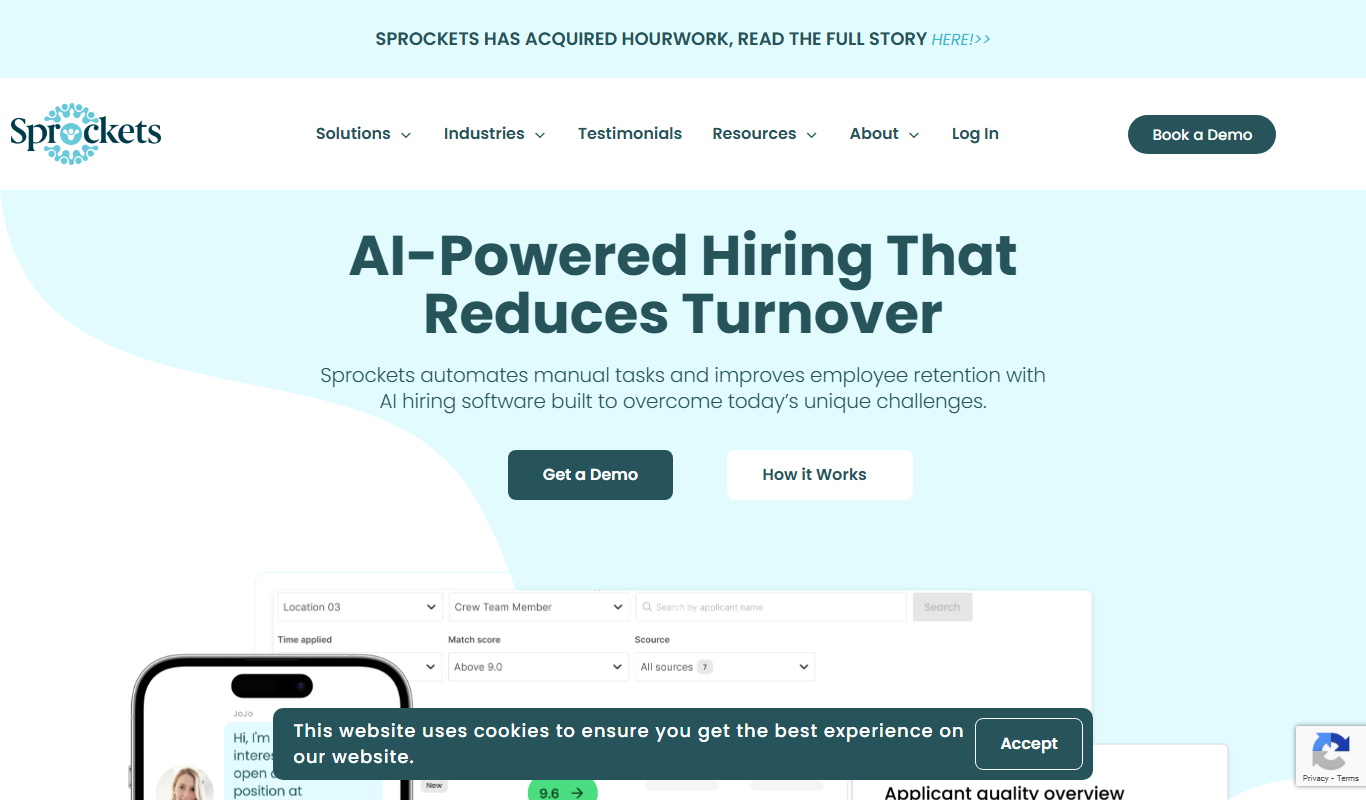
Sprockets.ai is an AI-driven hiring platform that predicts candidate success by analyzing data from top employees to help businesses make better hiring decisions and reduce turnover.

Vervoe
Vervoe is an AI-driven recruiting platform that automates candidate assessments by creating customized skill tests and using machine learning to evaluate applicants objectively, helping companies hire more efficiently and reduce bias.

TalentRecruit
TalentRecruit is an AI-driven recruitment platform that automates candidate sourcing, screening, and interview scheduling to help companies hire efficiently.

TestInvite
TestInvite is a cloud-based online assessment platform that enables organizations to create secure exams with remote proctoring, customizable tests, and detailed analytics for recruitment, certification, and training purposes.

GoodTime
GoodTime is an AI-driven scheduling platform that automates interview coordination by integrating calendars and enabling candidates to self-schedule, streamlining recruiting workflows.

Hirebee.ai
Hirebee is an all-in-one HR platform for recruitment, candidate assessments and HR management, with an applicant tracking system, AI resume screening and payroll.

Recruit CRM
Recruit CRM is a recruitment software platform that integrates applicant tracking and client relationship management to streamline hiring processes for agencies and HR teams.