

From my experience with Trump Simulator, I found it excels at delivering lighthearted political satire through an easy-to-use web interface. The voice mimicry feature adds a humorous layer that makes phrase creation entertaining and shareable. While it’s limited in language and customization, it’s perfect for casual users looking to engage with political humor without complexity. Overall, if you want a quick, free way to simulate Trump-style speech for fun or social media content, this tool offers a straightforward and amusing experience.
Trump Simulator Online Game - Political Satire and Voice Mimicry Fun
Trump Simulator is a free web-based game that allows users to build phrases and hear them spoken in a voice mimicking former President Donald Trump, designed for entertainment and political satire.
- Best for
- Entertainment
- Key capability
- Phrase Builder
Your actions

Do you recommend this tool?
What is Trump Simulator?
Trump Simulator is a web-based interactive game that lets users simulate speaking like former U.S. President Donald Trump. It combines voice mimicry and political satire to create a humorous experience where players can generate phrases and hear them spoken in a Trump-like voice. The tool is designed purely for entertainment and parody, offering a lighthearted way to engage with political humor.
Key features of Trump Simulator
The main features include a phrase builder with Trump-style vocabulary, voice synthesis that mimics Trump’s tone and cadence, and a simple web interface that requires no installation. Users can create custom sentences and listen to them spoken aloud, enhancing the comedic effect.
Phrase Builder
Predefined vocabulary and phrases that reflect Trump's speaking style.
Voice Synthesis
Audio playback that mimics Trump's distinctive voice and intonation.
Web-Based Interface
Accessible from any device with a browser, no downloads required.
Pros and cons of Trump Simulator
Pros
- Easy to use with no installation
- Humorous and entertaining for political satire fans
- Accessible on any device with a browser
Cons
- Limited to English language
- Niche appeal primarily for those interested in political humor
- No advanced customization beyond preset phrases
Key use cases for Trump Simulator
Entertainment
Users can enjoy a humorous simulation experience mimicking former President Donald Trump.
Political Satire
Provides a platform for satirical commentary through interactive gameplay.
Voice Mimicry
Allows users to create phrases in the style of Donald Trump’s speech patterns.
How Trump Simulator works
- 1
Access the Website
Open the Trump Simulator website on any modern web browser.
- 2
Build Your Phrase
Select words and phrases from the provided Trump-style vocabulary to construct a sentence.
- 3
Play the Audio
Click the play button to hear the phrase spoken in a voice mimicking Donald Trump.
Who is using Trump Simulator
Political satire enthusiasts
Casual gamers looking for humorous content
Social media users creating comedic content
Fans of voice mimicry and novelty apps
Trump Simulator pricing
Free
$0
Full access to all features without any cost.
Plans and prices are as published by the vendor and can change. Check the official site before you buy. Open the pricing page (opens in a new tab)
Frequently asked questions about Trump Simulator
Yes, the game is completely free and accessible online.
No installation is required; it runs directly in your web browser.
No, it is an independent satire and entertainment tool with no official affiliation.
It depends on your specific needs and how you plan to use the tool. The official website and documentation are the best sources for the latest details.
Some tools offer a free plan or trial with limited features. Availability can vary, so confirm on the official website.
Yes, it can help with that use case depending on how you configure it and what features are available. You’ll get the best results with clear inputs and a defined goal.
Sign in to review this tool.
Sign In to ReviewNo reviews yet
Be the first to share how this tool worked for you.
Ask about pricing, limits, or how it compares — or answer someone else.
Sign In to AskNo questions yet
Have a question about using or paying for this tool? Be the first to ask.
Featured on TiorAI



More AI Entertainment Tools tools
Other tools in the same category, for when this one is not quite the fit.
Free
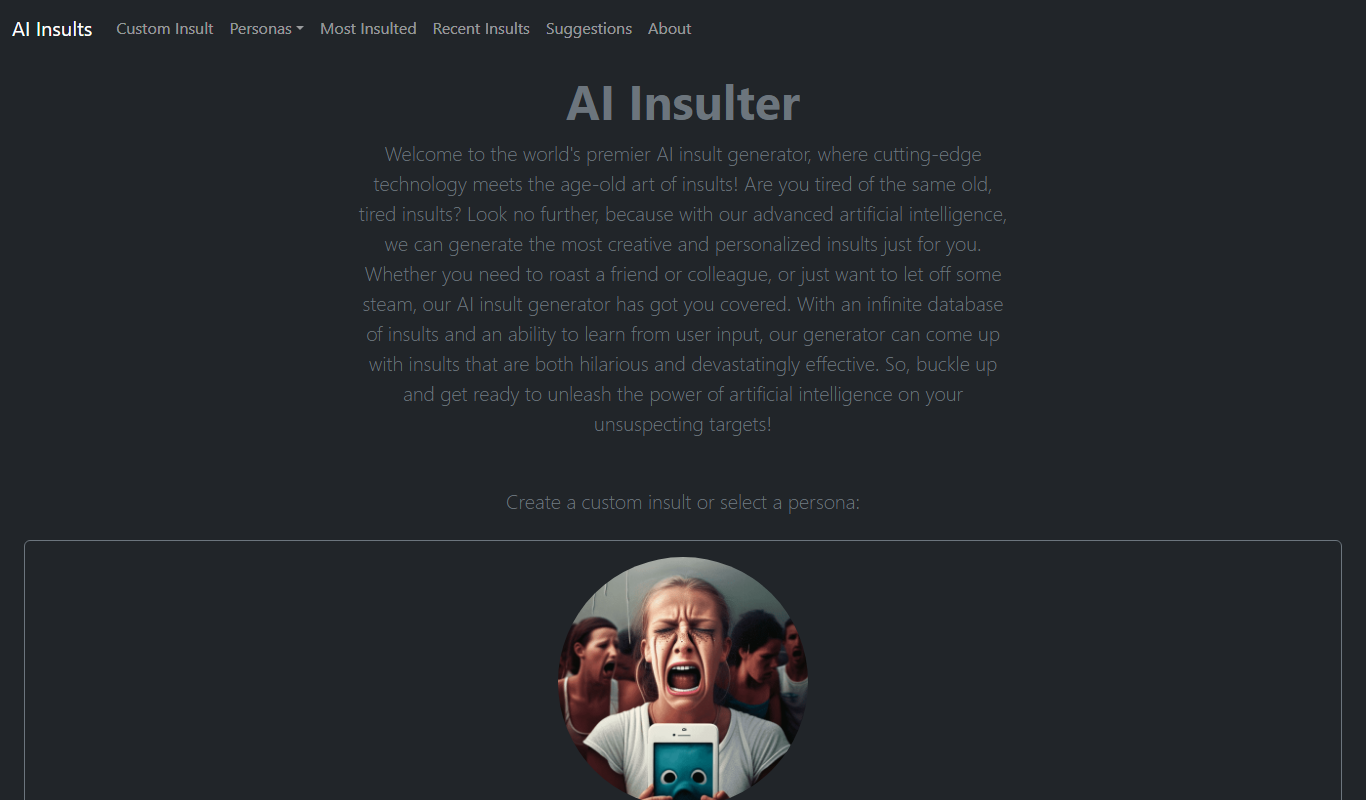
AI Insult Generator
AI Insult Generator is a free web-based tool that creates humorous and creative insults instantly for entertainment and creative use.

Free
What Should I Watch
What Should I Watch is a free AI-powered web tool that provides personalized movie and TV show recommendations based on your preferences and mood.

Free
More Episodes!
More Episodes! is a free web platform that helps users discover personalized podcast recommendations based on their interests, allowing browsing by genre, bookmarking favorites, and sharing suggestions.

Free
Blue Bot
Blue Bot is a free web-based AI chatbot designed for fun and casual conversations, offering instant chat without registration.

Free
AI is a Joke
AI is a Joke is a free web platform that generates humorous and satirical AI content for entertainment and creative inspiration.

Free
DreamTavern
DreamTavern is an AI chatbot platform that enables users to engage in immersive roleplaying and storytelling through dynamic conversations with AI-generated characters.

Free
Guess The Prompt!
Guess The Prompt! is a free online game where players guess AI-generated prompts based on images or clues, promoting creative thinking and fun.

Free
AI Pickup Lines
AI Pickup Lines is a free web tool that instantly generates creative and humorous pickup lines to help users start conversations in dating or social settings.