

From my experience with Translate.video, I found it excels at simplifying the complex process of video localization by automating transcription, translation, and subtitle generation. The platform’s intuitive interface and multi-language support make it especially useful for content creators and marketers aiming to reach global audiences without extensive manual work. However, the free plan’s video length limits and occasional need for manual subtitle corrections are practical considerations. Overall, if you need efficient, AI-powered video translation and subtitling, Translate.video delivers reliable and user-friendly solutions.
Translate.video AI Tool for Automated Video Translation and Subtitles
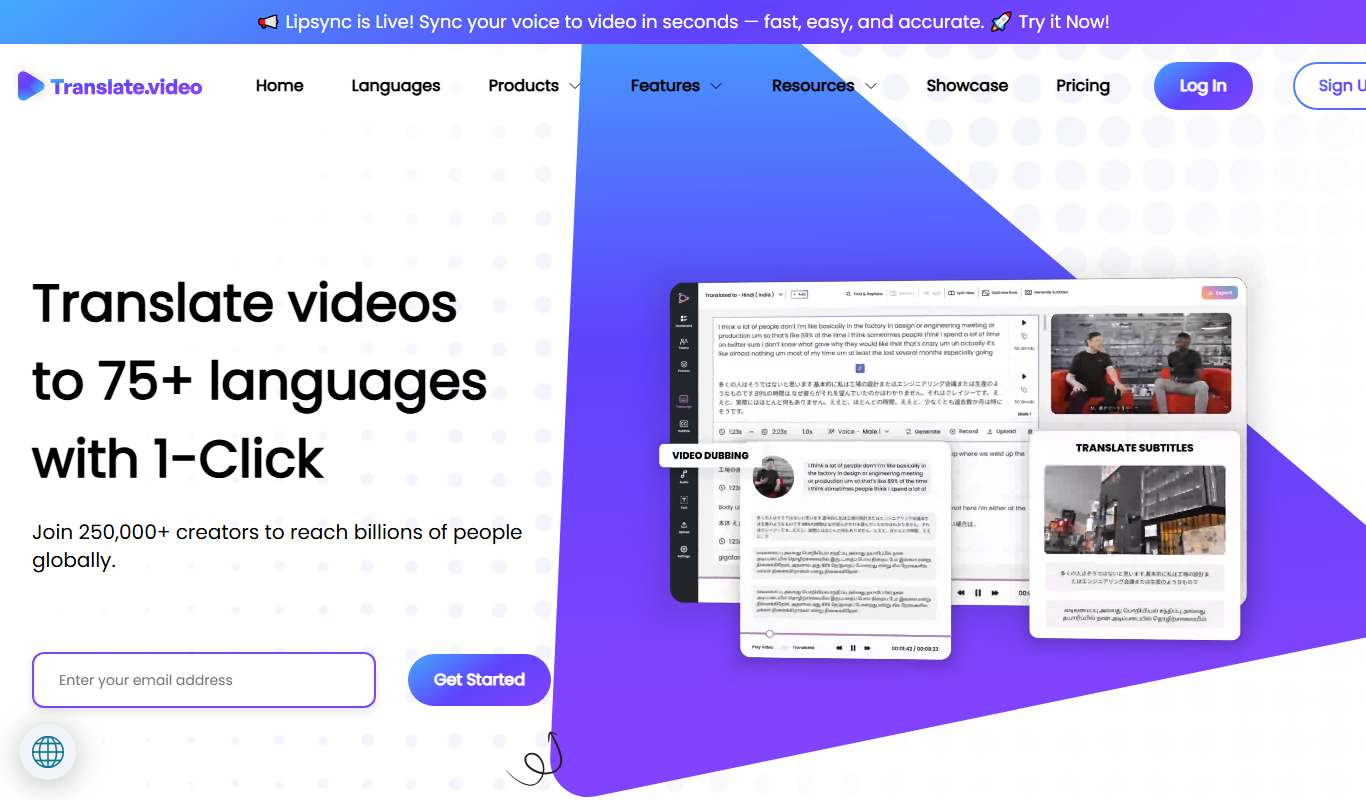
Translate.video is an AI-driven platform that automatically translates and subtitles videos into multiple languages, supporting voiceover dubbing and subtitle editing for global video localization.
- Best for
- Multilingual Video Content
- Key capability
- Automatic Speech Recognition (ASR)
Your actions
Do you recommend this tool?
What is Translate.video?
Translate.video is an AI-powered web platform that automates the translation and subtitling of videos into multiple languages. It enables users to upload videos and generate accurate subtitles and voiceovers in various languages, helping content creators, marketers, educators, and businesses localize their video content efficiently.
Key features of Translate.video
The tool offers automatic speech recognition, AI-driven translation, subtitle generation, and voiceover dubbing. It supports numerous languages and provides an easy-to-use interface for editing and exporting translated videos with subtitles or dubbed audio tracks.
Automatic Speech Recognition (ASR)
Converts spoken words in videos into text transcripts accurately.
AI-Powered Translation
Translates transcripts into multiple languages using advanced AI models.
Subtitle Generation and Editing
Creates synchronized subtitles with options for manual editing.
Voiceover Dubbing
Generates AI voiceovers in target languages to dub videos.
Multi-language Support
Supports a wide range of languages for global reach.
User-Friendly Interface
Intuitive platform for uploading, editing, and exporting videos.
Pros and cons of Translate.video
Pros
- Automates video translation and subtitling efficiently
- Supports many languages for global reach
- User-friendly interface with subtitle editing
- Includes AI voiceover dubbing
- Flexible pricing plans including free trial
Cons
- Limited video length on free plan
- No desktop or mobile app, web-only platform
- Some translations may require manual correction
Key use cases for Translate.video
Multilingual Video Content
Automatically translate and subtitle videos to reach global audiences in multiple languages.
Marketing and Social Media
Create localized video ads and social media content with accurate subtitles to engage diverse markets.
E-learning and Training
Translate educational videos to support learners worldwide with subtitles in their native language.
Corporate Communication
Facilitate internal and external communication by providing translated video content for multinational teams.
Content Creators and Influencers
Expand audience reach by offering translated subtitles for YouTube videos and other platforms.
How Translate.video works
- 1
Upload Video
Users upload their video file to the Translate.video platform.
- 2
Select Target Languages
Choose one or multiple languages for translation and subtitling.
- 3
AI Processing
The platform automatically transcribes, translates, and generates subtitles or voiceovers.
- 4
Review and Edit
Users can review the translated subtitles or audio and make manual adjustments if needed.
- 5
Export Video
Download the video with embedded subtitles or dubbed audio in the selected languages.
Who is using Translate.video
Content creators and YouTubers
Marketing agencies
E-learning providers
Corporate communication teams
Social media managers
Translate.video pricing
Free Trial
$0
Limited video minutes and features to test the platform.
Pro
$29/month
Access to full features with higher video minute limits and priority support.
Enterprise
Custom pricing
Tailored solutions for large organizations with dedicated support.
Plans and prices are as published by the vendor and can change. Check the official site before you buy. Open the pricing page (opens in a new tab)
Frequently asked questions about Translate.video
The platform supports common video formats such as MP4, MOV, and AVI.
Yes, Translate.video provides an editor to review and adjust subtitles or voiceovers.
Limits depend on the subscription plan; the free trial has lower limits compared to paid plans.
Yes, it can generate AI voiceovers in multiple languages to dub your videos.
It depends on your specific needs and how you plan to use the tool. The official website and documentation are the best sources for the latest details.
Yes, it can help with that use case depending on how you configure it and what features are available. You’ll get the best results with clear inputs and a defined goal.
Yes, it can help with that use case depending on how you configure it and what features are available. You’ll get the best results with clear inputs and a defined goal.
Some tools offer a free plan or trial with limited features. Availability can vary, so confirm on the official website.
Sign in to review this tool.
Sign In to ReviewNo reviews yet
Be the first to share how this tool worked for you.
Ask about pricing, limits, or how it compares — or answer someone else.
Sign In to AskNo questions yet
Have a question about using or paying for this tool? Be the first to ask.
Featured on TiorAI



More AI Localization Tools tools
Other tools in the same category, for when this one is not quite the fit.
Freemium
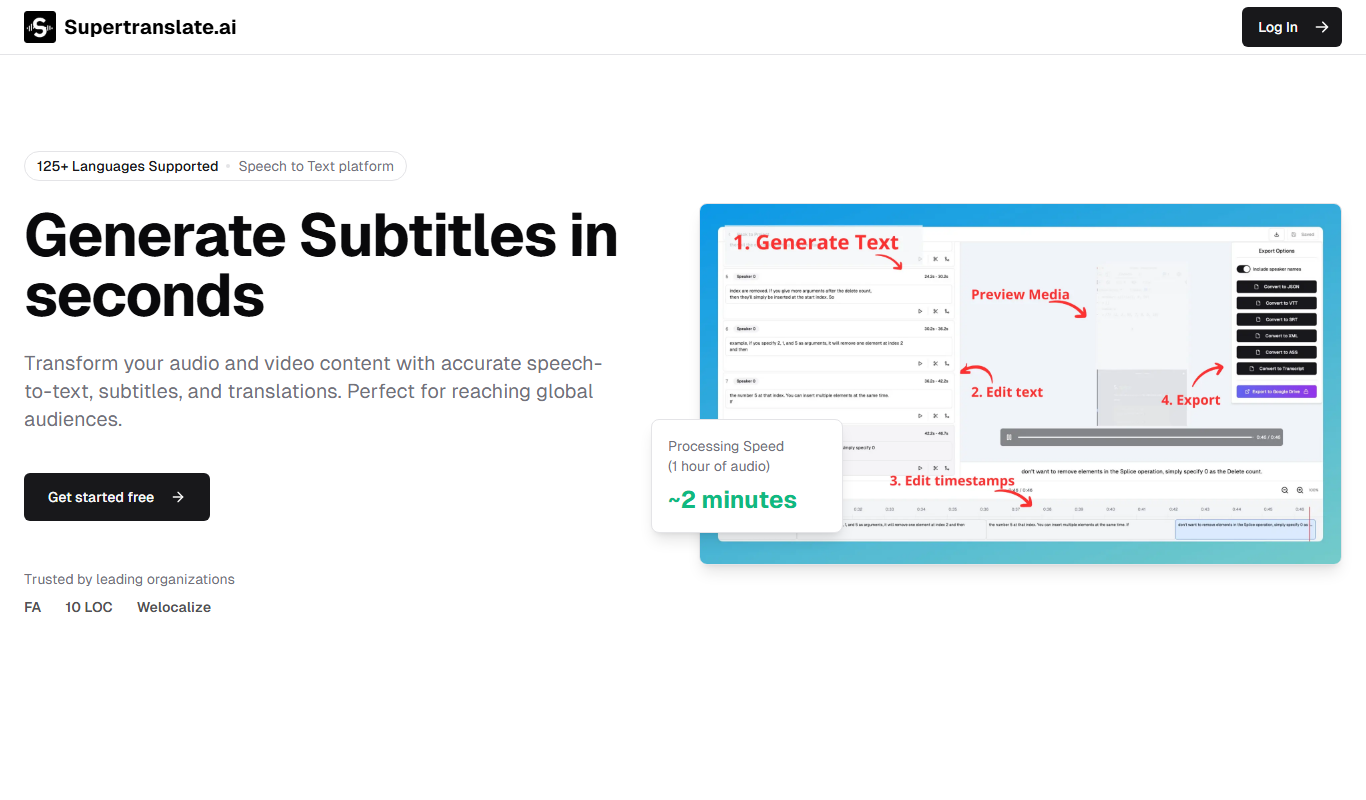
Supertranslate
Supertranslate is an AI-powered translation platform that provides accurate, context-aware translations for businesses, supporting over 50 languages with API integration and customizable glossaries.

Pay As You Go
Vidby
Vidby is an AI-driven platform that automates video translation, dubbing, and subtitle generation, enabling users to localize video content into over 60 languages efficiently.

Custom Pricing
lingoXpress
lingoXpress is a professional human translation platform providing certified and custom language services across 50+ languages for businesses and individuals.

One-time purchase
Indesign Translator
Indesign Translator is a software tool that allows users to translate Adobe InDesign documents by exporting text for translation and re-importing it without losing layout or formatting.
Custom Pricing
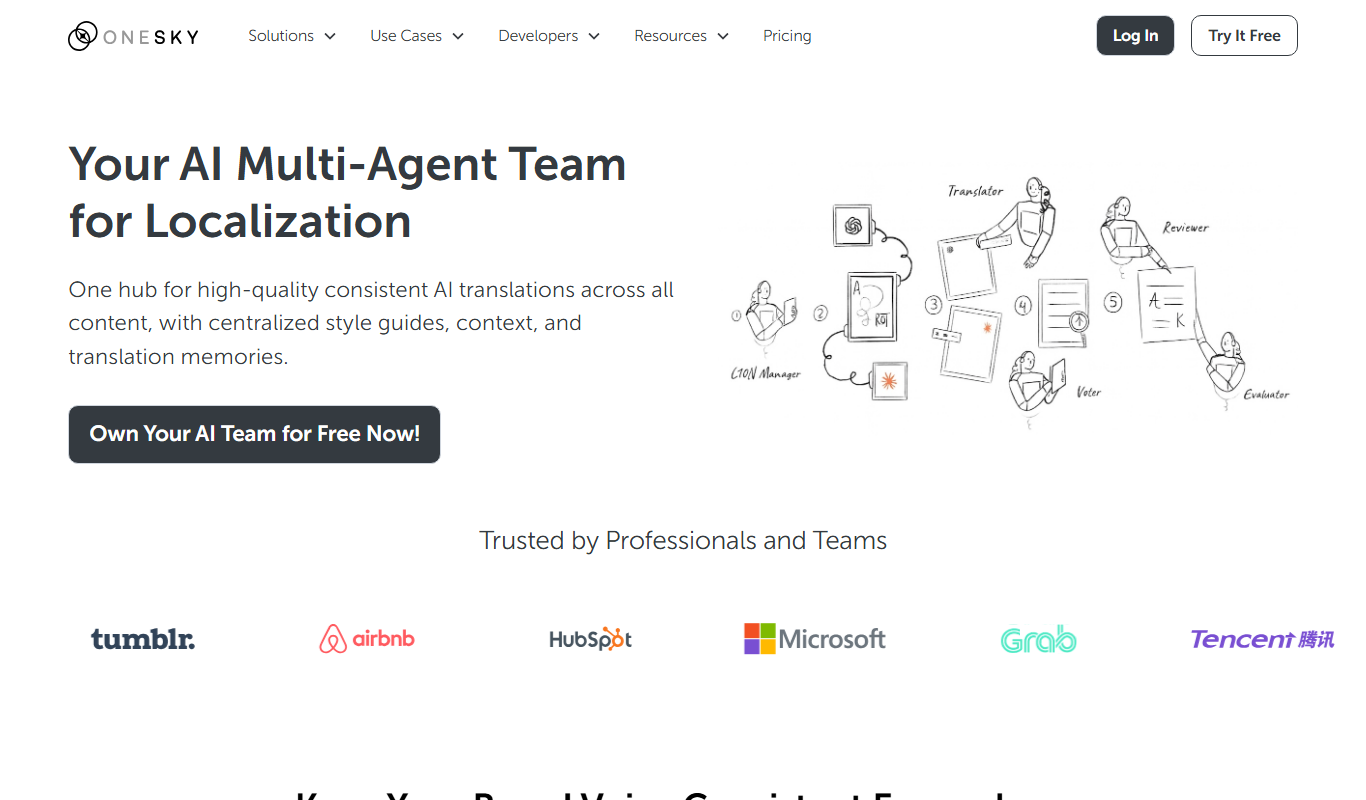
OneSky Localization Agent
OneSky Localization Agent is an AI-powered localization platform that streamlines translation workflows for software, websites, and marketing content by combining machine learning with human review.

Freemium
Translingo
Translingo is an AI-based translation tool that supports multiple languages and helps users quickly translate and localize content for global audiences.
Free
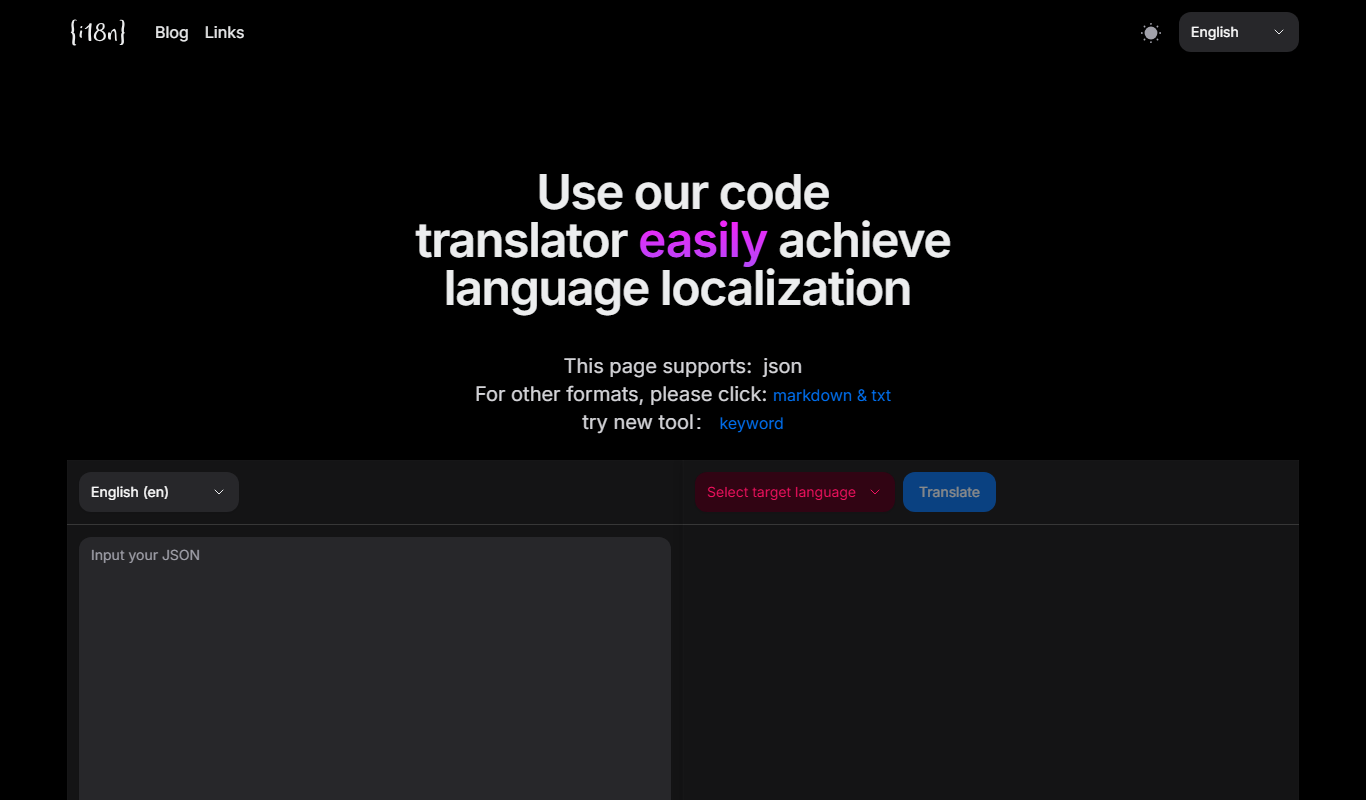
I18n Code
I18n Code is a web platform that automates extracting translatable strings from source code and manages localization workflows to help developers deliver multilingual applications efficiently.
Custom Pricing
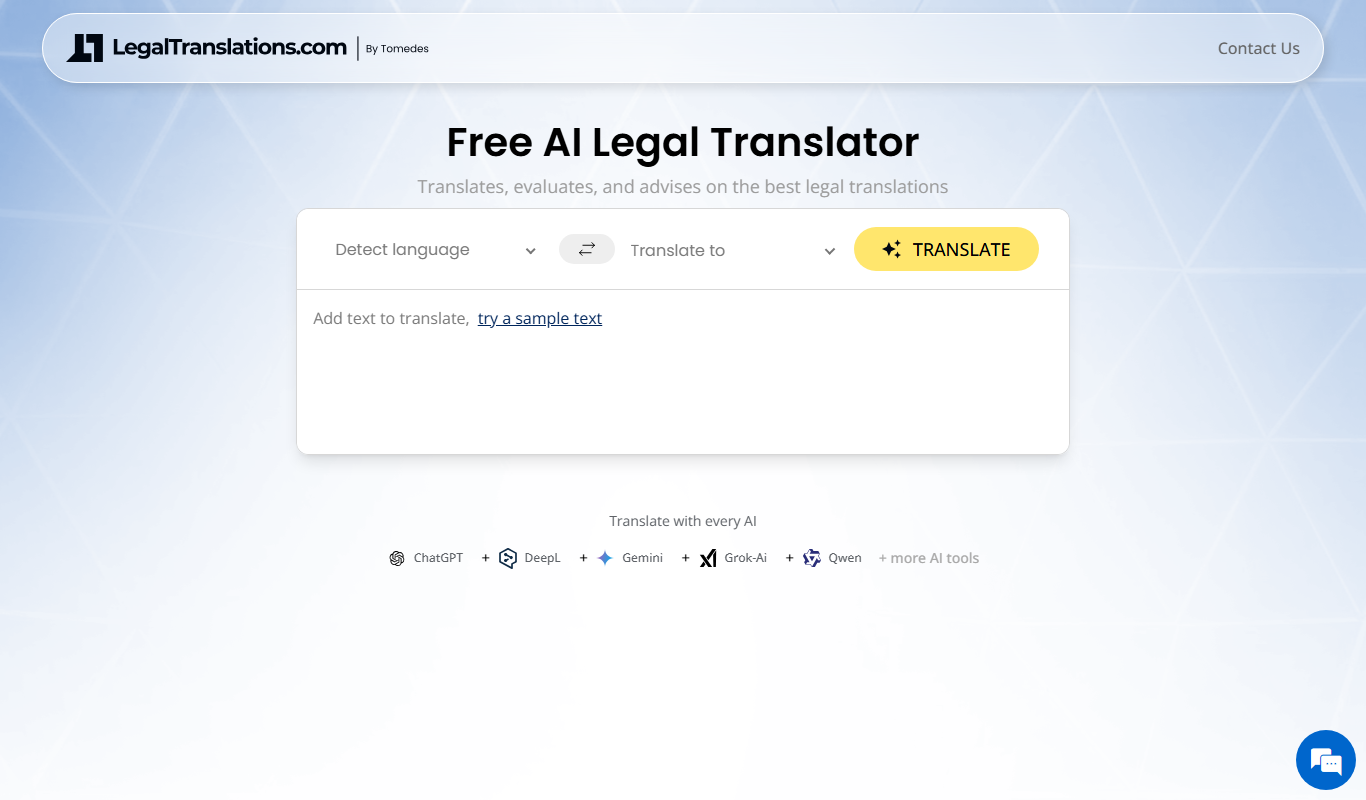
LegalTranslations.com
LegalTranslations.com provides certified, confidential legal document translations by expert translators in over 10 languages, suitable for courts and official use.