

From my experience with I18n Code, I found it excels at automating the tedious process of extracting translatable strings from source code, which saves developers significant time. The platform’s focus on integrating localization workflows directly with development teams makes it particularly well-suited for startups and small to medium-sized software projects aiming to scale globally. However, the tool’s interface and support are primarily English-based, which might limit accessibility for non-English speaking teams. Overall, if you need a streamlined, developer-friendly solution to manage internationalization and localization efficiently, I18n Code delivers solid, practical results.
I18n Code - Automated Internationalization and Localization for Developers
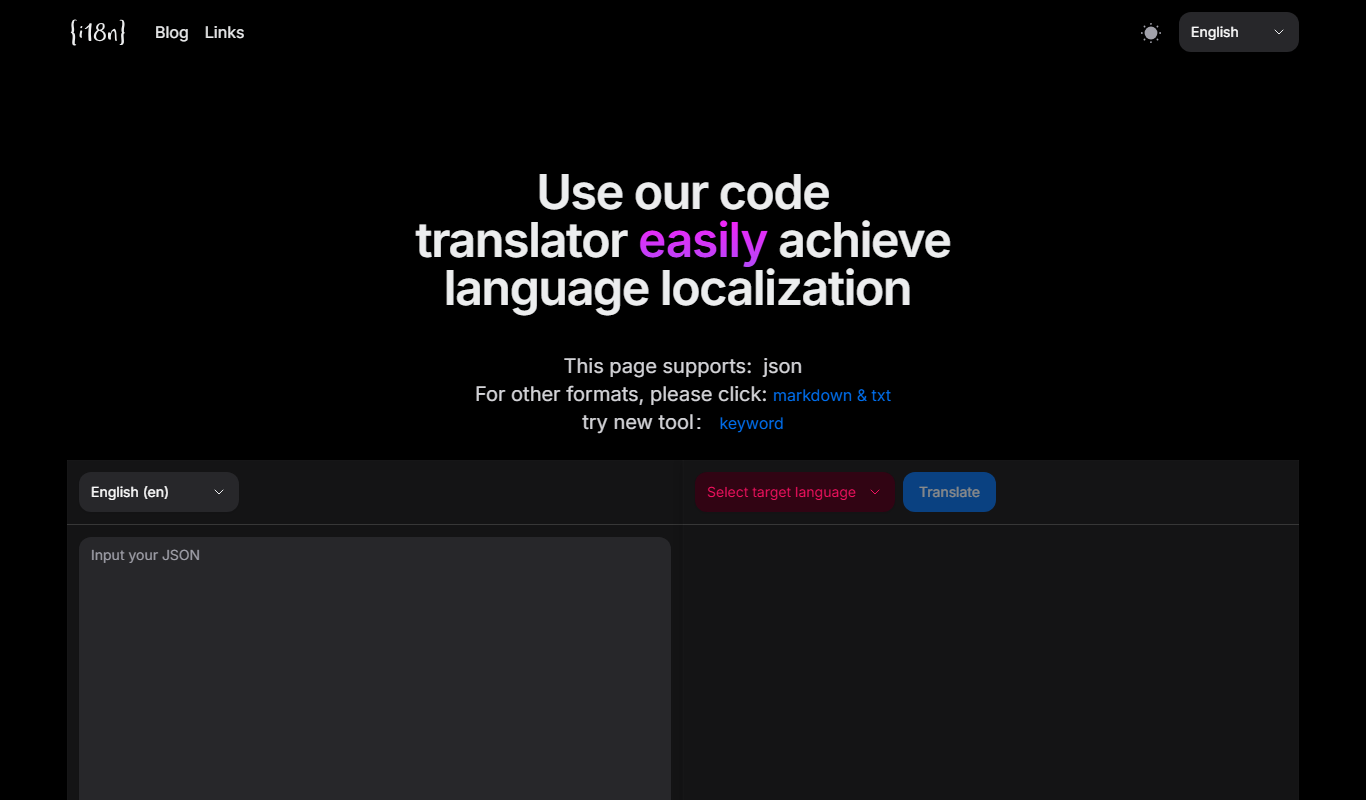
I18n Code is a web platform that automates extracting translatable strings from source code and manages localization workflows to help developers deliver multilingual applications efficiently.
- Best for
- Automated Internationalization
- Key capability
- Automated String Extraction
Your actions
Do you recommend this tool?
What is I18n Code?
I18n Code is a web-based platform designed to automate and simplify the internationalization (i18n) and localization process for software developers. It helps extract translatable content from source code, manage translations, and integrate localized content back into applications, reducing manual effort and errors.
Key features of I18n Code
The tool offers automated string extraction, translation management, progress tracking, and seamless integration with development workflows, enabling teams to deliver multilingual software efficiently.
Automated String Extraction
Automatically identifies and extracts text from code to prepare for translation.
Translation Workflow Management
Organizes translation tasks and tracks progress to ensure timely localization.
Multi-language Support
Supports localization into multiple languages with easy management.
Developer-Friendly Integration
Compatible with various programming languages and frameworks for smooth integration.
Pros and cons of I18n Code
Pros
- Automates tedious string extraction from code
- Centralizes translation management and collaboration
- Supports multiple languages and frameworks
- User-friendly interface tailored for developers
Cons
- Limited language support beyond English interface
- Pricing may be restrictive for very large projects
Key use cases for I18n Code
Automated Internationalization
Automatically extract and manage translatable strings from source code to streamline the i18n process.
Localization Workflow Management
Coordinate translation tasks and track progress within a centralized platform designed for developers and localization teams.
Translation Integration
Integrate translations back into codebases efficiently, supporting multiple programming languages and frameworks.
Collaboration Between Developers and Translators
Facilitate communication and task assignment between technical and linguistic teams to improve localization quality.
How I18n Code works
- 1
Connect Your Codebase
Link your repository or upload source files to allow I18n Code to scan and extract translatable strings.
- 2
Manage Translations
Assign translation tasks, monitor progress, and collaborate with translators directly within the platform.
- 3
Integrate Localized Content
Download or sync translated files back into your project to update your application with new languages.
Who is using I18n Code
Software developers
Localization teams
Startups and SMEs
Open source projects
Product managers
I18n Code pricing
Free
$0/month
Basic access with limited projects and translation volume.
Pro
$29/month
Extended features including unlimited projects, higher translation limits, and priority support.
Plans and prices are as published by the vendor and can change. Check the official site before you buy. Open the pricing page (opens in a new tab)
Frequently asked questions about I18n Code
I18n Code supports a variety of popular programming languages and frameworks, including JavaScript, React, Vue, and more.
Yes, the platform allows you to assign tasks and communicate with translators to streamline the localization process.
Yes, I18n Code offers a free plan with limited features to get started.
This tool is designed to help users accomplish its core tasks more efficiently. It is typically used by individuals or teams looking to improve productivity and workflow.
It depends on your specific needs and how you plan to use the tool. The official website and documentation are the best sources for the latest details.
Yes, it can help with that use case depending on how you configure it and what features are available. You’ll get the best results with clear inputs and a defined goal.
Sign in to review this tool.
Sign In to ReviewNo reviews yet
Be the first to share how this tool worked for you.
Ask about pricing, limits, or how it compares — or answer someone else.
Sign In to AskNo questions yet
Have a question about using or paying for this tool? Be the first to ask.
Featured on TiorAI



Alternative Tools
Explore similar AI tools that might fit your needs

Free Trial
Phrase
Phrase is a cloud-based localization platform that helps teams manage and automate translations for software, websites, and marketing content with collaboration and API integration.

Free
Crowdin
Crowdin is a cloud-based platform that helps teams manage and automate the translation and localization of software, websites, and apps with collaboration, integrations, and quality assurance features.

Free Trial
Lokalise
Lokalise is a cloud-based translation management platform designed to help software teams automate and streamline localization workflows through API integrations, mobile SDKs, and collaborative tools.
More AI Localization Tools tools
Other tools in the same category, for when this one is not quite the fit.
Freemium
Supertranslate
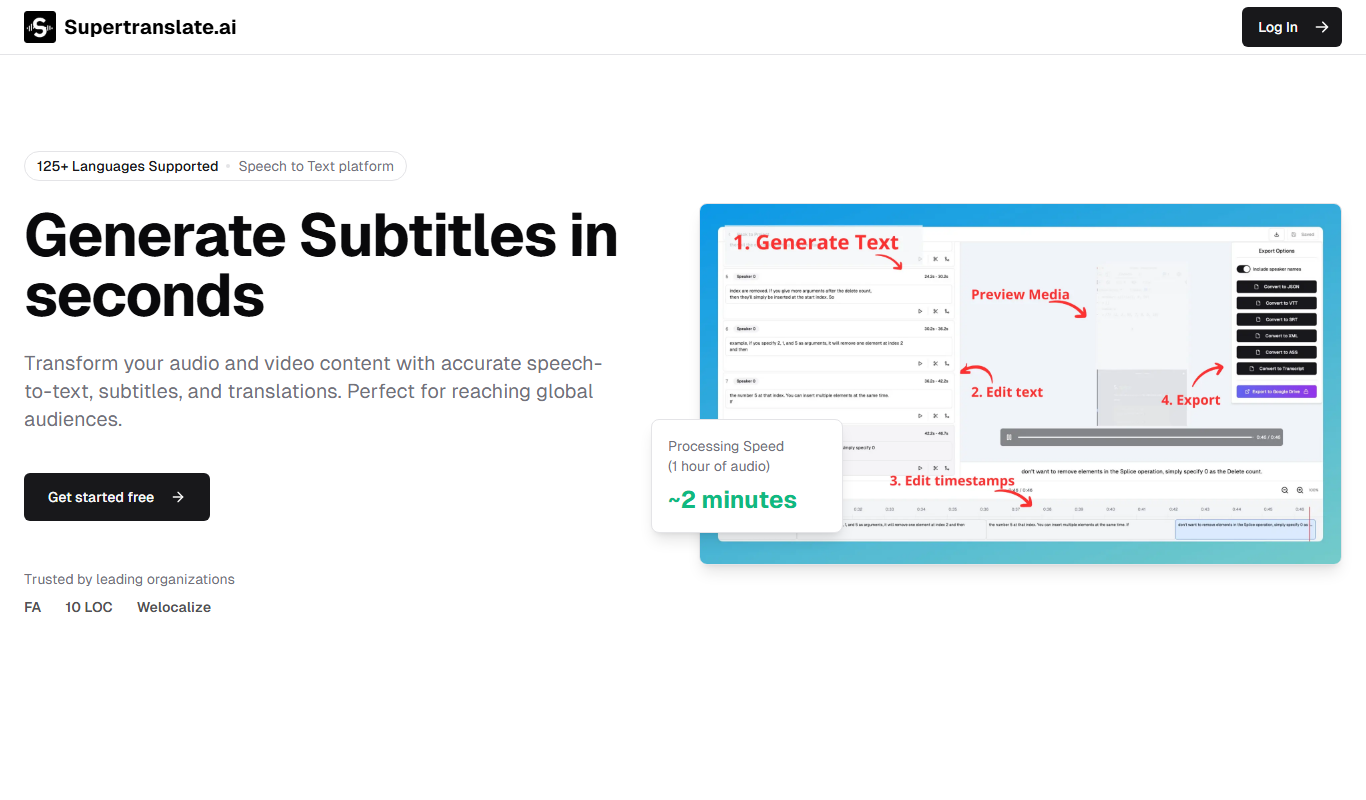
Supertranslate is an AI-powered translation platform that provides accurate, context-aware translations for businesses, supporting over 50 languages with API integration and customizable glossaries.

Pay As You Go
Vidby
Vidby is an AI-driven platform that automates video translation, dubbing, and subtitle generation, enabling users to localize video content into over 60 languages efficiently.

Custom Pricing
lingoXpress
lingoXpress is a professional human translation platform providing certified and custom language services across 50+ languages for businesses and individuals.

One-time purchase
Indesign Translator
Indesign Translator is a software tool that allows users to translate Adobe InDesign documents by exporting text for translation and re-importing it without losing layout or formatting.
Custom Pricing
OneSky Localization Agent
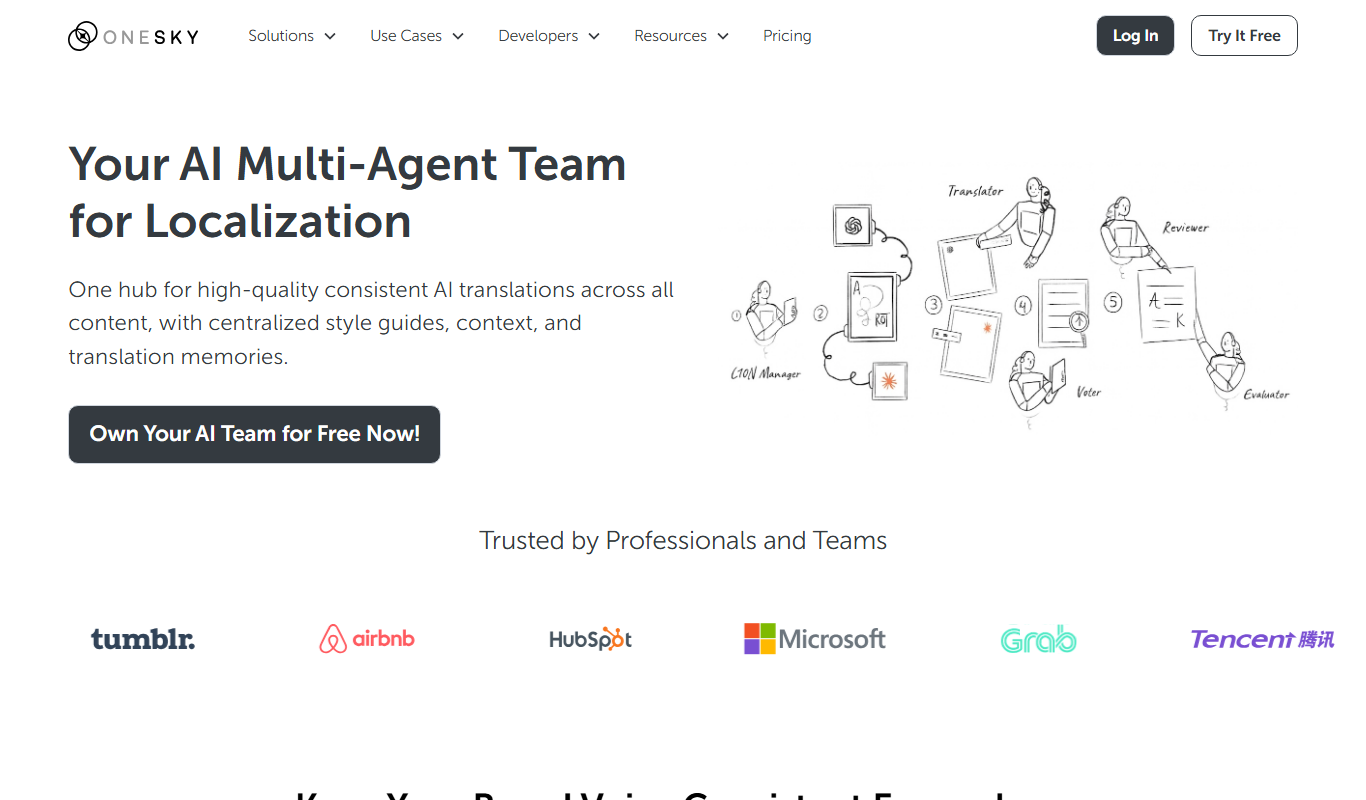
OneSky Localization Agent is an AI-powered localization platform that streamlines translation workflows for software, websites, and marketing content by combining machine learning with human review.

Freemium
Translingo
Translingo is an AI-based translation tool that supports multiple languages and helps users quickly translate and localize content for global audiences.
Custom Pricing
LegalTranslations.com
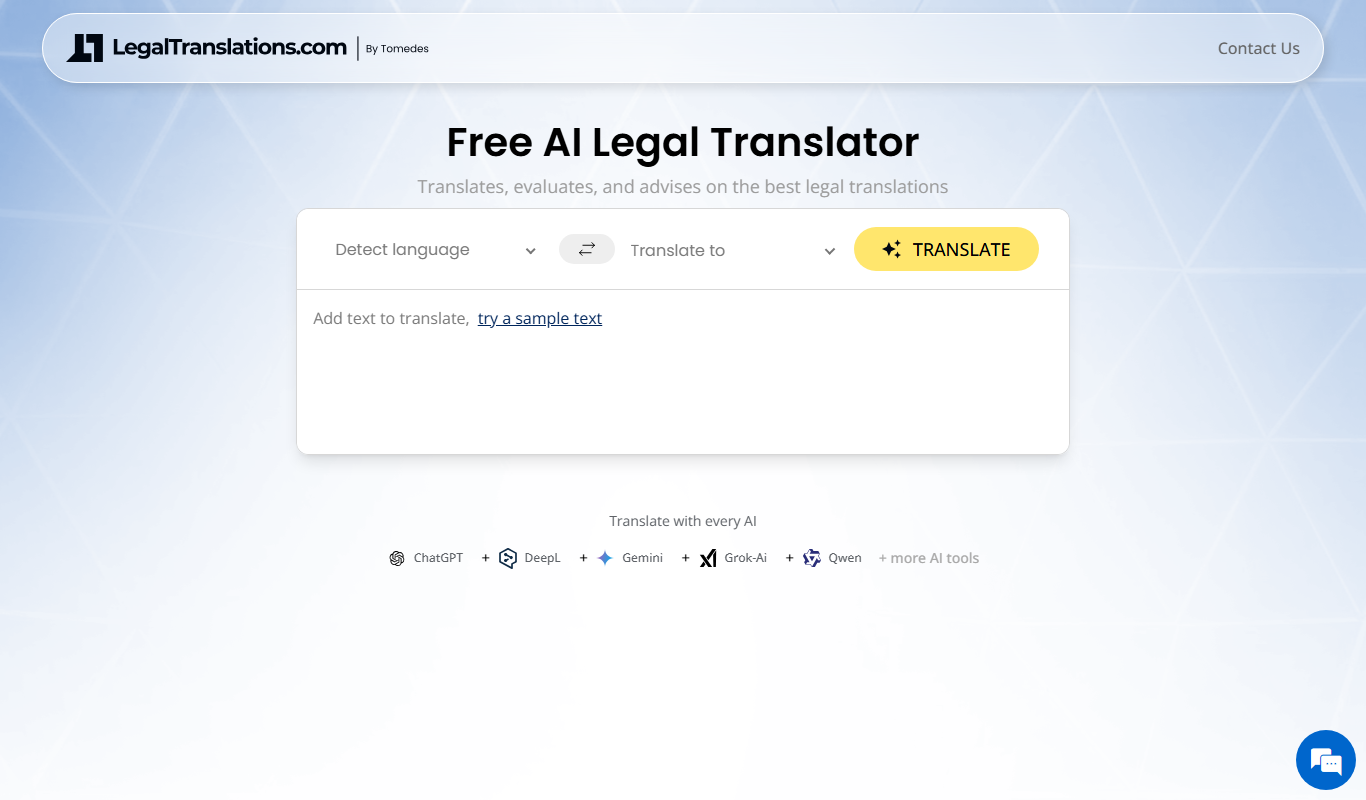
LegalTranslations.com provides certified, confidential legal document translations by expert translators in over 10 languages, suitable for courts and official use.
Freemium
Lingobo
Lingobo is an AI-driven translation platform that helps businesses translate and localize content into multiple languages with customizable glossaries and API integration.