

From my experience with Tovuti LMS, I found it excels at providing an intuitive course-building experience combined with engaging gamification features that help maintain learner motivation. The platform’s customizable portals and detailed reporting make it a strong choice for corporate training and compliance programs. However, the lack of transparent pricing and absence of a dedicated mobile app may require organizations to evaluate their specific needs carefully. Overall, if you need a flexible, all-in-one LMS for employee or customer education, Tovuti delivers a solid, user-friendly solution.
Tovuti LMS Review: Features, Pricing, and Learning Management Benefits
Tovuti LMS is a cloud-based learning management system designed for creating, delivering, and tracking online training with features like course building, gamification, and reporting.
- Best for
- Corporate Training
- Key capability
- Drag-and-Drop Course Builder
Your actions
Save tovutilms.com, follow its updates and vote on it — everything stays in your account.
Sign in or create a free account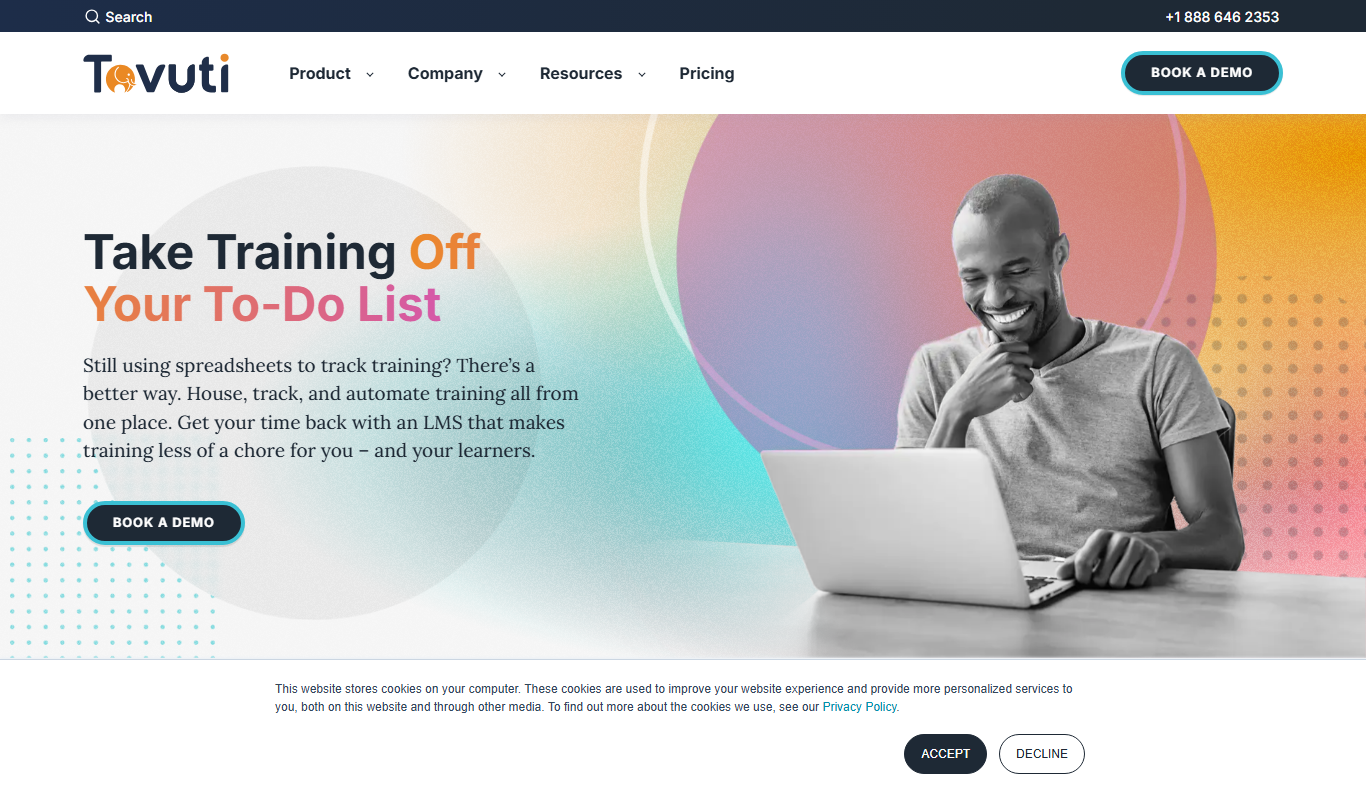
What is tovutilms.com?
Tovuti LMS is a cloud-based learning management system designed to help organizations create, deliver, and track online training and educational content. It offers a comprehensive platform for building courses, managing learners, and measuring training effectiveness.
Key features of tovutilms.com
Tovuti LMS provides an intuitive course builder, customizable learning portals, gamification elements, robust reporting, and integrations with other business tools to streamline training processes.
Drag-and-Drop Course Builder
Easily create interactive courses without coding using a visual editor.
Gamification
Engage learners with points, badges, leaderboards, and rewards.
Customizable Learning Portals
Brand your portal with logos, colors, and custom domains.
Robust Reporting and Analytics
Access detailed reports on learner progress, course effectiveness, and compliance.
Integrations
Connect with CRM, HR systems, and other business tools via API and native integrations.
Pros and cons of tovutilms.com
Pros
- User-friendly drag-and-drop course builder
- Strong gamification features to boost engagement
- Customizable portals for branding consistency
- Comprehensive reporting and analytics
- Good integration options with other business tools
Cons
- Pricing is not transparent and requires contacting sales
- No dedicated mobile app, relies on responsive web design
- Limited language support beyond English
Key use cases for tovutilms.com
Corporate Training
Deliver and manage employee training programs efficiently with tracking and reporting.
Online Course Creation
Build interactive courses using multimedia content, quizzes, and assessments.
Compliance Training
Ensure regulatory compliance by assigning mandatory courses and tracking completion.
Customer Education
Educate customers on products and services through structured learning paths.
Certification Programs
Create certification tracks with automated testing and credential issuance.
How tovutilms.com works
- 1
Sign Up and Setup
Create an account and configure your learning portal with branding and user roles.
- 2
Create Courses
Use the drag-and-drop course builder to add multimedia content, quizzes, and assignments.
- 3
Enroll Learners
Add users manually or import them in bulk, then assign courses or learning paths.
- 4
Track Progress
Monitor learner activity and course completion with detailed analytics and reports.
- 5
Issue Certifications
Automatically award certificates upon successful course or program completion.
Who is using tovutilms.com
Corporate training departments
Small to medium-sized businesses
Educational institutions
HR and compliance teams
Customer education managers
tovutilms.com pricing
Starter
Custom pricing
Basic LMS features suitable for small teams and startups.
Growth
Custom pricing
Advanced features for growing organizations with more users.
Enterprise
Custom pricing
Full feature set with dedicated support and custom integrations.
Plans and prices are as published by the vendor and can change. Check the official site before you buy. Open the pricing page (opens in a new tab)
Frequently asked questions about tovutilms.com
Yes, Tovuti LMS is web-based and mobile responsive, allowing learners to access courses on any device.
Yes, you can customize logos, colors, and even use a custom domain for your portal.
Tovuti LMS offers demos and custom pricing; you can contact their sales team for trial options.
Yes, it supports SCORM and xAPI standards for importing and tracking eLearning content.
This tool is designed to help users accomplish its core tasks more efficiently. It is typically used by individuals or teams looking to improve productivity and workflow.
Pricing depends on the plan and included features. For the most accurate and up-to-date details, check the official pricing page.
Yes, it can help with that use case depending on how you configure it and what features are available. You’ll get the best results with clear inputs and a defined goal.
Yes, it can help with that use case depending on how you configure it and what features are available. You’ll get the best results with clear inputs and a defined goal.
Sign in to review this tool.
Sign In to ReviewNo reviews yet
Be the first to share how this tool worked for you.
Ask about pricing, limits, or how it compares — or answer someone else.
Sign In to AskNo questions yet
Have a question about using or paying for this tool? Be the first to ask.
Featured on TiorAI



Alternative Tools
Explore similar AI tools that might fit your needs

Free
TalentLMS
TalentLMS is a cloud-based learning management system that helps businesses create, deliver, and track online training programs for employees, customers, and partners.
Paid
LearnDash
LearnDash is a premium WordPress LMS plugin that enables users to create, manage, and sell online courses with features like quizzes, certificates, content dripping, and integrations with payment gateways.

Enterprise
Docebo
Docebo is a cloud-based AI-powered learning management system that helps businesses deliver personalized corporate training, onboarding, and compliance programs with robust analytics and automation.
More AI Education & Learning Tools tools
Other tools in the same category, for when this one is not quite the fit.
Free
SuperQuiz
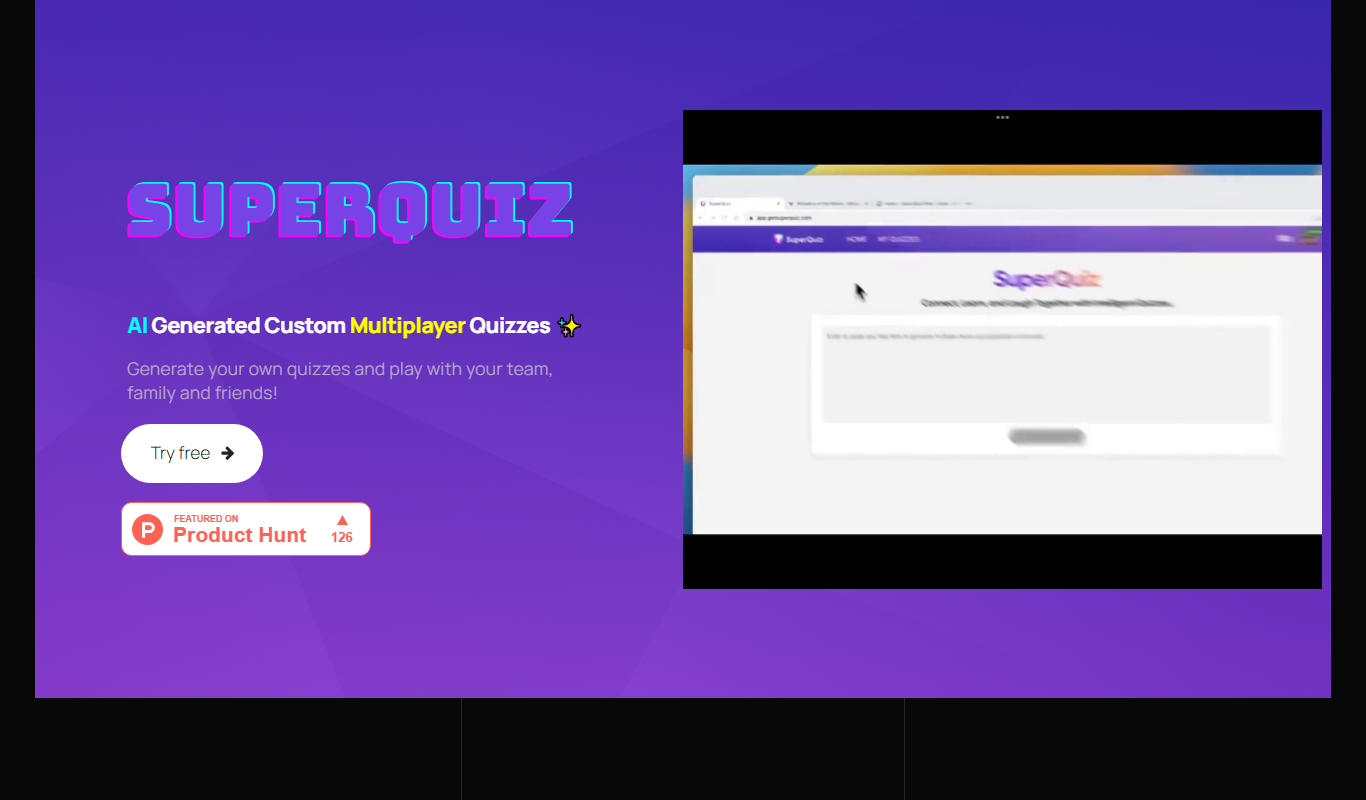
SuperQuiz generates custom multiplayer quizzes with AI so you can play with your team, family and friends, with answers given by scanning a QR code.

Freemium
Planit Teachers
Planit Teachers generates lesson plans, slide decks, worksheets and marking feedback for primary and secondary teachers, aligned to the National Curriculum.

Custom Pricing
PIXTA AI – AI/ML Training data service
PIXTA AI is a service that provides custom annotated datasets and data labeling solutions to help train AI and machine learning models effectively.

Free
QuizRise
QuizRise is an AI quiz generator that creates quizzes from content; the free plan allows 3 quizzes per month with 20 questions.

Freemium
Create my test
Create My Test converts a document to a test with AI, and the site offers free registration.
Freemium
whizz.com
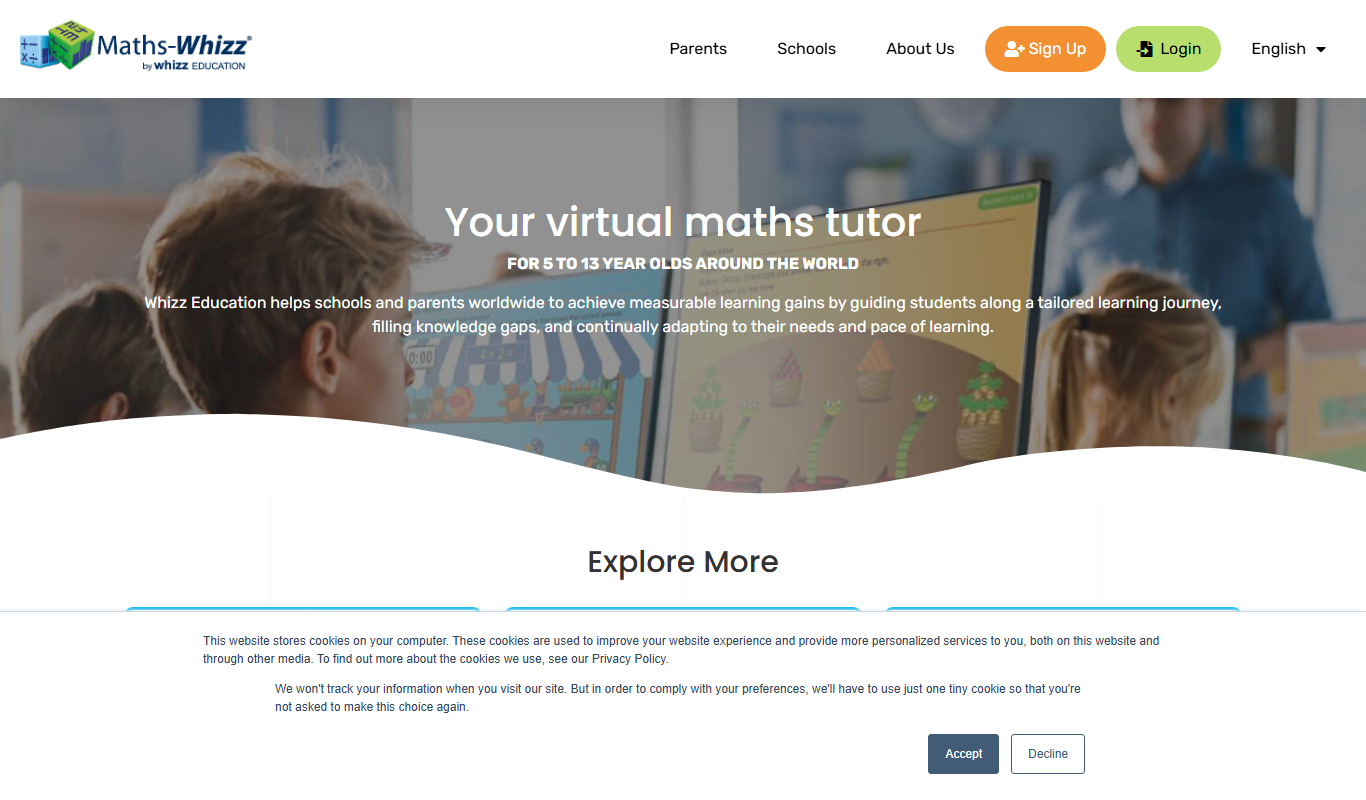
Whizz.com is an adaptive online math tutoring platform for children aged 5-13 that personalizes lessons based on student ability and provides progress tracking for parents and teachers.
Freemium
alevels.ai
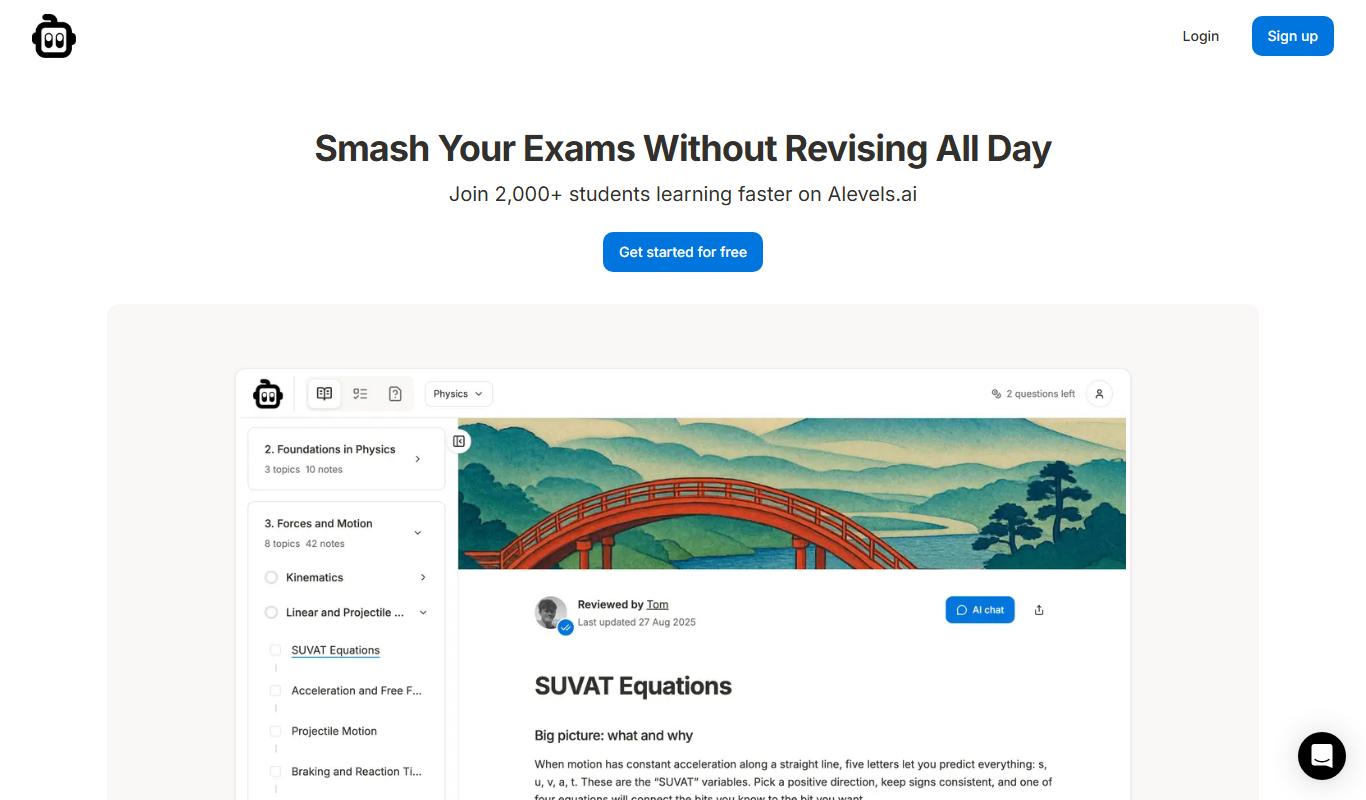
alevels.ai is an AI-driven platform that helps A-Level students prepare for exams through personalized study plans, AI-generated practice questions, and instant doubt resolution.

Freemium
Yeti Confetti Kids by Lirvana Labs
Yeti Confetti Kids by Lirvana Labs is an educational app with a curriculum of English, Math and Social Emotional Learning generated by AI.