

To Teach AI lesson planner and worksheet generator for teachers
To Teach AI turns an idea into a lesson plan, creates worksheets and interactive activities, and helps teachers adapt them for their students.
- Best for
- Lesson planning
- Key capability
- Lesson plan generator
Save To Teach AI, follow its updates and vote on it — everything stays in your account.
Sign in or create a free account
What is To Teach AI?
To Teach AI is an AI lesson planning tool for teachers. You enter your topic, subject and who you are teaching to get a structured lesson plan with learning objectives and a sequence of activities, then turn it into worksheets, presentations and interactive activities that you can adapt for different learner levels and print or share digitally.
Key features of To Teach AI
Lesson plans with learning objectives and activities, worksheets, presentations and interactive activities, language and difficulty adjustment for different learner levels, and export as PDF, H5P or DOCX or directly to fobizz, Canva and Google Classroom.
Lesson plan generator
Enter your topic, subject and who you are teaching to get a structured lesson plan with learning objectives and a sequence of activities.
Worksheets and interactive activities
Turn a lesson plan, your own resources or a YouTube video into worksheets, presentations, quizzes and interactive videos.
Differentiation for learner levels
Adjust the language and difficulty of your materials for different learner levels.
Print, share and export
Print worksheets or share interactive activities digitally, and export as PDF, H5P or DOCX or send to fobizz, Canva and Google Classroom.
Pros and cons of To Teach AI
Pros
- Free plan to try lesson plans, worksheets and exercises
- Export as PDF, H5P or DOCX and send to Google Classroom, fobizz or Canva
- Students do not need an account for printed worksheets or shared exercises
Cons
- AI output needs checking for facts, answer keys and suitability before use in class
- The free plan allows only a few exercises, worksheets and lesson plans per month
Key use cases for To Teach AI
Lesson planning
Turn an idea into a full lesson plan with materials differentiated for your students.
Worksheets from your own resources
Turn your own resources or a YouTube video into a worksheet for your class.
Interactive activities
Add variety to lessons with quizzes, presentations and interactive videos.
Exporting to other platforms
Export materials as PDF, H5P or DOCX, or send them to fobizz, Canva and Google Classroom.
How To Teach AI works
- 1
Plan your lesson
Enter your topic, subject and who you are teaching to get a lesson plan you can review and adjust.
- 2
Create teaching materials
Turn the lesson plan into worksheets, presentations and interactive activities, or start from your own resources.
- 3
Adapt materials for your students
Adjust the language and difficulty of texts and exercises for different learner levels.
- 4
Print or share your materials
Print worksheets for use in class or share interactive activities digitally.
Who is using To Teach AI
To Teach AI pricing
Free
EUR 0/month
Up to 5 exercises, 3 worksheets and 2 lesson plans per month.
Starter
EUR 5/month, billed yearly
Up to 100 exercises, 20 worksheets and 5 lesson plans per month, premium worksheets, answer keys and lesson plans with materials.
Pro
EUR 10/month, billed yearly
Up to 200 exercises, 50 worksheets and 25 lesson plans per month, premium worksheets, answer keys and lesson plans with materials.
School plans
Request a quote
Individual teacher accounts under one school license, with an offer tailored to your team.
Plans and prices are as published by the vendor and can change. Check the official site before you buy. Open the pricing page (opens in a new tab)
Frequently asked questions about To Teach AI
Yes. Create a free account to try lesson plans, worksheets and exercises; the free plan includes a limited number of creations.
Yes. You can specify your subject, topic and grade level, then adapt the language and difficulty of the materials for your students.
Yes. Use your own texts, documents or links as a starting point, and upload your curriculum to guide lesson plan suggestions.
No. Students do not need an account to use printed worksheets or open shared interactive exercises.
Yes. Lesson plans, worksheets and exercises can be edited, but AI can make mistakes, so check facts and answer keys before using materials in class.
Yes. You can cancel a monthly or yearly subscription in your account, and paid access continues until the end of the current billing period.
Conclusion
A topic, a subject and a note on who is being taught are the only inputs needed for a structured lesson plan with learning objectives and a sequence of activities. That plan then becomes worksheets, presentations and interactive activities, or the teacher can start from their own resources or a YouTube video instead. Language and difficulty can be adjusted for different learner levels. Finished materials are printed for class or shared digitally, with exports as PDF, H5P or DOCX and direct sending to fobizz, Canva and Google Classroom.
Students do not need their own account to open shared interactive exercises. Teachers are the audience, and a library of more than 10,000 resources curated by the education team sits next to the generators. A free plan covers up to 5 exercises, 3 worksheets and 2 lesson plans per month, while school plans put individual teacher accounts under one school license. The site itself warns that AI can make mistakes, so facts, answer keys and suitability need checking before materials reach the class.
Sources
Sign in to review this tool.
Sign In to ReviewNo reviews yet
Be the first to share how this tool worked for you.
Ask about pricing, limits, or how it compares — or answer someone else.
Sign In to AskNo questions yet
Have a question about using or paying for this tool? Be the first to ask.
Featured on TiorAI



Alternative Tools
Explore similar AI tools that might fit your needs

Prodigy
Prodigy is a machine teaching tool for efficient data annotation that integrates active learning and customizable workflows to accelerate machine learning model training.
More AI Education & Learning Tools tools
Other tools in the same category, for when this one is not quite the fit.

AI VYX
AI VYX is an AI website with prompt generator tools, a curated directory of AI tools and blog articles about artificial intelligence.
AITalk
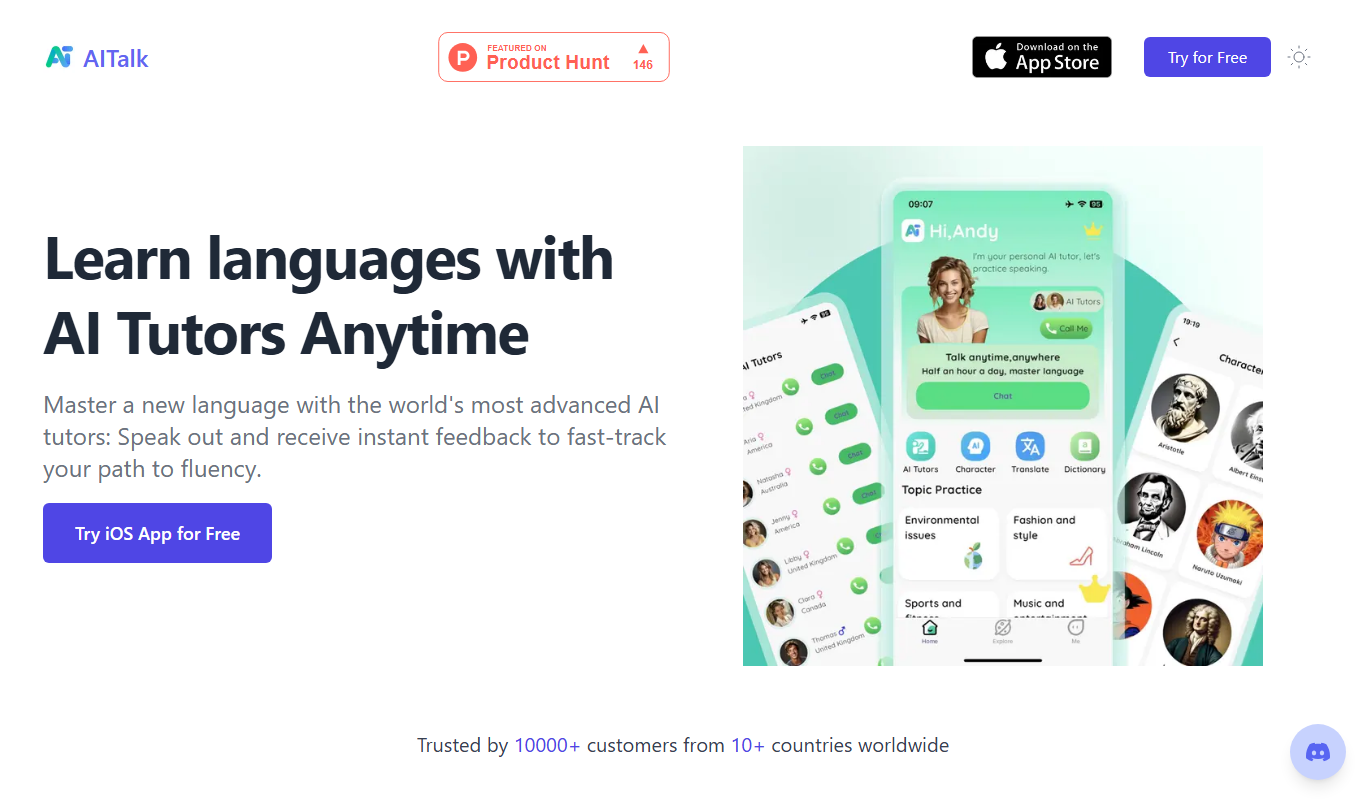
AITalk is an AI speaking coach for learning languages: practice real conversations with AI tutors, get instant feedback and sync progress across web and iOS.
LingoSub
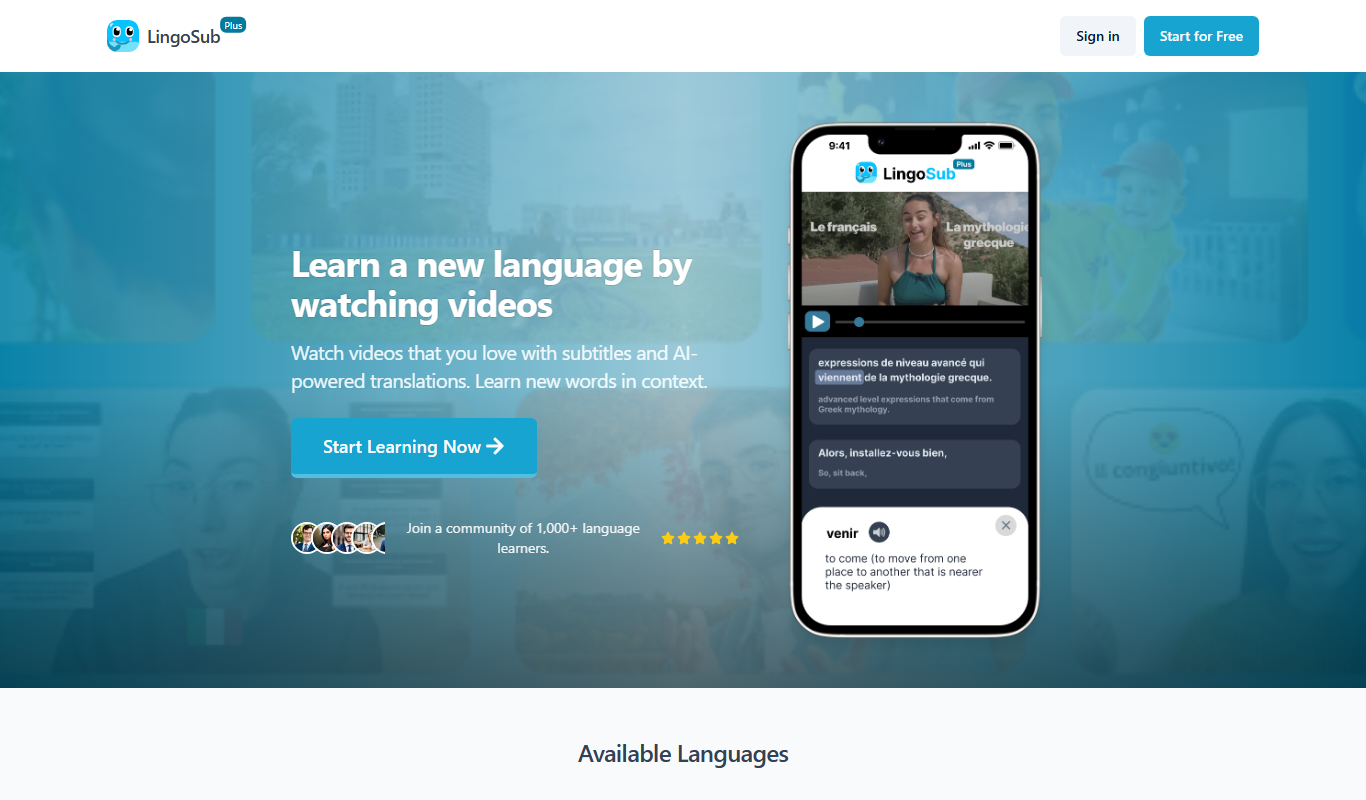
LingoSub helps you learn a new language by watching videos you love with subtitles and AI-powered translations, learning new words in context.

Penseum
Penseum is a free AI study tool that turns your notes into study guides, flashcards and quizzes, with an AI tutor that explains the material step by step.

AppGen
AppGen offers thousands of AI apps made by teachers, students and creators: fill in a few blanks to get lesson plans or research titles, or build your own app without code.

flAI
Flai is an AI speaking coach app from Flalingo with live voice lessons, notes on what the learner said after every lesson and a free 3-minute speaking test.
AdeptLR
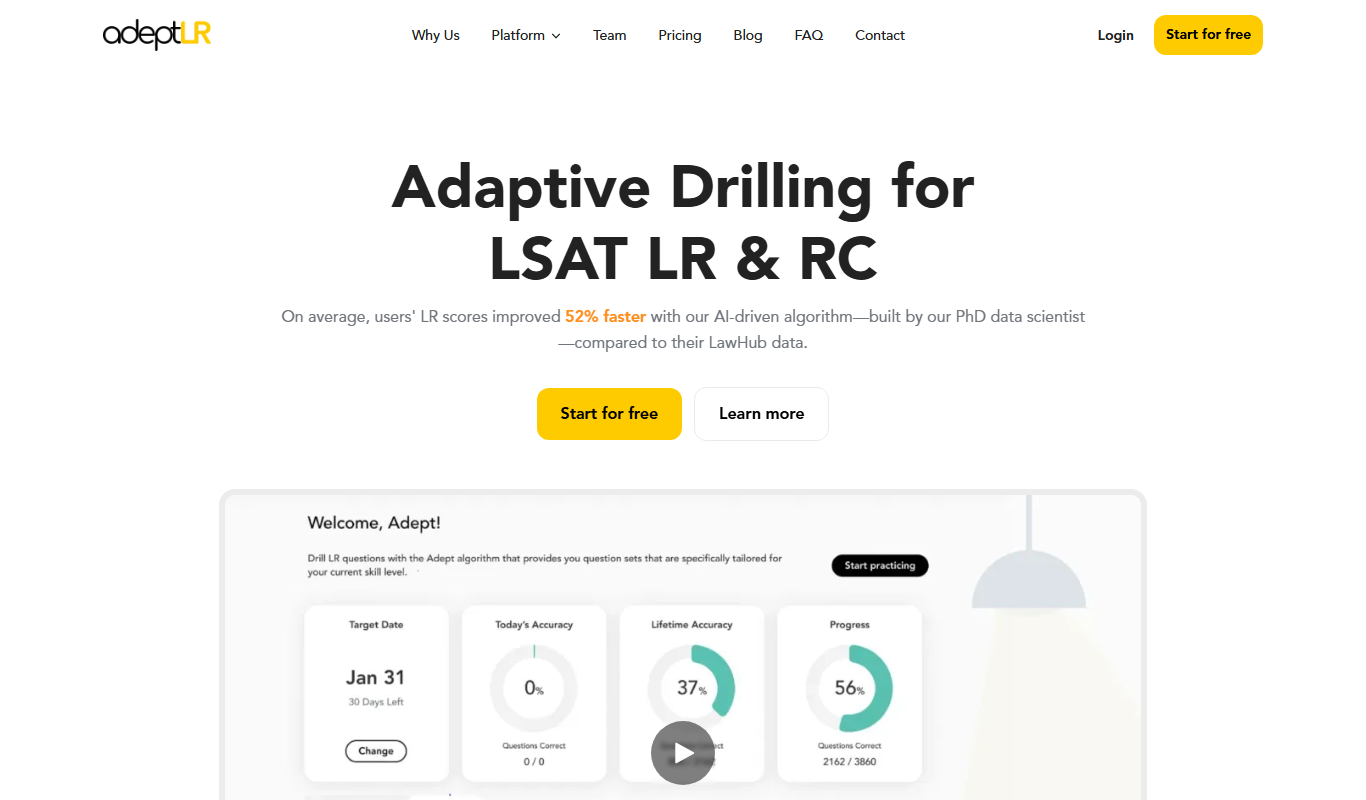
AdeptLR is an AI-driven adaptive drilling platform for LSAT Logical Reasoning and Reading Comprehension questions, with performance analytics and LawHub import.

Cognito
Cognito offers free GCSE, A-Level, IB and AP exam revision: video lessons, revision notes, questions, flashcards and exam questions in one place.